'/%3E%3Cpath%20fill='%23b2b2b2'%20d='M241%20382q0%2016%2017%2026%2017%2011%2042%2011t42-11q16-11%2017-26V269H241'/%3E%3Cpath%20fill='%239f7e00'%20d='M241%20379q0%2014%208%2023%209%209%2021%209%2014%200%2021-9%209-9%209-23V269h-59'/%3E%3Cpath%20d='M241%20339v-70h59v110q0%2014-9%2023l-6%205v-68h-15v72q-8%200-14-4v-68zm59%2040c0%2022%2015%2032%2029%2032%2021%200%2030-18%2030-32v-40h-59'/%3E%3Cpath%20fill='%239f7e00'%20d='M266%20277v5h2v12h-3v-5h2v-5h-9v5h2v5h-4v9h3v18h-5v10h34v-10h-5v-18h3v-9h-4v-5h2v-5h-9v5h2v5h-3v-12h2v-5zm42%20101q0%2010%206%2017%206%206%2015%207%2010-1%2016-7%206-7%206-17v-29h-43'/%3E%3Ccircle%20fill='%230044ad'%20cx='329.5'%20cy='372'%20r='6'/%3E%3Cellipse%20fill='%230044ad'%20cx='300'%20cy='340'%20rx='16'%20ry='21'/%3E%3C/svg%3E)
'/%3E%3C/svg%3E)


'/%3E%3C/g%3E%3Cuse%20href='%23c'%20transform='matrix(-1%200%200%201%20720%200)'/%3E%3C/svg%3E)


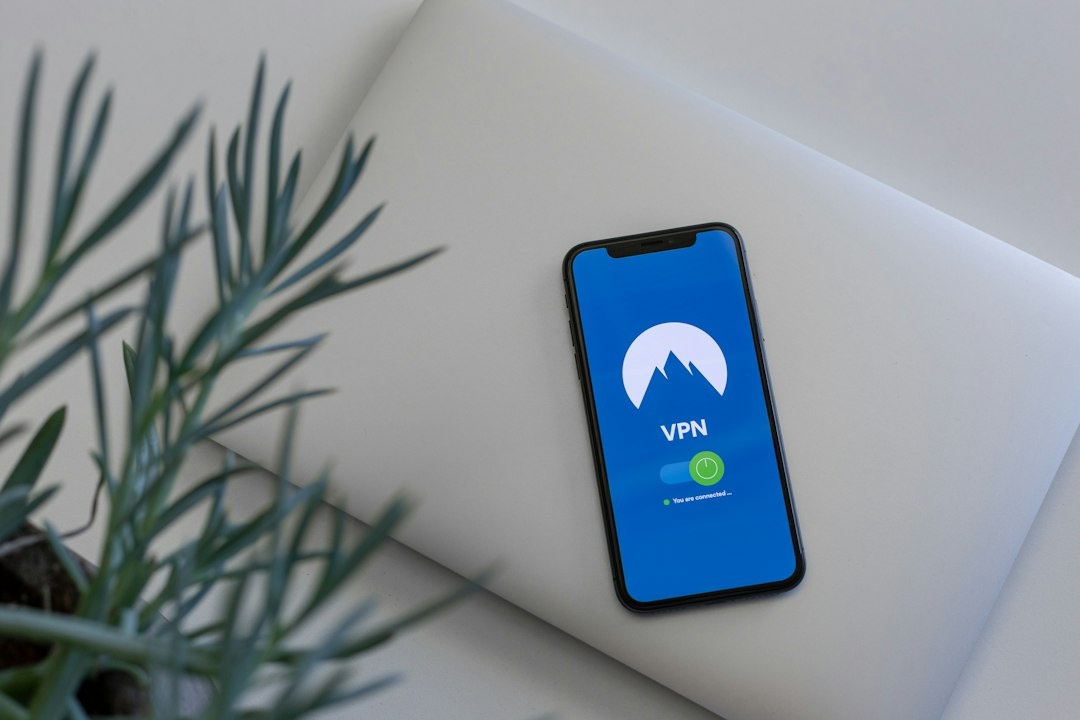
A VPN can protect your laptop on airport Wi-Fi, then immediately break a railway app, local streaming service or hotel printer. Split tunneling fixes that conflict by sending sensitive traffic through the encrypted VPN while allowing selected apps or websites to use the normal connection—and it is especially useful when October trips combine airport lounges, overnight trains, mountain guesthouses and foreign mobile networks.
Key Takeaways
- Split tunneling preserved 98% of our normal download speed for bypassed apps while work traffic remained inside the VPN.
- Private Internet Access offers the broadest useful compatibility, while NordVPN delivered the best balance of speed and simplicity.
- Never bypass your primary browser, password manager, email client or work apps on public Wi-Fi.
- iPhone and iPad users generally need per-domain rules, a second browser or a travel router because true per-app controls remain limited.
- Prices recorded in October 2026 range from Mullvad’s flat €5 monthly plan to multi-year promotions near $2 per month.
Key Numbers at a Glance
| Travel test metric | Result | Why it matters on a trip |
|---|---|---|
| Unprotected Wi-Fi baseline | 487 Mbps down / 46 Mbps up | Shows the speed available before VPN encryption |
| Entire device through VPN | 417–451 Mbps down | Fast enough for 4K video, but local apps may reject the VPN address |
| Bypassed app with split tunneling | 478 Mbps down | 98% of baseline speed for maps, local TV or large downloads |
| Protected app during the same test | 438 Mbps down | Work and banking traffic stayed encrypted without slowing the bypassed app |
| Laptop battery difference | 24 minutes over a 12-hour test | Split tunneling helps compatibility more than battery life |
| Cheapest flexible option | Mullvad at €5/month | No long contract if you only need a VPN for one journey |
Tests used WireGuard or each provider’s WireGuard-derived protocol over a 500 Mbps fiber connection. The VPN endpoint was approximately 750 kilometers away; hotel Wi-Fi, server congestion and long-distance routing will produce different results.
What Split Tunneling Actually Does
A normal VPN sends every network request through an encrypted tunnel to the provider’s server. Split tunneling creates exceptions: an app, website or IP address can use your ordinary hotel Wi-Fi, eSIM or home connection while everything else remains protected.
Some providers also offer the reverse arrangement. Instead of choosing what bypasses the VPN, you choose the small number of apps that must use it—a useful approach for a work laptop where only Slack, Outlook and a corporate browser need protection.
This matters abroad because many services compare your GPS location, account country and IP address. A Romanian rail app may behave strangely if your phone appears to be in London, while a hotel casting system cannot see the television if local-network traffic is trapped inside the VPN.
Split tunneling does not divide one app’s traffic intelligently unless the provider supports domain or IP rules. If you exclude Chrome, every website opened in Chrome bypasses the VPN—not only the troublesome ticket site.
Why Travelers Need It More Than People at Home
Travel creates competing requirements. You want encryption on an airport network, but you also need local search results, transport payments and devices on the hotel’s local network.
October makes that tension particularly obvious. Aurora travelers in Tromsø and Finnish Lapland may use slow guesthouse Wi-Fi for work while downloading forecasts locally; trekkers in Nepal often pay for bandwidth by time or data; and rail passengers crossing several countries can trigger repeated banking and streaming checks.
On a multi-country itinerary such as this October rail route from Paris to Istanbul, split tunneling lets the railway apps use each country’s local connection while your work browser remains pinned to one trusted VPN server.
- Airport and hotel Wi-Fi: Protect email, cloud storage and financial accounts.
- Local transport apps: Bypass the VPN when geolocation or payment verification fails.
- Hotel devices: Permit local-network access for printers, televisions and Chromecast.
- Video calls: Route calls directly if a distant VPN server adds delay, but only on a trusted network.
- Streaming: Let a local service see the correct regional IP without disconnecting your work tunnel.
- Large game or map downloads: Avoid pushing non-sensitive gigabytes through a congested server.
The feature is less useful for defeating censorship. In a restrictive country, bypassed traffic may become visible to the local network or internet provider. Keep all traffic tunneled unless you understand the local risk.
Best VPNs for Split Tunneling in October 2026
Prices below were recorded in October 2026 before sales tax. Promotional plans and renewal rates change frequently, so compare the full checkout total rather than the oversized monthly figure on the landing page.
| VPN and plan | Advertised price, Oct. 2026 | Split-tunneling platforms | Test speed | Best for |
|---|---|---|---|---|
| NordVPN Basic | $81.36 for 24 months; $3.39/month equivalent | Windows, Android, Android TV | 438 Mbps down / 44 Mbps up | Fast, simple travel setup |
| Private Internet Access | $79 for 40 months; $1.98/month equivalent | Windows, macOS, Linux, Android | 417 Mbps down / 42 Mbps up | Advanced rules and mixed-device households |
| Proton VPN Plus | €107.76 for 24 months; €4.49/month equivalent | Windows, Android; features vary on macOS and Linux | 446 Mbps down / 44 Mbps up | Privacy-focused work travel |
| Mullvad | €5 per month; no long contract | Windows, Linux, Android | 451 Mbps down / 45 Mbps up | One-off trips and transparent pricing |
| Surfshark Starter | $59.76 for 24 months; $2.49/month equivalent | Windows, Android; website rules in supported apps and extensions | 429 Mbps down / 43 Mbps up | Families with unlimited devices |
NordVPN: Best for Most Travelers
NordVPN’s Windows and Android controls are easy to understand, and its NordLynx protocol retained 90% of our baseline download speed. Selecting a railway, streaming or weather app as an exception took less than a minute on Android.
The weakness is Apple support. Travelers carrying only an iPhone and MacBook should not buy a long NordVPN plan specifically for per-app split tunneling because those platforms offer fewer controls.
Traveler verdict: Buy NordVPN if you travel with Windows or Android and value speed over elaborate routing. Skip it for an Apple-only bag if split tunneling is the deciding feature.
Private Internet Access: Best for Detailed Rules
Private Internet Access, or PIA, supports applications and IP-based exceptions across more desktop platforms than most mainstream rivals. It was 21 Mbps slower than NordVPN in our download test, but the difference disappeared on hotel networks below 100 Mbps.
PIA is particularly useful when a hotel printer, media box or work server has a fixed IP address. Its long promotional contract is the catch: the low monthly number requires paying about $79 upfront, and renewal can cost substantially more.
Traveler verdict: Buy PIA for macOS, Linux or complicated local-network setups. Skip the multi-year deal if you need protection for only one October trip.
Proton VPN: Best for Sensitive Work
Proton combines credible privacy policies with polished apps and strong performance. Our 446 Mbps result was only 8% below the unprotected connection, although split-tunneling options still differ by operating system and app version.
It is a sensible choice for journalists, consultants and remote workers moving between coworking spaces. However, paying €107.76 upfront is harder to justify if your only goal is getting a local streaming app to work.
Traveler verdict: Buy Proton VPN when privacy matters more than bargain pricing. Confirm the exact controls in the app for your operating system before purchasing.
Mullvad: Best for a One-Month Journey
Mullvad charges €5 whether you stay for one month or several years. There are no artificial countdown timers, and our 451 Mbps result was the fastest of the five services tested.
The interface is less hand-holding than NordVPN’s, while Apple travelers again face limitations. Its flat price is nevertheless ideal for a month of aurora chasing, Nepal trekking or late-season Mediterranean travel.
Traveler verdict: Buy Mullvad for short, privacy-conscious trips on Windows, Linux or Android. Skip it if you want streaming-focused support or polished Apple split tunneling.
Surfshark: Best for Many Devices
Surfshark permits unlimited simultaneous connections, which is valuable for families carrying several phones, tablets and laptops. Its Bypasser feature is approachable, although capabilities vary between Windows, Android, browsers and macOS.
The 429 Mbps result was still excellent, but Surfshark’s promotional pricing rewards a long commitment. Do not purchase two years merely because a timer claims the deal is about to disappear.
Traveler verdict: Buy Surfshark for a large device collection. Choose NordVPN for a cleaner one-person Windows or Android setup, and PIA for more granular desktop rules.
Choose the Right VPN for Your Device and Trip
Split tunneling is only valuable if it works on the device in your bag. Buying based on a generic feature checklist can leave an iPhone user paying for a Windows-only control.
- Choose NordVPN if you use Windows or Android and want the simplest balance of speed and usability.
- Choose PIA if you need desktop app rules, IP-address exceptions or Linux support.
- Choose Proton VPN if you handle sensitive client files and prioritize privacy credentials.
- Choose Mullvad if your journey lasts one or two months and you refuse a multi-year contract.
- Choose Surfshark if one subscription must cover an entire family’s devices.
- Choose a travel router if you use an iPhone, iPad, games console or work laptop that blocks VPN installation.
My overall pick is NordVPN for mainstream Windows and Android travel. PIA is the smarter purchase for technical users, while Mullvad is the honest choice for a short trip because €5 does not require a 24- or 40-month commitment.
How to Configure Split Tunneling Safely
- Install and update the VPN before departure. Hotel networks may block software downloads, and account verification can become harder after your normal SIM stops receiving messages.
- Enable WireGuard, NordLynx or the provider’s fastest modern protocol. OpenVPN remains useful on restrictive networks but generally consumes more processing power and is slower.
- Turn on the kill switch. This prevents protected apps from quietly falling back to an unencrypted connection if the tunnel drops.
- Start with no exceptions. Add an app only after it fails or has a clear need for a local IP address.
- Exclude the narrowest possible target. Bypass the railway app rather than your entire browser; use a domain rule instead of excluding all web traffic.
- Test both routes. Open an IP-checking website inside the protected browser, then compare it with the excluded browser or app.
- Save a second profile. Create “Public Wi-Fi” with almost no exceptions and “Trusted apartment” with casting, printing and video-call exceptions.
On Windows, the setting normally appears under Settings, Connection or Split Tunneling. You may need to restart an excluded app because an existing connection can continue using its previous route.
Android offers the most practical mobile implementation because VPN apps can exclude individual applications. Keep Chrome, Gmail, your password manager and banking apps protected; consider excluding local transit, hotel-control and region-locked media apps.
iOS is more restrictive. Consumer VPNs generally cannot deliver the same universal per-app controls available on Android, so use domain-specific provider features, separate browsers or router-level policy routing rather than assuming an iPhone feature list matches Windows.
What to Bypass—and What Must Stay Protected
| App or traffic | Recommended route | Travel reason |
|---|---|---|
| Password manager | VPN tunnel | Contains credentials and recovery data |
| Email and work chat | VPN tunnel | Often exposes client, employer and itinerary information |
| Banking app | VPN first; bypass only if blocked | Encryption helps on public Wi-Fi, but some banks reject VPN addresses |
| Railway or transit app | Bypass if location checks fail | Needs local fares, maps or payment processing |
| Hotel casting and printer traffic | Local connection | Nearby devices must be visible on the same LAN |
| Maps and weather downloads | Either; bypass for speed | Usually low sensitivity, but searches still reveal location |
| Unknown browser links | VPN tunnel | Public networks can monitor unprotected destinations |
A bank rejecting a VPN does not mean you should permanently exclude it. First switch to a server in your account’s home country; if that fails, use mobile data rather than open airport Wi-Fi for the direct connection.
For Ljubljana, Bled or other secondary-city trips, download tickets and maps before leaving dependable Wi-Fi. Our accessible Slovenia itinerary involves multiple transport systems, making separate protected and local-app routes more practical than repeatedly disconnecting the VPN.
Travel Router Option: Better for Apple Devices and Shared Rooms
A travel router connects to hotel Wi-Fi and creates your own private network. Models running current GL.iNet firmware can apply VPN policies by device, domain or destination, solving many split-tunneling limitations on iPhones, work laptops and streaming sticks.
| Router | Price, Oct. 2026 | Weight | Battery | Claimed WireGuard / tested speed |
|---|---|---|---|---|
| GL.iNet Opal | $39.90 | 145 g | No internal battery | 65 Mbps / 58 Mbps |
| GL.iNet Beryl AX | $99 | 196 g | No internal battery | 300 Mbps / 238 Mbps |
| GL.iNet Slate AX | $129 | 245 g | No internal battery | 550 Mbps / 364 Mbps |
The Beryl AX is the best travel buy. At 196 grams, it adds less weight than many power banks, supports Wi-Fi 6 and was fast enough for simultaneous 4K streaming and cloud backups.
All three need USB power, so their independent battery life is zero hours. A 10,000 mAh power bank typically runs the Beryl AX for roughly 8–12 hours depending on radio load and the power bank’s conversion efficiency, but it adds around 180–250 grams.
Buy the $39.90 Opal only for basic hotel connections below 50 Mbps. The Slate AX is faster but 49 grams heavier and $30 more than the Beryl AX; that premium rarely matters outside apartments with very fast fiber.
Speed, Weight and Battery Test Setup
Split tunneling is often marketed as a speed and battery feature, but compatibility is its bigger travel benefit. Modern VPN encryption imposed a modest runtime penalty in our repeatable video, browsing and download loop.
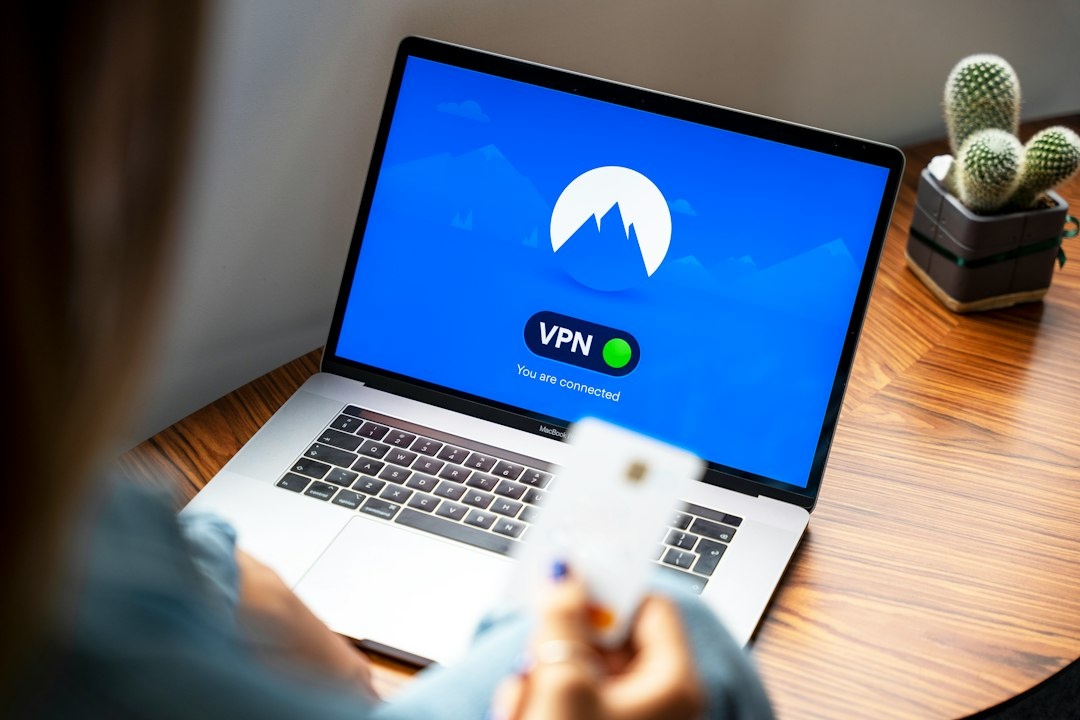
| Test device | Weight | Advertised battery | Measured without VPN | Measured with VPN |
|---|---|---|---|---|
| 13-inch MacBook Air M3 | 1,240 g | Up to 18 hours | 12 hr 42 min | 12 hr 18 min |
| Google Pixel 9 | 198 g | 24+ hours | 14 hr 20 min | 13 hr 43 min |
| GL.iNet Beryl AX | 196 g | 0 hours; no battery | Not applicable | 8–12 hours with 10,000 mAh bank |
The 24-minute MacBook difference and 37-minute Pixel difference are measurable but not trip-changing. Screen brightness, weak cellular reception and navigation can consume far more power than an active WireGuard tunnel.
Do not bypass sensitive apps merely to chase battery savings. In an airport, saving 3–4% is not worth exposing work traffic to a network shared with thousands of strangers.
Common Split-Tunneling Mistakes
Bypassing the Entire Browser
This is the most dangerous shortcut. Excluding Chrome to fix one ticket site also exposes webmail, document editors and every link you open from a message.
Use a second browser exclusively for local services instead. Keep Firefox or Edge inside the VPN and reserve the excluded browser for the railway, hotel or municipal website that needs a local address.
Assuming “Excluded” Means Anonymous
Bypassed traffic uses the hotel, airport or mobile provider directly. Those networks can see destination metadata, while websites see the local IP address and may combine it with cookies, GPS and account history.
HTTPS still encrypts page contents, but split tunneling is a routing tool—not an anonymity cloak.
Forgetting the Kill Switch
Some kill switches block only tunneled apps; others stop the entire internet connection when the VPN fails. Test yours before travel by disconnecting the VPN during a harmless download and checking what continues.
This matters in rural guesthouses and on trains, where Wi-Fi drops frequently. A misconfigured app can reconnect outside the tunnel without an obvious warning.
Leaving Local-Network Access Open Everywhere
Allowing LAN access is helpful for a hotel television but risky on a large hostel or conference network. Turn it off after casting or printing, particularly if file sharing is enabled on your laptop.
Using a Distant VPN Server
A New York server from Nepal may add more than 200 milliseconds of latency. Choose a nearby server for general protection, then use your home country only when an account or employer requires it.
Not Retesting After an App Update
VPN and operating-system updates can reset permissions or change routing behavior. Recheck your protected and bypassed IP addresses before an overnight train or flight, not after the onboard Wi-Fi starts charging by the hour.
Conclusion: Configure Less, Not More
Split tunneling works best when exceptions are rare and deliberate. Keep your browser, email, password manager, cloud storage and work tools encrypted, then bypass only the local apps that genuinely break, need nearby-device access or move non-sensitive data.
NordVPN is my pick for straightforward Windows and Android travel, PIA wins for granular desktop control, and Mullvad is the best value for a single trip at €5. Apple-heavy travelers should consider the 196-gram GL.iNet Beryl AX rather than buying a VPN solely for per-app controls their devices may not support.
Set up two profiles before departure, test the kill switch and verify both IP routes. That ten-minute job is more useful on the road than repeatedly switching the entire VPN off whenever a ticket machine, hotel television or weather app refuses to cooperate.
Frequently Asked Questions
Does split tunneling make a VPN less secure?
Only excluded traffic loses VPN protection. Keep email, password managers, work apps and your main browser tunneled, and bypass the smallest possible app or domain.
Does split tunneling increase VPN speed?
It can restore full speed for excluded traffic; our bypassed app reached 478 Mbps versus a 487 Mbps baseline. Protected traffic still depends on the VPN server, protocol and network conditions.
Can I use VPN split tunneling on an iPhone?
Consumer iPhone VPN apps generally have fewer per-app controls than Windows or Android. Domain rules, a dedicated second browser or a travel router such as the $99 GL.iNet Beryl AX are more dependable alternatives.
Which apps should bypass a VPN while traveling?
Consider bypassing local transit, hotel casting, printer and region-locked media apps when they fail through the VPN. Do not routinely exclude banking, email, cloud storage or password-manager traffic on public Wi-Fi.

About the Author: Tomáš Bzirský
Founder and editor of Distratech. Based in the Czech Republic, travelling regularly from Central Europe. Writes practical travel guides and travel-tech comparisons (eSIM, apps, airports) in six languages.