Android Auto is about to get a lot more personal. A new leak shows that customizable app widgets — similar to the ones on your Android phone’s home screen — are finally coming to Android Auto, and they appear to mirror your mobile setup.
That might sound minor. For travelers heading into summer 2026 road trips, festival circuits, and beach-hopping itineraries, it’s actually a big deal.
Key Takeaways
- Android Auto widgets are expected to mirror your phone’s widget setup in a new customizable menu.
- The feature has resurfaced in recent leaks, suggesting a rollout is likely in mid-2026.
- Widgets could include weather, calendar, smart home controls, and travel apps.
- This update may reduce screen taps and app switching while driving.
What’s Actually Changing in Android Auto?
Recent leaks show a redesigned widget selection interface inside Android Auto settings. Instead of being locked into Google Maps + media + a fixed split-screen layout, users may soon be able to choose which widgets appear on their dashboard.
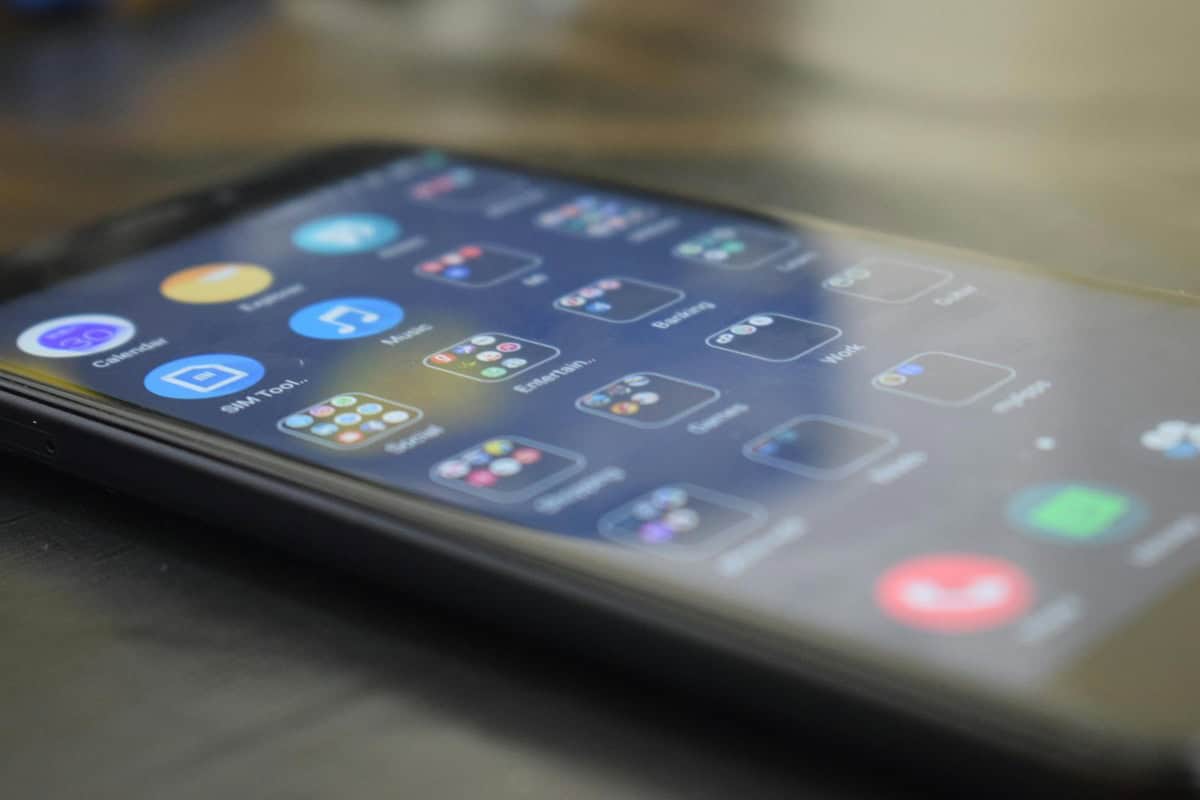
The big shift: the widgets appear to reflect the ones already active on your Android phone.
That means if you use a weather widget, a travel countdown, a calendar agenda, or a to-do list on your phone, those same tools could show up in your car — optimized for driving.
This isn’t confirmed as live yet, but the resurfacing of the feature suggests launch is close, likely in a summer or early fall Android Auto update.
Why This Matters for Travelers in Summer 2026
Late spring is prime planning season. People are mapping routes to Europe’s beach hotspots (see our guide to the best beach destinations in Europe for summer 2026), organizing festival weekends, and prepping multi-city road trips.
Android Auto widgets could quietly become one of the most useful travel upgrades of the year.
1. Weather at a Glance (Without Leaving Maps)
If you’re driving along Portugal’s Algarve coast or through the Albanian Riviera, weather shifts matter — especially for beach days.
Instead of switching apps, a persistent weather widget could show:
- Current temperature
- Rain alerts
- Wind speed (huge for coastal drives)
- UV index
For convertible rentals and camper van travelers, this is practical, not cosmetic.
2. Smarter Festival and Event Planning
Heading to Kyoto’s summer festivals or European music events? A calendar widget on your dashboard means:
- Quick access to event start times
- Address tap-to-navigate
- Parking reminders
- Check-in alerts
When you’re navigating tight streets or heavy seasonal traffic, fewer taps = safer driving.
3. Travel To-Do Lists and Reminders
Forgot to pick up sunscreen? Need to return your rental car by 6 PM?
If Android Auto supports task widgets (like Google Tasks or third-party apps), you could see essential reminders without digging through your phone at a gas station.
For digital nomads bouncing between cities, that’s huge.
How Android Auto Widgets Could Improve Driver Safety
Here’s the underrated benefit: cognitive load reduction.
Right now, Android Auto works well — but jumping between apps still requires taps and mental context switching. Widgets reduce that.
Instead of:
- Opening Maps
- Switching to Weather
- Returning to Music
- Checking Messages
You glance at one unified layout.
That’s especially useful during long scenic drives — like coastal Mexico routes near the Yucatán (see our hidden gems in the Yucatán Peninsula guide) — where road quality and signage vary.
What Widgets Are Most Likely to Be Supported?
Based on Android’s current widget ecosystem, expect early support for:
- Google Maps (ETA, traffic, next turn)
- Google Calendar (agenda view)
- Weather apps
- Media controls
- Smart home controls (garage door, lights)
Third-party support will determine whether this becomes powerful or underwhelming.
If travel apps like TripIt, airline apps, or booking platforms create car-optimized widgets, this could become a traveler’s dream dashboard.
Will This Work in All Cars?
Good news: if your car already supports Android Auto (wired or wireless), this should be a software-level update — not hardware-dependent.
That means:
- No new head unit required
- No dealership visit
- No subscription upgrade
Just an app update on your phone.
That’s critical for rental car users. In 2026, most rental fleets in Europe, North America, and parts of Asia already support Android Auto. If you’re landing in Lisbon, Cape Town, or Tokyo and renting a car, you’ll likely benefit immediately.
Comparison: Android Auto vs Apple CarPlay Widgets
Apple introduced more flexible CarPlay layouts in recent updates, but widget-level customization still feels more constrained compared to Android’s broader ecosystem.
If Android Auto truly mirrors your phone widgets, it may leap ahead in personalization.
For travelers choosing between Android and iPhone in 2026, this matters. Android already wins on:
- More aggressive background multitasking
- Better integration with Google services
- Greater widget flexibility
If you’re a heavy Google Maps + Google Calendar + Gmail traveler, Android Auto could become the more efficient in-car system this summer.
Practical Setup Tips (When It Launches)
When widgets go live, here’s how travelers should configure Android Auto for maximum usefulness:
- Keep it minimal. Two to three widgets max. Overcrowding defeats the purpose.
- Prioritize weather + calendar. Those give the most trip value.
- Use large-font widgets. Small text in bright sunlight is useless.
- Test before departure. Configure everything at home — not at the airport rental lot.
- Disable non-essential notifications. Your car screen isn’t your social feed.
Think of your car dashboard like a cockpit. Only critical information belongs there.
What This Signals About Google’s Bigger Strategy
Google is clearly pushing toward ecosystem continuity.
Your phone, watch, car, tablet — all reflecting the same contextual data.
For remote workers and digital nomads, this creates workflow consistency. Start planning your itinerary at a café, continue it in your rental car, and check updates from your smartwatch at the beach.
In a summer where hybrid work and long “workcations” are common, frictionless device transitions matter more than flashy hardware upgrades.
Should Travelers Be Excited?
Yes — cautiously.
If Google restricts widgets to first-party apps only, this will feel incremental. If third-party travel and productivity apps get full support, it becomes transformative.
For anyone planning multi-stop European drives, cross-state US road trips, or Asia festival tours, this could be one of the most useful Android Auto updates in years.
It’s not glamorous tech. It won’t sell phones on its own.
But it will make summer road trips smoother — and that’s the kind of upgrade that actually matters.
Frequently Asked Questions
Frequently Asked Questions
When will Android Auto widgets be released?
While Google hasn’t announced an official date, recent leaks suggest a rollout could happen in mid to late 2026 via an Android Auto app update.
Will Android Auto widgets work with wireless Android Auto?
Yes, if the feature is software-based as expected, it should work with both wired and wireless Android Auto systems.
Can third-party apps use Android Auto widgets?
It’s not confirmed yet, but Android’s open widget ecosystem suggests third-party apps may eventually support car-optimized widgets.
Do I need a new car to use Android Auto widgets?
No. If your car already supports Android Auto, the feature should arrive through a standard app update on your Android phone.

About the Author: Tomáš Bzirský
Founder and editor of Distratech. Based in the Czech Republic, travelling regularly from Central Europe. Writes practical travel guides and travel-tech comparisons (eSIM, apps, airports) in six languages.