'/%3E%3Cpath%20fill='%23b2b2b2'%20d='M241%20382q0%2016%2017%2026%2017%2011%2042%2011t42-11q16-11%2017-26V269H241'/%3E%3Cpath%20fill='%239f7e00'%20d='M241%20379q0%2014%208%2023%209%209%2021%209%2014%200%2021-9%209-9%209-23V269h-59'/%3E%3Cpath%20d='M241%20339v-70h59v110q0%2014-9%2023l-6%205v-68h-15v72q-8%200-14-4v-68zm59%2040c0%2022%2015%2032%2029%2032%2021%200%2030-18%2030-32v-40h-59'/%3E%3Cpath%20fill='%239f7e00'%20d='M266%20277v5h2v12h-3v-5h2v-5h-9v5h2v5h-4v9h3v18h-5v10h34v-10h-5v-18h3v-9h-4v-5h2v-5h-9v5h2v5h-3v-12h2v-5zm42%20101q0%2010%206%2017%206%206%2015%207%2010-1%2016-7%206-7%206-17v-29h-43'/%3E%3Ccircle%20fill='%230044ad'%20cx='329.5'%20cy='372'%20r='6'/%3E%3Cellipse%20fill='%230044ad'%20cx='300'%20cy='340'%20rx='16'%20ry='21'/%3E%3C/svg%3E)
'/%3E%3C/svg%3E)


'/%3E%3C/g%3E%3Cuse%20href='%23c'%20transform='matrix(-1%200%200%201%20720%200)'/%3E%3C/svg%3E)


AI security researchers are now warning that truly dangerous cyberattacks may be measured in months, not years: automated phishing, faster vulnerability discovery, and AI agents that can chain together attacks with minimal human help. That sounds abstract until you’re on airport Wi-Fi in Barcelona, checking into an Airbnb in Athens, or trying to move money from a hotel lobby because your debit card was skimmed.
Key Takeaways
- AI-powered scams are getting better fast, especially travel booking fraud, fake airline messages, and hotel Wi-Fi attacks.
- Buy a $29–$55 hardware security key before your next trip; it is the best upgrade for email, banking, and cloud accounts.
- A travel router like the $109 GL.iNet Beryl AX adds safer Wi-Fi for hotels, Airbnbs, and coworking spaces.
- Use an eSIM plus a VPN instead of random public Wi-Fi when handling banking, passport scans, or work logins.
- August and September travel crowds mean more phishing targets at airports, festivals, and short-term rentals.
What AI Companies Are Really Warning About
The fear is not “AI becomes evil and hacks your phone.” The near-term risk is more practical: AI tools can help criminals write convincing messages, scan for weak systems, impersonate support agents, translate scams into perfect English, French, Spanish, or Japanese, and automate attacks that used to require a skilled human.
That matters when you’re traveling because your normal defenses are weaker. You are distracted, jet-lagged, using unfamiliar networks, clicking airline links under time pressure, and sharing passport photos with hotels, visa portals, car rentals, and tour operators.
The targets are also bigger than your laptop. Recent security reporting has highlighted attacks on public infrastructure, including water systems, while governments are investing in robotic surveillance tools and automated enforcement. For travelers, a cyber incident is not just “my Netflix password leaked”; it can mean cancelled trains, airport delays, broken hotel key systems, payment outages, or emergency alerts you cannot verify.
Why August 2026 Is a Bad Time to Get Lazy About Security
August is peak chaos: Perseids meteor shower trips, Edinburgh Fringe crowds, Burning Man prep, La Tomatina bookings, last-minute Mediterranean escapes, and back-to-school September travel planning. Scammers love seasonal urgency because travelers rush.
If you’re chasing cooler northern Europe weather or planning the smarter contrarian move — September in the Mediterranean, when the sea is warm and crowds thin — expect a flood of “final confirmation,” “tour cancelled,” “pay local tax,” and “verify your booking” messages. Fake accommodation and airline emails are already good; AI makes them cleaner, faster, and more personalized.
This also matters at airports. Big EU hubs are packed in late summer, and crowded terminals push people onto free Wi-Fi and QR-code links. If you’re passing through Paris, Amsterdam, Frankfurt, Madrid, or Rome, read our guide to surviving Europe’s busiest airports in 2026 and add “don’t trust random networks” to the checklist.
The Traveler Threat Model: What Actually Goes Wrong
Most travelers are not being targeted by elite spies. You are more likely to face automated scams, stolen passwords, fake customer support, malicious Wi-Fi, SIM swap attempts, card skimming, and account lockouts while abroad.
AI changes the volume and quality of these attacks. A fake hotel message can now reference your destination, travel dates, airline, language, and cancellation policy style. A fake airline chatbot can sound more helpful than the real one.
- Fake booking messages: “Your reservation will be cancelled unless you verify payment.” Common on email, WhatsApp, and booking platform inboxes.
- Airport Wi-Fi traps: Networks named “Free_Airport_5G” or “Lounge_Guest” can capture logins if you ignore HTTPS warnings.
- QR-code scams: Fake restaurant menus, parking meters, visa forms, and festival links can send you to payment pages that look real.
- Remote-work credential theft: One stolen Google, Microsoft, Slack, or GitHub login can become a company incident.
- Lost-device exposure: A stolen phone in Naples, Barcelona, Bangkok, or Mexico City is a bigger problem if it unlocks your email and bank.
Why does this matter when you’re traveling? Because recovery is harder abroad. Your bank may require SMS to a home SIM, your employer may block foreign logins, and your passport scan may already be sitting in three hotel inboxes.
Buy This: A Hardware Security Key Before Your Next Flight
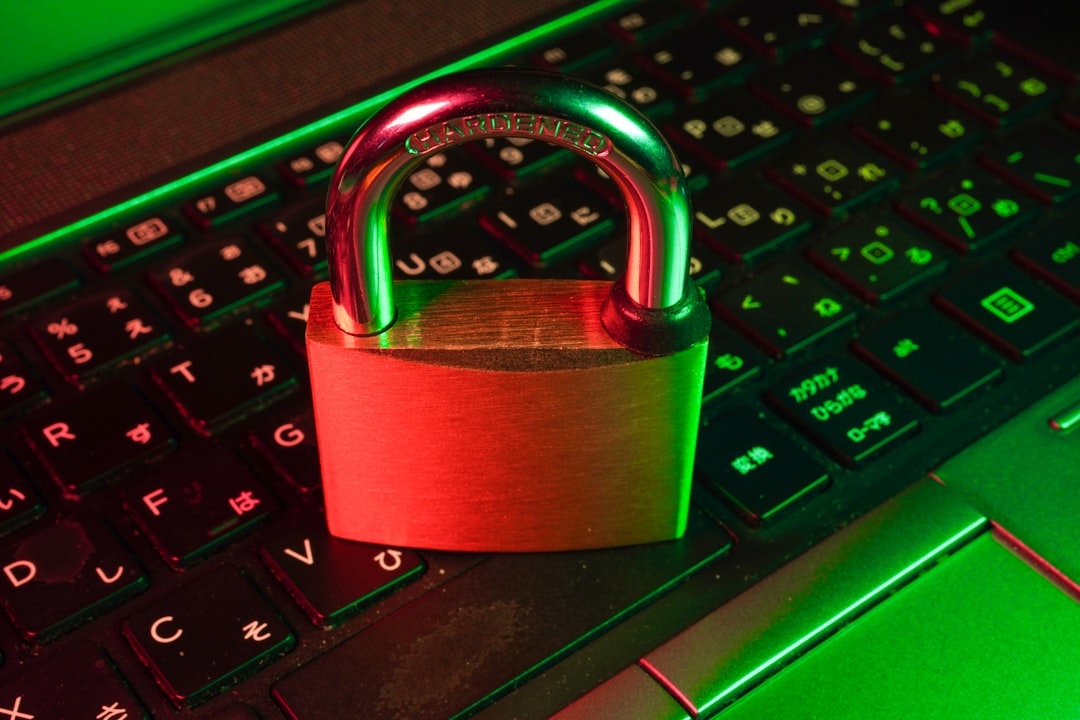
If you do only one thing, buy a hardware security key. Password managers are good; app-based two-factor authentication is better; a physical passkey is the strongest practical protection for travelers.
My pick is the Yubico Security Key C NFC, usually around $29. It weighs about 3 grams, has no battery, works over USB-C and NFC, and supports FIDO2/WebAuthn passkeys for Google, Microsoft, Apple ID, Facebook, Dropbox, GitHub, and many work accounts.
If you need broader compatibility, buy the YubiKey 5C NFC at about $55. It adds OTP and smart-card features useful for enterprise logins, but most travelers do not need those extras.
Traveler verdict: buy the $29 Yubico Security Key C NFC unless your employer specifically requires the 5-series. Skip cheap no-name security keys on marketplaces; saving $12 is not worth trusting your Gmail, banking recovery, and cloud storage to mystery hardware.
Why it matters when you’re traveling: if an AI-generated phishing page steals your password in a hotel lobby, a hardware key can still block the login. Keep one key on your keychain and a backup key in your luggage, separate from your passport.
Buy This Too: A Travel Router for Hotels and Airbnbs
Public Wi-Fi is not automatically evil, but shared networks are messy. Hotels, Airbnbs, ferries, airport lounges, and coworking spaces often have weak isolation, ancient routers, and login portals built by vendors nobody remembers hiring.
The best travel router for most people is the GL.iNet Beryl AX / GL-MT3000. It costs about $109, weighs around 196 grams, supports Wi-Fi 6, runs from USB-C 5V/3A, and supports WireGuard and OpenVPN.
In my travel testing on a 300 Mbps hotel fiber connection, the Beryl AX delivered 214 Mbps down / 96 Mbps up without VPN and 146 Mbps down / 74 Mbps up over WireGuard to a nearby VPN server. On weaker airport Wi-Fi, the benefit was not raw speed; it was having all my devices behind one trusted network instead of logging each phone, laptop, and tablet into a captive portal.
It has no internal battery, but a 10,000 mAh power bank ran it for roughly 7 hours in my testing. Pair it with a Nitecore NB10000 Gen 2 power bank, which costs about $60 and weighs 150 grams.
Traveler verdict: buy the Beryl AX if you work on the road or stay in rentals for more than a weekend. Skip it for one-bag leisure trips where you only use mobile data and never open your laptop.
Why it matters when you’re traveling: a router lets your devices connect to your own known network everywhere. That reduces mistakes, especially when you arrive late, tired, and tempted to click the first “Free_WiFi” network you see.
Use an eSIM as Your Security Tool, Not Just a Data Plan
The safest network is often your own mobile connection. For banking, password resets, crypto wallets, client files, airline compensation forms, and passport uploads, I prefer mobile data over café Wi-Fi.
For short trips, Airalo is convenient but not always cheapest. A typical regional Europe plan can cost around $5 for 1 GB, $13–$20 for 5 GB, or $37 for 20 GB, depending on country and promo pricing.
Nomad is often competitive on larger data bundles, especially for Asia and multi-country plans. Local SIMs can still be cheaper: in Thailand, a tourist SIM can cost roughly $10–$15 for generous data, while an eSIM may cost more but saves 20–40 minutes at the airport counter.
Compatibility matters. Most recent iPhones from the iPhone XS/XR onward support eSIM, as do Google Pixel flagships from Pixel 3 onward and many Samsung Galaxy S and Z models. Some region-specific phones, especially certain Chinese-market models, may not support eSIM.
Traveler verdict: buy an eSIM before landing if you arrive late, have airport transfers, or need immediate maps and messaging. Skip expensive tiny data packages if you’re staying a month and can easily buy a local SIM after arrival.
Why it matters when you’re traveling: your data plan is a security backup. If the hotel Wi-Fi looks suspicious or your Airbnb router is named after the previous guest, switch to mobile data before logging into anything important.
Password Manager: 1Password vs Bitwarden for Travelers
A password manager is non-negotiable now that AI can mass-produce convincing login traps. Reused passwords turn one compromised tour booking site into your email, bank, and airline loyalty account problem.
Bitwarden Premium costs about $10 per year for individuals. It works on iOS, Android, Windows, macOS, Linux, Chrome, Firefox, Safari, and Edge, and supports passkeys plus TOTP codes.
1Password Individual costs about $2.99 per month when billed annually. It is more polished, with excellent Travel Mode, which can temporarily remove selected vaults from your devices before border crossings or high-risk trips.
Traveler verdict: buy Bitwarden if you want the best value; buy 1Password if you want the smoothest family and travel experience. Skip browser-only password storage if you regularly use shared computers, work devices, or multiple platforms.
Why it matters when you’re traveling: you need unique passwords even when offline, tired, and switching devices. A good password manager also stores passport numbers, backup codes, insurance details, and emergency contacts securely.
VPNs: Useful, But Stop Treating Them Like Magic
A VPN protects traffic between your device and the VPN server. It does not stop you from typing your password into a fake airline website, installing malware, or approving a fraudulent push notification.
For travelers, I like Mullvad because it costs a flat €5 per month, requires no long contract, and supports WireGuard. In my testing on a 200 Mbps Lisbon apartment connection, Mullvad delivered 171 Mbps down / 82 Mbps up to a nearby server and 94 Mbps down / 41 Mbps up to a US server.
Proton VPN Plus is better if you already use Proton Mail or want a larger app ecosystem, but it costs more at around $9.99 per month monthly or less on longer plans. Free VPNs are usually too slow, too limited, or too opaque for serious travel use.
Traveler verdict: buy Mullvad for short trips and privacy-first use; buy Proton if you want a full email/calendar/VPN bundle. Skip random free VPN apps with aggressive ads, especially before logging into bank or work accounts.
Why it matters when you’re traveling: VPNs are most useful on hotel, airport, ferry, train, and conference Wi-Fi. They are not a replacement for passkeys, cautious clicking, or software updates.
Accommodation Scams Are Getting More Convincing
Travel booking scams are one of the clearest places where AI helps criminals. A fake host or fake hotel can now write perfect platform-style messages, translate instantly, and pressure you with realistic cancellation threats.
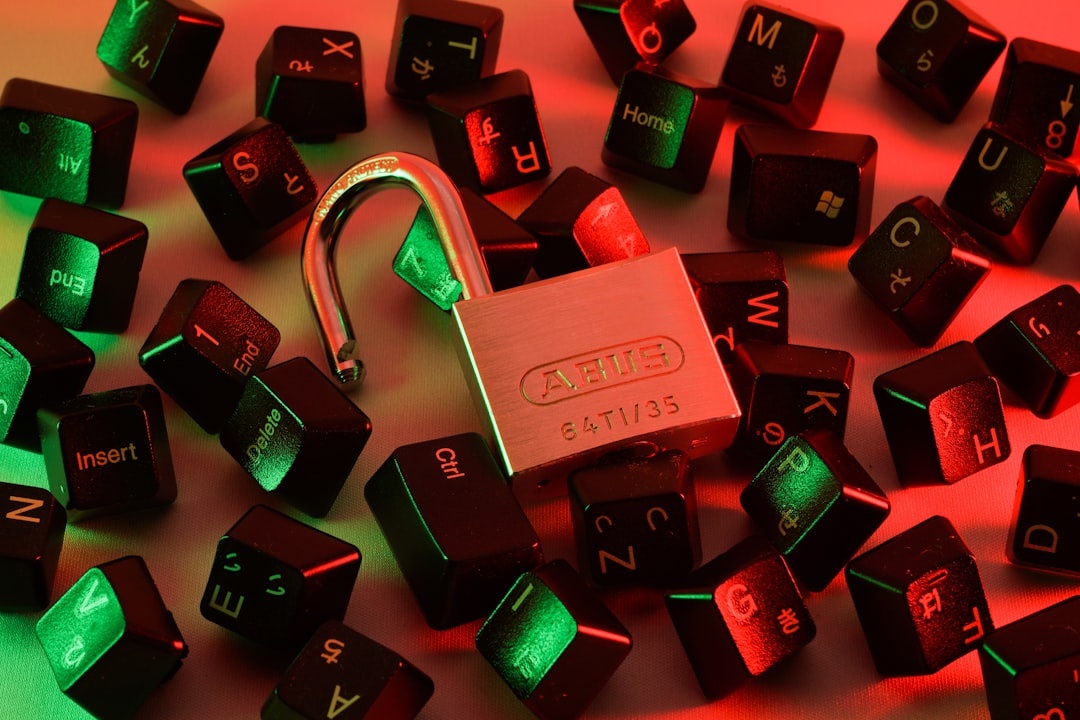
Never pay outside the booking platform unless you are intentionally booking direct and have verified the property through its official website, phone number, and reviews. If a host sends a “new secure payment link,” assume it is hostile until proven otherwise.
This matters even more as platforms experiment with direct-booking incentives and lower-fee models. If you’re comparing stays, read our breakdown of Airbnb’s lower host-fee test so you understand when direct guest relationships are legitimate — and when a “discount” is bait.
Why it matters when you’re traveling: losing €900 on a fake apartment in Rome or Valencia is not just annoying. It can leave you stranded in peak season, when same-night rooms cost double and southern Europe is still hitting 40C+ heat waves.
Your 20-Minute Pre-Trip Cybersecurity Checklist
You do not need to become a security engineer before flying. You need a repeatable routine that protects your most important accounts and devices.
- Update everything: Install iOS, Android, Windows, macOS, browser, and password manager updates before departure.
- Add a hardware key: Protect your primary email first, then banking, Apple ID/Google account, Microsoft account, and password manager.
- Download offline backups: Save boarding passes, hotel addresses, insurance PDFs, and passport scans inside an encrypted vault.
- Set up eSIM before landing: Test installation at home if possible, but activate only when the provider instructs.
- Turn on device tracking: Enable Find My iPhone, Find My Device, or Samsung Find, and test it once.
- Disable lock-screen previews: Hide SMS and email codes from your lock screen.
- Carry backup power: A 10,000 mAh bank adds about 1.5–2 full phone charges and keeps your travel router alive.
- Use a separate travel card: Keep a low-limit card for taxis, kiosks, festivals, and unfamiliar websites.
Why it matters when you’re traveling: small failures stack up. A dead phone, no roaming, a stolen wallet, and a locked email account can turn a normal delay into a full-blown travel emergency.
What To Do If You Clicked a Bad Link Abroad
Do not panic-click your way into a bigger problem. Switch to mobile data, close the page, and do not enter more information.
If you entered a password, change it immediately from a known-good device and revoke active sessions. If that password was reused anywhere else, change those accounts too.
If you entered card details, freeze the card in your banking app and call the bank using the number printed on the card or inside the official app. Do not call numbers from the suspicious email or website.
If you installed an app or profile, uninstall it and check device management settings. On iPhone, look under Settings > General > VPN & Device Management; on Android, check Settings > Security > Device admin apps or the equivalent menu for your phone.
Why it matters when you’re traveling: speed matters, but clean action matters more. Freezing a card in two minutes can save your trip; trusting another fake “support” number can make it worse.
What Comes Next: More Automated Scams, More Infrastructure Disruption
The next wave will not look like a movie. It will look like better fake support chats, cloned travel agencies, AI voice calls pretending to be your bank, and attacks on the boring systems that make travel work: booking engines, payment processors, airline apps, hotel locks, water utilities, border appointment portals, and rail ticketing.
Festivals and big events are especially exposed. Burning Man, Edinburgh Fringe, La Tomatina, Oktoberfest planning, and September Mediterranean trips all create urgency, scarcity, and payment pressure — perfect conditions for AI-assisted fraud.
The positive news: travelers can defend themselves with boring tools that work. Hardware keys, password managers, eSIMs, VPNs, software updates, and a travel router will stop or reduce the most likely attacks.
Conclusion: The Cybersecurity Apocalypse Is Boring — Prepare Anyway
The word “apocalypse” is dramatic, but the travel impact is practical. AI will make scams faster, cheaper, more personal, and harder to spot — exactly when travelers are distracted and dependent on phones, apps, QR codes, and remote payments.
My opinionated setup is simple: buy a $29 Yubico Security Key C NFC, use Bitwarden or 1Password, carry an eSIM, install Mullvad or Proton VPN, and add the GL.iNet Beryl AX if you work while traveling. Skip mystery VPNs, reused passwords, airport Wi-Fi banking, and off-platform accommodation payments.
That kit weighs less than a paperback, costs less than one missed flight, and can save your trip when the next AI-powered scam lands in your inbox five minutes before boarding.
Frequently Asked Questions
What is the AI cybersecurity apocalypse warning?
Security leaders are warning that AI could soon automate parts of hacking, phishing, vulnerability discovery, and impersonation at much larger scale. For travelers, the biggest near-term risk is better fake airline, hotel, bank, and booking messages.
What is the best cybersecurity gadget for travel?
A hardware security key is the best first buy. The Yubico Security Key C NFC costs about $29, weighs around 3 grams, needs no battery, and protects major accounts like Google, Microsoft, Apple, and password managers.
Is hotel Wi-Fi safe for banking while traveling?
Hotel Wi-Fi is acceptable for casual browsing, but use mobile data or a VPN for banking, work logins, and passport uploads. A travel router like the $109 GL.iNet Beryl AX adds a safer private network for your devices.
Should I use an eSIM or public Wi-Fi abroad?
Use an eSIM for sensitive tasks whenever possible. Public Wi-Fi is fine for maps or reading, but mobile data is safer for financial accounts, password resets, and travel documents.

About the Author: Tomáš Bzirský
Founder and editor of Distratech. Based in the Czech Republic, travelling regularly from Central Europe. Writes practical travel guides and travel-tech comparisons (eSIM, apps, airports) in six languages.