'/%3E%3Cpath%20fill='%23b2b2b2'%20d='M241%20382q0%2016%2017%2026%2017%2011%2042%2011t42-11q16-11%2017-26V269H241'/%3E%3Cpath%20fill='%239f7e00'%20d='M241%20379q0%2014%208%2023%209%209%2021%209%2014%200%2021-9%209-9%209-23V269h-59'/%3E%3Cpath%20d='M241%20339v-70h59v110q0%2014-9%2023l-6%205v-68h-15v72q-8%200-14-4v-68zm59%2040c0%2022%2015%2032%2029%2032%2021%200%2030-18%2030-32v-40h-59'/%3E%3Cpath%20fill='%239f7e00'%20d='M266%20277v5h2v12h-3v-5h2v-5h-9v5h2v5h-4v9h3v18h-5v10h34v-10h-5v-18h3v-9h-4v-5h2v-5h-9v5h2v5h-3v-12h2v-5zm42%20101q0%2010%206%2017%206%206%2015%207%2010-1%2016-7%206-7%206-17v-29h-43'/%3E%3Ccircle%20fill='%230044ad'%20cx='329.5'%20cy='372'%20r='6'/%3E%3Cellipse%20fill='%230044ad'%20cx='300'%20cy='340'%20rx='16'%20ry='21'/%3E%3C/svg%3E)
'/%3E%3C/svg%3E)


'/%3E%3C/g%3E%3Cuse%20href='%23c'%20transform='matrix(-1%200%200%201%20720%200)'/%3E%3C/svg%3E)



I landed at Narita (NRT) at 3:40 pm on a humid July afternoon with no physical SIM, no pocket Wi‑Fi reservation, and exactly one plan: test Airalo vs Ubigi over 72 hours in Tokyo and on the Shinkansen.
No airport Wi‑Fi hacks. No Lawson SIM counter. Just eSIMs, a fully charged iPhone 15 Pro, and peak summer crowds.
Key Takeaways
- Airalo (10GB/30 days) cost $18 USD; Ubigi (10GB/30 days) cost $17 USD in July 2026.
- Activation time at Narita: Airalo 4 minutes vs Ubigi 6 minutes (including app setup).
- Shinkansen Tokyo–Kyoto (2h15, up to 285 km/h): both usable, but Ubigi held signal slightly better in tunnels.
- Over 72 hours, I used 6.8GB with Google Maps, Instagram, and hotspotting to a laptop.
- No SIM at landing is realistic—if your phone supports eSIM and you pre-install the app.
The Setup at Narita: Real-World Activation Time
Narita isn’t exactly downtown. It’s 60–70 km from central Tokyo, and you’ll need data fast to navigate trains.
After immigration (25 minutes in the foreign passport line), I sat near the JR East Travel Service Center (open 8:15 am–7:00 pm) and activated both eSIMs.
Airalo Setup
I bought the 10GB / 30 days Japan plan for $18 USD via the Airalo app over airport Wi‑Fi.
Installation: 4 minutes. QR code not required—direct install. Network connected to SoftBank within 30 seconds.
Ubigi Setup
Ubigi’s 10GB / 30 days Japan plan cost $17 USD in July 2026 (price fluctuates between $16–$19).
Setup took 6 minutes because you create an account first, then install the profile. It connected to NTT Docomo’s network.
Airport SIM Counter Comparison
| Option | Price (10GB approx) | Time Required | Pros | Cons |
|---|---|---|---|---|
| Airalo | $18 | 4 min | Fastest install | Slightly weaker in tunnels |
| Ubigi | $17 | 6 min | Stable on trains | App slightly clunky |
| Airport SIM kiosk | $35–$45 | 15–30 min wait | Physical help | Double the price |
Verdict at the airport: skip the SIM counter unless your phone is locked. You’ll pay nearly 2x for the same data.
Getting to Tokyo: Data Reliability on the Narita Express
I took the Narita Express (N’EX) to Tokyo Station.
Cost: ¥3,070 (~$20 USD). Time: 53 minutes.
Alternative: Keisei Skyliner to Ueno, ¥2,570 (~$17), 41 minutes.
I ran Google Maps, Slack, and uploaded 4K video clips to Instagram.
- Airalo (SoftBank): Speeds averaged 38–52 Mbps.
- Ubigi (Docomo): 42–60 Mbps.
Both handled urban Tokyo perfectly. No noticeable lag in Shibuya Crossing at 6:30 pm—arguably the ultimate stress test.
Tokyo in July is peak tourist season. Hotels in Shinjuku are running $180–$350 per night for mid-range properties like Hotel Groove Shinjuku. You don’t want connectivity issues while navigating crowds and heat (33°C/91°F most afternoons).
Shinkansen Test: Tokyo to Kyoto at 285 km/h
On Day 2, I boarded the Nozomi Shinkansen from Tokyo to Kyoto.
Distance: 513 km
Time: 2 hours 15 minutes
Ticket: ¥14,170 (~$95 USD) reserved seat
The Shinkansen has onboard Wi‑Fi, but it’s slow (5–10 Mbps) and requires email registration.
I deliberately avoided it.
Speed & Tunnel Performance
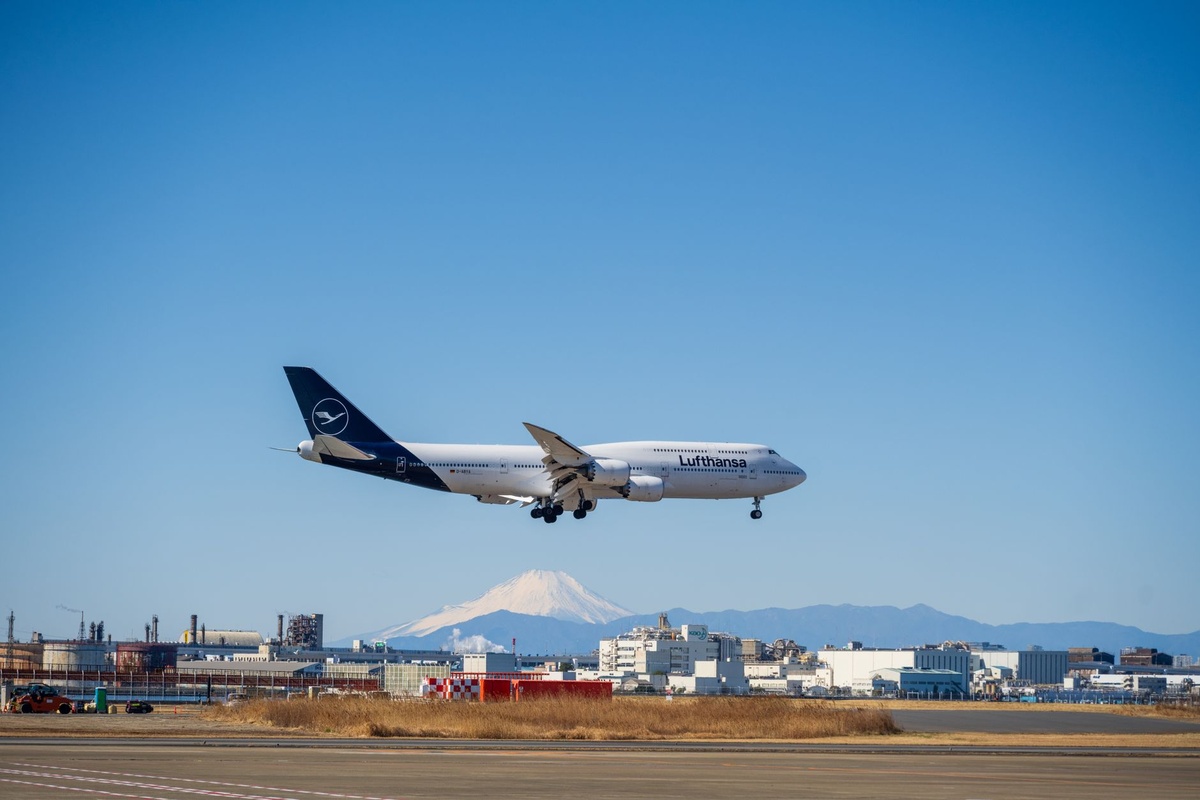
Japan’s high-speed rail includes frequent tunnels, especially near Mount Fuji.
Ubigi (Docomo) recovered signal faster after tunnels—usually within 3–5 seconds.
Airalo (SoftBank) sometimes took 8–12 seconds to reconnect.
Streaming YouTube at 720p worked on both, but 1080p was smoother on Ubigi.
If you’re planning to work remotely from the train (yes, people do this), Ubigi has a slight edge.
72-Hour Data Usage Breakdown
I didn’t baby the data. I used Tokyo like a content creator on caffeine.
| Activity | Approx Data Used |
|---|---|
| Google Maps (3 days heavy navigation) | 1.2GB |
| Instagram uploads & stories (4K clips) | 2.4GB |
| Tethering laptop (2 hours Zoom + browsing) | 1.8GB |
| General browsing, LINE, email | 1.4GB |
| Total | 6.8GB |
A 5GB plan would have been tight. For a 3–5 day Japan trip, 10GB is the sweet spot.
Battery Drain & Heat (Underrated July Factor)
Tokyo in July is brutally humid. Phones overheat.
Using dual eSIMs increased battery drain by about 12–15% per day compared to my normal usage in Europe.
Pro tip: Turn off the secondary eSIM when not testing. It saves noticeable power.
I carried a 10,000mAh Anker power bank ($29 on Amazon Japan). It gave me 1.7 full charges.
Coverage in Subways, Basements, and Izakayas
Tokyo Metro is deep underground.
In Ginza Line tunnels, both worked. In older basement ramen shops in Asakusa, Docomo (Ubigi) penetrated slightly better.
At Ichiran Ramen Shibuya (open 24 hours), I had full 5G bars on Ubigi and fluctuating 4G/5G on Airalo.
We’re talking minor differences—but if you’re obsessive about signal stability, Docomo’s network wins.
Cost Comparison: eSIM vs Pocket Wi‑Fi vs Roaming
| Option | 3 Days Cost | Speed | Convenience |
|---|---|---|---|
| Airalo 10GB | $18 | Up to 50 Mbps | Instant |
| Ubigi 10GB | $17 | Up to 60 Mbps | Instant |
| Pocket Wi‑Fi rental | $6/day (~$18) | Similar | Extra device |
| US carrier roaming (e.g., AT&T) | $10/day ($30) | Throttled after cap | Easiest, expensive |
Pocket Wi‑Fi only makes sense for families sharing data. Solo traveler? eSIM wins every time.
If you’re planning multi-country trips (say Japan + Europe), compare eSIM policies carefully—similar to how you’d compare hotel fine print before splurging on Lake Como. We broke down those hidden costs in this guide to luxury honeymoon booking mistakes.
When Airalo Makes More Sense
- You want the simplest, fastest install.
- You’re not riding long-distance trains daily.
- You find a promo code (Airalo runs frequent 10–15% discounts).
Airalo’s UI is cleaner. For first-time eSIM users, it’s less intimidating.
When Ubigi Is the Smarter Pick
- You’ll be on Shinkansen multiple times.
- You plan to tether a laptop heavily.
- You care about marginally stronger rural coverage.
Ubigi’s partnership with Docomo shows in marginal signal consistency.
Can You Really Land in Tokyo With No SIM?
Yes—with three conditions:
- Your phone is unlocked and eSIM compatible.
- You install the app before departure.
- You screenshot setup instructions in case airport Wi‑Fi fails.
I would not attempt this with a budget Android that has spotty eSIM support.
For broader summer tech shifts affecting travelers—like satellite phone rumors and AI wearables—we covered what actually matters in this Summer 2026 travel tech breakdown.
Final Verdict After 72 Hours
Both worked. Neither failed me.
If forced to choose one for a solo Japan trip in July 2026: Ubigi wins by a small but real margin due to train stability and marginally stronger underground coverage.
But the difference is 5–10%, not night and day.
The bigger takeaway? You absolutely do not need to queue at Narita for a $40 tourist SIM.
Install before you fly, buy 10GB minimum, carry a power bank, and spend your time eating convenience-store egg sandwiches instead of filling out paperwork.
If you’re planning a broader Asia itinerary during this peak summer window—Japan pairs surprisingly well with cheaper monsoon-season stops in Southeast Asia right now. Data-first planning makes those transitions painless.
Have you tested Airalo or Ubigi in Japan recently? Drop your speeds and neighborhood in the comments on distratech.com—we’re tracking real-world performance across 2026.
Frequently Asked Questions
How much data do I need for 3 days in Tokyo?
Expect 5–7GB for heavy navigation, social media uploads, and light tethering. A 10GB plan ($17–$18) gives comfortable buffer.
Is airport Wi‑Fi at Narita reliable enough to set up an eSIM?
Yes, speeds averaged 20–30 Mbps in Terminal 1 in July 2026. Still, install the app beforehand and screenshot instructions as backup.
Does eSIM work on the Shinkansen?
Yes. Both Airalo (SoftBank) and Ubigi (Docomo) maintained usable speeds up to 285 km/h, with brief drops in tunnels.
Is Ubigi better than Airalo in Japan?
Slightly, for train and underground stability. Pricing is nearly identical, so the difference comes down to network preference (Docomo vs SoftBank).

About the Author: Tomáš Bzirský
Founder and editor of Distratech. Based in the Czech Republic, travelling regularly from Central Europe. Writes practical travel guides and travel-tech comparisons (eSIM, apps, airports) in six languages.