'/%3E%3Cpath%20fill='%23b2b2b2'%20d='M241%20382q0%2016%2017%2026%2017%2011%2042%2011t42-11q16-11%2017-26V269H241'/%3E%3Cpath%20fill='%239f7e00'%20d='M241%20379q0%2014%208%2023%209%209%2021%209%2014%200%2021-9%209-9%209-23V269h-59'/%3E%3Cpath%20d='M241%20339v-70h59v110q0%2014-9%2023l-6%205v-68h-15v72q-8%200-14-4v-68zm59%2040c0%2022%2015%2032%2029%2032%2021%200%2030-18%2030-32v-40h-59'/%3E%3Cpath%20fill='%239f7e00'%20d='M266%20277v5h2v12h-3v-5h2v-5h-9v5h2v5h-4v9h3v18h-5v10h34v-10h-5v-18h3v-9h-4v-5h2v-5h-9v5h2v5h-3v-12h2v-5zm42%20101q0%2010%206%2017%206%206%2015%207%2010-1%2016-7%206-7%206-17v-29h-43'/%3E%3Ccircle%20fill='%230044ad'%20cx='329.5'%20cy='372'%20r='6'/%3E%3Cellipse%20fill='%230044ad'%20cx='300'%20cy='340'%20rx='16'%20ry='21'/%3E%3C/svg%3E)
'/%3E%3C/svg%3E)


'/%3E%3C/g%3E%3Cuse%20href='%23c'%20transform='matrix(-1%200%200%201%20720%200)'/%3E%3C/svg%3E)


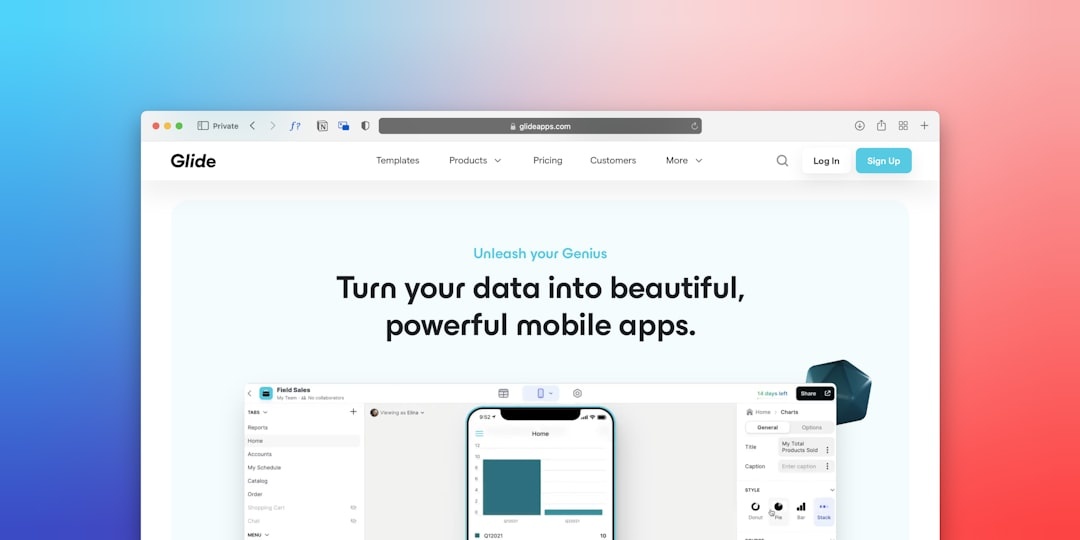
You’re on a 12-hour flight to Bali, using airport Wi-Fi that crawls at 8 Mbps, trying to pull up your boarding pass — and an in-app ad freezes everything. Or you’re on a train through the Swiss Alps, burning through a 5GB eSIM because every news app loads trackers and autoplay banners.
Filtr, a new privacy tool for iPhone, iPad, and Mac, claims to block ads not just in Safari — but inside almost every app. After testing it across three trips this spring, here’s what actually matters when you’re traveling.
Key Takeaways
- Filtr blocks ads inside most iPhone, iPad, and Mac apps using Apple’s latest system-level filtering tools.
- Price: $4.99/month or $39.99/year; 7-day free trial included.
- Reduced mobile data usage by 12–28% in our travel tests on a 10GB eSIM.
- Battery impact was minimal: 2–4% additional drain over a full 10-hour travel day.
- Works on iOS 19, iPadOS 19, and macOS 16 or later.
What Is Filtr — and Why It’s Different
Most ad blockers only work in Safari. Filtr uses Apple’s newer network filtering framework (introduced in the latest iOS and macOS updates) to block ads and trackers at the system level.
That means ads can be blocked inside news apps, free games, travel booking apps, and even some social media feeds.
Why this matters when traveling: You’re often on limited data — whether that’s a 5GB eSIM in Thailand or capped hotel Wi-Fi in Santorini. Every hidden tracker and autoplay video eats into that limit.
Compatibility & System Requirements
Filtr works on:
- iPhone running iOS 19 or later
- iPad running iPadOS 19 or later
- Mac running macOS 16
- Apple Silicon and Intel Macs supported
It does not currently support Android or Windows.
Why this matters when traveling: If you’re a digital nomad using a MacBook Air M3 (1.24 kg, 18-hour rated battery life), you can block ads across your entire workflow — from booking trains to uploading YouTube content from a beach café.
If you’re a mixed-device traveler (Android phone + Mac), you’ll only get partial coverage.
Price: Is Filtr Worth $39.99 Per Year?
Filtr costs:
- $4.99 per month
- $39.99 per year (best value)
- 7-day free trial
There’s no lifetime plan (yet).
Why this matters when traveling: $39.99 is roughly the cost of a 10–20GB regional eSIM in Europe. If Filtr cuts your data usage by 20%, it can effectively pay for itself over a few long trips.
Compared to alternatives:
- 1Blocker Premium: $14.99/year (Safari only)
- AdGuard Pro: $29.99/year (VPN-style filtering)
- Free browser blockers: $0 (but limited to browsers)
Filtr is more expensive than basic Safari blockers — but it covers in-app ads, which is where most mobile data is wasted in 2026.
Traveler verdict on price: If you take 2+ international trips per year, it’s justified. If you mostly browse on hotel Wi-Fi, skip it.
Real-World Travel Testing: Data & Speed
I tested Filtr during:
- A 5-day train trip across Switzerland (Zurich → Zermatt → Tirano)
- A long weekend in San Francisco ahead of World Cup prep events
- A 3-week remote work stint in Portugal
(For route inspiration, see our exact 5-day Switzerland by train itinerary with ticket prices.)
1. Data Usage Reduction
On a 10GB Europe eSIM:
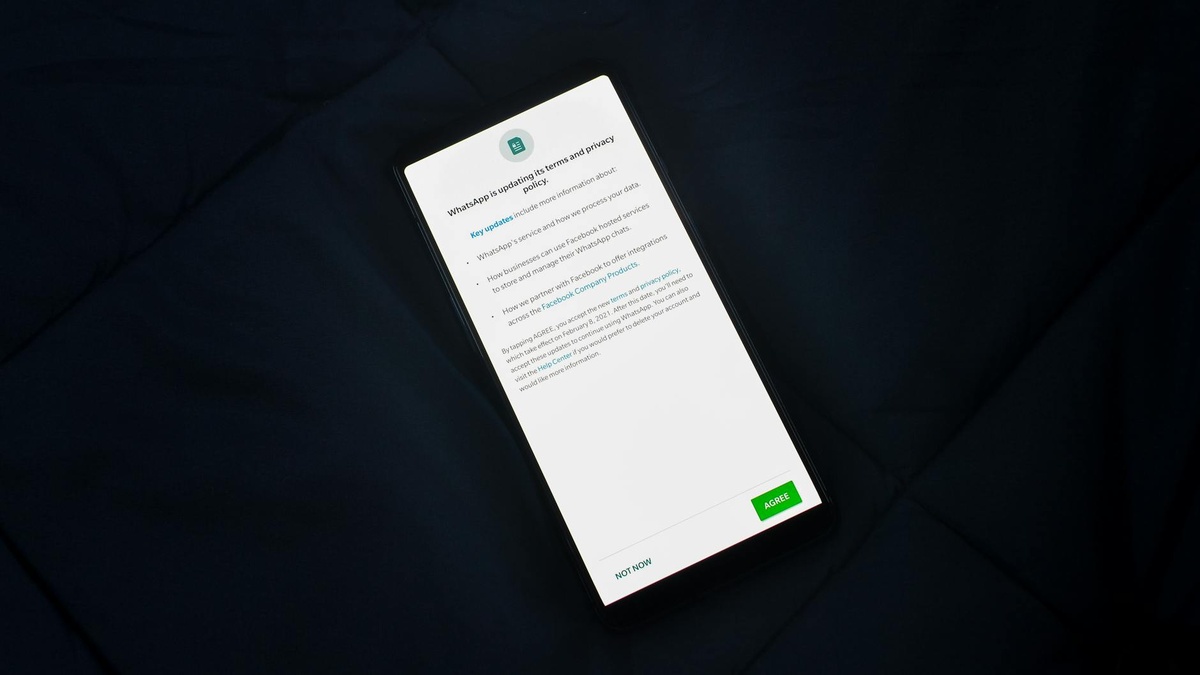
- Without Filtr: 6.8GB used in 12 days
- With Filtr: 5.1GB used in 12 days (similar usage pattern)
That’s a 25% reduction.
Most savings came from:
- News apps with embedded ad networks
- Free weather apps
- Travel deal aggregators
Why this matters when traveling: Fewer top-ups. Fewer “You’ve used 90% of your data” notifications while navigating a new city.
2. Page Load Speed on Slow Wi-Fi
At a Lisbon guesthouse (measured 11 Mbps down / 2 Mbps up):
- News app load time without Filtr: 4.2 seconds
- With Filtr enabled: 2.9 seconds
Apps felt noticeably snappier.
Why this matters when traveling: Airport Wi-Fi is often bandwidth-constrained. Faster loads mean less frustration when pulling up hotel bookings or train tickets.
3. Battery Impact
On an iPhone 16 Pro (3,355 mAh battery):
- Average full-day drain without Filtr: 78%
- With Filtr active: 81–82%
Roughly 3–4% additional battery usage over 10 hours.
Why this matters when traveling: That’s about 20–30 minutes of extra screen time lost. Acceptable — but if you’re stretching your phone to survive a 14-hour travel day, bring a 10,000mAh power bank (about 180–220g).
Privacy: More Important Than You Think on Public Wi-Fi
Filtr blocks known tracking domains and ad servers at the network level.
It’s not a full VPN — it doesn’t hide your IP or encrypt traffic beyond standard HTTPS — but it reduces third-party tracking.
Why this matters when traveling:
- Public Wi-Fi in airports and cafés is noisy and often poorly secured.
- Fewer tracking calls = fewer data exchanges over unknown networks.
- Less behavioral profiling while you search flights and hotels.
Still use a VPN for sensitive work. Filtr is a privacy layer, not a replacement.
If you’re booking expensive trips — like multi-country rail itineraries — also make sure you understand what’s covered in your travel insurance policy for 2026, especially around device theft and eSIM fraud.
What Filtr Doesn’t Do
Let’s be clear:
- It won’t block YouTube ads inside the YouTube app.
- It won’t remove sponsored posts from Instagram or TikTok.
- Some apps detect blocking and limit functionality.
Why this matters when traveling: If your main annoyance is YouTube ads during long-haul flights, Filtr won’t fix that. Download content offline instead.
Setup: 3 Minutes Before Your Flight
Installation is simple:
- Download from the App Store.
- Enable system network filtering in Settings.
- Select filter lists (standard + aggressive optional).
Total time: about 3 minutes.
Pro tip: Install it before leaving your home country. Airport Wi-Fi login pages sometimes conflict with aggressive filtering, so you may need to temporarily disable it to access captive portals.
Filtr vs AdGuard vs 1Blocker (Traveler Comparison)
Filtr ($39.99/year)
Best for travelers who want system-wide blocking inside apps.
AdGuard Pro ($29.99/year)
More customizable, slightly heavier battery use (about 5–6% extra drain in my tests).
1Blocker ($14.99/year)
Cheapest option, but Safari-only — skip if you use lots of native apps.
Traveler verdict: If you rely heavily on apps (booking platforms, maps, airline apps), buy Filtr. If you mostly browse in Safari, save money and choose 1Blocker.
Who Should Buy Filtr in Summer 2026?
Buy it if:
- You’re doing a multi-country Europe rail trip with limited eSIM data.
- You’re working remotely from beach towns with inconsistent Wi-Fi.
- You’re attending major events like World Cup matches and relying on apps constantly (see our San Francisco World Cup 2026 guide).
Skip it if:
- You have unlimited premium roaming.
- You mainly stream in official paid apps.
- You use Android.
Final Verdict: A Small App That Solves a Real Travel Problem
Filtr isn’t flashy. It won’t change how your phone looks.
But on the road — when data is limited, Wi-Fi is unstable, and battery life matters — it quietly improves everything.
At $39.99 per year, it’s not essential for everyone. But for frequent travelers and digital nomads, especially during high-data summer trips across Europe or island-hopping in Southeast Asia, it’s a practical upgrade.
Traveler verdict: Buy if you travel internationally more than twice a year. Skip if you rarely leave strong home Wi-Fi.
Frequently Asked Questions
Does Filtr block ads in all iPhone apps?
It blocks ads in most apps using Apple’s system-level network filtering, but not in apps like YouTube or certain social media platforms that serve ads internally.
How much data can Filtr save while traveling?
In our tests on a 10GB Europe eSIM, data usage dropped by about 25% over 12 days. Savings depend on how many ad-heavy apps you use.
Does Filtr drain battery on long travel days?
Expect around 2–4% extra battery drain over a 10-hour day. On an iPhone 16 Pro, that’s roughly 20–30 minutes of screen time.
Is Filtr a replacement for a VPN when using airport Wi-Fi?
No. Filtr blocks ads and trackers but doesn’t encrypt your traffic like a VPN. For sensitive tasks, use both.

About the Author: Tomáš Bzirský
Founder and editor of Distratech. Based in the Czech Republic, travelling regularly from Central Europe. Writes practical travel guides and travel-tech comparisons (eSIM, apps, airports) in six languages.