'/%3E%3Cpath%20fill='%23b2b2b2'%20d='M241%20382q0%2016%2017%2026%2017%2011%2042%2011t42-11q16-11%2017-26V269H241'/%3E%3Cpath%20fill='%239f7e00'%20d='M241%20379q0%2014%208%2023%209%209%2021%209%2014%200%2021-9%209-9%209-23V269h-59'/%3E%3Cpath%20d='M241%20339v-70h59v110q0%2014-9%2023l-6%205v-68h-15v72q-8%200-14-4v-68zm59%2040c0%2022%2015%2032%2029%2032%2021%200%2030-18%2030-32v-40h-59'/%3E%3Cpath%20fill='%239f7e00'%20d='M266%20277v5h2v12h-3v-5h2v-5h-9v5h2v5h-4v9h3v18h-5v10h34v-10h-5v-18h3v-9h-4v-5h2v-5h-9v5h2v5h-3v-12h2v-5zm42%20101q0%2010%206%2017%206%206%2015%207%2010-1%2016-7%206-7%206-17v-29h-43'/%3E%3Ccircle%20fill='%230044ad'%20cx='329.5'%20cy='372'%20r='6'/%3E%3Cellipse%20fill='%230044ad'%20cx='300'%20cy='340'%20rx='16'%20ry='21'/%3E%3C/svg%3E)
'/%3E%3C/svg%3E)


'/%3E%3C/g%3E%3Cuse%20href='%23c'%20transform='matrix(-1%200%200%201%20720%200)'/%3E%3C/svg%3E)


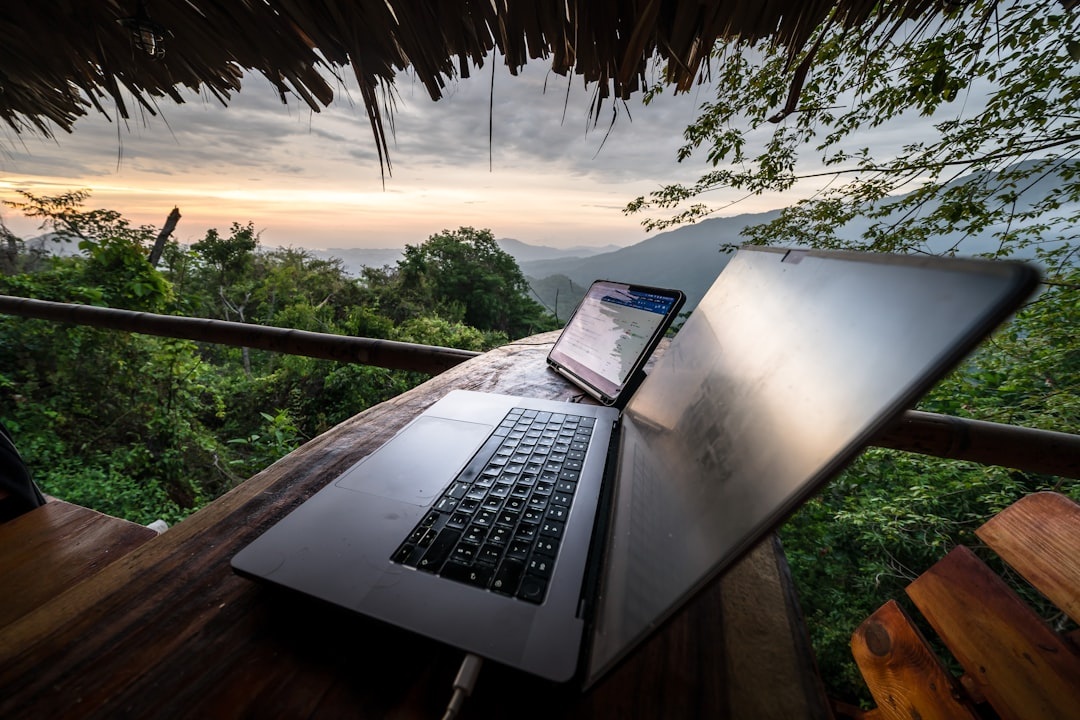
I’ve worked from a beach bar in Koh Samui, a café in Lisbon with Wi‑Fi that cut out every 20 minutes, and a Tokyo micro-apartment where my “desk” was a windowsill. After six years on the road, I’ve learned one thing: every gram in your backpack has to earn its place.
In 2026, travel tech is smarter and lighter than ever. But that doesn’t mean you should pack more of it. Here’s what’s actually worth carrying this summer — especially if you’re planning long stays, festival hopping, or bouncing between Europe and Asia.
Key Takeaways
- The MacBook Air M5 (from $1,099, 1.2 kg) is still the best balance of power and portability.
- A global eSIM plan like Airalo or Holafly ($9–$39/month) beats hunting for local SIM cards.
- The Anker 737 Power Bank (24,000mAh, $149) can charge a laptop and phone for 1–2 full workdays.
- Portable Wi‑Fi routers under $200 dramatically improve café and Airbnb connections.
- A 1TB portable SSD (around $80–$120) is cheaper than losing client work.
1. A Lightweight Laptop That Can Actually Handle Real Work
I’ve tested bulkier “creator” laptops, and I always regret it at airport security. In 2026, thin and powerful is finally the norm.
Top Pick: MacBook Air M5 (13-inch)
Starting at $1,099 and weighing around 1.2 kg (2.7 lbs), it handles video editing, coding, and 20 Chrome tabs without sounding like a jet engine. Battery life easily hits 15–18 hours of mixed use — enough for a full transatlantic flight and then some.
If you’re Windows-based, the Dell XPS 13 Plus (around $1,199) is the closest competitor in weight and build quality.
Pro tip: 16GB RAM minimum. Don’t try to “save” $200 and regret it for the next three years.
2. A Global eSIM Plan (Stop Buying Plastic SIM Cards)
If you’re still landing in a new country and queuing at the airport SIM kiosk, it’s time to upgrade.
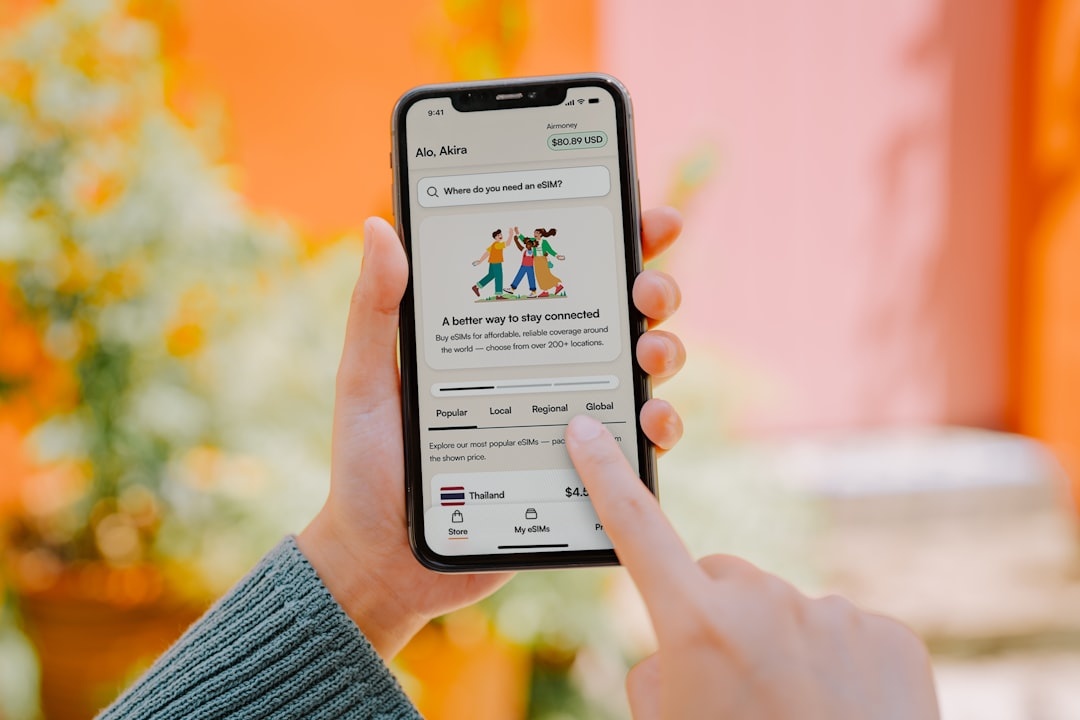
In 2026, eSIM coverage is excellent across Europe, Japan, South Korea, Thailand, and most of North America. I typically use Airalo or Holafly, paying $9–$15 for 7–10 days in a single country, or around $39 for a regional Europe plan.
This is especially helpful if you’re hopping cities — say, following a 7-day Japan rail itinerary and working from Osaka one day and Tokyo the next. You don’t want to think about connectivity.
Just make sure your phone is unlocked and eSIM-compatible (most iPhones 12+ and flagship Androids are).
3. A Serious Power Bank (Not the Cheap Airport One)
Summer 2026 means more outdoor working: beaches, parks, rooftop cafés, festival grounds. That means unreliable outlets.
My go-to: Anker 737 Power Bank (24,000mAh)
Price: around $149. It can charge a MacBook Air once and your phone 2–3 times. It’s TSA-compliant and has a digital display showing exact battery percentage.
I’ve worked five-hour stretches in Lisbon’s Jardim da Estrela without hunting for a socket. That freedom is worth every dollar.
4. A Compact Travel Router (The Most Underrated Gadget)
This is the gadget most nomads discover too late.
A travel router like the GL.iNet Beryl AX (around $130–$180) connects to hotel or Airbnb Wi‑Fi and creates your own secure, private network. It also supports VPNs directly on the device.
Why it matters:
- Improves weak Airbnb signals by repositioning closer to the main router
- Keeps your devices secure on public networks
- Lets you connect multiple devices without repeated logins
If you’re working in cities expanding digital navigation features — like Rome and Naples with the new enhanced mapping tools (read why it’s a big deal here) — you’ll likely rely on constant connectivity for transport, coworking spots, and meetings.
5. Noise-Canceling Headphones That Survive Hostels
Summer travel means crowds. Beaches. Street festivals. Construction outside your Airbnb.
Best Overall: Sony WH-1000XM6 (around $399)
Lighter than previous versions and with noticeably better call quality — crucial if you’re taking Zoom meetings from a balcony in Barcelona.
If you’re on a tighter budget, the Soundcore Space One ($99) gets you 80% of the experience for a quarter of the price.
Trust me: noise-canceling is not a luxury. It’s a productivity tool.
6. A 1TB Portable SSD (Your Backup Plan)
Cloud storage is great — until café Wi‑Fi collapses.
Samsung T9 or SanDisk Extreme Portable SSD (1TB) now run between $80 and $120. They’re smaller than a credit card and shock-resistant.
I back up client files weekly. It takes five minutes and removes a huge layer of anxiety.
7. A Foldable Laptop Stand + Compact Keyboard
Your neck will thank you.
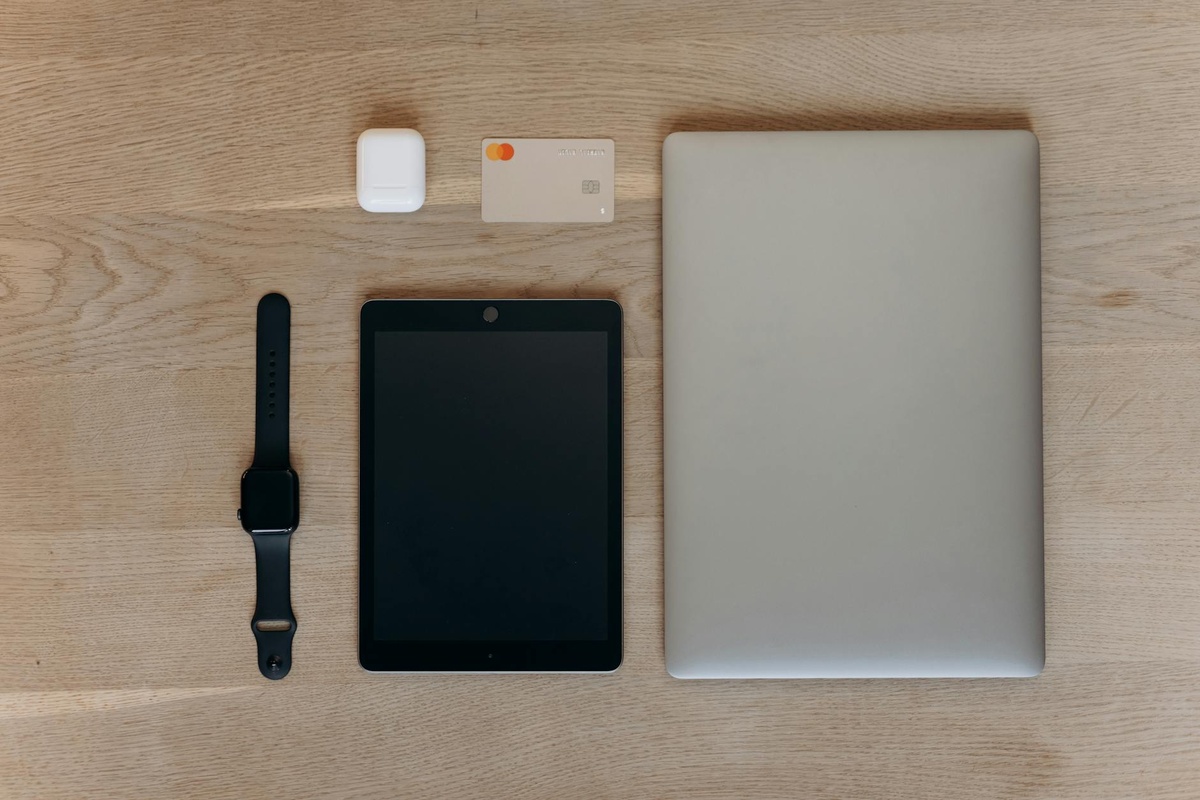
I use a Roost-style foldable stand (about $75) and a Logitech MX Keys Mini ($99). Together they weigh under 1 kg but completely change your posture.
This setup is especially helpful if you’re mixing work with “calmcation” city stays — parks, wellness centers, slower routines. If that’s your vibe this season, check out our guide to slow living in urban spaces.
8. A Smart Tracker for Your Luggage
Airports in summer 2026 are busy again. Lost luggage is, unfortunately, still a thing.
Apple AirTag ($29) or Tile Pro ($35) inside your checked bag gives you real-time peace of mind. I’ve used mine in Madrid and Bangkok — seeing your bag arrive before you do is weirdly satisfying.
It’s a tiny device that can save you days of stress.
9. A Universal GaN Charger (One Brick to Rule Them All)
Stop carrying three separate chargers.
A 65W or 100W GaN charger (like the Anker Prime series, $79–$99) can power your laptop, phone, earbuds, and power bank. Add a universal adapter and you’re set for Europe, the UK, Southeast Asia, and the US.
My rule: if it can’t charge at least two devices at once, it doesn’t go in the bag.
How to Decide What’s Actually Worth Packing
Before adding any gadget to your list, ask yourself:
- Will this save me at least 30 minutes per week?
- Does it replace something heavier?
- Would I rebuy this immediately if it broke?
If the answer is no to all three, leave it home.
Digital nomad life in 2026 is less about having the newest gadget and more about building a lean, reliable setup. Especially in late spring and summer — when you’re more likely to work outdoors, travel between festivals, or shift cities frequently — portability matters more than raw specs.
What I No Longer Pack (And You Probably Shouldn’t Either)
- Portable monitors (too bulky unless you’re stationary for 3+ months)
- Full-size mechanical keyboards
- Dedicated cameras (smartphones are good enough for most content)
- Travel printers (yes, I tried)
Every item you remove makes airport days, train transfers, and five-story walk-ups easier.
Final Thoughts: Build a Setup That Buys You Freedom
The best travel gadgets in 2026 aren’t flashy. They’re dependable, lightweight, and quietly solve problems before they happen.
If you’re planning a summer of remote work — from European city breaks to Asian food crawls — invest in tech that makes movement easier, not heavier. Your future self, sprinting through a train station with a single backpack, will thank you.
Have a favorite gadget I should test this season? Drop it in the comments on distratech.com — I’m always looking to refine my pack.
Frequently Asked Questions
What is the best laptop for digital nomads in 2026?
The MacBook Air M5 (from $1,099) offers the best mix of power, battery life (up to 18 hours), and lightweight design at 1.2 kg. For Windows users, the Dell XPS 13 Plus is a strong alternative at a similar price and weight.
Are portable Wi‑Fi routers worth it for travel?
Yes, especially if you work from Airbnbs or hotels. A $130–$180 travel router can improve weak signals, enhance security, and reduce login hassles across multiple devices.
How much should I budget for digital nomad tech gear?
If starting from scratch, expect to spend $2,000–$3,000 for a solid setup including a laptop, power bank, router, headphones, and accessories. If upgrading selectively, $300–$800 can significantly improve your current kit.
Is a portable monitor necessary for remote work?
For short-term travel or frequent moves, no — it adds bulk and weight. It only makes sense if you’re staying in one place for several months and need a dual-screen setup daily.

About the Author: Tomáš Bzirský
Founder and editor of Distratech. Based in the Czech Republic, travelling regularly from Central Europe. Writes practical travel guides and travel-tech comparisons (eSIM, apps, airports) in six languages.