'/%3E%3Cpath%20fill='%23b2b2b2'%20d='M241%20382q0%2016%2017%2026%2017%2011%2042%2011t42-11q16-11%2017-26V269H241'/%3E%3Cpath%20fill='%239f7e00'%20d='M241%20379q0%2014%208%2023%209%209%2021%209%2014%200%2021-9%209-9%209-23V269h-59'/%3E%3Cpath%20d='M241%20339v-70h59v110q0%2014-9%2023l-6%205v-68h-15v72q-8%200-14-4v-68zm59%2040c0%2022%2015%2032%2029%2032%2021%200%2030-18%2030-32v-40h-59'/%3E%3Cpath%20fill='%239f7e00'%20d='M266%20277v5h2v12h-3v-5h2v-5h-9v5h2v5h-4v9h3v18h-5v10h34v-10h-5v-18h3v-9h-4v-5h2v-5h-9v5h2v5h-3v-12h2v-5zm42%20101q0%2010%206%2017%206%206%2015%207%2010-1%2016-7%206-7%206-17v-29h-43'/%3E%3Ccircle%20fill='%230044ad'%20cx='329.5'%20cy='372'%20r='6'/%3E%3Cellipse%20fill='%230044ad'%20cx='300'%20cy='340'%20rx='16'%20ry='21'/%3E%3C/svg%3E)
'/%3E%3C/svg%3E)


'/%3E%3C/g%3E%3Cuse%20href='%23c'%20transform='matrix(-1%200%200%201%20720%200)'/%3E%3C/svg%3E)


If you’re heading to Miami for the Formula 1 Grand Prix on May 3, 2026, your iPhone just became a lot more useful.
Apple has rolled out a dedicated Formula 1 experience inside Apple Maps ahead of the Miami race — the first U.S. Grand Prix of the season. It’s not just a pin on the Hard Rock Stadium. It’s a detailed, interactive circuit view, with track layouts, grandstand markers, and race-day context layered directly into the map.
Key Takeaways
- Apple Maps now features a detailed Miami Grand Prix circuit map ahead of the May 3, 2026 race.
- The experience includes track layout, grandstands, entrances, and nearby transit guidance.
- Available on iPhone, iPad, and Mac with the latest Apple Maps data updates.
- Best used with offline maps downloaded due to heavy network congestion on race weekend.
For travelers, especially first-time F1 attendees, this is more than a gimmick. It could save you hours of walking in circles under the Florida sun.
What Apple Actually Added to Maps
Open Apple Maps, search “Miami International Autodrome” or “Miami Grand Prix,” and you’ll see a custom-designed circuit map layered over the Hard Rock Stadium complex.
This isn’t your standard venue pin. The circuit is traced corner by corner. Key zones are labeled. Grandstands are clearly marked. Entrances and access points are easier to identify at a glance.
Here’s what’s included:
- Full 5.4 km track layout with turns and straights clearly outlined
- Labeled grandstands and hospitality areas
- Nearby parking lots and rideshare drop-off zones
- Public transit options and walking directions
- Local business recommendations around the venue
If you’ve ever tried navigating a temporary street circuit with 250,000 other fans, you know how chaotic it can get. Traditional maps often struggle with temporary road closures and event-only infrastructure.
This update feels built specifically for race weekend crowds.
Why This Matters for Miami Travelers in 2026
Miami in early May is shoulder-season gold. The weather is hot but not yet peak-summer brutal. Hotels are pricey for F1 weekend, but you can still find deals if you stay outside South Beach.
The challenge? Getting around.
The Miami Grand Prix takes place around Hard Rock Stadium in Miami Gardens — not exactly a tourist hub. Most visitors are staying in:
- Downtown Miami
- Brickell
- South Beach
- Fort Lauderdale
That means rental cars, rideshares, Brightline trains, shuttle buses — and traffic.
Having a detailed circuit view helps you plan smarter:
- Identify the exact grandstand you’re seated in.
- Map the closest entrance before you leave your hotel.
- Pin food, merch, and restroom areas near your section.
- Plan your exit route before the checkered flag chaos begins.
Small detail. Massive stress reduction.
How It Compares to Google Maps (and Why That Matters)
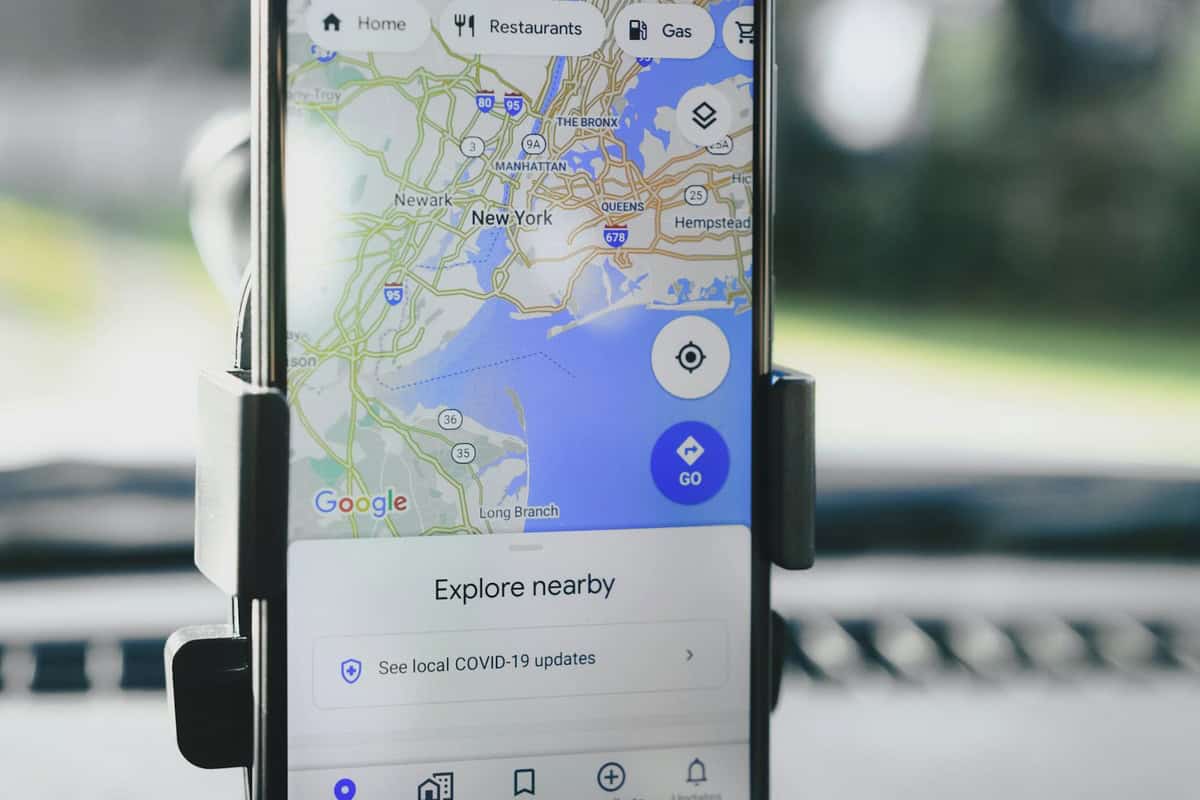
Google Maps has been leaning heavily into AI trip planning this year — we covered it in our breakdown of Google Maps’ new AI features for travelers. It’s fantastic for restaurant discovery and itinerary suggestions.
But for hyper-specific event mapping? Apple just pulled ahead.
Apple’s strength has always been its visual clarity. For a complex venue like an F1 circuit — where temporary structures, hospitality suites, and grandstands pop up for one weekend — clean design matters more than AI-generated suggestions.
If you’re on iPhone, this is one of those moments where sticking with Apple’s default app actually makes sense.
Pro Tips for Using Apple Maps at the Miami Grand Prix
Don’t just open the app and hope for the best. Race weekend networks get overloaded fast.
1. Download Offline Maps Before You Go
iOS now allows you to download specific map areas for offline use. Do this on hotel Wi-Fi the night before.
Cell congestion at major events is real. Even with 5G, speeds crawl when tens of thousands of people upload Instagram Reels at the same time.
2. Drop a Pin at Your Entrance
F1 venues often have multiple gates. Save the exact entrance closest to your grandstand. It makes returning after food runs much easier.
3. Screenshot Your Route
Old-school trick. If everything fails, you still have a visual reference.
4. Combine It With Transit Apps
Apple Maps is strong on visuals, but local transit apps (like Miami-Dade Transit) sometimes update shuttle changes faster on race weekend.
Is This the Future of Event Travel Tech?
Probably.
We’ve already seen Apple build immersive city guides for places like New York, London, and Paris. Adding high-profile global events — especially something as internationally mobile as Formula 1 — is the logical next step.
F1 attracts a uniquely travel-heavy crowd. Fans routinely fly between races in Miami, Montreal, Austin, Mexico City, and beyond. It’s not unusual to meet someone at the Miami GP who just came from a taco crawl in CDMX (if that’s you, start with our Mexico City taco guide before November’s race).
By integrating event-specific detail directly into Maps, Apple is positioning the iPhone as your race-weekend command center.
What I’d Still Like to See
This is a strong first step. But Apple could go further.
- Real-time crowd density heat maps inside the circuit
- Live gate wait times
- Integrated event schedules synced to your calendar
- AR walking directions to your exact seat
Some of this already exists in limited forms for airports and large venues. F1 is the perfect testing ground for expanding it.
Especially as race weekends become full-on destination experiences — not just Sunday events.
Should You Switch to Apple Maps for This?
If you’re an iPhone user attending the Miami Grand Prix: yes.
Even if you normally default to Google Maps, this is one of those niche scenarios where Apple’s tighter ecosystem control pays off.
The cleaner circuit visualization, labeled grandstands, and integrated navigation tools make it easier to:
- Reduce walking time
- Avoid wrong entrances
- Navigate post-race traffic
- Coordinate meetups with friends
For Android users, Google Maps will still get you there. But the custom circuit overlay currently feels more polished on Apple’s side.
Spring Travel Timing: Why This Update Lands at the Right Moment
Early May is peak travel season for Europe-bound Americans and spring city-break travelers. Miami becomes a hybrid crowd: beach tourists, F1 superfans, and digital nomads escaping colder climates.
Hotel rates spike. Rideshares surge. Infrastructure gets stretched.
Any tech that reduces friction during a high-demand weekend is welcome.
Think of this update the same way you’d think about downloading an eSIM before an international trip or packing a power bank for a long hiking day. Small prep step. Big payoff.
The Bottom Line for Travelers
The Miami Grand Prix isn’t just a race — it’s a logistics puzzle.
Apple Maps’ new in-depth F1 experience won’t lower ticket prices or eliminate traffic. But it will help you move smarter inside and around the venue.
And in a city where a wrong turn can cost you 45 minutes and a surge-priced Uber, that’s worth more than it sounds.
If you’re heading to Miami on May 3, update your iPhone, download offline maps, and treat your phone like the race-day tool it is.
Because the only thing you should be stressing about is whether your driver nails Turn 17 — not whether you entered through the wrong gate.
Travelers going to the Miami Grand Prix can browse stay options here: Hotels in Miami.
Frequently Asked Questions
When is the 2026 Miami Grand Prix?
The 2026 Miami Grand Prix takes place on May 3, with race weekend events typically running from Friday through Sunday at the Miami International Autodrome.
How do I access the F1 experience in Apple Maps?
Open Apple Maps on your iPhone, iPad, or Mac and search for “Miami Grand Prix” or “Miami International Autodrome.” The detailed circuit map and labeled grandstands will appear automatically if your app is updated.
Does Apple Maps work offline at the Miami Grand Prix?
Yes, if you download the Miami area for offline use in advance. This is highly recommended due to heavy network congestion during race weekend.
Is Apple Maps better than Google Maps for F1 events?
For the Miami Grand Prix specifically, Apple Maps offers a more detailed circuit overlay with labeled grandstands and entrances. Google Maps remains strong for general navigation and restaurant discovery.

About the Author: Tomáš Bzirský
Founder and editor of Distratech. Based in the Czech Republic, travelling regularly from Central Europe. Writes practical travel guides and travel-tech comparisons (eSIM, apps, airports) in six languages.