'/%3E%3Cpath%20fill='%23b2b2b2'%20d='M241%20382q0%2016%2017%2026%2017%2011%2042%2011t42-11q16-11%2017-26V269H241'/%3E%3Cpath%20fill='%239f7e00'%20d='M241%20379q0%2014%208%2023%209%209%2021%209%2014%200%2021-9%209-9%209-23V269h-59'/%3E%3Cpath%20d='M241%20339v-70h59v110q0%2014-9%2023l-6%205v-68h-15v72q-8%200-14-4v-68zm59%2040c0%2022%2015%2032%2029%2032%2021%200%2030-18%2030-32v-40h-59'/%3E%3Cpath%20fill='%239f7e00'%20d='M266%20277v5h2v12h-3v-5h2v-5h-9v5h2v5h-4v9h3v18h-5v10h34v-10h-5v-18h3v-9h-4v-5h2v-5h-9v5h2v5h-3v-12h2v-5zm42%20101q0%2010%206%2017%206%206%2015%207%2010-1%2016-7%206-7%206-17v-29h-43'/%3E%3Ccircle%20fill='%230044ad'%20cx='329.5'%20cy='372'%20r='6'/%3E%3Cellipse%20fill='%230044ad'%20cx='300'%20cy='340'%20rx='16'%20ry='21'/%3E%3C/svg%3E)
'/%3E%3C/svg%3E)


'/%3E%3C/g%3E%3Cuse%20href='%23c'%20transform='matrix(-1%200%200%201%20720%200)'/%3E%3C/svg%3E)


In peak summer travel planning season — when students, festival-goers, digital nomads, and families are rushing to lock in UK visas — thousands of applicants’ passport scans and selfie photos were reportedly left exposed online through a third-party visa portal.
Worse? The issue wasn’t immediately fixed. Instead of quietly patching the vulnerability and notifying affected users, the company behind the portal allegedly responded with legal pressure. For travelers, this isn’t just another tech headline. It’s a real-world identity theft risk tied directly to your passport.
Key Takeaways
- Thousands of UK visa applicants’ passport scans and selfie images were reportedly exposed online via a third-party portal.
- The leak involved highly sensitive identity documents used for international travel.
- The vulnerability was not immediately fixed after being reported.
- Travelers should assume uploaded visa documents may be at risk and monitor for identity fraud.
What Actually Happened?
The exposure reportedly involved a third-party website used during the UK visa application process. Applicants uploaded:
- Passport scans
- Selfie photos for identity verification
- Supporting identity documents
Instead of being properly secured behind authentication barriers, thousands of these files were allegedly accessible online.
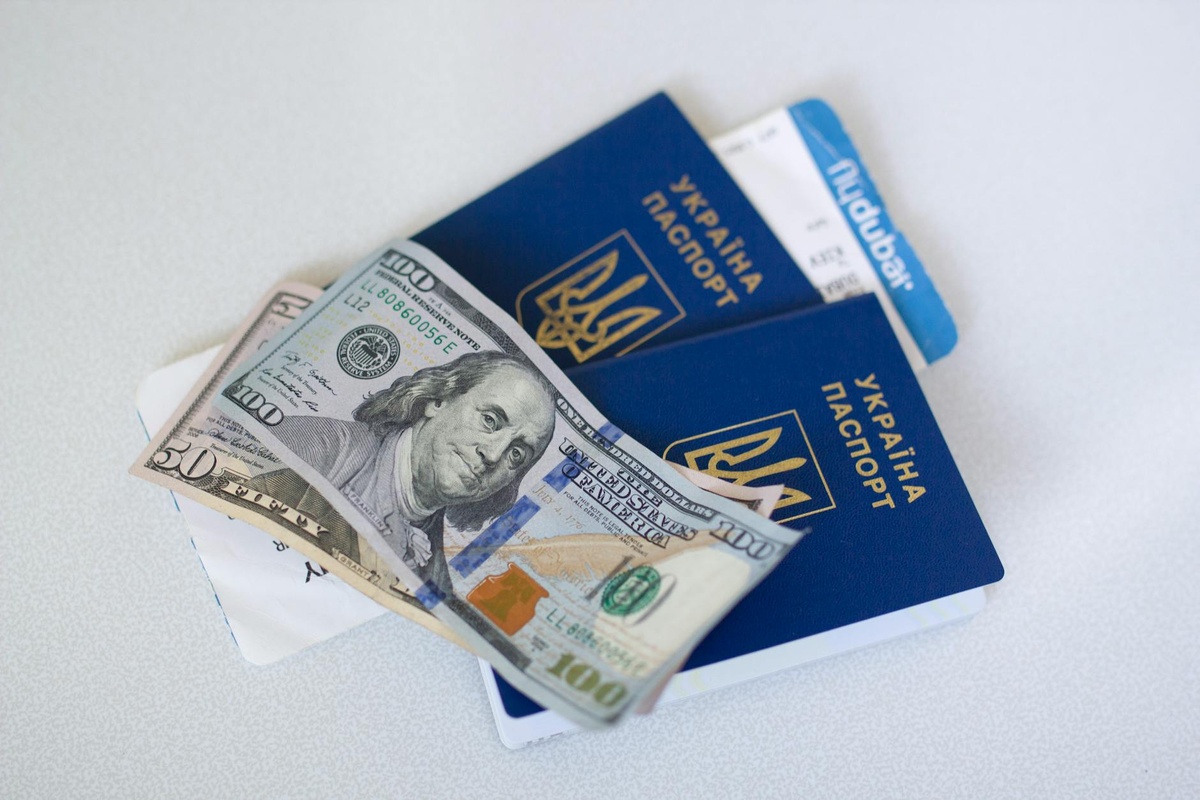
That’s not just embarrassing — it’s dangerous. A passport scan is one of the most valuable identity documents you have. Combined with a selfie image (often required for biometric verification), it creates a near-complete identity profile.
For travelers heading to the UK this summer — whether for Glastonbury, Premier League matches, or a Euro trip starting in London — this hits at exactly the wrong time.
Why This Is a Big Deal for Travelers
We upload sensitive documents constantly now: eVisas, ETA forms, ESTA approvals, travel insurance, vaccine certificates. It’s become routine.
But passport scans are different. With a high-resolution passport image and matching selfie, criminals can attempt:
- Identity theft and account takeovers
- Fraudulent loan applications
- Fake travel bookings
- Synthetic identity creation
- Targeted phishing attacks
Summer 2026 is already shaping up to be one of the busiest UK travel seasons since pre-2020 levels. Events, university intakes, and long-haul tourism are surging. That means a massive number of first-time applicants may have used this system.
If you’re planning multi-country itineraries — say, combining the UK with Europe before heading to North America’s summer hotspots like those in our guide to the best U.S. national parks for June — your passport is your master key. Losing control of that data creates long-term headaches.
The Third-Party Risk Problem (And Why It Keeps Happening)
Here’s the uncomfortable truth: government visa systems often rely on contractors.
That means your data may not sit on a government server. It may pass through:
- Document processing vendors
- Biometric verification providers
- Cloud hosting platforms
- Application support portals
Every additional layer increases attack surface.
We’ve seen this before in airline systems, hotel booking platforms, and even airport Wi-Fi providers. It’s the same reason travelers are excited about connectivity upgrades like Starlink Wi-Fi rolling out on American Airlines — because legacy tech infrastructure in travel is often outdated and fragmented.
Visa tech is no different.
What You Should Do If You Applied for a UK Visa Recently
If you submitted a UK visa application in the past year, don’t panic — but don’t ignore this either.
1. Monitor Your Credit and Identity
Use a credit monitoring service in your home country. Many banks now include free fraud alerts.
If your passport was exposed, identity misuse may not show up immediately. It can take months.
2. Watch for Phishing Emails
Expect highly convincing scams referencing:
- Your UK visa status
- Additional documentation requests
- Refunds or payment issues
Always navigate directly to official government domains. Never click links in unexpected “visa update” emails.
3. Lock Down Your Travel Accounts
Change passwords on:
- Airline frequent flyer accounts
- Hotel loyalty programs
- Travel booking platforms
Enable two-factor authentication everywhere. Yes, it’s annoying. It’s also worth it.
4. Be Cautious With Passport Copies Going Forward
Many hotels and short-term rentals still request passport photos by email. Push back when possible.
If required, watermark the image with text like: “For UK Visa Application Only – May 2026.” It won’t stop determined criminals, but it reduces reuse risk.
Should You Delay Your UK Trip?
For most travelers, no.
This appears to be a data exposure issue, not a visa processing shutdown. Flights, entry rules, and border procedures remain unchanged.
If you’re planning a UK leg before heading elsewhere — maybe pairing London with Canada’s Rockies (see our Banff vs. Jasper summer comparison) — there’s no indication that travel itself is disrupted.
The risk is digital, not operational.
The Bigger Picture: Travel Is Becoming a Biometric System
Airports are moving toward facial recognition boarding. eGates scan passports automatically. Visa systems increasingly require selfies and live video verification.
That means your face + passport combo is now core identity infrastructure.
When a leak includes both, it’s more serious than a simple email/password breach.
We’re entering an era where travelers need basic cybersecurity literacy just as much as they need packing cubes and power banks.
What Governments and Visa Providers Should Be Doing
At minimum:
- Immediate vulnerability patching
- Transparent disclosure to affected applicants
- Free identity monitoring for victims
- Independent security audits
- Stronger vendor oversight requirements
Sending lawyers instead of engineers sends the wrong message.
Trust is essential in border systems. If applicants feel unsafe submitting documents, compliance drops and scams increase.
How to Protect Yourself When Applying for Any Visa in 2026
Whether it’s the UK, Schengen Europe, Southeast Asia, or digital nomad visas, follow this checklist:
- Apply only through official government domains (usually .gov or clearly verified partners).
- Avoid public Wi-Fi when uploading passport files — use mobile data or a trusted network.
- Use a password manager to generate unique login credentials.
- Enable two-factor authentication immediately after account creation.
- Delete stored passport scans from shared cloud folders after submission.
It sounds basic. Most people still skip at least two of these.
Summer 2026 Travel Reality: Convenience vs. Security
Travel has never been more digital. From eSIMs to biometric boarding to AI-powered trip planning, everything is frictionless.
But convenience always creates new risk layers.
This UK visa portal exposure is a reminder: your passport is not just a booklet. It’s a high-value digital asset.
As summer trips ramp up — whether you’re heading to London for festivals, connecting onward to Europe, or planning a multi-continent itinerary — treat your travel documents like financial data.
Because in 2026, they basically are.
Frequently Asked Questions
Was the official UK government website hacked?
The reported issue involved a third-party portal used during the visa process, not necessarily the core UK government domain itself. However, applicants’ passport scans and selfies were still exposed, making it a serious security incident.
What information was exposed in the UK visa leak?
Reports indicate that passport scans and selfie images used for identity verification were accessible online. These documents contain full names, passport numbers, dates of birth, and biometric photos.
Should I replace my passport if I applied for a UK visa?
In most cases, replacement isn’t immediately required. Instead, monitor for identity fraud and report suspicious activity; consult your national passport authority if you believe your document is being misused.
How can I safely upload passport documents for visas?
Use only official application portals, avoid public Wi-Fi, enable two-factor authentication, and remove stored copies after submission. Watermarking copies can add an extra layer of protection.

About the Author: Tomáš Bzirský
Founder and editor of Distratech. Based in the Czech Republic, travelling regularly from Central Europe. Writes practical travel guides and travel-tech comparisons (eSIM, apps, airports) in six languages.