'/%3E%3Cpath%20fill='%23b2b2b2'%20d='M241%20382q0%2016%2017%2026%2017%2011%2042%2011t42-11q16-11%2017-26V269H241'/%3E%3Cpath%20fill='%239f7e00'%20d='M241%20379q0%2014%208%2023%209%209%2021%209%2014%200%2021-9%209-9%209-23V269h-59'/%3E%3Cpath%20d='M241%20339v-70h59v110q0%2014-9%2023l-6%205v-68h-15v72q-8%200-14-4v-68zm59%2040c0%2022%2015%2032%2029%2032%2021%200%2030-18%2030-32v-40h-59'/%3E%3Cpath%20fill='%239f7e00'%20d='M266%20277v5h2v12h-3v-5h2v-5h-9v5h2v5h-4v9h3v18h-5v10h34v-10h-5v-18h3v-9h-4v-5h2v-5h-9v5h2v5h-3v-12h2v-5zm42%20101q0%2010%206%2017%206%206%2015%207%2010-1%2016-7%206-7%206-17v-29h-43'/%3E%3Ccircle%20fill='%230044ad'%20cx='329.5'%20cy='372'%20r='6'/%3E%3Cellipse%20fill='%230044ad'%20cx='300'%20cy='340'%20rx='16'%20ry='21'/%3E%3C/svg%3E)
'/%3E%3C/svg%3E)


'/%3E%3C/g%3E%3Cuse%20href='%23c'%20transform='matrix(-1%200%200%201%20720%200)'/%3E%3C/svg%3E)


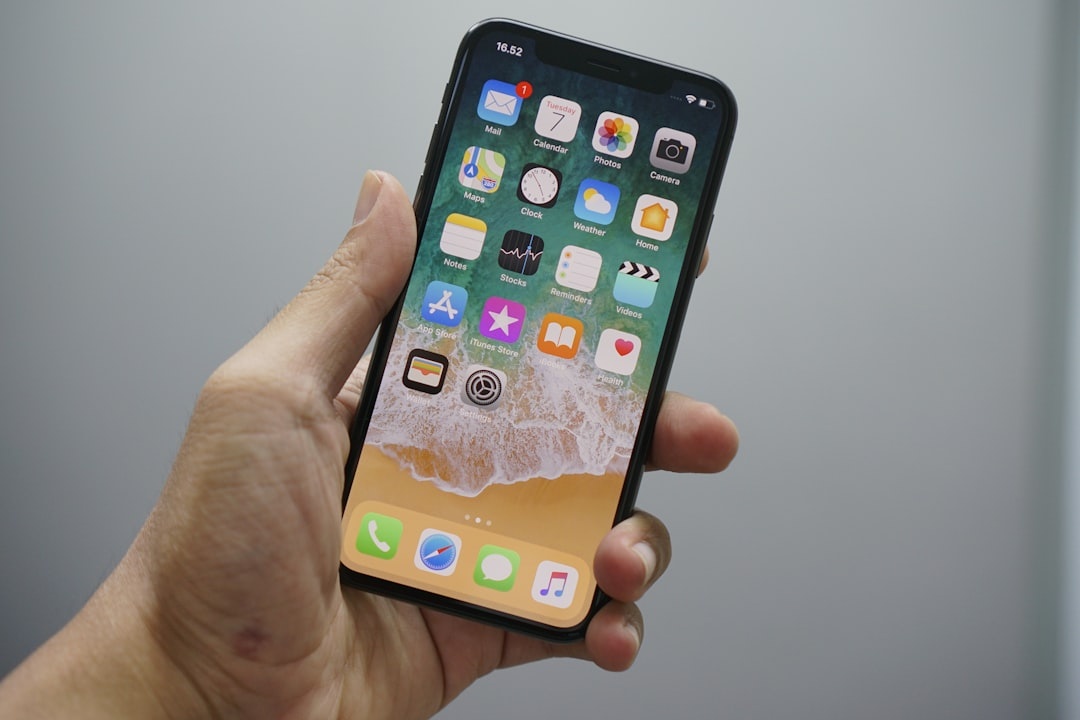
It’s 11:40 p.m. in Barcelona. You’re celebrating the start of summer festival season, phone in hand, calling an Uber back to your hotel. Someone bumps into you. Ten seconds later, your iPhone 15 Pro (starting at $999) is gone.
You think the worst part is replacing a $1,000 device while abroad. It’s not. The real damage often starts after the theft—when criminals try to unlock your digital life, reset passwords, drain bank accounts, and even phish your family and travel buddies.
Key Takeaways
- Stolen iPhones are often used in coordinated phishing attacks within hours of theft.
- Apple’s Stolen Device Protection (iOS 17.3+) adds a 1-hour security delay for sensitive changes away from trusted locations.
- Face ID + a 6-digit passcode isn’t enough if thieves see you enter the code.
- Turning on Find My, recovery keys, and eSIM lock protections can prevent financial disaster abroad.
As summer 2026 travel ramps up—visa-free getaways, Eurail trips, beach hopping—this is the digital risk nobody includes in the packing list.
What Actually Happens After Your iPhone Is Stolen
Phone theft isn’t just about resale anymore. There’s an entire underground market built around bypassing device protections and socially engineering victims.
Here’s the typical playbook:
- Shoulder surfing: Thieves watch you enter your passcode at a bar, airport, or train station.
- Fast grab: They steal the phone while it’s unlocked—or soon after.
- Apple ID takeover attempt: They try to reset your Apple account password.
- Financial pivot: They target banking apps, payment apps, crypto wallets, and stored passwords.
- Phishing your contacts: Your friends receive urgent messages asking for money.
If you’re traveling, you’re more vulnerable. You’re distracted. You’re using maps constantly. You’re entering passcodes in public. And you’re often relying on that one device for everything—boarding passes, hotel confirmations, banking, translation, even your return ticket.
Why Travelers Are Prime Targets in 2026
Late spring and summer are peak theft seasons in major tourist cities. Crowds increase, outdoor events multiply, and people carry higher-end phones.
If you’re planning a multi-city European trip—especially if you’re debating Eurail vs. budget flights this summer—you’ll likely be navigating busy train platforms and airports daily. That’s prime hunting ground.
And unlike at home, losing your phone abroad means:
- No access to airline apps
- No 2FA codes sent via SMS
- No easy way to call your bank
- No digital copies of your passport (if you stored them there)
The financial fallout can escalate within hours if criminals successfully reset your Apple ID or intercept verification codes.
How Criminals Bypass Your Security
Apple’s security is strong. But it’s not magic.
If someone knows your passcode, they can:
- Change your Apple ID password
- Disable Find My
- Access saved passwords in iCloud Keychain
- View stored credit cards and autofill data
Even worse, phishing texts often follow the theft. You’ll receive convincing messages pretending to be Apple support, your carrier, or even local police—asking you to “verify your account” to recover your device.
Many travelers click because they’re stressed, jet-lagged, or desperate to get their phone back before their morning flight.
The Most Important Setting for Travelers: Stolen Device Protection
If you do one thing before your next trip, do this.
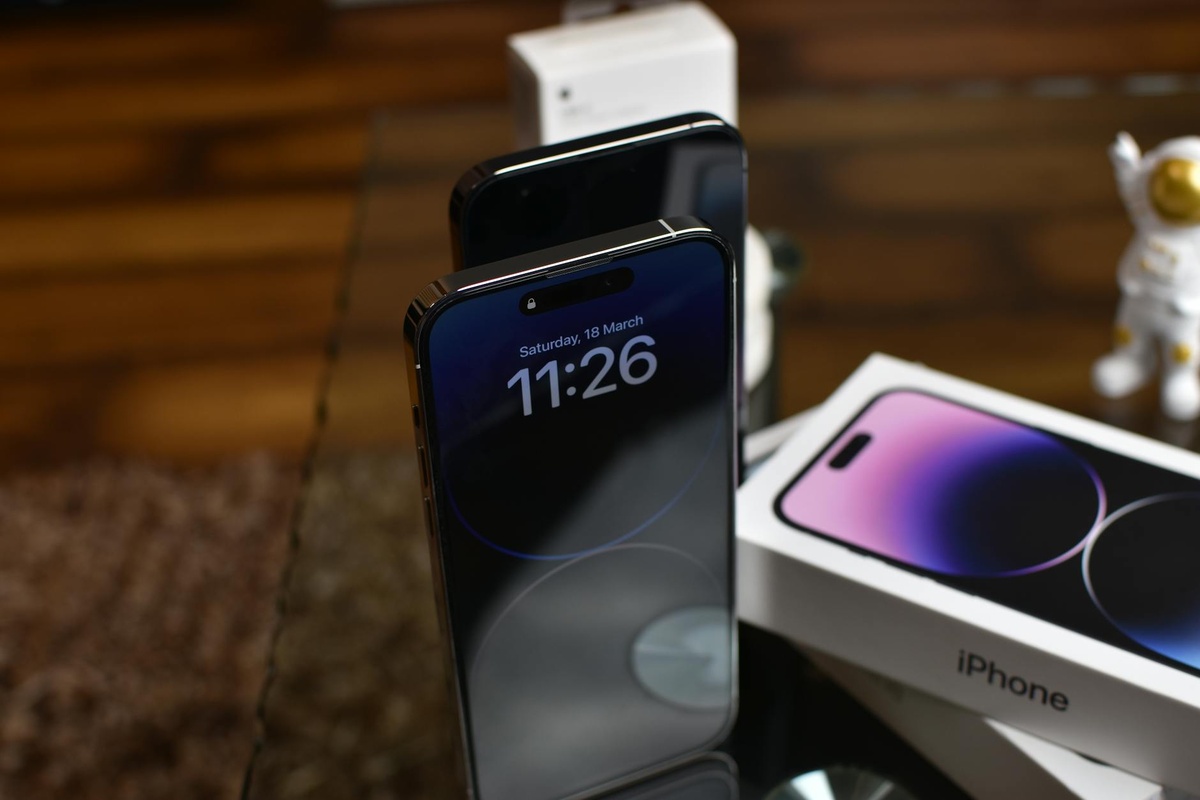
Apple introduced Stolen Device Protection in iOS 17.3 (still active in iOS 18). When enabled, it requires Face ID or Touch ID—no passcode fallback—for sensitive actions.
Even better: if you’re away from a “familiar location” (like home or work), there’s a 1-hour security delay before critical changes can be made.
That delay is often the difference between inconvenience and identity theft.
How to Turn It On
- Go to Settings → Face ID & Passcode
- Enter your passcode
- Scroll to Stolen Device Protection
- Turn it on
If you’re boarding a plane to one of the visa-free countries Americans can visit in 2026, check this setting before you leave for the airport.
My Pre-Trip iPhone Security Checklist (2026 Edition)
This is what I personally do before any international trip.
- Enable Stolen Device Protection
- Use a longer alphanumeric passcode (not just 6 digits)
- Turn on Find My iPhone
- Set up a recovery key for Apple ID
- Disable lock screen access to Control Center and USB accessories
- Move banking apps off the home screen (reduce visibility)
- Use an eSIM with PIN protection
Yes, it’s extra work. But it’s easier than replacing your identity from a hostel in Rome.
What to Do Immediately If Your iPhone Is Stolen Abroad
Speed matters.
- Use another device (friend’s phone, hotel computer) and log into iCloud.com.
- Mark the device as Lost in Find My.
- Erase the device remotely if you suspect passcode compromise.
- Change your Apple ID password immediately.
- Call your bank and carrier.
If your phone had travel documents—like hotel confirmations for your Bologna food tour (and if you’re going, don’t miss our 3-day Bologna food itinerary)—re-download everything to a new device as soon as possible.
Also file a police report. You’ll need it for insurance claims.
Are Newer iPhones Safer?
Yes—but only if configured correctly.
The iPhone 15 and 16 series (and likely the upcoming iPhone 17 this fall) include:
- Advanced Face ID anti-spoofing
- Secure Enclave hardware isolation
- Improved phishing detection in Safari and Messages
But none of that helps if someone watches you type in your passcode at a beach club in Mykonos.
The weakest link is almost always human behavior.
Should You Use a “Travel Phone”?
For high-risk destinations or long-term digital nomad travel, I’m increasingly recommending it.
A secondary iPhone SE (3rd gen, often under $300 refurbished in 2026) can:
- Handle maps and ride-shares
- Use a travel eSIM
- Store minimal financial data
Keep your primary banking apps on your main device locked in the hotel safe when you don’t need them.
Is it overkill for a weekend in Montreal? Probably.
For three months across Europe during peak summer? It’s smart risk management.
The Phishing Wave After Theft
Here’s the part most travelers don’t expect.
After your phone is stolen, you may receive texts like:
- “Your lost iPhone has been located. Click here to verify.”
- “Apple Security Alert: Suspicious login attempt.”
- “Customs requires device verification.”
These messages often include realistic logos and fake Apple login pages.
Never enter your Apple ID credentials from a link in a text message. Always go directly to apple.com or iCloud.com.
Summer 2026 Travel Reality Check
Phone theft is rising in dense tourist corridors—Southern Europe, parts of Southeast Asia, major U.S. cities during festival season.
But here’s the good news: with proper setup, a stolen iPhone should be an inconvenience, not a financial catastrophe.
Apple has done its part. Now you need to do yours.
Final Thoughts: Protect Your Trip, Not Just Your Phone
Your iPhone isn’t just a gadget. It’s your boarding pass, wallet, translator, camera, and safety net.
In 2026, losing it means risking access to your entire digital identity.
Before you pack sunscreen or book that beach hotel, take 15 minutes to harden your phone’s security. Because the worst part of having your iPhone stolen isn’t the replacement cost.
It’s what can happen next.
Frequently Asked Questions
Can someone unlock my iPhone if they know my passcode?
Yes. If a thief knows your passcode, they can change your Apple ID password and access stored passwords unless Stolen Device Protection is enabled. That’s why using an alphanumeric passcode and enabling extra protections is critical.
Does Stolen Device Protection work internationally?
Yes. It works anywhere your iPhone runs iOS 17.3 or later and detects you’re away from familiar locations. The 1-hour security delay applies globally.
Should I erase my stolen iPhone immediately?
If you believe the thief knows your passcode, erase it remotely via Find My as soon as possible. If not, you can first mark it as Lost and monitor activity.
Are travel eSIMs safer than physical SIM cards?
Travel eSIMs with PIN protection reduce the risk of SIM swapping, which can block attackers from intercepting SMS-based verification codes. They’re not perfect, but they’re safer than an unsecured physical SIM.

About the Author: Tomáš Bzirský
Founder and editor of Distratech. Based in the Czech Republic, travelling regularly from Central Europe. Writes practical travel guides and travel-tech comparisons (eSIM, apps, airports) in six languages.