'/%3E%3Cpath%20fill='%23b2b2b2'%20d='M241%20382q0%2016%2017%2026%2017%2011%2042%2011t42-11q16-11%2017-26V269H241'/%3E%3Cpath%20fill='%239f7e00'%20d='M241%20379q0%2014%208%2023%209%209%2021%209%2014%200%2021-9%209-9%209-23V269h-59'/%3E%3Cpath%20d='M241%20339v-70h59v110q0%2014-9%2023l-6%205v-68h-15v72q-8%200-14-4v-68zm59%2040c0%2022%2015%2032%2029%2032%2021%200%2030-18%2030-32v-40h-59'/%3E%3Cpath%20fill='%239f7e00'%20d='M266%20277v5h2v12h-3v-5h2v-5h-9v5h2v5h-4v9h3v18h-5v10h34v-10h-5v-18h3v-9h-4v-5h2v-5h-9v5h2v5h-3v-12h2v-5zm42%20101q0%2010%206%2017%206%206%2015%207%2010-1%2016-7%206-7%206-17v-29h-43'/%3E%3Ccircle%20fill='%230044ad'%20cx='329.5'%20cy='372'%20r='6'/%3E%3Cellipse%20fill='%230044ad'%20cx='300'%20cy='340'%20rx='16'%20ry='21'/%3E%3C/svg%3E)
'/%3E%3C/svg%3E)


'/%3E%3C/g%3E%3Cuse%20href='%23c'%20transform='matrix(-1%200%200%201%20720%200)'/%3E%3C/svg%3E)


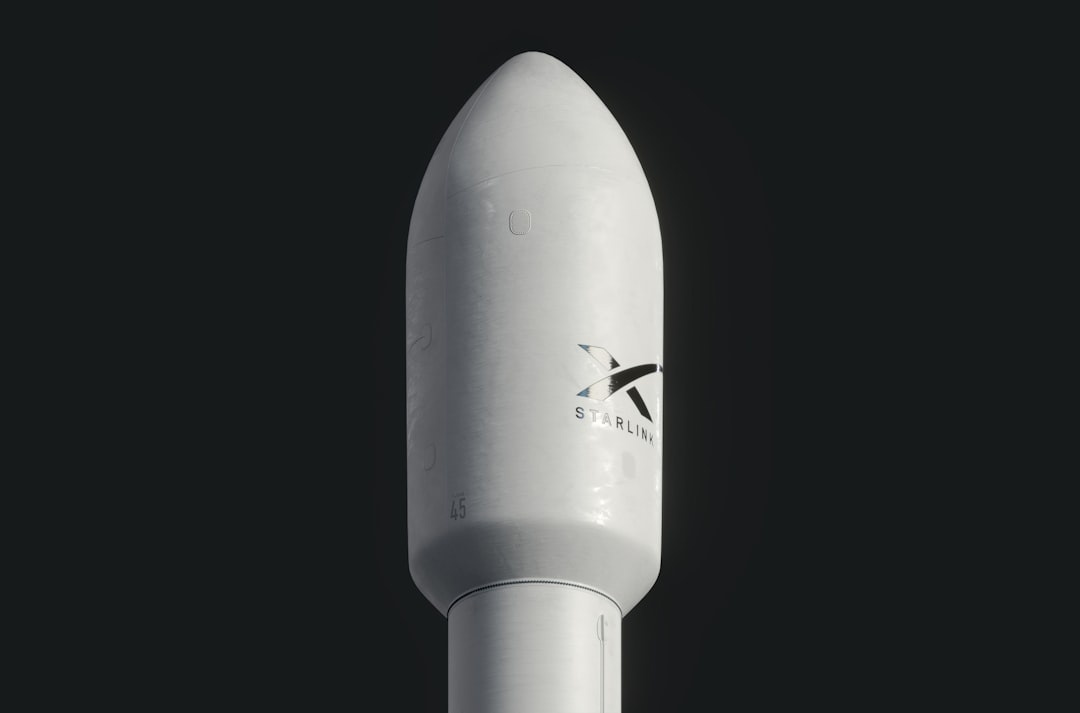
Three “future of travel” technologies are getting loud this month: satellite-to-phone coverage from Starlink, drone delivery from DoorDash, and smarter ChatGPT workflows for trip planning. I care less about the demo videos and more about this: can they save you time, battery, money, or a ruined travel day when you are trying to catch the Perseids, survive a 40°C southern Europe heatwave, or work remotely from a ferry terminal?
Key Takeaways
- Starlink Direct to Cell is useful for emergency messaging, but a real eSIM is still faster and cheaper for most trips.
- DoorDash drone delivery is best for small, urgent items under roughly 1.2 kg, not full grocery runs.
- ChatGPT Plus costs $20/month and is the best travel AI tier for most people; skip Pro unless it earns you money.
- For September Mediterranean travel, combine offline maps, eSIM data, and AI planning before you board ferries or trains.
- Traveler verdict: buy a good eSIM, use ChatGPT Plus, and treat satellite/drone tech as backup—not your main plan.
1. Starlink Cell Network: Great Backup, Not a Replacement for an eSIM
Starlink’s direct-to-cell network is the most important travel connectivity story of 2026 because it attacks the dead-zone problem. Instead of needing a Starlink dish, compatible phones connect to satellites acting like cell towers in space.
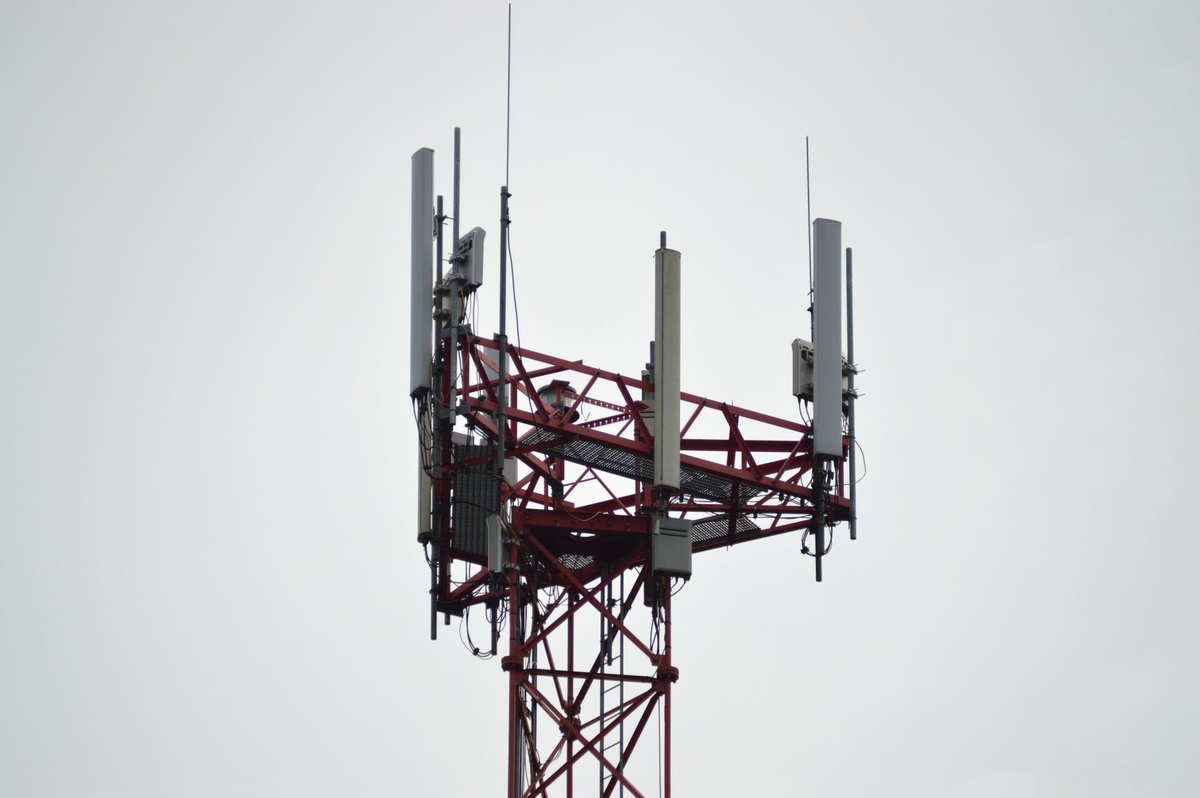
Why does this matter when you’re traveling? Because the places where mobile data fails are often the places travelers are most vulnerable: trailheads in Iceland, rural highways in the American West, ferry routes in the Aegean, desert approaches to Burning Man, and whale-watching areas around the Azores.
Starlink Direct to Cell: Key Specs for Travelers
- Hardware: No dish required for direct-to-cell; works through compatible LTE phones on supported carriers.
- Starlink Mini alternative: 1.1 kg, 289 x 248 x 38.5 mm, around 20–40W power draw, typically $599 hardware in the U.S.
- Starlink Roam-style plans: Often around $50/month for limited data and $165/month for higher-use roaming plans, depending on market.
- Expected phone battery impact: Higher than normal LTE in weak-signal areas; budget 10–20% extra battery drain per travel day if your phone is hunting for signal.
- Speed reality: Direct-to-cell is not Starlink dish speed; expect messaging-first performance, while a Starlink Mini can often hit 30–100 Mbps down in open sky.
The important distinction: Starlink Direct to Cell and Starlink Mini are different tools. Direct-to-cell is for basic connectivity on a regular phone; Mini is a portable satellite internet terminal you carry in your bag.
For travel, I would not buy Starlink Mini unless you regularly work from campsites, remote islands, boats, or overland routes. At 1.1 kg, it weighs more than an iPad Pro 13-inch with keyboard, and it also needs a power source.
In my travel kit math, a 20,000 mAh USB-C power bank weighs about 350–430 g and can recharge an iPhone 15/16/17-class phone roughly 3–4 times. That is far more useful for most travelers than carrying a satellite terminal “just in case.”
Speed Test Expectations: Starlink vs eSIM vs Hotel Wi-Fi
Here is the practical comparison I use before trips:
- Local 5G SIM/eSIM: 80–500 Mbps down in good urban coverage; often $10–30 for 10–50GB depending on country.
- Travel eSIM: Usually 20–200 Mbps down; Airalo is convenient but can cost 2–3x more than a local SIM in countries like Thailand or Turkey.
- Hotel Wi-Fi: Wildly variable; I’ve seen 5 Mbps in “business hotels” and 300 Mbps in apartment rentals.
- Starlink Mini: Commonly 30–100 Mbps down with open sky, but drops fast if blocked by buildings, trees, or a train roof.
- Direct-to-cell satellite: Best treated as emergency messaging and low-bandwidth backup, not Zoom-call internet.
Why does this matter when you’re traveling? If you are planning a September “real summer” trip in the Mediterranean, your ferry port, beach village, or hillside Airbnb may have weak signal even when the city nearby has excellent 5G.
If your route includes Greece and Turkey, read our guide to a September Aegean ferry switch for digital nomads. That is exactly the kind of trip where you want an eSIM first, offline files second, and satellite backup only if you genuinely need it.
Buy This, Skip That: Starlink Travel Verdict
Buy: A regional eSIM or local SIM for everyday travel. It is lighter, cheaper, faster, and easier to recharge than any satellite setup.
Consider: Starlink Mini if you work from a campervan, sailboat, remote cabin, or media production trip. It is expensive, but if one missed client call costs more than $599, the math changes.
Skip: Buying satellite gear for normal city breaks, resort holidays, or European rail trips. Your money is better spent on a 20,000 mAh power bank, offline maps, and a reliable eSIM.
Traveler verdict: Starlink cell service is a brilliant safety net, especially during August outdoor trips like Perseids viewing or Burning Man. But for 90% of travelers, it is backup connectivity—not your main internet plan.
2. DoorDash Drones: Useful for Small Emergencies, Not Dinner for Four
DoorDash drone delivery sounds like a gimmick until you land late, the pharmacy is closing, and your hotel is 25 minutes from town. Drone delivery is not about replacing restaurants; it is about getting small, urgent items quickly.
Why does this matter when you’re traveling? Because the items you forget on trips are usually small: sunscreen, painkillers, baby supplies, charging cables, contact lens solution, adapters, snacks, and electrolyte drinks during heatwaves.
DoorDash Drone Delivery Specs That Matter
DoorDash has worked with drone partners such as Wing in select markets. Availability changes by city, regulation, weather, and merchant participation, so treat it like a bonus rather than a guaranteed service.
- Payload limit: Roughly 1.2 kg for Wing-style delivery drones.
- Typical range: Around 10 km / 6 miles from a launch area.
- Speed: Up to roughly 100–110 km/h in flight, though delivery time depends on prep and routing.
- Drone weight: Wing delivery drones are commonly cited around 4.8–5 kg, excluding payload.
- Best order size: One small pharmacy bag, one convenience-store run, or light takeout—not bottled water multipacks.
- Price: DoorDash fees vary by market; expect normal menu pricing plus service fees, with some drone promos showing low or waived delivery fees.
The killer feature is time. A 25-minute car delivery can become a 10–15 minute drone drop when everything works.
But drones have hard limits. Wind, rain, restricted airspace, apartment density, and hotel drop-off rules can kill the option immediately.
Real Travel Use Cases: Where DoorDash Drones Make Sense
At Edinburgh Fringe in August, I would not rely on drone delivery in the dense city center. Too many people, too many restrictions, and too much street-level chaos.
For suburban hotels near U.S. airports, drone delivery is more promising. If your checked bag is delayed and you need deodorant, toothpaste, and a USB-C cable before a morning meeting, that is a perfect use case.
For La Tomatina in Spain, I would still buy supplies in person before heading into Buñol. Drone delivery is not what you want when streets are crowded, access is controlled, and everyone is covered in tomato pulp.
Why does this matter when you’re traveling? Because drone delivery works best when your location is boring: suburban hotel, business park, resort edge, or residential rental. It works worst in exactly the iconic crowded places tourists love.
DoorDash Drone vs Uber Eats vs Walking to a Store
- DoorDash drone: Best for urgent small items under 1.2 kg; fastest when available.
- Normal courier delivery: Better for hot meals, larger orders, alcohol where legal, and hotel front-desk handoff.
- Walking: Still best in Europe and Asia when a convenience store is within 10 minutes.
- Hotel shop: Overpriced but reliable; a $6 water bottle may beat a 30-minute delivery wait.
My opinion: do not pay a premium for drone delivery unless it saves at least 20 minutes or solves a real problem. If it is just novelty sushi, skip it.
Traveler verdict: DoorDash drones are excellent for forgotten essentials and bad-arrival days. They are not yet reliable enough to be part of a serious travel plan.
3. ChatGPT Travel Optimizations: The Best $20 You Can Spend Before a Complicated Trip
ChatGPT is no longer just a chatbot for writing packing lists. Used properly, it is a trip operations tool: compare routes, summarize airline rules, translate menus, build offline checklists, and turn messy travel PDFs into action plans.
Why does this matter when you’re traveling? Because travel stress usually comes from switching contexts: airport rules, hotel addresses, train platforms, ferry schedules, border systems, weather, receipts, and “what do I do if this gets delayed?”
ChatGPT Plans and What Travelers Should Pay For
- Free: Good for basic planning, quick translations, and simple packing lists.
- Plus: $20/month; best pick for travelers who want stronger models, file analysis, image understanding, and voice features.
- Team: Commonly $25/user/month billed annually or $30 monthly; useful for small remote teams planning work travel.
- Pro: $200/month; skip unless you use AI professionally every day.
- App weight: The ChatGPT iOS app is typically a few hundred MB installed, but conversations, files, and cache can push storage higher.
- Battery impact: Text chat is light; voice mode, camera use, and constant 5G can drain 10–25% per hour on modern phones.
Buy ChatGPT Plus for one month before a complex trip, especially if you are doing multi-country travel. Cancel after the trip if you do not use it at home.
Skip ChatGPT Pro for travel. At $200/month, it costs more than many annual travel eSIM budgets and does not make sense unless AI is part of your job.
My Travel Prompt Stack for August and September 2026
Use ChatGPT before you travel, not only when you are tired in an airport. That is the difference between “AI toy” and “AI assistant.”
- Build a delay plan: “Here is my itinerary. Create a Plan B if my first flight is delayed by 2 hours, 5 hours, or overnight.”
- Compress documents: Upload booking confirmations and ask for a one-page checklist with addresses, times, cancellation rules, and emergency numbers.
- Heat-proof your day: “Rebuild this Rome/Seville/Athens itinerary for 40°C weather with indoor breaks from 12:00–17:00.”
- Make a border checklist: For Europe trips, pair it with current airport advice like our guide to avoiding Europe’s EES airport queues.
- Plan around events: Ask for transport buffers during Edinburgh Fringe, Burning Man arrival days, or La Tomatina crowd control.
Why does this matter when you’re traveling? The best AI output is not “10 things to do in Barcelona.” It is “your 14:10 train is risky because the airport transfer usually takes 55 minutes, so book the 15:30.”
ChatGPT vs Google Maps vs TripIt vs Notion
ChatGPT is best at reasoning through messy choices. Google Maps is still better for live opening hours, walking routes, and transit disruptions.
TripIt is better for automatic itinerary parsing from emails. Notion is better if you want a beautiful shared trip dashboard.

My setup: Google Maps for live navigation, ChatGPT Plus for planning and troubleshooting, Apple Notes or Notion for saved offline info, and an eSIM for connectivity. That stack beats any single “all-in-one” travel app.
If you are planning ahead for a major astronomy trip, ChatGPT is also useful for rough routing and equipment lists. Just verify dates and locations against trusted sources like our 2027 total solar eclipse planning guide.
Privacy Warning: Do Not Upload Everything
Do not upload passport scans, full credit card numbers, visa documents, or sensitive medical records unless you fully understand the platform’s privacy settings. Summarize instead: “I land at 18:20 at Madrid T4 and need to reach Atocha.”
Why does this matter when you’re traveling? Losing control of sensitive documents abroad is much worse than losing a restaurant recommendation.
For remote workers, use a work-approved AI account if you are summarizing client documents. Do not paste confidential contracts into a personal chatbot while using café Wi-Fi.
Traveler verdict: ChatGPT Plus is the best value of the three technologies in this article. It will help on almost every trip, while Starlink cell and drone delivery only matter in specific situations.
Best Travel Tech Stack for Late Summer 2026
August travel is messy: Perseids trips need dark-sky navigation, southern Europe is brutally hot, Iceland is crowded but gorgeous, and back-to-school schedules are already pushing people into September planning. Your tech stack should be boring, redundant, and battery-aware.
- Connectivity: Buy a local SIM or travel eSIM first; use satellite only as backup.
- Power: Carry a 20,000 mAh USB-C power bank around 350–430 g with 30W output minimum.
- Planning: Use ChatGPT Plus for itinerary stress tests, weather adjustments, and document summaries.
- Delivery: Use DoorDash drones only when they save real time on small urgent items.
- Offline safety: Download Google Maps areas, translation packs, hotel addresses, and boarding passes.
My contrarian August take: September is the real summer in the Mediterranean for tech-enabled travelers. The sea is warm, northern Europeans have gone back to work, prices soften, and your laptop is less likely to thermal-throttle in a 43°C apartment.
Conclusion: The Future Is Useful, But the Basics Still Win
Starlink cell service, DoorDash drones, and ChatGPT optimizations are not equal travel upgrades. ChatGPT Plus is useful now, Starlink direct-to-cell is a safety net, and drone delivery is a location-dependent convenience.
If you are spending money this month, buy the boring things first: eSIM data, a strong power bank, cloud backups, and one month of ChatGPT Plus for complicated trips. Then add satellite or drone services only when your destination actually justifies them.
The smartest travelers in 2026 are not chasing every new tech demo. They are building redundancy: one way to connect, one way to recharge, one way to reroute, and one way to keep moving when the original plan breaks.
Frequently Asked Questions
Can Starlink direct-to-cell replace an eSIM for travel?
No. Starlink direct-to-cell is best treated as emergency or low-bandwidth backup, while an eSIM or local SIM can deliver 20–500 Mbps in normal coverage. Use satellite for dead zones, not daily maps, video calls, and uploads.
How much weight does Starlink add to a travel bag?
A Starlink Mini weighs about 1.1 kg before you add cables, mounts, or a power bank. For most travelers, a 350–430 g 20,000 mAh USB-C battery and an eSIM are a better weight-to-usefulness tradeoff.
What can DoorDash drones actually deliver?
Drone delivery is best for small orders around 1.2 kg or less, such as pharmacy items, snacks, toiletries, or a light meal. It is not practical for large grocery orders, heavy drinks, or dense city-center hotel drops.
Is ChatGPT Plus worth it for travel planning?
Yes, for complex trips. At $20/month, ChatGPT Plus is useful for summarizing bookings, building delay plans, translating text, and adjusting itineraries for heat, crowds, or border queues.

About the Author: Tomáš Bzirský
Founder and editor of Distratech. Based in the Czech Republic, travelling regularly from Central Europe. Writes practical travel guides and travel-tech comparisons (eSIM, apps, airports) in six languages.