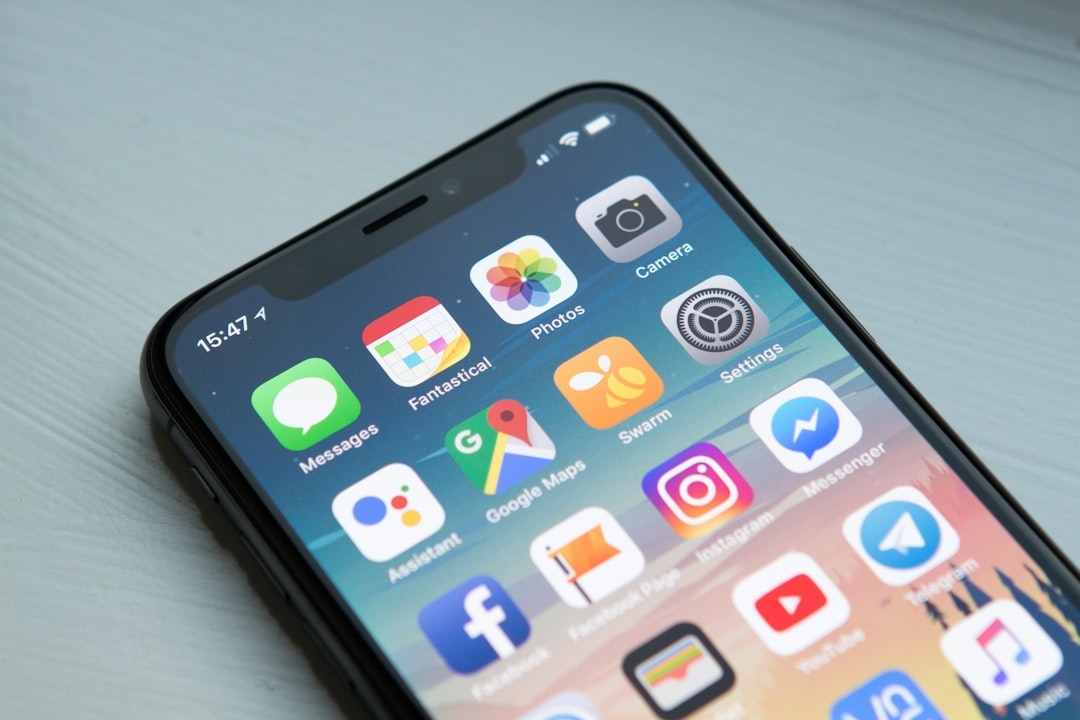
In 2026, you don’t have to click a shady link to get hacked. Modern spyware can exploit zero‑click vulnerabilities—meaning your phone could be targeted through a message, call, or network interaction without you doing anything at all.
If you’re planning a June beach escape, hopping between cities for summer festivals, or working remotely from a Mediterranean café, your phone is your passport, wallet, map, and office. That makes it a high‑value target. The good news: Apple, Google, and Meta now offer built-in “lockdown” and advanced protection features that dramatically reduce spyware risk—if you know how to turn them on.
Key Takeaways
- Apple’s Lockdown Mode (iOS 17+) blocks many attachment types, web features, and unknown connections to reduce zero‑click spyware risk.
- Google Advanced Protection and Android’s Enhanced Safe Browsing add stricter app and messaging controls for high‑risk users.
- WhatsApp and iMessage now include advanced contact verification tools to prevent impersonation attacks.
- These modes limit convenience features—but are worth enabling before high-risk travel or border crossings.
Why Travelers Are Prime Targets for Spyware
When you’re abroad, your digital footprint expands fast. You’re connecting to hotel Wi‑Fi, airport networks, coworking spaces, and roaming carriers.
You’re also carrying sensitive data: passport scans, boarding passes, banking apps, crypto wallets, work Slack accounts, and client documents.
Heading to crowded hotspots like those in our late-spring European beach guide? Tourist-heavy areas are prime territory for targeted phishing and surveillance campaigns.
Most travelers don’t need “paranoid mode” 24/7. But journalists, founders, remote workers handling sensitive contracts, activists, and even frequent business travelers should seriously consider enabling enhanced security features before major trips.
Apple Lockdown Mode (iPhone & Mac)
Available on: iOS 17+, iPadOS 17+, macOS Sonoma and newer
Cost: Free
Best for: High-risk travel, border crossings, sensitive work trips
Apple’s Lockdown Mode is the most aggressive mainstream anti-spyware feature available right now.
It’s designed for people who may be targeted by sophisticated spyware. But even if you’re “just” a traveler, enabling it temporarily can significantly shrink your attack surface.
What Lockdown Mode Does
- Blocks most message attachments (except basic images)
- Disables link previews in Messages
- Restricts certain complex web technologies in Safari
- Blocks incoming FaceTime calls from unknown contacts
- Prevents wired connections to a locked device
- Stops automatic invitations to shared albums
In plain English: it removes a lot of the pathways spyware typically uses.
How to Turn It On
- Go to Settings
- Tap Privacy & Security
- Scroll to Lockdown Mode
- Tap Turn On Lockdown Mode
- Restart your device
You can disable it anytime, but it requires a restart again.
Should Travelers Actually Use It?
For a beach holiday in Spain? Probably overkill.
For investigative work, political travel, high-profile business deals, or crossing borders where device searches are possible? Absolutely.
I recommend enabling it:
- Before crossing international borders
- When attending major global events
- During politically sensitive travel
- If you’ve received suspicious targeted messages
Yes, some websites may look slightly broken. That’s the point.
Google Advanced Protection (Android & Google Accounts)
Available on: Android 13+, Chrome, Google accounts
Cost: Free
Best for: Android users, digital nomads, frequent flyers
Google’s Advanced Protection Program (APP) focuses on your Google account—the gateway to Gmail, Drive, Photos, and YouTube.
For travelers who store boarding passes, passport scans, and itineraries in Gmail or Drive, this is critical.
What It Adds
- Stricter app access controls to your Google data
- Enhanced phishing protection in Gmail and Chrome
- Limits on risky third-party app sign-ins
- Mandatory stronger authentication methods
On supported Android devices, you also get expanded security logging and tighter system-level protections.
How to Enable It
Visit Google’s Advanced Protection page while logged into your account and follow the enrollment steps. It takes about 10 minutes.
If you rely heavily on Gmail while planning trips—like booking flights to one of these budget-friendly beach destinations for summer 2026—this added phishing protection is worth it.
The Trade-Off
Some third-party travel apps may lose access to your Google data. That’s inconvenient—but safer.
Android’s Built-In Security Features You Should Turn On
Even without Advanced Protection, modern Android phones (Pixel 8, Galaxy S25, etc.) include powerful anti-spyware tools.
1. Google Play Protect (Enhanced Mode)
Scans apps for malicious behavior—even after installation.
2. Enhanced Safe Browsing in Chrome
Offers real-time URL analysis to block dangerous sites faster.
3. Auto-Blocker (Samsung)
Prevents app installs from unauthorized sources and blocks risky USB commands.
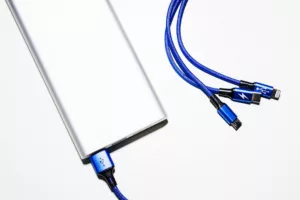
If you’re using public charging stations at airports, combine this with a trusted battery pack from our 2026 tested power bank list to avoid juice-jacking risks.
WhatsApp Advanced Chat Privacy & Security Features
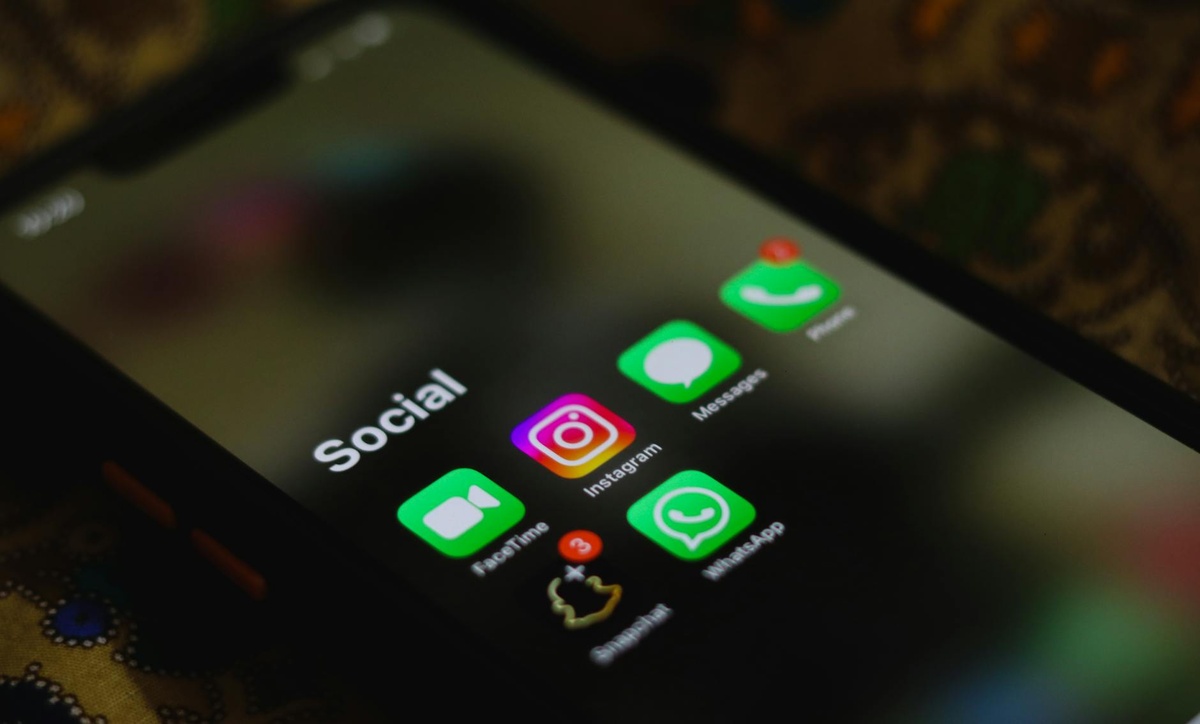
Meta has quietly improved WhatsApp’s defenses against impersonation and account hijacking.
Key Features to Enable
- Security Codes / Contact Verification: Confirms you’re talking to the right person.
- Two-Step Verification: Adds a PIN to prevent SIM-swap takeovers.
- Chat Lock: Hides sensitive chats behind biometric authentication.
- Silence Unknown Callers: Reduces attack attempts via call exploits.
For travelers coordinating pickups, Airbnb access, or festival meetups, impersonation scams are common. Verifying security codes takes seconds and prevents major headaches.
iMessage Contact Key Verification (Apple)
Apple’s Contact Key Verification is designed for users who may face targeted digital threats.
It allows you to verify you’re messaging exactly who you think you are—especially useful if you’re sharing sensitive travel plans or confidential work details.
Find it under:
Settings → Your Name → Sign-In & Security → Contact Key Verification
It’s not necessary for everyone—but for journalists, executives, and remote founders traveling internationally this summer, it’s a smart extra layer.
Practical Spyware Defense Checklist Before Your Summer Trip
Before flying out for June festivals or a long Mediterranean workcation, do this:
- Update your phone to the latest OS version.
- Enable Lockdown Mode (iPhone) or Advanced Protection (Google) if high risk.
- Turn on two-factor authentication for all critical accounts.
- Disable auto-join for open Wi‑Fi networks.
- Restart your phone at least once a week (simple but effective).
- Use an eSIM from a reputable provider instead of random airport SIM kiosks.
- Back up your device before crossing borders.
Most spyware exploits outdated systems. Updates matter more than antivirus apps.
Are These Features Overkill for Regular Travelers?
For most people heading to the beach? Yes.
For digital nomads working with client data? No.
Think of these tools like travel insurance. You hope you won’t need them—but when you do, you really do.
Security modes may reduce convenience. Some attachments won’t open. Some sites may break. A few apps might complain.
But losing temporary convenience beats losing access to your bank account mid-trip.
Final Verdict: Who Should Turn These On in 2026?
Turn them on temporarily if you:
- Are traveling to politically sensitive regions
- Work in journalism, law, crypto, or activism
- Handle confidential client data
- Have a large online following
- Have received targeted phishing attempts before
If that’s you, enable these features before your summer travel kicks into full gear.
For everyone else? At minimum: update your phone, use two-factor authentication, verify contacts in messaging apps, and stop connecting to random Wi‑Fi without thinking.
Your phone is your travel lifeline in 2026. Protect it like your passport.
Frequently Asked Questions
Does Lockdown Mode stop all spyware?
No feature guarantees 100% protection, but Lockdown Mode significantly reduces the attack surface by disabling common exploit pathways used in zero-click attacks.
Is Google Advanced Protection worth it for regular travelers?
For casual vacationers, standard two-factor authentication is usually enough. For digital nomads or frequent business travelers storing sensitive documents in Gmail or Drive, it’s highly recommended.
Can spyware infect my phone through hotel Wi‑Fi?
It’s rare but possible, especially via phishing or malicious redirects. Keeping your OS updated and using enhanced browsing protections greatly reduces this risk.
Should I enable these features before going through airport security or border control?
If you’re concerned about device searches or targeted surveillance, enabling enhanced security modes before crossing borders adds an extra layer of protection.

About the Author: Tomáš Bzirský
Founder and editor of Distratech. Based in the Czech Republic, travelling regularly from Central Europe. Writes practical travel guides and travel-tech comparisons (eSIM, apps, airports) in six languages.