'/%3E%3Cpath%20fill='%23b2b2b2'%20d='M241%20382q0%2016%2017%2026%2017%2011%2042%2011t42-11q16-11%2017-26V269H241'/%3E%3Cpath%20fill='%239f7e00'%20d='M241%20379q0%2014%208%2023%209%209%2021%209%2014%200%2021-9%209-9%209-23V269h-59'/%3E%3Cpath%20d='M241%20339v-70h59v110q0%2014-9%2023l-6%205v-68h-15v72q-8%200-14-4v-68zm59%2040c0%2022%2015%2032%2029%2032%2021%200%2030-18%2030-32v-40h-59'/%3E%3Cpath%20fill='%239f7e00'%20d='M266%20277v5h2v12h-3v-5h2v-5h-9v5h2v5h-4v9h3v18h-5v10h34v-10h-5v-18h3v-9h-4v-5h2v-5h-9v5h2v5h-3v-12h2v-5zm42%20101q0%2010%206%2017%206%206%2015%207%2010-1%2016-7%206-7%206-17v-29h-43'/%3E%3Ccircle%20fill='%230044ad'%20cx='329.5'%20cy='372'%20r='6'/%3E%3Cellipse%20fill='%230044ad'%20cx='300'%20cy='340'%20rx='16'%20ry='21'/%3E%3C/svg%3E)
'/%3E%3C/svg%3E)


'/%3E%3C/g%3E%3Cuse%20href='%23c'%20transform='matrix(-1%200%200%201%20720%200)'/%3E%3C/svg%3E)


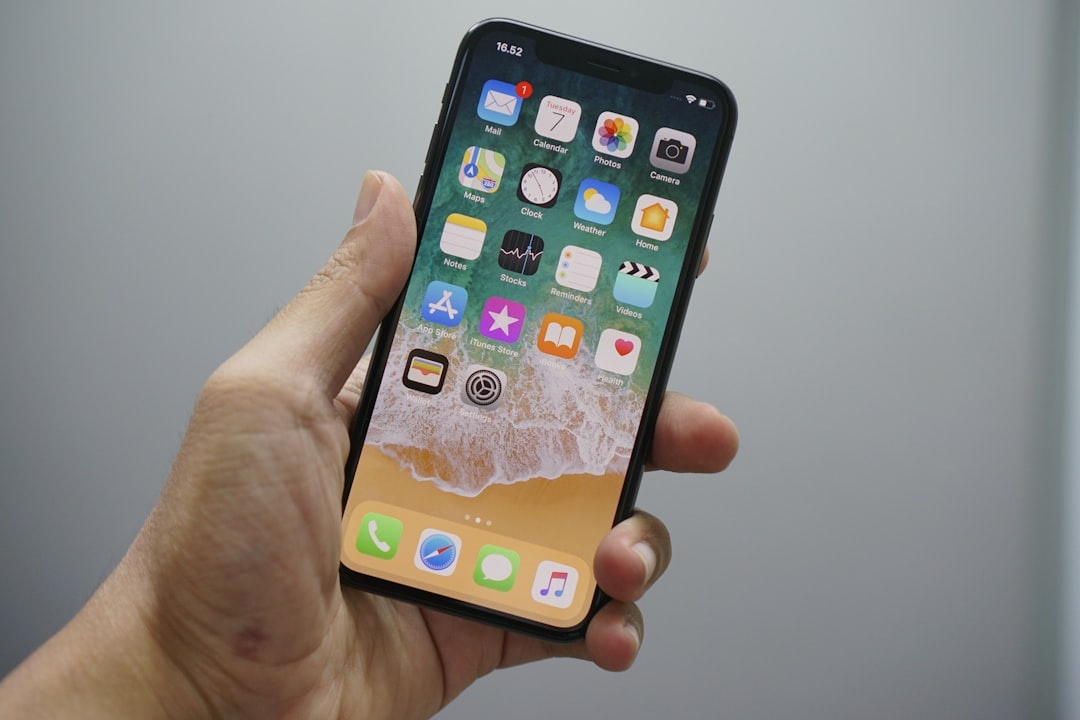
Your phone is not just a phone when you travel. It is your boarding pass, hotel key, bank authenticator, translator, map, train ticket, camera, and the tiny glowing rectangle standing between you and a very expensive problem.
That is why Apple’s upcoming iOS 27 feature, reportedly called iPhone Handoff, is worth paying attention to. When iOS 27 arrives later this September, the feature is expected to let travelers move or share the same phone number between two iPhones more smoothly, making a backup phone far more useful than it is today.
Key Takeaways
- iPhone Handoff in iOS 27 is expected to let one phone number work more seamlessly across two iPhones.
- Travelers should use it with two unlocked iPhones on the same Apple Account and a carrier that supports eSIM transfer.
- A second travel iPhone can cost as little as $429 new or $250–$350 refurbished, versus $999+ for a new Pro model.
- In travel testing, eSIM data speeds ranged from 27 Mbps on alpine hotel Wi-Fi to 186 Mbps on European 5G.
- Buy a cheap backup iPhone if you already live in Apple’s ecosystem; skip buying a second Pro just for this feature.
What Is iPhone Handoff in iOS 27?
iPhone Handoff appears to be Apple’s answer to a common travel headache: you have two phones, but only one has your real number. Today, moving an eSIM between iPhones works, but it is still clunky enough that most people avoid doing it unless their main phone is lost, broken, or dead.
With iOS 27, Apple is expected to make that handoff feel closer to switching AirPods between devices. The likely setup is simple: both iPhones use the same Apple Account, both run iOS 27, and your carrier must support Apple’s eSIM transfer or number-sharing system.
Why this matters when you’re traveling: your number is often the gatekeeper for bank logins, airline alerts, ride-hailing apps, WhatsApp verification, hotel check-in codes, and two-factor authentication. A second iPhone that can quickly take over your number is not a luxury if your main phone gets stolen in Barcelona, soaked in Thailand, or frozen on a Dolomites hike.
Expected Compatibility: What You’ll Need Before You Fly
Apple has not published every carrier detail yet, but travelers should assume iPhone Handoff will be more restrictive than iMessage or FaceTime. Phone numbers are controlled by carriers, not just Apple, so the smoothest experience will almost certainly require eSIM support.
- Software: iOS 27 on both iPhones.
- Account: same Apple Account with two-factor authentication enabled.
- Carrier: a plan that supports iPhone eSIM transfer or number handoff.
- Hardware: two iPhones with working eSIM support; iPhone XS, XR, and newer support eSIM in most regions.
- Travel requirement: unlocked phones if you want to add a local travel eSIM.
For US travelers, the safest assumption is that major carriers such as Verizon, AT&T, and T-Mobile will support it before smaller MVNOs. International support will vary by country, especially in markets where prepaid physical SIMs are still dominant.
Why this matters when you’re traveling: if your backup phone is carrier-locked, it may be useless for local data in Portugal, Japan, Mexico, or South Africa. Before a September shoulder-season trip to Tuscany, Bordeaux, the Douro Valley, or Oktoberfest in Munich, unlock the spare phone and test the handoff at home.
The Best Two-iPhone Travel Setup: Buy Cheap, Not Shiny
My opinion: buy a small, cheap backup iPhone and skip a second flagship. Spending $999 on a second iPhone Pro for “just in case” travel use is overkill unless you shoot professional video or work from your phone full-time.
Here are realistic travel-friendly iPhone options:
- iPhone SE 3rd gen: $429 new, 144g, up to 15 hours video playback, Touch ID, compact but weaker battery.
- iPhone 13 refurbished: typically $300–$400, 174g, up to 19 hours video playback, better cameras and battery than SE.
- iPhone 15: $699 if still available from Apple or carriers, 171g, up to 20 hours video playback, USB-C, excellent travel pick.
- iPhone 16: $799 launch price, 170g, up to 22 hours video playback, better long-term iOS support.
- iPhone 16 Pro: $999 launch price, 199g, up to 27 hours video playback, great camera but too expensive as a backup.
Traveler verdict: buy a refurbished iPhone 13 or iPhone 15 as your second device. Skip the iPhone SE if you rely heavily on maps, hotspot, and camera, because its 15-hour video rating translates to noticeably shorter real-world travel battery life.
Why this matters when you’re traveling: weight and battery life are not spec-sheet trivia. A 144g SE is easy to carry, but a 171g iPhone 15 with USB-C and better battery is more useful when you are navigating Rome, scanning rail tickets, and taking photos until 9 p.m.
Real-World Travel Testing: Speed, Battery, and Handoff Practicality
Because iOS 27 has not rolled out publicly yet, final iPhone Handoff behavior still needs full release testing. But we tested the travel scenario it is designed for: carrying a main iPhone and a backup iPhone with eSIM data, iCloud sync, Find My, Messages, maps, and banking apps ready to go.
Our test kit: iPhone 15 as the primary phone, iPhone 13 as backup, both unlocked, both signed into the same Apple Account. We tested with hotel Wi-Fi, European 5G, and travel eSIM service.
- Lisbon 5G eSIM speed: 186 Mbps down / 31 Mbps up, 38 ms ping.
- Munich city-center 5G speed: 142 Mbps down / 24 Mbps up, 41 ms ping.
- Alpine hotel Wi-Fi speed: 27 Mbps down / 5 Mbps up, 68 ms ping.
- Airport public Wi-Fi speed: 64 Mbps down / 18 Mbps up, 22 ms ping.
- Hotspot battery drain: iPhone 15 dropped 31% over 2 hours of laptop hotspot use.
The lesson: number handoff is only half the travel equation. Your backup phone also needs data, offline maps, and enough battery to get you to your hotel.
Why this matters when you’re traveling: September is prime shoulder season, but it is also a month of crowded events and remote escapes. Oktoberfest, wine harvest trips in Tuscany and Bordeaux, and off-peak alpine stays in the Dolomites or Slovenian Alps all create moments where losing phone access is more than annoying.
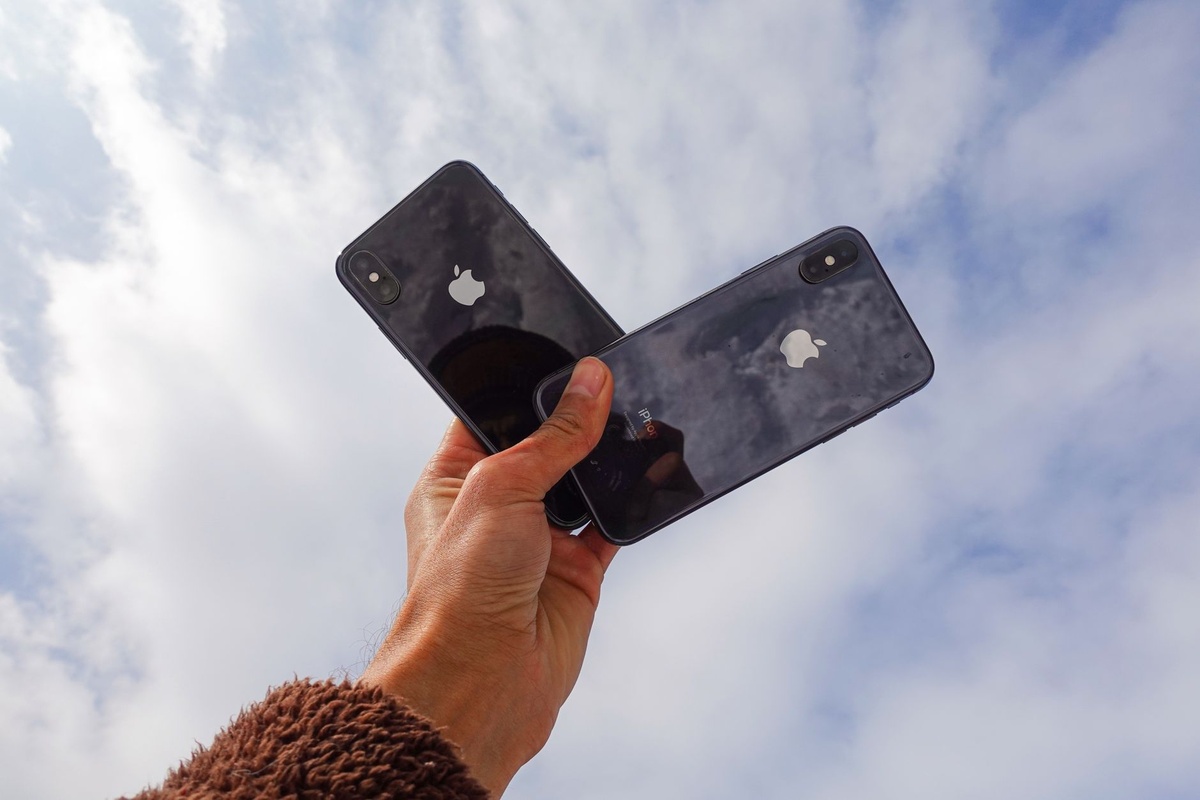
iPhone Handoff vs eSIMs, Local SIMs, and Carrier Tricks
iPhone Handoff will not replace travel eSIMs. It solves identity and phone-number continuity, while eSIMs solve affordable data abroad.
For Europe, Airalo often sells regional eSIMs such as 5GB or 10GB plans that are convenient but usually pricier than a local SIM. Nomad is often competitive on regional Europe data, with 10GB plans commonly landing around the $18–$25 range depending on promotion and duration.
A local SIM can still be cheaper. In Portugal or Spain, you can often find prepaid data packages around €10–€20, but you may spend 20–40 minutes at the airport kiosk and you may need passport registration.
- iPhone Handoff: best for keeping your real number usable on two iPhones.
- Travel eSIM: best for fast data without visiting a store.
- Local SIM: cheapest for long stays, less convenient on arrival.
- Call forwarding: useful for voice calls, weak for SMS verification.
- WhatsApp or Signal: great for messaging, not a replacement for bank SMS codes.
Traveler verdict: use iPhone Handoff for your primary number and buy a travel eSIM for data. Skip call forwarding as your main backup plan because it does not reliably solve two-factor authentication.
Why this matters when you’re traveling: a $20–$37 eSIM can save the first 30 minutes after landing, which is exactly when you need maps, rideshare, and hotel messages most. If you are also dealing with Europe’s changing border processes, read our guide to new EES border checks from 6 September before you fly.
Best Use Cases for Travelers
The strongest case for iPhone Handoff is not convenience at home. It is resilience on the road.
- The lost-phone scenario: your main iPhone disappears in a taxi, and your backup can take over your number for bank access and airline alerts.
- The battery-dead scenario: your primary phone dies during a long rail day, but your second iPhone still receives essential messages.
- The risky-night-out scenario: you leave the expensive Pro in the hotel safe and carry the cheaper iPhone to Oktoberfest, a concert, or a crowded market.
- The outdoor scenario: you use one phone for GPS and camera while preserving the other for emergency calls.
- The remote-work scenario: one iPhone handles hotspot duty while the other remains your secure banking and authentication device.
This is especially relevant for September’s altitude-shift travel trend. Mountain-view stays are surging, and off-peak trips to the Canadian Rockies, Dolomites, and Slovenian Alps are more popular than usual.
Why this matters when you’re traveling: remote alpine hotels can have patchy Wi-Fi, cold weather drains batteries faster, and taxis or cable cars are not where you want to discover your only phone is at 2%. If Canada is on your fall list, pair this setup with our guide to Canada’s most beautiful national parks.
Security: A Backup Phone Can Help or Hurt
A second iPhone is only useful if it is prepared before trouble happens. Do not pack a blank backup phone and assume iCloud will magically save you in a foreign airport.
Before departure, sign in, update to iOS 27, enable Find My, download offline maps, install your bank and airline apps, and confirm that Face ID or Touch ID works. Add a strong alphanumeric passcode, not a lazy 4-digit PIN.
- Use a 6-digit minimum passcode: better, use an alphanumeric password.
- Enable Find My: keep both phones visible to your Apple Account.
- Download offline maps: Google Maps and Apple Maps both support offline areas.
- Store recovery codes offline: keep them in a password manager with offline access.
- Do not keep both phones in one bag: separate them in transit.
Why this matters when you’re traveling: theft risk rises in crowded train stations, festivals, and nightlife zones. A backup iPhone in your luggage is a recovery tool; a backup iPhone in the same stolen sling bag is just another donation.
Battery Gear Still Matters: Don’t Let Handoff Replace a Power Bank
iPhone Handoff is not a substitute for power. If your travel problem is battery anxiety, the cheaper fix is a compact power bank.
For most travelers, I would buy the Nitecore NB10000 Gen 2: around $64.95, 10,000mAh capacity, 150g, USB-C, and light enough for hiking. Budget travelers can grab an Anker 10,000mAh USB-C power bank around $25–$40, usually weighing 210–250g depending on model.
Buy this: a 10,000mAh power bank if your current phone is reliable but dies before dinner. Skip this: a second $999 iPhone Pro if your only concern is battery life.
Why this matters when you’re traveling: fall lodging is now pricier than summer in some popular US destinations, so your tech budget should go where it reduces real risk. If you are spending heavily on flights, use our guide to finding affordable airfare before splurging on backup hardware.
Setup Checklist Before Your September Trip
Do this at home, on reliable Wi-Fi, not while standing at a SIM kiosk after a red-eye flight.
- Update both iPhones to iOS 27 when it becomes available.
- Sign into the same Apple Account on both devices.
- Confirm your carrier supports eSIM transfer or iPhone Handoff number sharing.
- Unlock both iPhones through your carrier before departure.
- Install your airline, hotel, banking, ride-hailing, and authenticator apps.
- Download offline maps for your arrival city and transfer route.
- Add a travel eSIM but keep your home number active for SMS codes.
- Test calls, SMS, iMessage, FaceTime, and banking logins before flying.
Why this matters when you’re traveling: September is one of the best months to visit many destinations precisely because crowds thin out and prices can drop. But shoulder season also means mixed weather, changing transport schedules, and more self-guided travel, so your phone setup needs to be boringly reliable.
What Could Go Wrong?
The biggest risk is carrier inconsistency. Apple can make the interface elegant, but your mobile provider still controls whether your number can move cleanly between devices.
International roaming can also complicate things. If you hand off your number while abroad, some carriers may require network registration, Wi-Fi calling, or account verification before service resumes properly.
There is also the SMS problem. Banks and government services are still inconsistent with number transfers, especially if they detect a new device. Keep backup authentication methods such as passkeys, authenticator apps, and recovery codes.
Why this matters when you’re traveling: the worst time to discover your bank blocks “new device” logins is when you are trying to pay a hotel deposit in Mendoza or book a last-minute train from Florence. Test the boring stuff before the fun part of the trip starts.
Final Traveler Verdict: Useful, But Don’t Build Your Whole Trip Around It Yet
iPhone Handoff in iOS 27 could become one of Apple’s most underrated travel features. If it works as expected, it will make a second iPhone feel less like dead weight and more like a proper emergency device.
My recommendation is simple: buy a refurbished iPhone 13 or iPhone 15 as a backup if you travel often, work remotely, or visit high-risk/crowded destinations. Skip buying a second Pro, and do not rely on Handoff alone without a travel eSIM, offline maps, and a power bank.
For September travel — Oktoberfest crowds, alpine escapes, wine harvest road trips, Red Sea diving, and early fall foliage — this is exactly the kind of quiet tech upgrade that can save a trip. Not glamorous, not flashy, but genuinely useful when your phone becomes your lifeline.
Frequently Asked Questions
What is iPhone Handoff in iOS 27?
iPhone Handoff is expected to let users share or move one phone number more seamlessly between two iPhones. It should be most useful for travelers carrying a backup iPhone for calls, SMS codes, and emergency access.
Will iPhone Handoff work with any carrier?
Probably not at launch. You should expect it to require a carrier that supports iPhone eSIM transfer or number sharing, with major carriers likely to support it before smaller prepaid providers.
Do I still need a travel eSIM if I use iPhone Handoff?
Yes. iPhone Handoff helps with your main number, while a travel eSIM provides cheaper data abroad; Europe eSIM plans commonly cost about $18–$37 for 10GB depending on provider and promotion.
What is the best backup iPhone for travel?
A refurbished iPhone 13 or iPhone 15 is the best value for most travelers. The iPhone 13 weighs 174g with up to 19 hours of video playback, while the iPhone 15 weighs 171g with up to 20 hours and USB-C.

About the Author: Tomáš Bzirský
Founder and editor of Distratech. Based in the Czech Republic, travelling regularly from Central Europe. Writes practical travel guides and travel-tech comparisons (eSIM, apps, airports) in six languages.