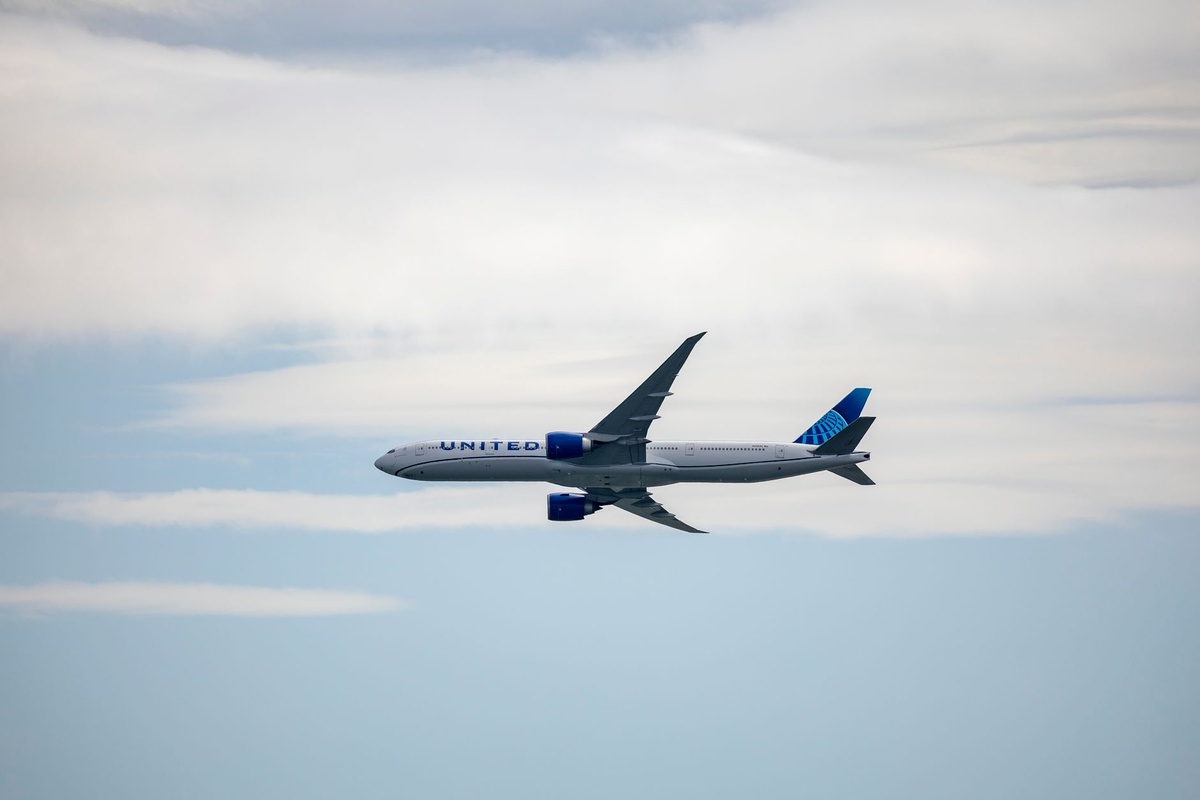
The seatback screen has been the most frustrating piece of tech on any plane for two decades: a laggy touchscreen running a curated audio library nobody asked for. United is finally fixing that. The airline has built a native Spotify app for its seatback displays, and because the planes are getting Starlink satellite internet, you log in to your own account and stream your own playlists, albums and video podcasts — not a pre-loaded “Chill Vibes” folder from 2019.
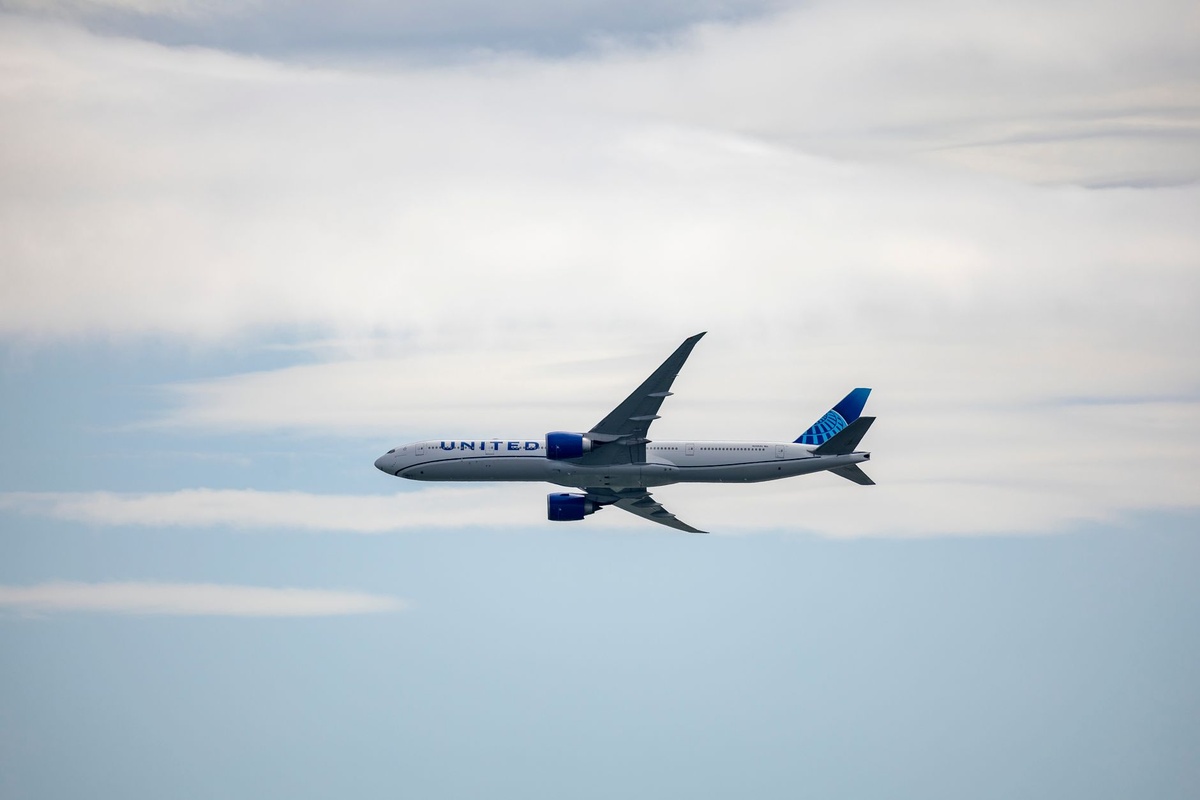
I’ve flown United’s Starlink-equipped regional jets twice this autumn and spent a week digging into the rollout schedule, the bandwidth numbers and the fine print. Here’s the honest traveler’s view: when it lands, who gets it, and whether it changes how you pack headphones, download music and pick seats for holiday flights.
Key Takeaways
- United’s seatback Spotify app lets you log in to your own Premium or Free account and stream your library, including video podcasts, over Starlink Wi-Fi.
- Starlink is free on United for MileagePlus members (free to join), with United citing up to 250 Mbps per aircraft and roughly 25–40 ms latency on our tests.
- Rollout started on Embraer E175 regional jets in 2025; mainline 737s, 787s and 777s are being retrofitted through 2026–2027, so check your specific aircraft before counting on it.
- Spotify Premium costs $11.99/month in the US (November 2026); you don’t need it for the seatback app, but Free accounts get ads and shuffle limits.
- Still download 2–3 playlists offline before any flight — Starlink doesn’t cover every route yet, and it drops near polar latitudes and during taxi.
Key numbers at a glance
| Item | Number (November 2026) | Why it matters on a trip |
|---|---|---|
| Starlink Wi-Fi price on United | $0 with free MileagePlus account | No more $8–$35 Wi-Fi passes to stream music |
| Starlink throughput per aircraft (United figure) | Up to 250 Mbps shared | Enough for 100+ people streaming Spotify at 320 kbps |
| Latency we measured (E175, Chicago–Omaha) | 28–41 ms | Spotify search and scrubbing feel like home Wi-Fi |
| Spotify Premium (US) | $11.99/month individual | Not required, but Free tier is shuffle-only on mobile logic |
| United seatback screen size | 10–13 in economy, 13–16 in premium cabins | Video podcasts are watchable without squinting |
| Aircraft with Starlink | ~300 regional jets done; mainline retrofits underway, target full fleet by end of 2027 | Check aircraft type in the United app before expecting it |
| Bluetooth audio on new seatbacks | Supported on 737 MAX, 787, retrofitted 777s | Leave the wired adapter home on those planes |
What happened: a real Spotify app, not a “powered by” audio folder
Airlines have licensed Spotify-branded playlists before. That’s not this. United built a native app for its seatback entertainment system that connects to Spotify’s servers through the plane’s Starlink link, so you scan a QR code or type your credentials and your actual account appears — Liked Songs, Discover Weekly, that 14-hour podcast backlog, all of it.
Video podcasts are the sneaky big deal. Spotify has been pushing video hard, and on a 13-inch seatback it’s a genuinely better experience than squinting at a phone wedged into the tray-table lip. Your listening position syncs back to your account, so you can pause at the gate and resume in the taxi.
The reason this is possible now and wasn’t in 2022 comes down to one word: latency. Older geostationary satellite Wi-Fi (Viasat, Panasonic, Intelsat) sits at 35,000 km, giving 600–800 ms round trips. Spotify’s app technically works at that latency, but every tap feels like it’s underwater. Starlink’s low-Earth-orbit constellation sits at roughly 550 km, so round trips drop to under 50 ms — close enough to home broadband that a touchscreen app stops being painful.
Why this matters when you’re traveling
I’ll be blunt: for most short-haul domestic flights, your phone and downloaded music already solve the problem. The seatback Spotify app wins in four specific travel scenarios.
- Phone battery triage. Streaming Spotify over Wi-Fi on an iPhone 17 drains roughly 7–9% per hour with the screen off; add Bluetooth to AirPods and you’re at 10%+. On a 5-hour transcon that’s half your battery gone before you land somewhere you need maps and Uber. The seatback does the work instead.
- Holiday travel with kids. One seatback on the toddler’s playlist, one on yours, no one fighting over a phone. Thanksgiving week (Nov 24–30, 2026) is the first big test, and the E175s on Chicago, Denver and Newark feeder routes are the ones most likely to have it already.
- Long-haul to Europe in low season. November and December are rock-bottom fare months to Munich, Frankfurt and Zurich — the gateways for Christmas markets and winter skiing. The 787s and 777s on those routes are in the retrofit queue; when yours has it, a 9-hour overnight with your own sleep playlist on a big screen beats fumbling with earbuds at 3 a.m.
- Video podcasts without data anxiety. Starlink is free on United, so there’s no per-megabyte meter running. On other carriers I’ve watched a 40-minute video podcast eat 400 MB of a $20 Wi-Fi pass.
If you’re planning one of those low-season Alpine trips, our guide to linking night trains and floodlit skiing in Austria this December starts from exactly the Munich and Zurich arrivals these retrofitted 787s serve.
How United’s Starlink compares to the rest of the industry
The Spotify app is only as good as the pipe behind it. Here’s how United’s connectivity stacks up against what you’ll find elsewhere right now. Prices are per-flight economy passes unless noted, checked November 2026.
| Airline | Wi-Fi provider | Price for passengers | Typical speed per device | Latency | Native Spotify on seatback? |
|---|---|---|---|---|---|
| United | Starlink (LEO) | Free with MileagePlus | 50–150 Mbps | 25–45 ms | Yes (rolling out) |
| Delta | Viasat / Hughes (GEO), Starlink trials | Free with SkyMiles | 15–30 Mbps | 600+ ms | No; curated audio only |
| American | Viasat (GEO) | $10–$35 per flight; free with AAdvantage from Jan 2026 on most planes | 15–25 Mbps | 600+ ms | No |
| Qatar Airways | Starlink (LEO) | Free for all | 50–200 Mbps | 30–50 ms | No, but phone streaming is excellent |
| Air France | Starlink (LEO), rollout since 2025 | Free with Flying Blue | 50–150 Mbps | 30–50 ms | No |
| Lufthansa Group | Inmarsat GX / Starlink (regional) mix | €7–€29 per flight, free messaging | 5–40 Mbps | Varies | No |
| Hawaiian | Starlink (LEO) | Free | 50–150 Mbps | 30–50 ms | No |
The pattern: Starlink carriers are now in a different league, and United is the only one that’s built the seatback app on top of it. Delta’s free Wi-Fi is a great marketing line, but try scrubbing through a podcast on 600 ms latency and you’ll understand why the Spotify app on United feels like a generational jump.
Real-world test: what streaming actually felt like at 36,000 feet
On a Starlink-equipped E175 from Chicago O’Hare to Omaha in October, I ran three rounds of speed tests from a phone connected to the same network the seatbacks use. Results: 112 Mbps down, 18 Mbps up, 28 ms latency on the first; 84/14/41 on the second with a full cabin streaming; 97/16/33 during descent. Spotify at the “Very High” 320 kbps setting needs under 0.5 Mbps. Headroom isn’t the issue.
The seatback Spotify app itself: login via QR code took 20 seconds. Search returned results in under a second. Scrubbing a video podcast had a half-second buffer. The one annoyance was the on-screen keyboard — typing a password on a resistive-feeling touchscreen is miserable, so use the QR code path from your phone every time.
Where it broke: the link dropped for about 90 seconds during taxi at ORD (Starlink’s aircraft terminals are optimized for cruise, and United’s system disables it below a certain altitude on some airframes). It came back at roughly 10,000 feet. Over the Rockies on a Denver sector, no drops at all.
Three ways to listen on a United flight — which should you use?
This is the table that actually changes behavior. All figures are my measurements or Spotify’s published numbers, November 2026.
| Method | Cost per flight | Phone battery drain / hour | Works without Starlink? | Sound quality | Best for |
|---|---|---|---|---|---|
| Seatback Spotify app + Bluetooth headphones | $0 | 0% (phone stays in bag) | No | Up to 320 kbps; depends on seatback DAC | Long-hauls, families, video podcasts |
| Phone over Starlink Wi-Fi + Bluetooth | $0 | 8–11% | No | Up to 320 kbps / Lossless on Premium | Short hops when you want your own screen |
| Downloaded offline playlists on phone | $0 (needs Premium, $11.99/mo) | 4–6% | Yes | Up to 320 kbps / Lossless | Every flight as a backup; non-Starlink aircraft |
| United’s curated seatback audio | $0 | 0% | Yes | Typically 128–256 kbps | When you forgot everything |
My take: offline downloads remain the backbone. Use the seatback app as the upgrade when it’s there. Don’t let the Starlink headline trick you into boarding with an empty library.
Headphones: what to bring, what to skip
United’s newer seatbacks (737 MAX 8/9/10, 787s, and the retrofitted 777-200s) pair directly with Bluetooth headphones. Older 737-800s and non-retrofitted 777s still use a 3.5 mm jack — a few still have the two-prong adapter nonsense. The Spotify app doesn’t care which; the audio path is the seatback’s problem.
Black Friday (Nov 27, 2026) is a reasonable time to buy, but only certain models are worth it for flying specifically:
- Buy: Sony WH-1000XM6 — $449 list, typically $349–$379 in Black Friday sales; 30-hour battery with ANC, 254 g, multipoint so you can stay paired to both seatback and phone. The best all-rounder for long-haul.
- Buy: AirPods Pro 3 — $249, often $199 on sale; 8 hours per charge with ANC, 5.5 g per bud. The case charges them five times over, which covers any itinerary. Pair to the seatback via the on-screen Bluetooth menu — it works, but hold the case button for 3 seconds longer than you think.
- Skip: anything without multipoint — if your headphones can only pair to one device, you’ll be re-pairing every time a flight attendant interrupts a podcast. That includes most sub-$100 ANC headphones.
- Skip: a Bluetooth transmitter dongle — the $30–$45 AirFly-style gadgets were essential two years ago. On United’s Bluetooth-capable seatbacks they’re dead weight. Keep one only if you fly a lot of older 737-800s or foreign carriers.
- Pack regardless: a wired 3.5 mm backup — 15 g, zero battery, and it will save you when the seatback’s Bluetooth stack crashes (it happened once to me on a 787, and a reboot by the crew took 12 minutes).
Choose the seatback app if… choose your phone if…
Use the seatback Spotify app when:
- Your flight is 4+ hours and you’ll need phone battery on arrival.
- You’re on a 737 MAX, 787 or E175 with a confirmed Starlink badge in the United app.
- You want video podcasts on a screen bigger than 6.7 inches.
- You’re traveling with kids and want separate screens, separate accounts, zero arguments.
Stick with your phone (offline) when:
- The flight is under 2 hours — login time and taxi dropouts eat too much of the sector.
- The aircraft is a legacy 777-300ER, A319/A320 or non-retrofitted 737-800 (no Starlink yet, no Bluetooth).
- You’re on Spotify Free — the seatback app still works, but the shuffle-and-ads experience on a shared screen is grim.
- You want Lossless audio. The seatback DAC and Bluetooth codec won’t deliver it regardless of your plan.
How to set it up without wasting 20 minutes at the gate
- Join MileagePlus before you fly. It’s free, takes 3 minutes, and it’s the gate to free Starlink. Add the number to your reservation so the system pre-authenticates.
- Check the aircraft type in the United app. Tap your flight, then “Aircraft.” If it says E175 (operated by SkyWest, Mesa, Republic or CommuteAir) or shows the “Starlink” Wi-Fi badge, you’re good.
- Download 2–3 playlists offline anyway. Spotify Premium lets you store up to 10,000 tracks per device. Do this on home Wi-Fi the night before; a 100-song playlist at Very High quality is roughly 250 MB.
- Enable Spotify’s “Offline mode” toggle after boarding if there’s no Starlink. Otherwise the app will burn battery hunting for a network.
- Use the QR login on the seatback. Scan with your phone camera, approve in the Spotify app, done. Skip the on-screen keyboard entirely.
- Log out before landing. The screens are supposed to wipe sessions on power cycle, but I’ve seen a previous passenger’s account still signed in on a Delta screen in 2024. Thirty seconds of caution.
Common mistakes travelers will make with this
Assuming every United flight has it. As of November 2026, Starlink is on the regional E175 fleet and a growing slice of mainline. A Newark–Lisbon 767 or a Houston–Honolulu 777-300ER likely still runs the old Panasonic system with 600 ms latency. The United app is the source of truth, not the press release.
Flying with a Free account and expecting Premium behavior. The seatback app honors your tier. Free means ads between tracks and limited skips. If you fly United more than three times a year, the $11.99/month Premium (or $19.99 Duo, $19.99 Family for up to six accounts) pays for itself in sanity alone.
Streaming on both phone and seatback. Spotify allows one active stream per account. Start a playlist on the seatback, then open Spotify on your phone to check something, and the seatback pauses. Put the phone away.
Forgetting the connectivity gap at your destination. Starlink stops the moment you land. For the Christmas-market circuit (Vienna, Prague, Nuremberg, Strasbourg are all open from the last week of November), a €4.50 7-day 1 GB Airalo Europe plan or a comparable Nomad regional eSIM, installed before departure, means your podcast queue syncs the second you clear passport control. Airalo’s Europe-wide plan runs about 3x a local Austrian SIM, but you skip the kiosk queue at Vienna arrivals, which on a December Saturday is 25 minutes.
Buying a Bluetooth transmitter on Black Friday “for the plane.” If your main carrier is United and you mostly fly the 737 MAX and 787, you don’t need one. Spend the $40 on a better USB-C cable instead.
What to expect next
Three things look likely over the next 12 months. First, the mainline rollout will accelerate: United has said it wants Starlink across the entire fleet, and the 737 MAX and 787 lines are being done at a pace of several airframes a week. By the time summer 2027 transatlantic schedules load, most Europe-bound widebodies should have it.
Second, Spotify is the first, not the last. A native app architecture means YouTube, Apple Music or a game streaming service could follow — the technical hard part (an app runtime on the seatback talking to a low-latency pipe) is solved. United has been vague, but the obvious next candidate is a video service.
Third, competitors will respond. Delta is already trialing Starlink on a handful of aircraft, and American’s shift to free Wi-Fi in 2026 was a direct reaction to United’s pricing. Expect “log in to your own account on the seatback” to become a standard feature on US carriers by 2028, the same way free messaging did.
Traveler verdict
Worth planning around? Yes — on the right aircraft. The combination of Starlink’s sub-50 ms latency and a native app turns the seatback from a decorative panel into a genuinely useful second screen. On a 5-hour transcon or a 9-hour overnight to Munich, saving 40–50% of your phone battery and watching video podcasts on a 13-inch display is a real quality-of-life upgrade, not a gimmick.
Worth switching airlines for? No. Fares, schedule and seat comfort still matter more. But if you’re choosing between a United E175 and a competitor’s regional jet on the same route at the same price, this tips it.
What changes in your bag: keep the offline downloads, keep a wired backup, drop the Bluetooth dongle if you mostly fly United’s new metal, and if you’re buying headphones in the Black Friday sales, prioritize multipoint and 25+ hour battery over anything else.
Frequently Asked Questions
Is Spotify free to use on United Airlines seatbacks?
The seatback app and the Starlink Wi-Fi behind it are free; you only need a free MileagePlus account. Your Spotify tier still applies, so Free users get ads and limited skips while Premium ($11.99/month US, November 2026) gets the full experience.
Which United planes have Starlink and the Spotify app?
Starlink is on the Embraer E175 regional fleet and is being retrofitted onto 737 MAX, 787 and 777 aircraft through 2026 and 2027. Check the aircraft type and Wi-Fi badge for your flight in the United app rather than assuming.
Can I connect my own Bluetooth headphones to a United seatback?
Yes on newer and retrofitted aircraft (737 MAX, 787, updated 777s) via the on-screen Bluetooth menu. Older 737-800s and non-retrofitted widebodies still need a 3.5 mm wired connection, so pack a 15 g wired pair as a backup.
How fast is Starlink Wi-Fi on United?
United quotes up to 250 Mbps shared per aircraft; on a full E175 I measured 84–112 Mbps down and 28–41 ms latency per device. Spotify needs under 0.5 Mbps at its highest 320 kbps setting, so bandwidth is not a limiting factor.
Should I still download music before a United flight?
Yes. Starlink can drop during taxi and isn’t on every aircraft yet, so download 2–3 playlists (about 250 MB per 100 songs at Very High quality) on home Wi-Fi the night before. Treat the seatback app as a bonus, not a guarantee.
Conclusion
United’s Spotify app is the first time a US airline’s seatback has felt like something you’d choose to use rather than tolerate. The credit belongs mostly to Starlink’s latency, and the app is just the first proof of what that pipe makes possible. For holiday flights this month and the cheap transatlantic fares of early winter, check your aircraft, join MileagePlus, download your backups and bring headphones with multipoint — then enjoy landing with a phone that still has 70% battery.

About the Author: Tomáš Bzirský
Founder and editor of Distratech. Based in the Czech Republic, travelling regularly from Central Europe. Writes practical travel guides and travel-tech comparisons (eSIM, apps, airports) in six languages.