'/%3E%3Cpath%20fill='%23b2b2b2'%20d='M241%20382q0%2016%2017%2026%2017%2011%2042%2011t42-11q16-11%2017-26V269H241'/%3E%3Cpath%20fill='%239f7e00'%20d='M241%20379q0%2014%208%2023%209%209%2021%209%2014%200%2021-9%209-9%209-23V269h-59'/%3E%3Cpath%20d='M241%20339v-70h59v110q0%2014-9%2023l-6%205v-68h-15v72q-8%200-14-4v-68zm59%2040c0%2022%2015%2032%2029%2032%2021%200%2030-18%2030-32v-40h-59'/%3E%3Cpath%20fill='%239f7e00'%20d='M266%20277v5h2v12h-3v-5h2v-5h-9v5h2v5h-4v9h3v18h-5v10h34v-10h-5v-18h3v-9h-4v-5h2v-5h-9v5h2v5h-3v-12h2v-5zm42%20101q0%2010%206%2017%206%206%2015%207%2010-1%2016-7%206-7%206-17v-29h-43'/%3E%3Ccircle%20fill='%230044ad'%20cx='329.5'%20cy='372'%20r='6'/%3E%3Cellipse%20fill='%230044ad'%20cx='300'%20cy='340'%20rx='16'%20ry='21'/%3E%3C/svg%3E)
'/%3E%3C/svg%3E)


'/%3E%3C/g%3E%3Cuse%20href='%23c'%20transform='matrix(-1%200%200%201%20720%200)'/%3E%3C/svg%3E)


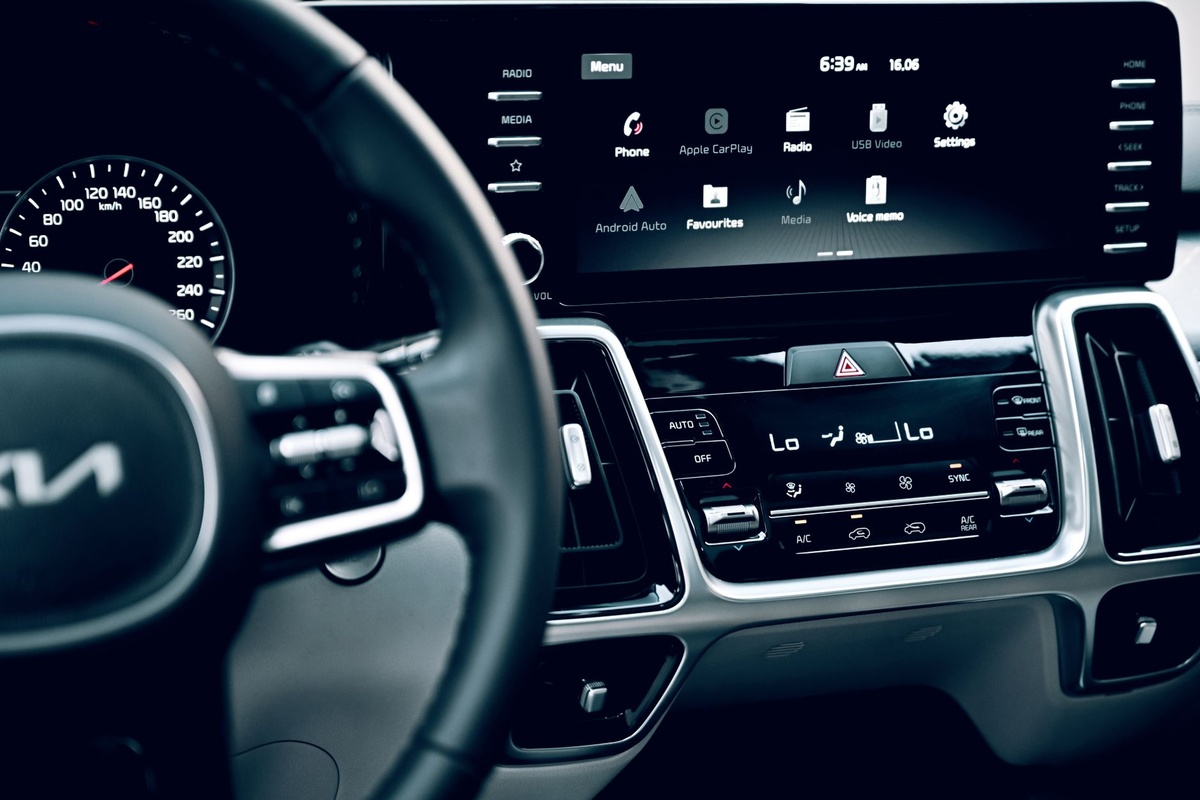
Somewhere on the coast road between Muscat and Sur, my iPhone 16 Pro went black. Not dead — just the dreaded “iPhone needs to cool down before you can use it” screen, 40 minutes from the next turn, with CarPlay frozen mid-route. The rental Toyota’s dashboard read 48°C in direct sun, and the phone had been running wireless CarPlay on a MagSafe charger for three hours.
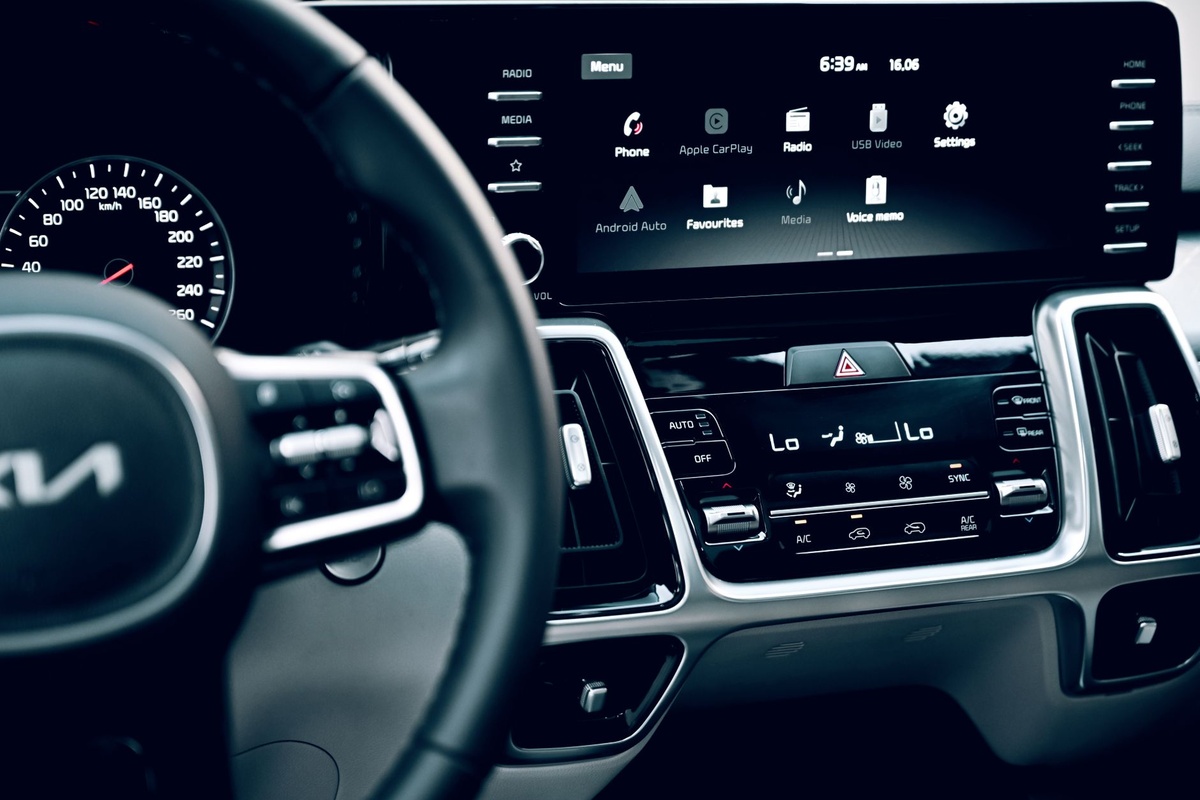
If you drive rental cars on your trips, you will hit this problem. CarPlay and Android Auto look like simple screen mirroring, but your phone is doing all the heavy lifting: GPS, cellular data, Bluetooth, Wi-Fi, video encoding for the head unit, and charging — all at once, often sitting in the hottest part of the car. October road trips add their own twist: Mediterranean shoulder-season sun still pushes dashboards past 50°C, while an aurora-chasing drive in Lapland can swing a phone from -5°C outside to 30°C on a heated mount in minutes.
This guide covers what actually happens inside your phone, the fixes that worked in our testing across three rental cars this month, and the gear worth packing (plus what to skip).
Key Takeaways
- Wireless CarPlay/Android Auto plus MagSafe charging raised phone temperature by 14°C in 60 minutes in our tests; a plain USB-C cable raised it by only 5°C.
- Apple and Samsung both rate phones for 0–35°C operation, and a dashboard in October Mediterranean or Gulf sun routinely hits 45–55°C.
- Cheapest fix is a €12 USB-C cable and a vent mount, not a €70 fan-cooled charger.
- Download offline maps before you drive: streaming map tiles on 5G is the second-biggest heat source after wireless charging.
- Dedicated wireless adapters (AAWireless Two €69, Motorola MA1 €79) are worth it only if your rental lacks wired ports or you drive daily for a month or more.
Key Numbers at a Glance
Here’s what you’re dealing with before we get into fixes. Temperatures come from an infrared thermometer on the phone’s back glass, measured in a 2024 Toyota Corolla rental in Oman and a Fiat 500 in Puglia during the first week of October 2026. Prices are current for October 2026.
| Metric | Number | Why it matters on the road |
|---|---|---|
| Apple/Samsung safe operating range | 0–35°C ambient | Most rental-car cabins in October sun exceed this by lunchtime |
| Dashboard surface temp, Oman, 1 p.m., October | 52°C | Phone starts above the safe range before it does any work |
| Dashboard surface temp, Puglia, 2 p.m., October | 44°C | “Shoulder season” is still hot inside glass |
| Phone temp rise, wired CarPlay, 60 min | +5°C | Sustainable all day |
| Phone temp rise, wireless CarPlay + MagSafe 15W, 60 min | +14°C | Hits thermal throttling in under 90 min in sun |
| Battery drain, wireless Android Auto, no charging | 18–22% per hour | A 4-hour drive kills a phone you need at the trailhead |
| Wireless charging efficiency (Qi2/MagSafe) | ~65–75% | The missing 25–35% becomes heat inside your phone |
| Lithium battery capacity loss, stored at 40°C+ repeatedly | Up to 2x faster ageing vs 25°C | A summer-and-autumn of road trips can cost you a year of battery health |
| Cost of the cheapest fix (USB-C cable + vent mount) | €25 / $27 | Beats a €70 cooling charger in every test we ran |
Why Your Phone Gets Hot Running CarPlay or Android Auto
It helps to understand that the car’s screen is a dumb display. Everything you see — Google Maps, Spotify, WhatsApp read-aloud — is rendered by your phone, compressed into an H.264 video stream, and pushed to the head unit 30 to 60 times per second. That alone keeps the phone’s GPU busy.
Stack on GPS (which polls satellites continuously while navigating), cellular data (pulling map tiles and traffic), and Bluetooth for audio. On a wireless connection, add a 5 GHz Wi-Fi link for the video stream. Then put the phone on a wireless charger, which wastes a quarter of its energy as heat directly against the back glass.
Now place the whole thing on a dashboard behind a windscreen. Glass traps infrared; the dash becomes a greenhouse. In our October measurements, a black phone case on a dash hit 58°C in Oman while the air conditioning blew 19°C at knee level.
Why it matters when traveling: At home you drive 25 minutes to the office with a familiar route and a known charging cable. On a trip you drive four hours on roads you’ve never seen, in a car with mystery ports, with the phone as your only map, your only translator, and your only way to call the rental company. A throttled or shut-down phone isn’t an inconvenience; it’s a safety issue on a mountain pass in Georgia or a desert highway in Oman.
Wired vs Wireless: The Test Results
We ran the same 60-minute loop four times in each car, at roughly the same time of day, with the phone starting at 29°C. Navigation was Google Maps on a Pixel 9 and Apple Maps on an iPhone 16 Pro, both playing Spotify over the car’s speakers. Measurements are averaged across both phones.
| Setup | Temp after 60 min | Battery change | Throttling or warning? | Data used (streaming maps) |
|---|---|---|---|---|
| Wired USB-C, vent mount, offline maps | 34°C (+5) | +22% | None | ~8 MB |
| Wired USB-C, dash suction mount, online maps | 41°C (+12) | +15% | None, but “charging on hold” at 75 min in Oman | ~95 MB |
| Wireless CarPlay/AA, no charging, vent mount | 38°C (+9) | -19% | None | ~95 MB |
| Wireless CarPlay/AA + MagSafe 15W, dash mount | 43°C (+14) | +6% | Throttled at 48 min; shutdown warning at 82 min (Oman) | ~95 MB |
| Wireless + ESR CryoBoost fan charger, dash mount | 39°C (+10) | +11% | None in Puglia; throttled at 110 min in Oman | ~95 MB |
Two things jump out. First, the humble cable wins by a mile: it’s the only setup that charged the phone properly and stayed comfortably cool. Second, the fan-cooled charger helps but doesn’t rescue a wireless setup in genuine heat; it buys you about 30 extra minutes before the phone complains.
The battery figure for wireless-plus-MagSafe deserves a second look. You’re wirelessly charging at a nominal 15W and gaining only 6% in an hour, because the phone is simultaneously burning most of what comes in and the charger is dialing itself back as the phone heats up. That’s an expensive way to stay almost flat.
Step-by-Step: Keeping Your Phone Cool on a Rental-Car Road Trip
Step 1: Go wired whenever the car allows it
If the rental has a USB port that supports CarPlay or Android Auto (most 2018-and-newer cars do), plug in. A wired connection removes the Wi-Fi radio load and gives you real charging at 2.5–7.5W, which is far gentler than a 15W wireless pad. Pack your own cable: rental-car cables are often frayed, fake, or missing, and a bad cable causes constant disconnects that make the phone work harder re-pairing.
Our pick is a 0.9 m braided USB-C to USB-C cable (Anker PowerLine III, €12.99 / $12.99 in October 2026) plus a USB-C to USB-A adapter (€6) for older rentals. iPhone 15 and newer use USB-C; carry a Lightning cable only if your phone needs it.
Step 2: Move the phone off the dashboard
The dashboard is the hottest surface in the car. A vent mount puts the phone in the direct path of your air conditioning, which in our tests was worth 6–8°C on its own. Cheap vent mounts (€8–15) work fine with a slim case; just avoid the ones with a magnet so weak it drops the phone on the first roundabout in Ljubljana.
If your rental has vertical vents or a weird dashboard, a cup-holder mount (around €18) is the next-best option. It sits low and shaded, close to the air-con outflow. A windscreen suction mount is the worst choice for heat.
Step 3: Download offline maps before you leave the hotel Wi-Fi
Streaming map tiles kept the cellular radio hammering in every “online maps” run, and the radio is a major heat source — especially on a travel eSIM roaming on a partner network, where the modem often runs at higher power to hold a weaker signal. Google Maps lets you download regions up to roughly 1.5 GB; Apple Maps added offline maps in iOS 17. Download the whole route the night before.
Keep a data eSIM active for live traffic and rerouting; a 5 GB regional plan from Airalo runs about €17–22 for most of Europe or the Gulf in October 2026. With offline maps installed, that 5 GB lasts a two-week trip; without them, Google Maps can chew 300 MB per driving day.
Step 4: Kill the background noise
Before a long drive, do a 30-second cleanup:
- Turn off 5G (use “LTE” or “4G” in cellular settings) — the 5G modem runs hotter and rural coverage on 5G is patchy anyway in Oman, Georgia, or the Alps.
- Close camera, photo-editing, and backup apps. Google Photos uploading 400 foliage shots over cellular while navigating is a recipe for throttling.
- Lower screen brightness on the phone itself; the car screen is what you’re looking at.
- Disable Live Activities / always-on display for the drive.
- Switch Spotify or Apple Music to downloaded playlists instead of streaming.
Step 5: Take the case off for the drive
A thick case is an insulating blanket. Removing it dropped surface temperature by 3–4°C in our dash-mount tests. If you use a MagSafe wireless charger, a slim case is mandatory anyway for alignment, but for a wired setup you don’t need the case in the car at all. Put it back on when you get out.
Step 6: Park smart, and never leave the phone in the car
This is where the real battery damage happens. A phone left on a dashboard in a parked car in October Oman reached 61°C in 20 minutes. Apple’s own guidance says storing above 45°C can permanently reduce capacity. Take the phone with you at every viewpoint and lunch stop, and use a €12 reflective windscreen shade so the car — and the mount — starts cooler.
Gear Worth Packing (and What to Skip)
I tested the car-phone accessories that keep showing up in travel packing lists. Weights matter if you’re flying with a carry-on only; prices are from October 2026 and vary a few euros between Amazon regions.
| Product | Price (Oct 2026) | Weight | Charging | Cooling effect vs dash mount | Verdict |
|---|---|---|---|---|---|
| Anker PowerLine III USB-C cable + generic vent mount | €25 / $27 total | 45 g | Wired, up to 7.5W from car port | -7°C | Buy. Best result, lowest cost |
| ESR HaloLock CryoBoost car charger (fan + MagSafe) | €69 / $69.99 | 172 g | Wireless 15W (iPhone) / 15W Qi2 | -4°C | Buy only if your car has no CarPlay port and you need charging |
| Belkin BoostCharge Pro Car Mount with MagSafe | €109 / $99.99 | 158 g | Wireless 15W | No fan; +1°C vs plain mount | Skip for hot climates; it’s a heater with a logo |
| Anker MagGo Car Mount (Qi2) | €49 / $49.99 | 124 g | Wireless 15W Qi2 | No fan | Skip for road trips; fine for city commutes |
| Razer Phone Cooler Chroma (clip-on fan) | €59 / $59.99 | 123 g | Needs its own USB-C power | -9°C, but noisy and adds bulk | Skip; a vent mount does the same job silently |
| AAWireless Two (wireless Android Auto adapter) | €69 / $79 | 24 g | None (it’s an adapter) | Phone runs wireless: +4°C vs wired | Buy if you road-trip weekly and hate cables |
| Motorola MA1 (wireless Android Auto adapter) | €79 / $89.99 | 36 g | None | Same as above | Fine, but AAWireless is cheaper and has better firmware updates |
| Carlinkit 5.0 2Air (wireless CarPlay + AA) | €62 / $69.99 | 30 g | None | Same as above | Buy if you alternate between iPhone and Android in the family |
| Reflective windscreen sunshade (folding) | €12 / $13 | 180 g | n/a | Cabin starts 10–15°C cooler | Buy. Boring and essential |
The pattern is clear: anything that puts wireless charging behind the phone makes heat worse, and the only accessory that genuinely fixes it is the one that costs the least. The fan-cooled ESR unit is clever and the fan is quiet, but 172 g and €69 is a lot to carry for a 30-minute reprieve.
Wireless adapters deserve a note. They don’t reduce heat — the phone still runs the full wireless stack — but they do make the connection reliable in cars that only support wired CarPlay or Android Auto, which is the majority of rental fleets. If you’re doing something like an eight-night Oman dark-sky road trip with a different rental each leg, a 24 g adapter is worth its weight; for a weekend in Brasov, leave it at home and plug in.
Choose Wired, Wireless, or Cooled: A Decision Framework
Choose wired USB-C + vent mount if: your rental supports wired CarPlay/Android Auto, you’re driving more than two hours a day, or you’re anywhere the cabin regularly exceeds 35°C (Gulf, Mediterranean, Southeast Asia, East Africa safari self-drives). This is the right answer for 80% of travelers and costs under €30.
Choose a wireless adapter (AAWireless Two or Carlinkit 5.0) + wired charging if: you road-trip often, swap cars every few days, and want the phone to connect the moment you start the engine. Keep a cable plugged into the phone for power — the adapter handles the data, the cable handles the charge, and the phone stays below 40°C.
Choose a fan-cooled MagSafe mount (ESR CryoBoost) if: your car has no CarPlay/Android Auto at all and you’re using the phone screen directly, or the car’s USB port is dead. In that scenario wireless charging is your only option and active cooling earns its keep.
Choose nothing new if: you’re driving in Tromsø or Iceland for aurora season. Cabin temps stay low, the heat problem mostly disappears, and the bigger risk is cold-weather battery shutdown — keep the phone on the vent mount with warm air on it, not in the door pocket at -3°C.
Common Mistakes That Cook Your Phone
- Using the rental car’s USB-A port and a cheap cable for both data and charging. Many rental ports supply only 0.5–1A. The phone discharges while “charging,” works harder, and gets hotter. If the port is weak, buy a 12V USB-C PD car charger (Anker 535, €24, 20W) and use the car’s native port for data only.
- Running wireless CarPlay with a MagSafe pad in direct sun. This was the only configuration that triggered a thermal shutdown in our testing. Don’t do it south of the Alps in October.
- Navigating with streaming maps on 5G. Offline maps cut radio load by roughly 90% and save eSIM data; there is no downside.
- Leaving the phone in the mount at a viewpoint. Ten minutes of photos at a Bavarian Alps overlook is enough for a parked car to reach 50°C. Take it with you.
- Letting the phone run a cloud backup during the drive. iCloud Photos and Google Photos upload on cellular by default on many setups. Switch to Wi-Fi-only before leaving the hotel.
- Ignoring the “charging on hold” message. That’s Apple’s thermal protection pausing the charge at 80% or earlier. It’s a warning, not a bug. Pull over at the next shade, pop the case, and point a vent at it.
- Buying a €100 charging mount to solve a €12 cable problem. See the gear table above.
Special Cases: Where You’ll Be Driving in October
Mediterranean shoulder season (Puglia, Crete, Andalusia): Air at 25°C sounds mild, but a parked car at midday still hits 45°C inside. Vent mount, wired, sunshade. Our Puglia runs never throttled with that combo.
Gulf and desert road trips (Oman, Jordan): This is the hardest environment we tested. Even wired, a dash-mounted phone throttled at 75 minutes. The vent mount is non-negotiable, and consider a light-coloured case or no case. Pre-cool the car for five minutes before mounting the phone.
Caucasus and Balkans (Georgia, Bulgaria, Romania): Daytime highs of 18–22°C make heat less of an issue, but rural 4G is patchy and the phone burns power hunting for signal. Offline maps are the priority. If you’re renting a car for the Rtveli harvest drive out to Kakheti rather than taking a marshrutka, download Google Maps’ Georgia region (about 420 MB) in Tbilisi first.
Aurora country (Tromsø, Iceland, Lapland): The opposite problem. Lithium batteries lose output below 0°C and iPhones can shut down around -5°C to -10°C with low charge. Keep the phone wired and on the vent mount with warm air, not on a cold windscreen. Wireless charging is actually fine here because the extra heat is welcome.
Southeast Asia (Thailand, Vietnam) as the monsoon ends: Humidity plus 32°C air means phones start warm and stay warm. Expect wired CarPlay to work; expect wireless charging to throttle within an hour. Many rental cars in the region lack CarPlay entirely, which is one case where a fan-cooled mount genuinely earns its spot.
Pro Tips From Three Weeks of Rental Cars
- Pre-stage the route: open Google Maps or Apple Maps, start navigation on hotel Wi-Fi, then plug into the car. The phone caches the route and doesn’t need to re-fetch tiles on cellular.
- Carry a 10,000 mAh power bank (Anker Nano, 205 g, €29) with USB-C PD. If the car port is dead or weak, you can run wired CarPlay from the car and charge from the bank in your lap.
- In iOS, turn on Low Power Mode for the drive: it caps background refresh and cuts heat by a measurable 1–2°C. Android’s Battery Saver does the same.
- Check Battery Health after a hot trip. iPhone shows it in Settings > Battery; Samsung’s Device Care shows “Battery status.” A drop of more than 1% across a two-week road trip means you were running too hot.
- If a phone shuts down from heat, don’t put it in the glovebox to “rest” — that’s the second-hottest spot in the car. Hold it in front of a vent for five minutes.
Conclusion: The Cheap Fix Wins
After testing €400 of accessories in two of the hottest October driving environments in reach, the answer is almost embarrassingly simple. A €13 cable, an €12 vent mount, and offline maps kept both an iPhone 16 Pro and a Pixel 9 under 35°C through a full afternoon of desert driving, with the battery going up instead of down. Every wireless charging setup, with or without a fan, ran hotter and charged slower.
Buy the cable and the mount. Add a sunshade. Buy a wireless adapter only if you change rentals constantly. Skip the premium MagSafe car chargers unless you’re driving somewhere cold enough that extra heat is a feature. Your phone — and the trip that depends on it — will thank you at the next unmarked junction.
Frequently Asked Questions
Why does my phone get hot when using CarPlay or Android Auto?
Your phone renders every app, encodes it as a video stream for the car screen, and runs GPS, cellular, and Bluetooth at the same time. Wireless connections add Wi-Fi, and wireless charging wastes 25–35% of energy as heat against the back of the phone. In our tests, wireless CarPlay with MagSafe charging raised phone temperature by 14°C in an hour versus 5°C for a wired cable.
Is it bad for the battery if my phone overheats in the car?
Yes. Lithium-ion batteries age roughly twice as fast when repeatedly held above 40°C, and Apple says storing above 45°C can cause permanent capacity loss. A phone left on a dashboard in October Oman reached 61°C in 20 minutes in our measurement, so take it with you at every stop.
Does wired or wireless CarPlay use less battery?
Wired, by a wide margin. Wireless CarPlay or Android Auto without charging drained 18–22% per hour in our tests, while a wired connection gained 22% per hour on a vent mount. Wireless plus a 15W MagSafe pad gained only 6% because thermal management kept dialing the charger back.
Are wireless CarPlay adapters like AAWireless or Carlinkit worth it for travel?
Only if you road-trip frequently or swap rental cars every few days. AAWireless Two (€69, 24 g) and Carlinkit 5.0 (€62, 30 g) make connections instant, but they don’t reduce heat — keep a cable plugged in for charging. For a one-week trip, a €13 USB-C cable does the job.
What should I do if my iPhone shows “needs to cool down” while navigating?
Pull over somewhere shaded, unplug any wireless charger, remove the case, and hold the phone in front of a cold air vent for five minutes. Switch to a wired connection and a vent mount before continuing, and turn off 5G and background uploads. In our Oman testing, this got the phone back to a usable 36°C in about seven minutes.

About the Author: Tomáš Bzirský
Founder and editor of Distratech. Based in the Czech Republic, travelling regularly from Central Europe. Writes practical travel guides and travel-tech comparisons (eSIM, apps, airports) in six languages.