'/%3E%3Cpath%20fill='%23b2b2b2'%20d='M241%20382q0%2016%2017%2026%2017%2011%2042%2011t42-11q16-11%2017-26V269H241'/%3E%3Cpath%20fill='%239f7e00'%20d='M241%20379q0%2014%208%2023%209%209%2021%209%2014%200%2021-9%209-9%209-23V269h-59'/%3E%3Cpath%20d='M241%20339v-70h59v110q0%2014-9%2023l-6%205v-68h-15v72q-8%200-14-4v-68zm59%2040c0%2022%2015%2032%2029%2032%2021%200%2030-18%2030-32v-40h-59'/%3E%3Cpath%20fill='%239f7e00'%20d='M266%20277v5h2v12h-3v-5h2v-5h-9v5h2v5h-4v9h3v18h-5v10h34v-10h-5v-18h3v-9h-4v-5h2v-5h-9v5h2v5h-3v-12h2v-5zm42%20101q0%2010%206%2017%206%206%2015%207%2010-1%2016-7%206-7%206-17v-29h-43'/%3E%3Ccircle%20fill='%230044ad'%20cx='329.5'%20cy='372'%20r='6'/%3E%3Cellipse%20fill='%230044ad'%20cx='300'%20cy='340'%20rx='16'%20ry='21'/%3E%3C/svg%3E)
'/%3E%3C/svg%3E)


'/%3E%3C/g%3E%3Cuse%20href='%23c'%20transform='matrix(-1%200%200%201%20720%200)'/%3E%3C/svg%3E)


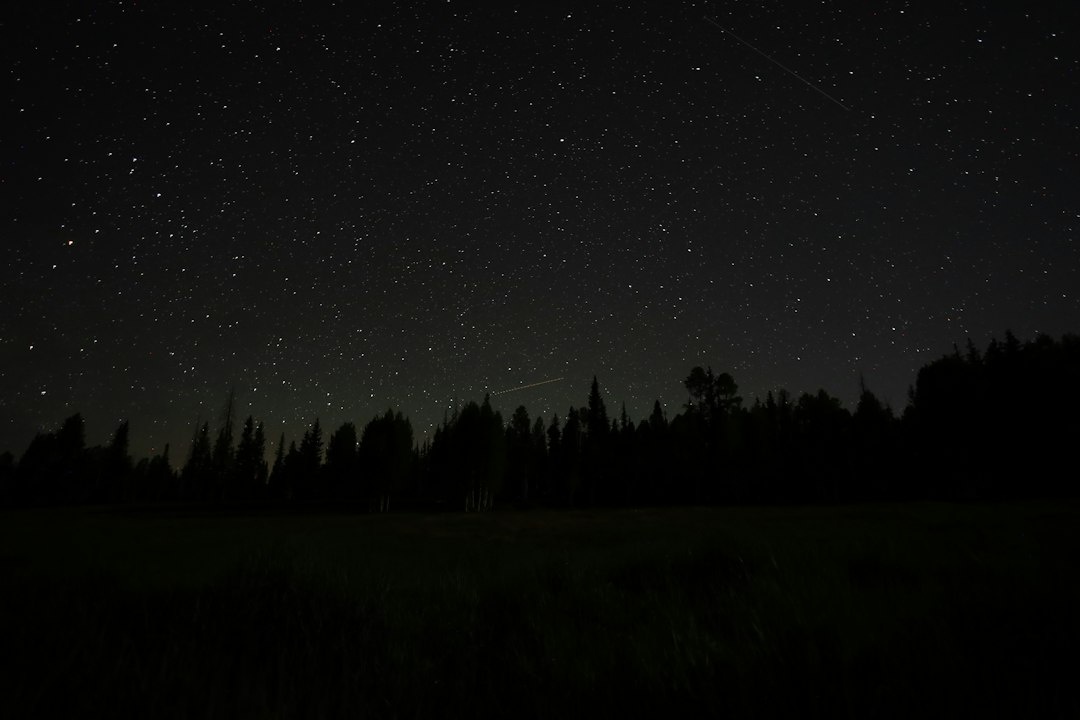
October gives Annapurna trekkers crisp post-monsoon air, relatively stable weather and some of Nepal’s clearest Milky Way photography—but it also produces hundreds of irreplaceable RAW files far from dependable electricity. This field-tested workflow uses dual-slot cameras, rugged SSDs, phone-based transfers, lodge Wi-Fi, selective cloud uploads, solar charging and an offline checksum log, without requiring a laptop on the trail.
Key Takeaways
- Budget at least 1TB for a 10-day trek, or 2TB if you shoot timelapses, stacking sequences or 4K video.
- A practical October 2026 backup kit costs about €326/$355, excluding your camera and phone.
- Write every exposure to both camera cards, copy it to an SSD nightly, and upload 3–5GB of priority files whenever Wi-Fi allows.
- At 5Mbps, uploading 50GB takes roughly 27 hours after overhead; selective cloud backup is more realistic than uploading everything.
- Never erase a memory card until its files exist on the card, SSD and an off-site cloud account—or until you return home.
Key Numbers at a Glance
| Item | October 2026 planning figure | Why it matters |
|---|---|---|
| Typical 45MP compressed RAW | 35–60MB | 600 exposures can consume 21–36GB |
| Nightly astrophotography volume | 20–80GB | Stacks and timelapses fill cards quickly |
| Recommended storage | 1TB minimum; 2TB preferred | Leaves room for verification and video |
| Practical daily electricity requirement | 45–80Wh | Covers camera batteries, phone and SSD transfers |
| Lodge charging | €1.50–€4/$1.65–$4.35 per device | Often charged separately above 3,000 meters |
| Lodge Wi-Fi | Free–€5/$5.45 per stay or device | Speed may fall below 2Mbps at busy times |
| ABC trek distance | Approximately 70–110km, 7–11 days | Depends on the roadhead and side trips |
| Annapurna Circuit distance | Approximately 160–190km, 12–18 days | Backup capacity should be doubled for video |
| Darkest October 2026 period | Approximately October 6–15 | New moon falls around October 10 |
October is peak trekking season, so teahouses and charging sockets are busier than in September. Night temperatures can remain above 5°C around Ghandruk but drop below −5°C near Thorong Phedi, where cold batteries and unreliable solar output become bigger problems than storage capacity.
What 3-2-1 Backup Means in the Himalayas
The classic rule requires three copies, on two types of storage, with one copy off-site. On Annapurna, that means two camera cards, one rugged SSD and a cloud copy of at least your best or most difficult-to-repeat images.
Dual-slot recording alone is not a complete backup. Two cards sitting inside the same stolen, dropped or rain-soaked camera share one physical point of failure; adding a €120 SSD is far cheaper than trying to recover a €4,000 trek from a damaged card.
- Copy one: RAW files on Camera Card A.
- Copy two: Identical RAW files on Camera Card B, written simultaneously.
- Copy three: A verified nightly copy on a rugged SSD.
- Off-site copy: Priority RAW files, finished JPEGs and checksum manifests uploaded to cloud storage.
- Physical separation: Carry one card in your wallet and the SSD in a waterproof pouch inside your porter bag or partner’s pack.
A phone containing only preview JPEGs does not replace a RAW backup. However, a phone with 256GB of free space can temporarily become a fourth copy and is particularly useful during a two- or three-day stretch without Wi-Fi.
Step 1: Build the Right Annapurna Backup Kit
Skip an exposed portable hard drive with spinning platters. A rugged SSD has no moving parts, weighs roughly 100 grams instead of 250–350 grams, and handles trail vibration far better.
The Samsung T7 Shield 2TB is my default recommendation because it has IP65 dust-and-water resistance and works with Android, iPhone 15 or newer, iPad and laptops. The faster Lexar Armor 700 is useful for high-bitrate video, but paying almost €80 more brings little benefit when a memory card or phone connection is the transfer bottleneck.
| Component | Example | Price in Europe, October 2026 | Weight | Best use |
|---|---|---|---|---|
| Rugged SSD | Samsung T7 Shield 2TB | €129/$140 | 98g | Best-value nightly master backup |
| Faster rugged SSD | Lexar Armor 700 2TB | €209/$228 | 80g | Large video and timelapse projects |
| Memory cards | Two SanDisk Extreme Pro 256GB SDXC V60 | €104/$113 per pair | 4g each | Mirrored stills and moderate video |
| USB-C card reader | Kingston Workflow SD Reader | €28/$31 | 31g | Faster and safer than camera Wi-Fi |
| Powered USB-C hub | Anker 555 8-in-1 | €59/$64 | 115g | Connects card, SSD and power simultaneously |
| Power bank | Nitecore NB20000 Gen 3 | €109/$119 | 291g | Approximately 72Wh usable trail reserve |
| Solar panel | Anker SOLIX PS30 | €79/$86 | 1.1kg | Useful on longer Circuit itineraries |
These are representative retail prices available in October 2026; Nepal prices can be 15–35% higher because specialist storage is imported. Buy and test the SSD before flying rather than gambling on a counterfeit memory card in Kathmandu or Pokhara.
How much storage do you actually need?
A 10-day Annapurna Base Camp trek producing 40GB a day requires 400GB, while a 15-day Circuit at 70GB a day reaches 1.05TB. A 2TB SSD therefore offers roughly twice the usable headroom of a 1TB model for only about €40–€60 more.
- 1TB: Choose this for 24–33MP stills, limited stacking and no substantial video.
- 2TB: Choose this for 45–60MP RAW, panoramas, timelapses or 4K footage.
- Two 1TB SSDs: Choose this for paid assignments where a single SSD failure is unacceptable.
- Laptop plus SSD: Choose this only if you need daily edits; expect another 1.2–1.8kg plus 60Wh of charging demand.
Step 2: Configure Dual-Slot Recording Before Kathmandu
Set both card slots to simultaneous backup, not overflow. Overflow gives more capacity but leaves every photograph on only one card—the opposite of what you want during a cold, dusty trek.
On a Sony a7 IV, use “Rec. Media Settings” and assign still images to both slots. Nikon calls the equivalent setting “Backup,” while Canon uses “Record to multiple”; menu names can change after firmware updates, so test by removing each card and confirming that the same RAW opens from both.
Use matching cards where possible
A fast V90 card paired with a slow V30 card behaves like a V30 system during long bursts. Two 256GB V60 cards costing about €104 together are a better-balanced choice than one €140 V90 card and one bargain card of uncertain origin.
Before departure, format both cards in-camera, take 100 test exposures and copy them using the exact phone, hub, cables and SSD you will carry. A cable that charges successfully may still be limited to USB 2.0’s real-world 30–40MB/s, making a 100GB transfer take 45–60 minutes instead of approximately 8–15 minutes over a good USB 3 connection.
Apply an offline file-naming plan
Set the camera’s file prefix to your initials and create folders such as 2026-10-11_MANANG_MILKYWAY. Sequential filenames alone eventually repeat after 9,999 frames, especially when shooting 300-frame timelapses.
Keep your camera clock on Nepal Time, UTC+5:45. Comparing two cameras set to UTC and local time can shift files by 5 hours 45 minutes, complicating panorama and star-stack assembly later.
Step 3: Run the Nightly Card-to-SSD Workflow
Do the backup immediately after dinner, not at 5 a.m. after a freezing star session. A 50GB transfer at 300MB/s theoretically takes under three minutes, but phone overhead, thousands of small files and verification usually extend it to 10–20 minutes.
- Lock the source card. Remove Card A and slide its physical lock switch before placing it in the reader.
- Create the destination folder. Use the date, location and session, such as 2026-10-12_YAK-KHARKA_STARTRAIL.
- Connect stable power. Attach the power bank to the powered USB-C hub before connecting the SSD and reader.
- Copy, never move. “Move” can delete the source after an interrupted transfer; “Copy” leaves the card intact.
- Verify the file count and byte total. The source and destination should match exactly.
- Open sample files. Check the first, middle and final RAW plus at least one video clip.
- Create a checksum. Generate SHA-256 hashes for the folder and save the manifest on the SSD and phone.
- Update the offline log. Mark Card A, Card B, SSD and cloud status separately.
- Return Card A to the camera. Do not format either card during the trek unless capacity forces you to.
Android versus iPhone transfers
Android generally offers better control over external drives. Solid Explorer costs about €3.99/$4.35 after its trial and handles dual-pane copying well; FolderSync Pro, around €6.49/$7.10 in October 2026, can automate selected folders to Google Drive when Wi-Fi appears.
On an iPhone 15 or newer, Apple’s Files app can copy directly between an SD reader and exFAT SSD through a powered hub. It is simpler than Android but offers weak verification, so use an iOS Shortcut with the “Get Hash of File” action or compare file counts and open several full-resolution RAWs in Lightroom Mobile.
Skip the camera manufacturer’s wireless transfer app for the master backup. Camera Wi-Fi commonly runs below 10–20MB/s and some apps default to reduced JPEGs; a €28 wired card reader is faster and preserves the original RAW files.
Format the SSD as exFAT
exFAT works across Android, iOS, Windows and macOS and supports files larger than 4GB. FAT32 fails with long video clips over 4GB, while APFS and NTFS have inconsistent write support on phones.
Do not enable proprietary SSD encryption until you have confirmed that your phone’s app can unlock it offline. A perfectly healthy encrypted drive is useless at 4,500 meters if its authentication app requires an internet connection.
Step 4: Use an Offline Backup Log and Checksums
A green progress bar confirms only that the copy process ended; it does not prove every byte arrived unchanged. SHA-256 verification compares each destination file against a mathematical fingerprint and is stronger than merely checking thumbnails.
On Android, Termux can run sha256sum for free, although it requires more setup than a visual file manager. On iOS, Shortcuts works for selected files, but hashing an entire 70GB folder is slow and battery-intensive; compare folder totals nightly and perform full checksum verification during a rest day.
| Verification method | Time for 50GB | Battery impact | Confidence |
|---|---|---|---|
| Open three sample files | 2–3 minutes | Low | Basic |
| Compare file count and byte total | 3–5 minutes | Low | Good |
| Full SHA-256 verification | 10–30 minutes | Moderate | Excellent |
| Copy without checking | 0 extra minutes | None | Poor |
Create a small offline spreadsheet in Google Sheets, Numbers or LibreOffice with columns for date, location, card A, card B, SSD, file count, size, checksum and cloud status. Make it available offline; a cloud-only spreadsheet is precisely the wrong tool when the nearest working connection is two trekking days away.
Step 5: Upload Only What Matters over Lodge Wi-Fi
Uploading an entire night’s shoot is rarely realistic above Chhomrong or Manang. Even a stable 5Mbps connection requires about 27 hours to upload 50GB after allowing 20% protocol overhead; 3GB of priority files needs roughly 80 minutes.
| Actual upload speed | 5GB upload | 50GB upload | Best strategy |
|---|---|---|---|
| 1Mbps | Approximately 13.3 hours | Approximately 133 hours | Upload JPEGs and manifest only |
| 5Mbps | Approximately 2.7 hours | Approximately 27 hours | Upload top RAW files overnight |
| 10Mbps | Approximately 1.3 hours | Approximately 13.3 hours | Upload 5–10GB priority folder |
| 50Mbps | Approximately 16 minutes | Approximately 2.7 hours | Full upload possible in Pokhara |
These are calculated transfer times, not promises. A lodge advertising Wi-Fi may share one connection among 30 guests, and speeds commonly collapse after dinner when everyone starts uploading reels.
Create a three-tier cloud queue
- Tier 1, under 500MB: Checksum manifests, trip log, edited JPEGs, permits and insurance documents.
- Tier 2, 3–5GB: Best RAW files, rare weather, successful panoramas and one frame from every stack.
- Tier 3, 20GB or more: Full card upload reserved for Manang, Pokhara or Kathmandu.
Google One’s 2TB plan was approximately €9.99/$9.99 per month in many markets in October 2026, compared with €2.99/$2.99 for 200GB. Dropbox Plus provides 2TB for roughly €11.99/$11.99 monthly on annual billing, but Google Drive integrates more cleanly with Android’s background uploads.
On iPhone, iCloud+ 2TB is convenient for photos already imported into Apple Photos, but it is less transparent for preserving your exact card-folder structure. For a professional archive, upload the original dated folders to Google Drive or Dropbox rather than relying solely on an optimized photo library.
Where to schedule major uploads
Hotel Snowland in Manang is a sensible rest-day base, but treat its internet as a bonus rather than guaranteed infrastructure; rooms are commonly around €8–€15/$9–$16 before meals in peak season. Ask about Wi-Fi and charging before taking the room because two neighboring lodges can differ dramatically despite charging similar prices.
In Pokhara, Hotel Middle Path & Spa lists rooms from roughly €45/$49 in October and accepts direct reservations through hotelmiddlepath.com. Reception operates 24 hours, and an extra night gives you 12–18 hours to finish uploads before an international flight.
In Kathmandu, Kathmandu Guest House in Thamel offers 24-hour reception and rooms commonly from €45–€80/$49–$87 through ktmgh.com. For a daytime upload, Himalayan Java in Thamel generally opens around 7 a.m.–10 p.m.; a coffee costs approximately €2–€3, compared with €5–€15 for hotel early check-in, although café Wi-Fi should never be used without HTTPS and a reputable VPN.
Step 6: Keep the Workflow Powered
Your backup system needs more power than the camera alone. Two mirrorless batteries consume approximately 30–35Wh, a phone refill needs 15–20Wh, and an SSD transfer plus screen time may add 5–10Wh.
A 20,000mAh power bank nominally stores around 74Wh, but conversion losses leave closer to 55–62Wh usable. That is roughly one full working day for a camera, phone and SSD—not the three or four days suggested by optimistic marketing.
Lodge charging versus solar
| Power option | October 2026 cost | Typical output | Verdict |
|---|---|---|---|
| Lodge socket | €1.50–€4 per device | 10–60W, outages possible | Best for ABC and short treks |
| 30W solar panel | About €79 upfront | 10–22W in good sun | Useful on 12-day-plus circuits |
| Second 20,000mAh bank | €70–€109 | 55–62Wh usable | More reliable but adds 290–350g |
| Laptop charger and power bank | €130–€220 | 65–100W USB-C PD | Overkill for a phone-only workflow |
For a 7–10-day Annapurna Base Camp itinerary, skip the 1.1kg solar panel and pay approximately €20–€35 for lodge charging instead. For a 15–18-day Circuit with side trips to Tilicho Lake, solar becomes more defensible, particularly if two photographers share the weight.
Never connect an SSD directly to a solar panel. Clouds can interrupt output mid-copy, so charge a power bank from the panel and run the phone, hub and SSD from that stable buffer.
Place the panel flat in direct sun during lunch rather than dangling it vertically from your backpack. A correctly angled 30W panel can collect 40–80Wh over a clear October day, while a shaded moving panel may generate less than 20Wh.
Protect batteries from October cold
Below freezing, a battery may appear empty even though it recovers after warming. Keep camera batteries and the phone in an inside jacket pocket, while the SSD can remain powered off in a dry pouch.
Condensation is the larger threat when returning from a −5°C night to a warm dining room. Seal the camera and cards in a dry bag before entering, then wait 30–60 minutes before opening it; waiting costs nothing, while professional moisture-related repair can exceed €300.
Decision Framework: Choose the Workflow That Fits Your Trek
Choose cards plus one SSD if:
You are hiking Annapurna Base Camp for 7–10 days, shooting primarily stills and expecting under 40GB daily. Two 256GB cards plus a 1TB SSD weigh under 150g and cost approximately €210/$229.
Choose cards plus two SSDs if:
You are shooting commercially, carrying client work or producing more than 80GB per day. Two physically separated 1TB SSDs cost roughly €180–€240 combined, but they remove the nightly single-SSD failure point.
Choose phone-based backup if:
Your phone has USB-C, at least 100GB free and reliable external-drive support. The phone workflow saves 1.2–1.8kg versus a 13-inch laptop but can take twice as long to verify large folders.
Choose a laptop if:
You must deliver edited work during the trek, build stitched panoramas nightly or manage several terabytes. Skip a laptop for a personal holiday: a 1.4kg computer, 300g charger and extra charging fees provide little value when a phone and €59 hub can copy the same files.
Choose selective cloud uploads if:
Your lodge connection is under 10Mbps or metered. Uploading 3GB of critical files at 5Mbps takes about 80 minutes, versus approximately 27 hours for a 50GB card.
A Costed 10-Day Annapurna Photo-Backup Plan
This plan assumes you already own a dual-slot camera, smartphone and two camera batteries. Prices are practical October 2026 estimates rather than fixed Nepal tariffs.

| Item | Quantity | Cost |
|---|---|---|
| SanDisk Extreme Pro 256GB V60 cards | 2 | €104 |
| Samsung T7 Shield 2TB SSD | 1 | €129 |
| USB-C SD card reader | 1 | €28 |
| Compact powered USB-C hub | 1 | €39 |
| Dry pouch and two short certified cables | 1 set | €16 |
| Lodge charging, six sessions | 6 × €2.50 | €15 |
| Lodge Wi-Fi, three sessions | 3 × €3 | €9 |
| Google One 2TB, one month | 1 | €9.99 |
| Total | €349.99/$381 approximately |
If you already own suitable cards, the incremental cost falls to about €246/$268. A 30W solar panel raises the total to roughly €429 but saves only €15–€30 in lodge electricity on a typical 10-day route, so it is a resilience purchase rather than a money-saving one.
Add a full upload night in Pokhara if your flight schedule allows it. One €45 hotel room plus meals is more expensive than a final lodge upload, but losing 400GB of Himalayan night photography is considerably more expensive.
Travelers comparing October trips can apply the same cost-first approach to our 10-day Albania–Montenegro budget guide, where reliable urban Wi-Fi makes cloud-first backup much easier than in the Annapurna region.
Route-Specific Timing for October Night Photography
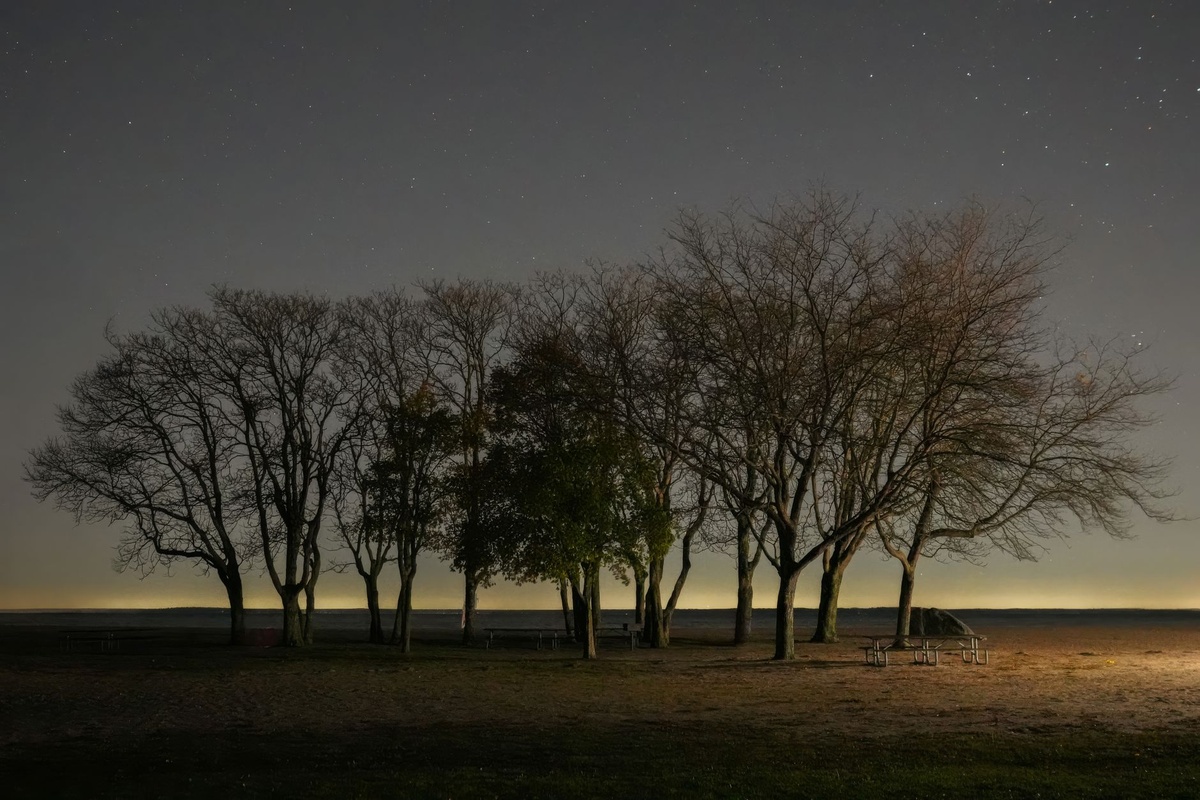
The darkest period in October 2026 falls around the October 10 new moon, while the October 26 full moon will brighten snow peaks but wash out faint stars. Use PhotoPills, Stellarium Mobile or Sky Guide offline; download map and sky data in Kathmandu because mountain connections may not support a 1GB app update.
At Annapurna Base Camp, approximately 4,130 meters above sea level, autumn nights can fall to around −5°C. Manang at 3,540 meters is often slightly warmer, while Thorong High Camp at roughly 4,880 meters can be colder and windier.
For Milky Way work, reach the location before twilight and identify avalanche terrain, cliffs and mule paths in daylight. A 15-minute scouting walk is safer than wandering 500 meters from the lodge at midnight while staring at a phone screen.
October’s post-monsoon clarity is excellent, but afternoon cloud can linger on the southern ABC approach. The Circuit’s drier Manang side generally offers more dependable stars, although the 160–190km route demands twice the storage and power planning of a 70–110km ABC itinerary.
Common Backup Mistakes on Annapurna
Formatting cards after one SSD copy
One card plus one SSD is only two copies, and neither is off-site. Keep full cards in a waterproof case; a 256GB card costs about €52, which is cheap compared with erasing four nights of clear skies.
Counting dual slots as off-site redundancy
Two cards inside one camera can disappear together. Remove and separate at least one full card whenever you travel by jeep, bus or domestic flight.
Uploading everything first
A single 100GB timelapse can monopolize 5Mbps lodge Wi-Fi for more than 53 hours. Upload your five-star RAW selections and checksum manifest first, then queue bulk files in Pokhara.
Using one untested cable
Carry two short USB-C data cables from reputable brands and test both for SSD transfers. A charge-only replacement bought on the trail may power the drive without exposing it to the phone.
Running transfers from a nearly empty phone
If the phone dies while updating the SSD’s directory, the file system may require repair. Start with at least 50% phone battery or connect a power bank through a powered hub.
Trusting thumbnails
A thumbnail can display even when the underlying RAW is corrupted. Open several files at 100% and compare totals; full checksum verification gives substantially better assurance for paid work.
Leaving the SSD plugged in overnight
Disconnect and power down the SSD after verification. An attached drive can drain 10–20% of a phone battery overnight, and a dangling cable is an easy way to damage the USB-C port.
Final Recommendation
For most October Annapurna photographers, the sweet spot is a dual-slot camera, two 256GB cards, one 2TB rugged SSD, a USB-C phone, a powered hub and a 20,000mAh power bank. Mirror every exposure in-camera, copy and verify nightly, retain both cards, then upload a 3–5GB priority folder whenever you find usable Wi-Fi.
Skip the laptop and solar panel on a standard 7–10-day ABC trek; spend the weight allowance on an extra battery and the money on a final upload night in Pokhara. Before flying to Nepal, rehearse the entire workflow at home with airplane mode enabled—then save this checklist offline and use it after every shoot.
Frequently Asked Questions
How much storage do I need for an Annapurna trek?
Allow 40–80GB per shooting day for high-resolution RAW, stacking and occasional 4K video. A 1TB SSD is adequate for many 7–10-day treks, but 2TB is safer for the 12–18-day Annapurna Circuit.
Can I back up camera photos to an SSD without a laptop?
Yes. Use a USB-C phone, powered hub, card reader and exFAT-formatted SSD; a 50GB copy typically takes 10–20 minutes with USB 3 hardware, compared with 45–60 minutes over USB 2.
Is lodge Wi-Fi fast enough to upload RAW photos?
Usually only for a selected 3–5GB folder. At 5Mbps, 5GB takes about 2.7 hours after overhead, while 50GB requires roughly 27 hours.
Do I need a solar panel on the Annapurna Circuit?
A 30W panel is worthwhile mainly on 12-day-plus itineraries or for two photographers sharing it. For a 7–10-day ABC trek, lodge charging at roughly €1.50–€4 per device is lighter and usually cheaper.
What is the best time for night photography in Annapurna in October 2026?
The darkest skies should fall approximately October 6–15 around the October 10 new moon. The October 26 full moon is better for illuminated mountain landscapes but worse for faint Milky Way detail.

About the Author: Tomáš Bzirský
Founder and editor of Distratech. Based in the Czech Republic, travelling regularly from Central Europe. Writes practical travel guides and travel-tech comparisons (eSIM, apps, airports) in six languages.