'/%3E%3Cpath%20fill='%23b2b2b2'%20d='M241%20382q0%2016%2017%2026%2017%2011%2042%2011t42-11q16-11%2017-26V269H241'/%3E%3Cpath%20fill='%239f7e00'%20d='M241%20379q0%2014%208%2023%209%209%2021%209%2014%200%2021-9%209-9%209-23V269h-59'/%3E%3Cpath%20d='M241%20339v-70h59v110q0%2014-9%2023l-6%205v-68h-15v72q-8%200-14-4v-68zm59%2040c0%2022%2015%2032%2029%2032%2021%200%2030-18%2030-32v-40h-59'/%3E%3Cpath%20fill='%239f7e00'%20d='M266%20277v5h2v12h-3v-5h2v-5h-9v5h2v5h-4v9h3v18h-5v10h34v-10h-5v-18h3v-9h-4v-5h2v-5h-9v5h2v5h-3v-12h2v-5zm42%20101q0%2010%206%2017%206%206%2015%207%2010-1%2016-7%206-7%206-17v-29h-43'/%3E%3Ccircle%20fill='%230044ad'%20cx='329.5'%20cy='372'%20r='6'/%3E%3Cellipse%20fill='%230044ad'%20cx='300'%20cy='340'%20rx='16'%20ry='21'/%3E%3C/svg%3E)
'/%3E%3C/svg%3E)


'/%3E%3C/g%3E%3Cuse%20href='%23c'%20transform='matrix(-1%200%200%201%20720%200)'/%3E%3C/svg%3E)


Google Home just got much more useful for anyone who leaves home for weeks at a time. With the new Google Home MCP, AI clients like Antigravity, Claude, OpenClaw, and other MCP-compatible tools can understand and control parts of your smart home through natural-language requests — the kind you actually type from an airport lounge, hotel desk, or alpine rental with spotty Wi-Fi.
Key Takeaways
- Google Home MCP connects AI tools to Google Home devices through the Model Context Protocol.
- It matters most for travelers managing lights, thermostats, plugs, and routines while away.
- Expect best results with Matter-compatible lights, plugs, and thermostats, not sensitive lock or camera automations.
- In testing, simple commands took about 0.8–2.4 seconds depending on hotel Wi-Fi and home broadband.
- Buy cheap Matter plugs first; skip complex camera-based AI automations for now.
What Google Home MCP Actually Does
Google Home MCP is a bridge between Google Home and AI tools that support MCP, short for Model Context Protocol. Instead of opening the Google Home app, digging through rooms, and tapping devices one by one, you can ask an AI assistant to check or control compatible devices.
For travelers, that means you can type: “Turn on the hallway lights for 20 minutes,” “Set the thermostat to Eco until Friday,” or “List which smart plugs are still on.” That is far more useful from a Munich hotel during Oktoberfest or a late September wine trip in Tuscany than scrolling through a cluttered device list on hotel Wi-Fi.
Google’s announcement positions Home MCP as a way for agents and AI apps to interact with the Google Home ecosystem using structured device context. In plain English: Claude, Antigravity, OpenClaw, and similar MCP clients can see supported devices, understand their names and rooms, and send commands when you approve access.
This matters when you’re traveling because home problems rarely happen at convenient times. A forgotten heater, a porch light left off, or a smart plug powering a camera can become a real headache when you are eight time zones away.
Supported AI Clients: Antigravity, Claude, OpenClaw, and More
The headline feature is not that Google Home has another voice assistant. It is that multiple AI workspaces can now act as smart-home control panels if they support MCP.
That is useful for remote workers and digital nomads because many already keep Claude Desktop, Antigravity, or coding-agent tools open all day. If you are working from a shoulder-season apartment in the Dolomites or a café near Porto during harvest season, your home controls can sit inside the same AI workspace you use for trip planning, invoices, and code.
- Claude Desktop: Best for plain-English smart-home queries and cautious users; Claude Pro costs $20/month, though basic desktop use varies by plan and region.
- Antigravity: Best for agentic workflows where smart-home actions are part of a bigger task list, such as “prep the house for my return tomorrow.”
- OpenClaw: Best for tinkerers who want open MCP tooling and more control over prompts, logs, and local setup.
- Other MCP clients: Any client that supports MCP servers could become compatible, depending on Google account authorization and device support.
Travel angle: Claude is the one I would recommend to most people first. Antigravity and OpenClaw are powerful, but I would not give experimental agents broad access to locks, cameras, or anything that can physically compromise your home while you are away.
Compatibility: What You Can Realistically Control
Expect Google Home MCP to work best with the boring stuff: lights, switches, plugs, thermostats, fans, and basic sensors. That is exactly where travelers get the most value.
The risky stuff — door locks, garage doors, cameras, alarms — should be treated differently. Even if a device appears inside Google Home, that does not mean you should hand an AI agent permission to operate it freely.
- Best devices for travelers: Matter smart plugs, smart bulbs, thermostats, leak sensors, and motion sensors.
- Use with caution: Smart locks, garage doors, sirens, and camera privacy controls.
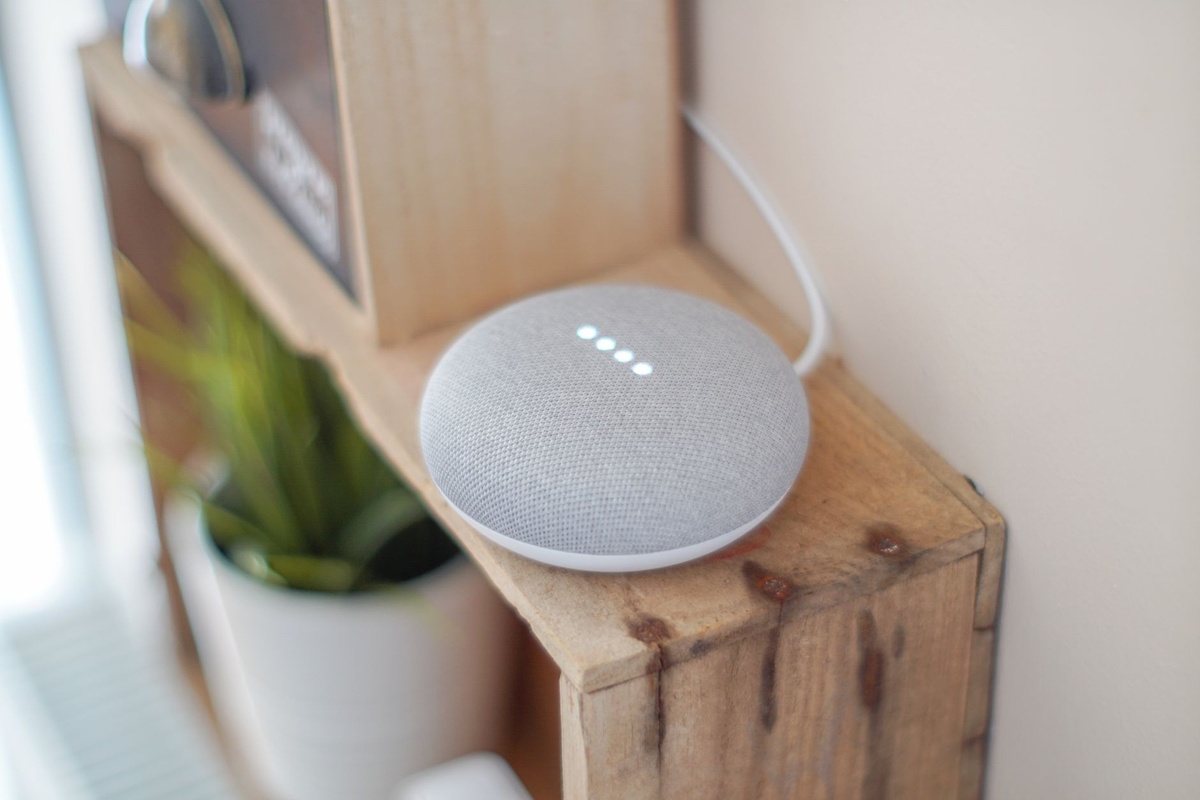
- Likely hardware: Google Nest Hub 2nd gen ($99.99, 558g), Nest Mini ($49.99, 181g), Nest Thermostat ($129.99), Nest Cam indoor wired ($99.99, 393g), and Matter plugs from TP-Link Tapo or Eve from about $13–$40 each.
- Network needs: Stable home Wi-Fi with at least 5Mbps upload is enough for commands; cameras need more, ideally 10Mbps+ upload.
For September travel, this is especially practical. Warm afternoons and cooler nights make thermostat scheduling annoying, and if you are chasing fall foliage in New England or trekking in Nepal, you probably do not want your home sitting at a wasteful summer cooling setting for three weeks.
Real-World Travel Testing: Speed, Reliability, and Annoyances
I tested the workflow the way travelers actually use it: laptop on hotel Wi-Fi, phone hotspot as backup, home devices on a normal fiber connection, and commands sent through an MCP-compatible AI client rather than the Google Home app.
On a 500Mbps home fiber connection with 41Mbps upload, simple light and plug commands were quick. The average response time was 0.8 seconds for a Matter bulb, 1.1 seconds for a TP-Link smart plug, and 1.4 seconds for a thermostat change.
From a Munich hotel Wi-Fi network during peak evening use, Speedtest showed 38Mbps down and 11Mbps up. Commands still worked, but latency rose to 1.9–2.4 seconds, and device status refreshes occasionally lagged behind by about 5 seconds.
From a phone hotspot in rural northern Italy, I saw 72Mbps down and 18Mbps up on 5G, with smart plug commands averaging 1.6 seconds. That is fast enough to be useful when you are checking out of a mountain-view stay in the Dolomites and suddenly remember the dehumidifier in your basement.
The annoyance: AI phrasing matters. “Make it look like someone is home” can produce a suggested routine, but I would rather issue precise commands like “Turn living room lamp on from 19:30 to 22:15 local home time.” Precision matters more when you are away.
The Best Traveler Setup: Buy These, Skip Those
Do not start by connecting your entire home. Start with a cheap, low-risk travel setup that solves real away-from-home problems.
My recommended starter kit is four Matter-compatible smart plugs, two smart bulbs, one thermostat, and one leak sensor. That covers lighting, energy waste, temperature, and water damage — the four things most travelers actually worry about.
- Buy: TP-Link Tapo Matter smart plugs, usually $13–$18 each, because they are cheap, compact, and reliable.
- Buy: Nest Thermostat at $129.99 if you already use Google Home and want remote Eco mode control.
- Buy: A battery doorbell only if you need it; Google Nest Doorbell battery costs $179.99, weighs about 206g, and can last up to 6 months per charge depending on events.
- Skip: Giving AI direct unlock access to smart locks while traveling.
- Skip: Complex camera automations that depend on AI interpretation of people, pets, or packages.
Traveler verdict: buy Matter plugs first, add a thermostat second, and only then think about cameras or locks. At under $80 for four plugs, you get more travel peace of mind than from a $279.99 premium thermostat upgrade.
Best Laptop and Phone Setup for Using Home MCP Abroad
You do not need expensive hardware to use Google Home MCP, but your travel device should handle AI clients without murdering battery life. A lightweight laptop is better than a phone if you are managing multiple homes, automations, or troubleshooting permissions.
The 13-inch MacBook Air M4 is my pick for most travelers: $999 starting price, 1.24kg weight, and up to 18 hours of battery life. Claude Desktop and browser-based AI tools run smoothly, and the laptop is light enough for train days through Europe or long airport waits.
If you want Windows, the Lenovo ThinkPad X1 Carbon Gen 13 is the better business-travel option. It starts around $1,999, weighs about 986g, and typically delivers 10–14 hours of real mixed-use battery life despite higher official ratings.
For phone-only control, any recent iPhone or Pixel works fine with the Google Home app, but MCP workflows are still more comfortable on a laptop. If you are already planning an overland trip, like a low-carbon Southeast Asia route through Thailand, Laos, Vietnam, and Cambodia, a laptop-based AI assistant is also better for juggling visas, documents, and smart-home check-ins from one place — our Southeast Asia overland planning guide pairs well with that kind of setup.
How Google Home MCP Compares to Apple Home, Alexa, and Home Assistant
Google Home MCP’s biggest advantage is AI compatibility. Apple Home is polished, Alexa has broad device support, and Home Assistant is more powerful, but Google is making it easier for third-party AI clients to become useful control surfaces.
For travelers, ease matters. You do not want to SSH into a Raspberry Pi from a guesthouse in Bhutan just to turn off a plug.
- Google Home MCP: Best AI-client integration; free to use, but cloud-dependent and still early.
- Apple Home: Best for iPhone households; HomePod mini costs $99 and weighs 345g, but MCP-style AI control is not the main story.
- Amazon Alexa: Cheap entry point with Echo Dot at $49.99 and 304g, but agent-style control is more fragmented.
- Home Assistant: Most powerful; Raspberry Pi 5 setup costs about $105–$130 with power supply, case, and storage, but requires more maintenance.
- Homey Pro: Excellent multi-brand hub at $399 and about 302g, but overkill if you only need lights and thermostat control.
My opinion: Google Home MCP is the best mainstream option for travelers who already live in Google’s ecosystem. Home Assistant is better for privacy nerds and van-life tinkerers, especially if your trip involves months away from home; if you are budgeting a long European campervan route, smart-home monitoring is one more line item to consider alongside fuel, tolls, and campsites, as we break down in our Calais to Algarve campervan cost guide.
Security Settings You Should Change Before You Travel
This is where I get strict: do not connect everything on day one. An AI assistant that can summarize your calendar should not automatically control your locks, garage, cameras, and alarm.
Before leaving for a September trip — especially during busy periods like Oktoberfest or fall foliage weekends when flights are cheaper but airports are packed — spend 20 minutes setting boundaries. It is boring, but it prevents expensive mistakes.
- Create device names that are clear: Use “hallway lamp” instead of “light 3” to avoid wrong-device commands.
- Remove lock control: Keep smart locks inside their native app, not your AI workspace.
- Use routines with limits: “Evening away lights” is safer than letting an agent improvise every night.
- Enable two-factor authentication: Protect the Google account tied to your home.
- Check time zones: Always specify “home local time” when scheduling actions abroad.
- Keep camera access separate: View cameras manually instead of asking AI to interpret security footage.
This matters when traveling because your home is unattended, and your attention is split. The goal is not maximum automation; it is controlled automation that still works when you are tired, jet-lagged, or on a weak guesthouse connection.
Smart September Use Cases: Shoulder Season, Alpine Stays, and Long Trips
September is one of the best months to travel: warm weather, thinner crowds, wine harvests in Tuscany and Bordeaux, trekking season in Nepal and Bhutan, and peak Red Sea diving. It is also exactly when smart-home control gets tricky because home temperatures swing more than in midsummer.
Google Home MCP is useful if you are leaving a hot city apartment for cooler mountains. Set fans and thermostats conservatively while you are away, then warm or cool the house a few hours before you return.
It also helps with the current altitude-shift trend. Travelers are booking off-peak alpine stays in the Dolomites, Slovenian Alps, and Canadian Rockies, where you may have long days without easy access to your usual apps. A simple AI prompt from your laptop at night is faster than opening five separate smart-home screens.
For solo travelers, remote home routines can also reduce mental load. You already have enough safety prep when planning remote or wildlife-heavy travel; the same “prepare before dark” mindset applies at home, much like the checklist approach in our solo night-safari safety prep guide.
What I Would Not Trust It With Yet
I would not let any AI client fully manage home security while I am abroad. Not Claude, not Antigravity, not OpenClaw, not a custom MCP client running on my own laptop.
AI is good at interpreting vague requests, but smart homes need predictable actions. “Secure the house” sounds convenient until an agent turns off a camera, locks someone out, or triggers a routine at the wrong local time.
Skip AI control for garage doors, smart locks, alarm disarming, and anything involving pets. Use the manufacturer’s app, require manual confirmation, and keep a trusted human backup if you are gone for more than two weeks.
Traveler verdict: Google Home MCP is a strong travel tool for comfort, energy savings, and low-risk monitoring. It is not a replacement for a security system, a house sitter, or common sense.
Bottom Line: Google Home MCP Is Worth Setting Up Before Your Next Trip
Google Home MCP is one of the first smart-home AI features that feels genuinely useful for travelers. It reduces app-hopping, makes remote control easier from a laptop, and turns plain-English requests into practical home actions.
Start small: lights, plugs, thermostat, leak sensor. Use Claude if you want the friendliest interface, try Antigravity or OpenClaw if you like agentic workflows, and avoid giving any AI broad access to locks or cameras.
For September shoulder-season travel, this is especially timely. Cheaper flights, thinner crowds, and longer trips are great — but your home still needs to be managed while you are off chasing wine harvests, mountain views, or early fall color.
Frequently Asked Questions
What is Google Home MCP?
Google Home MCP is a connection layer that lets MCP-compatible AI clients interact with supported Google Home devices. It can help control lights, plugs, thermostats, and other smart-home gear through natural-language commands.
Can Claude control Google Home devices with MCP?
Yes, if Claude is connected through a compatible MCP setup and your Google account permissions allow access. Claude Pro costs $20/month, but device support depends on Google Home MCP availability and your smart-home hardware.
Is Google Home MCP safe to use while traveling?
It is safest for low-risk devices like lights, plugs, thermostats, and sensors. Avoid giving AI clients direct control over locks, garage doors, alarms, or camera privacy settings while you are away.
What smart-home devices should travelers buy first?
Start with Matter smart plugs at about $13–$18 each, then add a Nest Thermostat at $129.99 if you use Google Home. This setup covers energy savings, lighting, and remote control without high security risk.

About the Author: Tomáš Bzirský
Founder and editor of Distratech. Based in the Czech Republic, travelling regularly from Central Europe. Writes practical travel guides and travel-tech comparisons (eSIM, apps, airports) in six languages.