'/%3E%3Cpath%20fill='%23b2b2b2'%20d='M241%20382q0%2016%2017%2026%2017%2011%2042%2011t42-11q16-11%2017-26V269H241'/%3E%3Cpath%20fill='%239f7e00'%20d='M241%20379q0%2014%208%2023%209%209%2021%209%2014%200%2021-9%209-9%209-23V269h-59'/%3E%3Cpath%20d='M241%20339v-70h59v110q0%2014-9%2023l-6%205v-68h-15v72q-8%200-14-4v-68zm59%2040c0%2022%2015%2032%2029%2032%2021%200%2030-18%2030-32v-40h-59'/%3E%3Cpath%20fill='%239f7e00'%20d='M266%20277v5h2v12h-3v-5h2v-5h-9v5h2v5h-4v9h3v18h-5v10h34v-10h-5v-18h3v-9h-4v-5h2v-5h-9v5h2v5h-3v-12h2v-5zm42%20101q0%2010%206%2017%206%206%2015%207%2010-1%2016-7%206-7%206-17v-29h-43'/%3E%3Ccircle%20fill='%230044ad'%20cx='329.5'%20cy='372'%20r='6'/%3E%3Cellipse%20fill='%230044ad'%20cx='300'%20cy='340'%20rx='16'%20ry='21'/%3E%3C/svg%3E)
'/%3E%3C/svg%3E)


'/%3E%3C/g%3E%3Cuse%20href='%23c'%20transform='matrix(-1%200%200%201%20720%200)'/%3E%3C/svg%3E)


If you code on the road, OpenAI just made your life a lot easier. As of May 2026, Codex — OpenAI’s AI coding agent — is now accessible directly inside the ChatGPT app on iPhone, iPad, and Android. That means you can manage, review, and trigger coding tasks remotely from your phone, without being glued to your laptop.
For digital nomads, remote founders, and anyone balancing travel with tech work this summer, that’s a serious upgrade.
Key Takeaways
- Codex is now accessible inside the ChatGPT app for iOS and Android (May 2026 update).
- You can review, trigger, and monitor coding tasks remotely from your phone or tablet.
- Ideal for digital nomads who run dev workflows on a Mac or remote machine.
- Works over cellular or Wi-Fi — perfect for airport lounges and train rides.
- Included in paid ChatGPT plans that support Codex features.
What Actually Changed?
Until now, Codex was primarily something you interacted with on your computer — especially if you were running development environments locally on a Mac or connected to remote infrastructure.
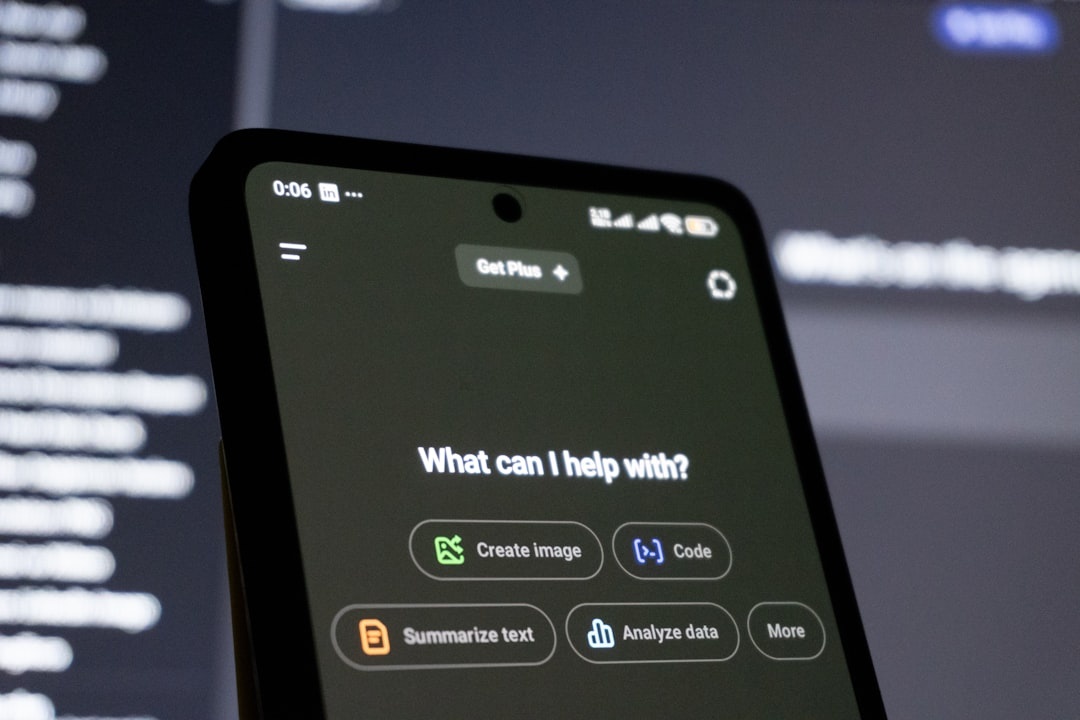
With the new update, the ChatGPT mobile app becomes a control center. You can:
- Start or manage coding tasks remotely
- Review code suggestions and edits
- Respond to prompts or agent questions
- Monitor progress while away from your desk
- Make lightweight adjustments without opening your laptop
Think of it as remote DevOps-lite from your pocket.
Why This Matters for Travelers (Especially in Summer 2026)
Late spring and summer is peak movement season. Festivals kick off across Europe. Digital nomads head to coastal hubs. World Cup prep traffic is building — especially if you’re planning time in Mexico City (check our Mexico City World Cup guide if that’s on your list).
And yet, deadlines don’t pause for beach days.
Here’s where mobile Codex control makes a difference.
1. You Don’t Need to Open Your Laptop at Security or Boarding
Anyone who’s tried coding in an airport knows the drill: find a seat, pull out the laptop, connect to unstable Wi-Fi, juggle bags, watch your boarding group.
Now you can check on a running coding task, approve a suggestion, or send an instruction from your phone while standing in line.
No tray table required.
2. It’s Perfect for Train Travel Across Europe
If you’re planning cross-border trips — especially with the upcoming simplified EU rail ticket system (see our breakdown of the EU single rail ticket plan) — you’ll likely spend hours on trains this summer.
Train Wi-Fi can be unpredictable. But cellular data across the EU is solid. Using Codex from your phone over 5G is often more stable than relying on carriage Wi-Fi with your laptop.
It’s a small shift that reduces friction.
3. It Encourages Asynchronous Work
One of the smartest ways to travel and work is to stop doing everything in real time.
With Codex running tasks remotely, you can:
- Launch a refactor before heading out to explore
- Let tests run while you’re at the beach
- Review output in short bursts between activities
This is ideal if you’re road-tripping somewhere like Iceland’s Ring Road this summer (our 5-day Iceland itinerary is a good starting point). You don’t want to be glued to a MacBook in a camper van.

How It Works in Practice
After updating to the latest version of the ChatGPT app on iOS or Android, Codex features appear for eligible users on supported plans.
The workflow typically looks like this:
- Start a coding task from your desktop or remote environment.
- Leave it running.
- Open ChatGPT on your phone.
- Review progress, approve changes, or adjust instructions.
- Continue the session without reopening your laptop.
You’re not building full-scale projects entirely on your phone — let’s be realistic. But you’re removing the need to constantly sit at a desk.
Who Benefits Most?
This isn’t for casual ChatGPT users who just ask for travel tips or restaurant lists.
It’s for:
- Freelance developers working while slow-traveling
- Startup founders overseeing engineering tasks
- Technical product managers reviewing code changes
- Remote teams spread across time zones
- Digital nomads running side projects
If your laptop is your office, this feature makes your office more flexible.
What It Doesn’t Do (Let’s Be Honest)
This is not a full IDE replacement.
You’re not going to comfortably debug a complex UI bug from a 6.1-inch screen in bright sunlight at a beach café in Bologna (though if you are there, you should at least enjoy the food — here’s our 3-day Bologna food guide).
Mobile Codex is best for:
- Status checks
- Light approvals
- Minor adjustments
- Monitoring long-running tasks
Deep architectural changes? Still a laptop job.
Battery, Data, and Performance Considerations
From a traveler’s perspective, three things matter: battery drain, data usage, and reliability.
Battery: The ChatGPT app is not especially power-hungry, but extended usage over 5G can add up. If you’re relying on mobile control all day, carry a 10,000–20,000mAh power bank.
Data: Text-based interactions are light. Even with code snippets, you’re not burning through gigabytes. This works well with eSIM travel plans.
Connectivity: Codex doesn’t require high bandwidth — just stable connectivity. In most urban areas across Europe, North America, and parts of Asia, that’s not a problem in 2026.
Security on Public Networks
If you’re managing code remotely from an airport lounge or café, security matters.
My advice:
- Use cellular data instead of public Wi-Fi when possible.
- Enable two-factor authentication on your OpenAI account.
- Use device-level biometrics (Face ID, fingerprint).
- Avoid copying sensitive keys into visible notes apps.
Convenience shouldn’t compromise your repo.
Is It Worth Upgrading Your Plan for?
If you’re already on a paid ChatGPT plan that supports advanced features and you code regularly, yes.
If you only code occasionally, this is a “nice-to-have,” not a must-pay feature.
But for digital nomads spending the summer hopping between Lisbon, Mexico City, and Bali, the ability to decouple your physical laptop from your workflow is huge.
The Bigger Trend: Your Phone Is Becoming Your Dev Dashboard
Over the last two years, we’ve seen more tools shift toward remote orchestration rather than local execution. Codex in ChatGPT mobile fits that pattern.
Your laptop does the heavy lifting. Your phone becomes the command center.
For travelers, that’s the sweet spot.
Final Verdict: A Quietly Powerful Upgrade for Remote Workers
This isn’t a flashy feature. There’s no dramatic new interface or gimmick.
But in real-world travel scenarios — airport lounges, cross-border trains, road trips, beach towns with patchy Wi-Fi — being able to manage coding workflows from your phone is practical and freeing.
If you work in tech and travel often, update the ChatGPT app before your next trip. It’s one of those features you won’t fully appreciate until you’re boarding a flight and realize you don’t need to open your laptop to keep things moving.
Frequently Asked Questions
Can I code entirely from my iPhone or Android using Codex?
No. You can manage, review, and trigger coding tasks, but full-scale development is still best done on a desktop or laptop environment.
Is Codex on ChatGPT mobile available for free users?
Codex features are typically included in paid ChatGPT plans that support advanced tools, not the free tier.
Does Codex work over mobile data while traveling abroad?
Yes. It works over 4G/5G or Wi-Fi, and data usage is relatively low since interactions are primarily text-based.
Is it secure to use Codex on public Wi-Fi?
It’s safer to use cellular data or a trusted VPN, and you should enable two-factor authentication and biometric lock on your device.

About the Author: Tomáš Bzirský
Founder and editor of Distratech. Based in the Czech Republic, travelling regularly from Central Europe. Writes practical travel guides and travel-tech comparisons (eSIM, apps, airports) in six languages.