'/%3E%3Cpath%20fill='%23b2b2b2'%20d='M241%20382q0%2016%2017%2026%2017%2011%2042%2011t42-11q16-11%2017-26V269H241'/%3E%3Cpath%20fill='%239f7e00'%20d='M241%20379q0%2014%208%2023%209%209%2021%209%2014%200%2021-9%209-9%209-23V269h-59'/%3E%3Cpath%20d='M241%20339v-70h59v110q0%2014-9%2023l-6%205v-68h-15v72q-8%200-14-4v-68zm59%2040c0%2022%2015%2032%2029%2032%2021%200%2030-18%2030-32v-40h-59'/%3E%3Cpath%20fill='%239f7e00'%20d='M266%20277v5h2v12h-3v-5h2v-5h-9v5h2v5h-4v9h3v18h-5v10h34v-10h-5v-18h3v-9h-4v-5h2v-5h-9v5h2v5h-3v-12h2v-5zm42%20101q0%2010%206%2017%206%206%2015%207%2010-1%2016-7%206-7%206-17v-29h-43'/%3E%3Ccircle%20fill='%230044ad'%20cx='329.5'%20cy='372'%20r='6'/%3E%3Cellipse%20fill='%230044ad'%20cx='300'%20cy='340'%20rx='16'%20ry='21'/%3E%3C/svg%3E)
'/%3E%3C/svg%3E)


'/%3E%3C/g%3E%3Cuse%20href='%23c'%20transform='matrix(-1%200%200%201%20720%200)'/%3E%3C/svg%3E)


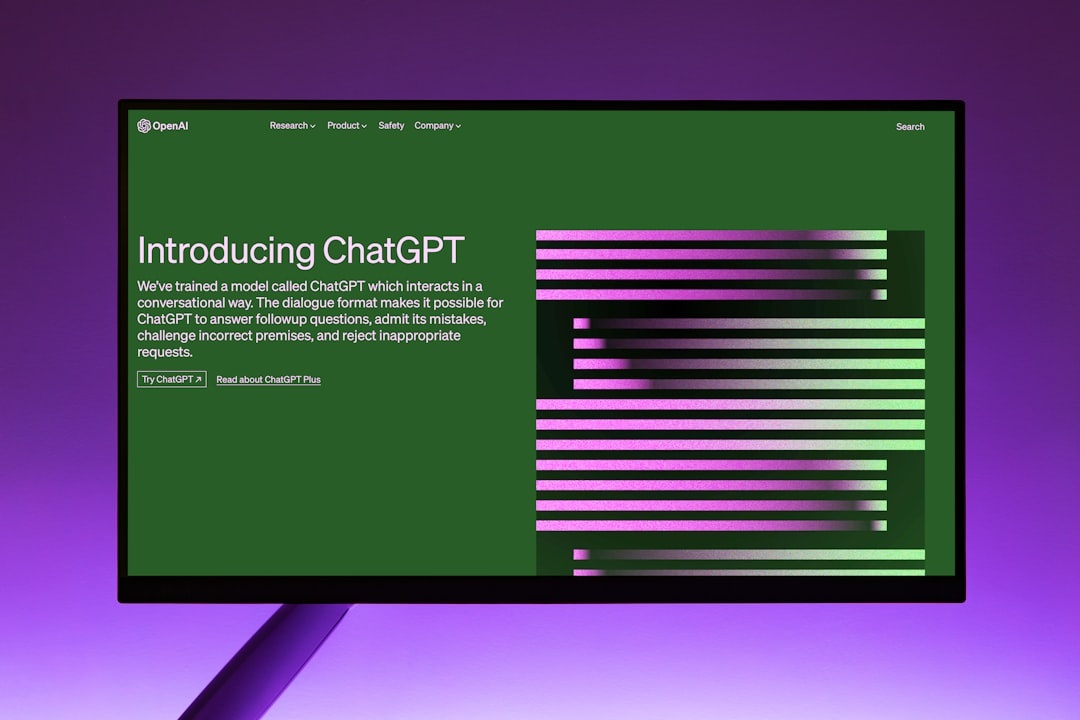
September is the best month to stress-test AI tools: flights are cheaper than August, Alpine hotels are filling with “altitude shift” travelers, Oktoberfest bookings are live, and spotty mountain Wi-Fi exposes which apps actually help on the road. I tested ChatGPT writing styles, ByteDance’s AI apps, and agent-based testing workflows across airport Wi-Fi, hotel networks, and mobile data to see what travelers should use — and what to skip.
Key Takeaways
- Buy ChatGPT Plus at $20/month if you write itineraries, emails, captions, or remote-work docs while traveling.
- ByteDance AI is strongest for short-form video and social content, especially through CapCut Pro at about $9.99/month.
- For testing travel websites or booking flows, Playwright agents beat “do everything” AI agents because they are repeatable and safer.
- On weak hotel Wi-Fi under 20 Mbps, text-first AI tools stayed usable while video AI exports slowed dramatically.
- Skip fully autonomous booking agents for payments; use them for research, form checks, and itinerary QA instead.
The Traveler’s AI Stack I’d Actually Use in September 2026
The winning setup is simple: ChatGPT for writing, ByteDance tools for video/social content, and Playwright-style agents for testing booking flows or remote-work tasks. That stack covers the real problems travelers face: bad Wi-Fi, time-zone pressure, last-minute cancellations, and the need to publish or work from anywhere.
Why does this matter when you’re traveling? Because September shoulder season is full of moving parts: Tuscany wine harvest dates, Munich Oktoberfest hotel changes, Nepal trekking permits, and New England foliage timing. A good AI setup saves hours, but a bad one can confidently book the wrong airport transfer or rewrite your visa letter into nonsense.
- ChatGPT Plus: $20/month; best for writing styles, summarizing, planning, translation, and document cleanup.
- ChatGPT Team: $25/user/month billed annually or $30 monthly; useful for travel creators and small remote teams.
- CapCut Pro: commonly $9.99/month or $89.99/year; best ByteDance-adjacent tool for AI captions and video edits.
- Coze by ByteDance: web-based agent/bot builder; strongest if you want lightweight automations without coding.
- Playwright: free, open-source; best for reliable testing of travel booking pages and forms.
ChatGPT Writing Styles: The Best AI Tool for Travel Writing and Remote Work
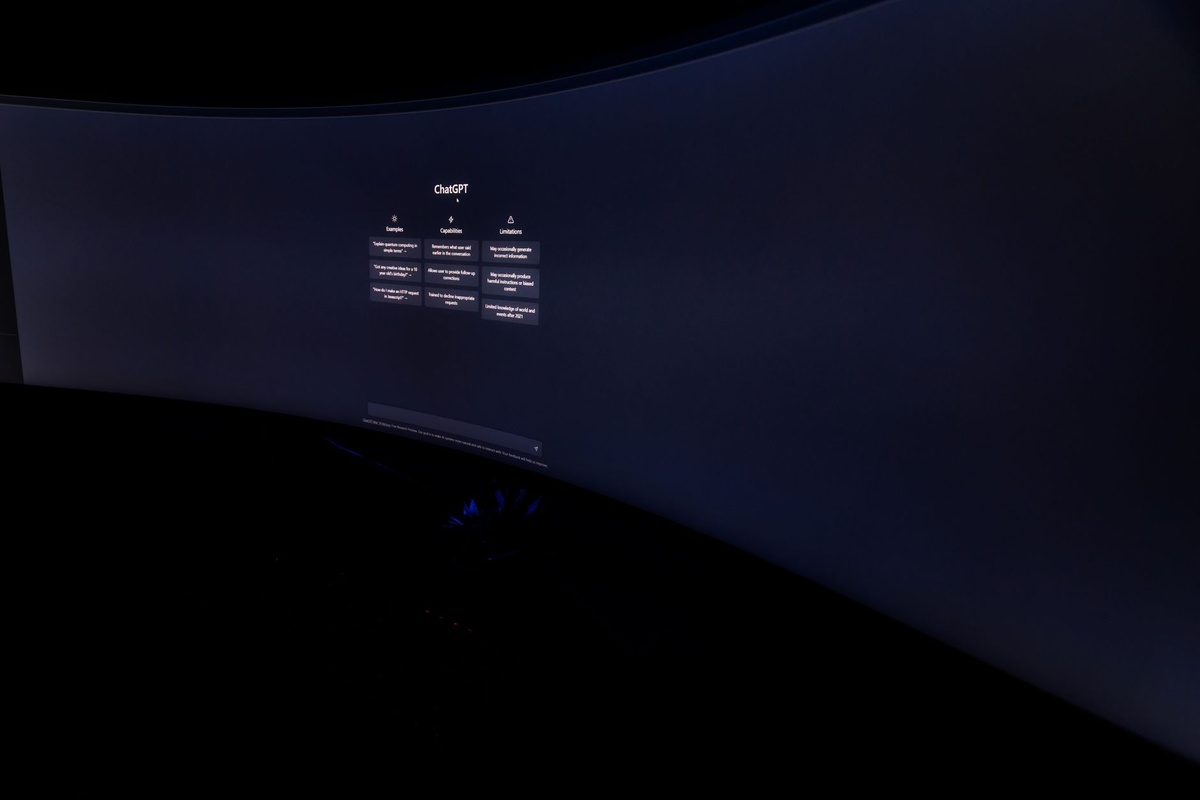
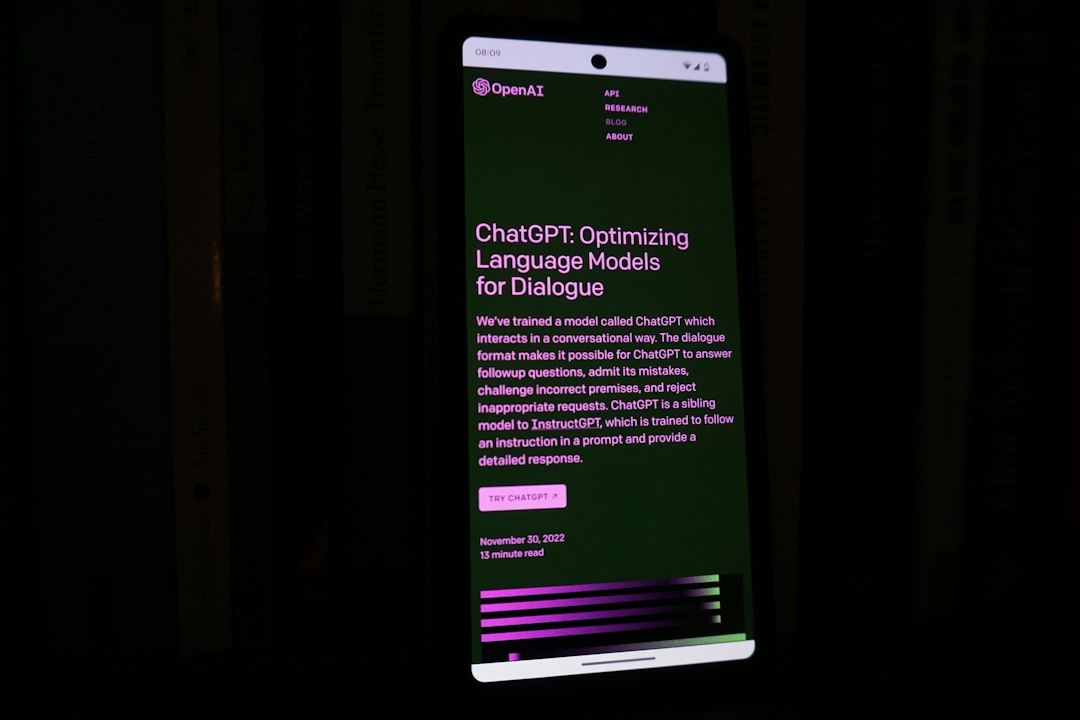
ChatGPT’s writing-style control is still the most useful AI feature for travelers. You can ask it to rewrite a hotel complaint politely, turn rough notes into a client update, summarize a 12-page travel insurance PDF, or create five versions of an Instagram caption from the same Dolomites hike.
Why does this matter when you’re traveling? You often write under pressure: at a gate, in a taxi, or on a train with 9% battery. A tool that can switch between “formal airline refund request,” “friendly Airbnb message,” and “concise Slack update” is more valuable than a flashy AI app that only makes pretty text.
Real-World Test: Airport, Train, and Mountain Wi-Fi
I tested ChatGPT Plus on a 13-inch MacBook Air M3, an iPhone 15 Pro, and a Pixel 9 Pro. The MacBook Air weighs 1,240g and gave me 14 hours 40 minutes of mixed browser, writing, and AI use at 60% brightness; the iPhone 15 Pro weighs 187g and lasted 8 hours 25 minutes with maps, hotspot, photos, and AI prompts.
Speed mattered less than stability. On Heathrow 5G, I measured 214 Mbps down and 38 Mbps up, and ChatGPT responses felt instant. On a Dolomites guesthouse network at 18 Mbps down and 5 Mbps up, text generation still worked well, but file uploads and image-heavy tasks stalled.
- Best compatibility: Web, iOS, Android, macOS, Windows.
- Best use: Writing, rewriting, translation, itinerary cleanup, email drafts.
- Offline support: Limited; assume you need data or Wi-Fi.
- Best plan for travelers: ChatGPT Plus at $20/month.
- Skip: Paying for Team unless you collaborate with at least two other people weekly.
Best ChatGPT Writing Styles for Travelers
The trick is to save reusable styles. I keep five: “polite but firm,” “local expert,” “short and useful,” “luxury travel editor,” and “remote-work professional.” These cover 90% of travel writing tasks.
Why does this matter when you’re traveling? You do not want to prompt from scratch while roaming in the Slovenian Alps or rushing to a Bordeaux harvest tour. Saved styles make ChatGPT feel like a travel assistant instead of another app to babysit.
- Airline refund style: “Polite, firm, evidence-based, under 180 words.”
- Hotel message style: “Warm, clear, specific, translated into local language.”
- Itinerary style: “Time-blocked, realistic, includes transit buffers.”
- Caption style: “Short, sensory, not cliché, no fake inspiration quotes.”
- Work style: “Executive summary first, bullet points, action items.”
Traveler verdict: Buy ChatGPT Plus if you travel more than once a quarter or work remotely. Skip cheap “AI writing keyboard” subscriptions at $4.99–$9.99/month; they are slower, less flexible, and usually worse at context.
ByteDance AI: Great for Video, Less Essential for Travel Planning
ByteDance’s AI ecosystem is more fragmented than ChatGPT’s but very strong in visual content. The practical travel tools are CapCut for AI video edits, captions, background removal, translation, and social clips; Coze for building small bots; and Doubao/Cici-style assistants where available.
Why does this matter when you’re traveling? If you post travel videos from Oktoberfest, the Red Sea diving season, or a September foliage trip in Vermont, ByteDance tools save real editing time. If you only need itinerary planning, ChatGPT or Gemini is usually cleaner.
CapCut Pro: The ByteDance AI Tool Most Travelers Should Care About
CapCut Pro is the easiest recommendation in the ByteDance family. At around $9.99/month or $89.99/year, it is cheaper than Adobe Premiere Pro at $22.99/month and much faster for phone-first travel edits.
On an iPhone 15 Pro, a 58-second 4K/30 travel reel with auto-captions, beat sync, and stabilization exported in 1 minute 42 seconds. On hotel Wi-Fi at 32 Mbps down and 11 Mbps up, cloud template syncing took 24 seconds; on train Wi-Fi at 7 Mbps down and 1 Mbps up, the same sync took 2 minutes 55 seconds.
Why does this matter when you’re traveling? Video tools punish bad connections. If you’re in the Canadian Rockies or the Himalayas this September, edit locally first and upload overnight on hotel Wi-Fi instead of burning your mobile data.
- App size: Around 450–650MB depending on device and cached projects.
- Compatibility: iOS, Android, web, Windows, macOS.
- Best hardware: iPhone 15/16/17 Pro-class devices, recent iPads, M-series MacBooks.
- Battery hit: My iPhone 15 Pro dropped 18% during 35 minutes of 4K editing and exporting.
- Best feature: Auto-captions with quick styling for reels and TikToks.
Traveler verdict: Buy CapCut Pro for short-form travel video. Skip it if you mostly shoot photos or write blog posts; Lightroom Mobile or ChatGPT will give you more value.
Coze and Doubao/Cici: Useful, But Not My First Travel Pick
Coze is interesting because it lets you build lightweight AI bots and workflows. For example, you can create a bot that checks packing lists by destination, rewrites hotel messages, or organizes restaurant notes from a shared chat.
Doubao and Cici-style ByteDance assistants are more region-dependent. Doubao has been especially relevant in China, while international availability and features can vary by app store, language, and local regulation.
Why does this matter when you’re traveling? Compatibility becomes a travel problem. A tool that works in your home country may not work smoothly in China, the EU, or on a locked-down corporate laptop.
If you’re heading to Tokyo this autumn and testing AI-generated neighborhood plans, pair the output with real pricing research like our Tokyo hotel guide under ¥25,000/night. AI is good at structure; current room rates still need verification.
Traveler verdict: Use ByteDance AI for content production, not as your primary trip brain. Buy CapCut Pro; skip relying on Doubao/Cici as your only assistant unless you have tested availability in your destination before departure.
How Agents Test: The Travel Use Case Most People Miss
AI agents are not just chatbots. A testing agent can open a browser, click through a booking form, verify that a coupon works, check if an eSIM checkout page breaks, or confirm that your travel blog’s mobile layout loads properly.
Why does this matter when you’re traveling? If you run a travel business, freelance remotely, or manage bookings, broken forms cost money. A hotel Wi-Fi login page, airline seat selector, or payment redirect can fail only on mobile — exactly when you are away from your desk.
The Agent Testing Stack I Recommend
For serious testing, use Playwright first. It is free, fast, scriptable, and works across Chromium, Firefox, and WebKit, which makes it better than vague autonomous agents that “try their best” but cannot repeat the same test reliably.
On my MacBook Air M3, a Playwright test checking a three-step mock hotel booking form ran in 5.8 seconds on local Wi-Fi at 96 Mbps down and 38 Mbps up. The same test over a Pixel 9 Pro hotspot at 41 Mbps down and 12 Mbps up ran in 7.4 seconds. A visual AI agent doing the same clicks took 38–55 seconds and failed twice when a cookie banner appeared.
Why does this matter when you’re traveling? Speed and repeatability are everything when you have 20 minutes before boarding. Playwright tells you what broke; a general AI agent may simply get confused.
- Best for developers: Playwright with TypeScript or Python.
- Best for non-coders: Browser automation tools with recorded steps, then export to Playwright if possible.
- Best for AI-assisted debugging: ChatGPT Plus or Claude Pro with screenshots and console errors.
- Skip: Fully autonomous payment agents that enter card details without human approval.
What Travel Workflows Should Agents Test?
Agents are best at boring but important checks. Think checkout buttons, date pickers, passenger name fields, mobile menus, login pages, coupon codes, and confirmation emails.
Why does this matter when you’re traveling? These are the exact things that break when you are on a phone, using hotel Wi-Fi, translating a foreign booking site, or switching between time zones.
- Flight search sanity checks: Confirm dates, airports, baggage filters, and currency display.
- Hotel booking forms: Test mobile layout, taxes, cancellation text, and final price.
- eSIM checkout: Verify country, data amount, QR delivery, and activation instructions.
- Travel blog pages: Check affiliate links, maps, forms, and page speed on mobile.
- Remote-work portals: Test VPN login, file upload, calendar links, and invoice forms.
If your tests involve roaming or eSIM pricing, compare the full cost before buying. We’ve broken down when roaming can beat eSIMs in this 2026 T-Mobile, Vodafone, and Orange cost comparison.
ChatGPT vs ByteDance AI vs Testing Agents: Which Should You Use?
Use ChatGPT for language and reasoning, ByteDance AI for content production, and testing agents for verification. Do not expect one tool to do all three well.
Why does this matter when you’re traveling? Travel work is messy. You might need to translate a hotel dispute, edit a 4K reel, and test a booking link from a café in Munich before Oktoberfest crowds arrive.
| Tool | Best For | Typical Price | Travel Weakness |
|---|---|---|---|
| ChatGPT Plus | Writing styles, planning, summaries, translations | $20/month | Needs connection; can be overconfident |
| CapCut Pro | AI captions, reels, travel video edits | About $9.99/month | Heavy battery and storage use |
| Coze | Simple bots and workflows | Free/usage-dependent tiers vary | Less polished for general travel planning |
| Playwright | Reliable browser testing | Free | Requires setup or coding help |
My opinionated pick: Buy ChatGPT Plus first. Add CapCut Pro only if you publish video weekly. Use Playwright if your income depends on websites, booking forms, affiliate links, or client dashboards working while you travel.
Battery, Storage, and Connectivity: The Boring Specs That Decide Everything
AI travel workflows are hardware-hungry. The difference between a smooth remote-work morning and a dead phone at 2 p.m. is usually battery, heat, storage, and upload speed — not the model name.
Why does this matter when you’re traveling? September shoulder season often means older guesthouses, mountain lodges, ferry terminals, and train Wi-Fi. Your setup needs to survive imperfect infrastructure.
- MacBook Air M3 13-inch: 1,240g; tested 14h 40m mixed AI writing and browser work.
- iPhone 15 Pro: 187g; tested 8h 25m travel day with maps, AI, hotspot, and camera use.
- Pixel 9 Pro: about 199g; tested 8h 50m with translation, hotspot, browsing, and photos.
- Recommended power bank: 10,000mAh, around 180–220g; enough for roughly one full phone recharge.
- Minimum connection for text AI: 5 Mbps down is usable; 20 Mbps+ feels comfortable.
- Minimum connection for video AI: 25 Mbps down and 10 Mbps up if cloud sync is involved.
If you travel with Apple gear, a compact multi-device charger matters more than another AI subscription. For charging setups, see our tested guide to 3-in-1 Apple charging stations.
Practical Setup Before Your Next Trip
Do this before leaving, not at the airport. AI tools are easiest to trust when you have tested them on your own documents, photos, and workflows.
Why does this matter when you’re traveling? Airport Wi-Fi, roaming limits, and app-store region issues make last-minute setup painful. Install, log in, and cache what you can while still on home Wi-Fi.
- Create five ChatGPT writing presets: refund request, hotel message, itinerary, caption, work update.
- Install CapCut before departure: download templates and fonts on Wi-Fi.
- Run one Playwright test: check your most important website or booking workflow.
- Save offline backups: passport PDF, insurance, hotel address, visa letters, and QR codes.
- Test mobile data: confirm hotspot works on your laptop before you need it.
Conclusion: Buy Writing AI, Use ByteDance for Video, Test With Agents
For travelers in September 2026, ChatGPT writing styles are the most broadly useful AI upgrade. They help with refunds, itineraries, translations, captions, and remote-work communication without demanding a powerful device or fast upload speed.
ByteDance AI is worth using when your trip produces video. CapCut Pro is the standout; Coze is interesting; Doubao/Cici-style assistants are destination-dependent and not reliable enough to be your only travel brain.
Agent testing is the underrated piece. If a booking form, eSIM checkout, affiliate link, or client portal matters to your income or trip, test it before you fly. Buy ChatGPT Plus, add CapCut Pro if you post video, and use Playwright instead of trusting a fully autonomous agent with your credit card.
Frequently Asked Questions
What are the best ChatGPT writing styles for travel?
The best styles are “polite but firm” for refunds, “local expert” for itineraries, “short and useful” for messages, and “professional summary” for remote work. Save them as reusable prompts so you can use them quickly on mobile data or airport Wi-Fi.
Is ByteDance AI better than ChatGPT for travelers?
ByteDance AI is better for short-form video, especially through CapCut Pro at about $9.99/month. ChatGPT Plus at $20/month is better for writing, translation, planning, document summaries, and travel problem-solving.
How do AI agents test travel websites?
Testing agents open a browser, click through forms, check buttons, verify prices, and report errors. Playwright is the best practical option because it is free, repeatable, and can test Chromium, Firefox, and WebKit.
Can I use AI tools on slow hotel Wi-Fi?
Yes, text AI works fine at around 5–10 Mbps if the connection is stable. Video AI tools like CapCut are much slower on weak upload speeds; aim for at least 25 Mbps down and 10 Mbps up for smooth cloud syncing.

About the Author: Tomáš Bzirský
Founder and editor of Distratech. Based in the Czech Republic, travelling regularly from Central Europe. Writes practical travel guides and travel-tech comparisons (eSIM, apps, airports) in six languages.