


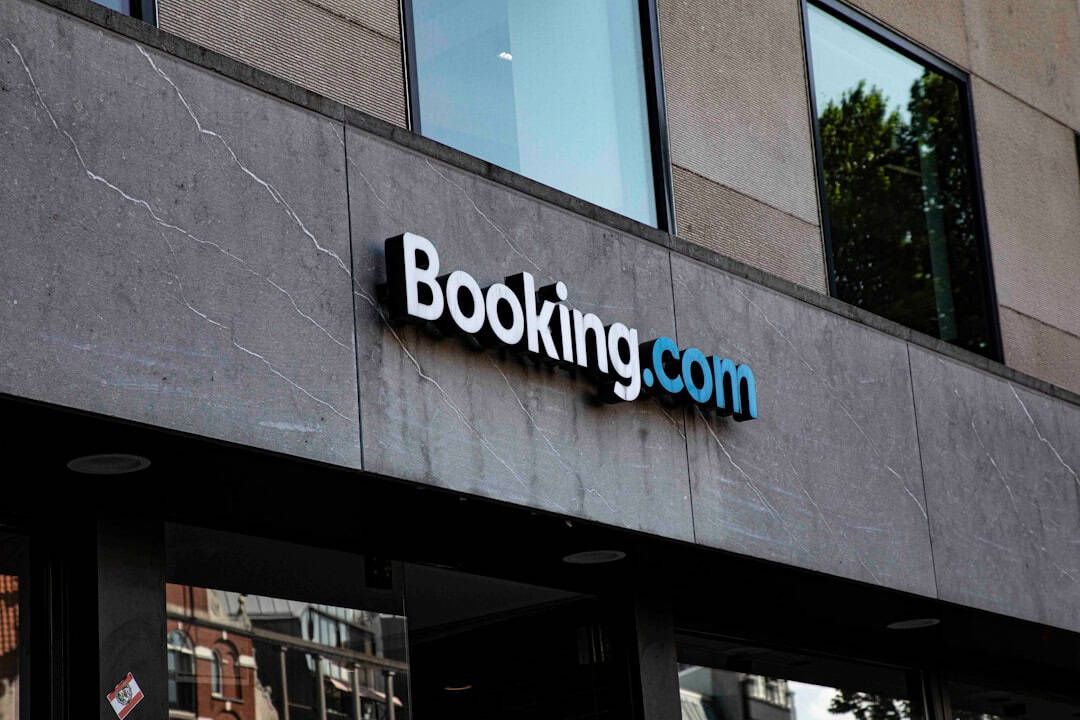
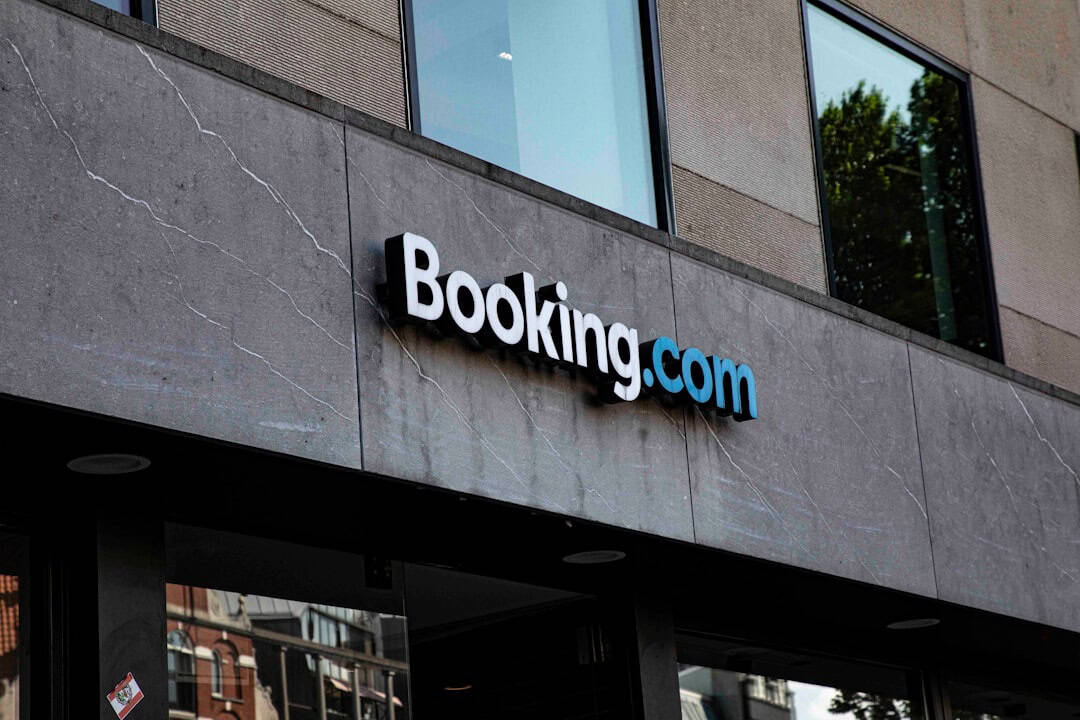
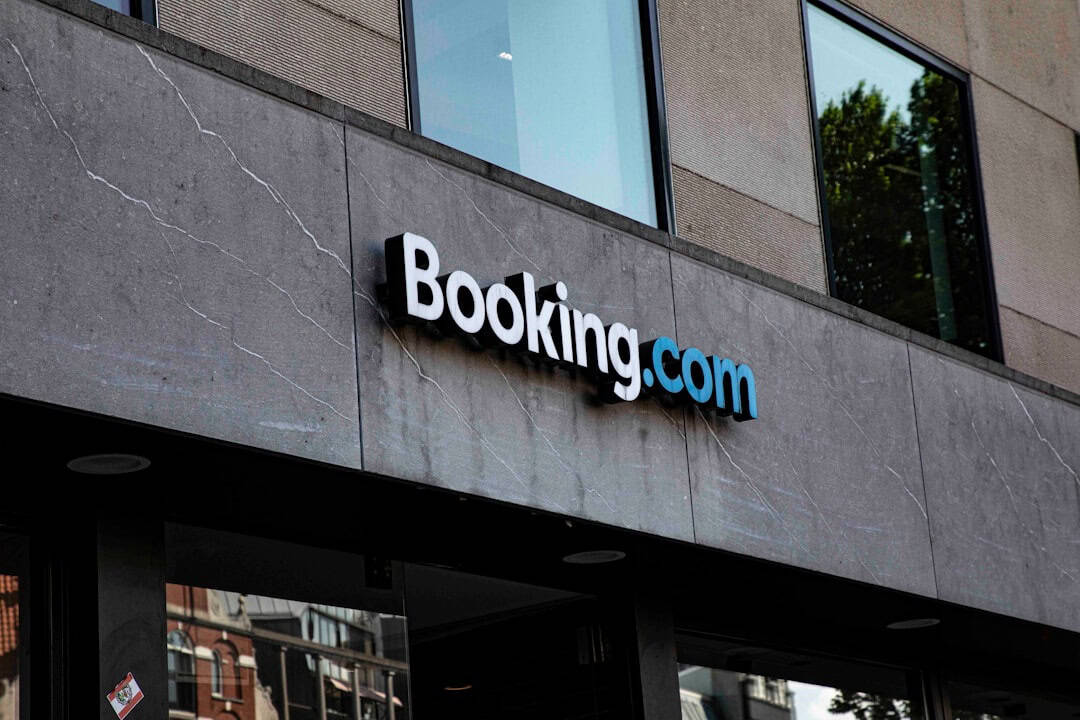
If you’ve booked a hotel, apartment, or airport stay through Booking.com recently, this matters to you. The travel giant has confirmed that hackers accessed customer data in a security incident that exposed personal information including names, email addresses, and phone numbers.
No passport numbers or payment card details have been publicly confirmed as leaked so far. But even basic contact data is more than enough to fuel highly targeted travel scams — especially when you’re mid-trip and distracted.
Key Takeaways
- Booking.com confirmed hackers accessed customer names, email addresses, and phone numbers.
- Stolen contact data can be used for highly convincing travel-related phishing scams.
- Travelers should enable 2FA, reset passwords, and monitor inboxes for fake booking messages.
- Hotel confirmation scams often request urgent payment via links or bank transfer.
What Happened?
Booking.com disclosed that attackers gained unauthorized access to certain customer data. The exposed information includes names, email addresses, and phone numbers — the core contact details tied to travel reservations.
That may sound minor compared to credit card theft. It’s not.
In the travel world, context is everything. If scammers know you’ve recently booked a property in Rome, Istanbul, or Barcelona, they can craft emails or WhatsApp messages that look almost identical to real hotel communications.
We’ve already seen waves of scams targeting Booking.com users in the past year. This kind of data access makes those attacks more scalable and more believable.
Why This Is a Bigger Deal Than It Sounds
Names, emails, and phone numbers are the foundation of modern phishing.
Here’s how it plays out in real life:
- You book a hotel for a May city break (maybe one of these affordable European long-weekend destinations).
- A few days before departure, you receive an email that looks like it’s from the property.
- It says your card “failed” and you must confirm payment within 12 hours.
- The link leads to a near-perfect Booking.com clone.
If attackers already have your real name and email, the message feels legitimate. Add urgency — “reservation will be canceled” — and even experienced travelers click.
I’ve seen digital nomads lose €800 this way while sitting in airport lounges.
Common Booking.com Scams Travelers Should Watch For
Based on recent travel-related phishing trends, here’s what to expect:
- Payment Reconfirmation Requests
An email or message claims your card failed and asks you to re-enter payment details. - WhatsApp “Hotel Manager” Messages
You receive a message saying the property needs ID verification or deposit transfer. - Fake Customer Support Calls
Someone calls referencing your upcoming booking and asks for “verification” info. - Urgent Cancellation Warnings
A countdown timer pressures you to act within hours.
Real hotels rarely demand urgent payment via external links or bank transfer. That’s your first red flag.
What You Should Do Right Now
If you’ve used Booking.com in the past year, assume your contact details could be circulating.
1. Reset Your Booking.com Password
Even if passwords weren’t confirmed leaked, change it. Use a password manager like 1Password or Bitwarden and generate a 16+ character unique password.
2. Enable Two-Factor Authentication (2FA)
If available on your account, turn it on immediately. App-based authentication (like Google Authenticator or Authy) is safer than SMS.
3. Be Hyper-Skeptical of Payment Links
Never enter card details through a link sent by email or messaging apps. Always log in directly through the official Booking.com website or app.
4. Lock Down Your Email
Your email is the master key to your travel life — flights, Airbnb, trains, car rentals.
- Enable 2FA on Gmail/Outlook.
- Check recovery email and phone settings.
- Remove unknown forwarding rules.
5. Consider a Virtual Card for Future Trips
Services like Wise, Revolut, and many credit cards offer disposable virtual cards. Use them for hotel bookings so stolen details can’t be reused.
I personally never book accommodations without a virtual card anymore. It limits damage to one transaction.
Why Travelers Are Prime Targets
Travelers are distracted, time-pressured, and often operating across time zones. That’s perfect for attackers.
Imagine you’re hiking the Turkish coast on the Lycian Way. You get a weak-signal email saying your Antalya hotel needs payment confirmation before tonight.
Are you carefully inspecting domain names on your phone screen in bright sunlight? Probably not.
Attackers know this. They time messages right before check-in dates.
Is Booking.com Still Safe to Use?
Short answer: yes — but with caution.
Booking.com remains one of the largest and most convenient accommodation platforms globally. Alternatives like Airbnb are expanding into services like airport transfers (as we covered in our breakdown of Airbnb’s new airport transfer rollout), but hotels still dominate business and city travel.
The real issue isn’t abandoning platforms. It’s upgrading your personal security hygiene.
Most travel scams succeed because users reuse passwords or panic-click links.
How to Verify a Real Booking.com Message
When in doubt, follow this checklist:
- Log in directly at Booking.com (don’t use the email link).
- Check your in-app messages section.
- Compare the sender’s domain carefully (watch for subtle misspellings).
- Call the hotel using the number listed on the official website.
If a property truly needs something, the request will appear inside your Booking.com account dashboard.
The Bigger Trend: Travel Platforms Under Attack
Online travel agencies (OTAs) are high-value targets. They hold:
- Identity data
- Travel dates
- Location patterns
- Payment tokens
Even limited access to that ecosystem creates opportunity for social engineering attacks.
As more travelers go fully digital — eSIMs, mobile boarding passes, app-based hotel check-in — the attack surface grows.
The convenience is worth it. But only if you treat cybersecurity like travel insurance: boring, essential, non-negotiable.
My Practical Security Stack for Frequent Travelers
Here’s what I recommend if you travel more than twice a year:
- Password manager: 1Password or Bitwarden
- App-based 2FA: Authy or Google Authenticator
- Virtual cards: Revolut, Wise, or bank-issued disposable cards
- Dedicated travel email: Separate inbox just for bookings
- Credit card alerts: Real-time transaction notifications
This setup takes 30 minutes to configure. It can save thousands.
What to Expect Next
Whenever a company confirms unauthorized data access, secondary scams follow within weeks.
Expect:
- Fake “compensation” emails
- Phony security update notices
- Impersonation of Booking.com support
If you receive an email offering refunds or asking for verification due to the “recent security incident,” assume it’s malicious until proven otherwise.
Final Thoughts: Don’t Panic — Upgrade Your Security
Data incidents are becoming part of the digital travel landscape. That’s not comforting, but it’s realistic.
Booking.com confirming unauthorized access to customer contact data is serious — especially because travel-based phishing is incredibly effective.
The solution isn’t to stop booking online. It’s to travel smarter digitally.
Change your password. Turn on 2FA. Use virtual cards. Verify messages inside official apps.
Do that, and you’ll be far harder to scam than the average traveler rushing to catch a flight.
Frequently Asked Questions
What data was accessed in the Booking.com hack?
Booking.com confirmed that customer names, email addresses, and phone numbers were accessed. No confirmed reports of passport or full payment card data exposure have been publicly detailed so far.
Should I cancel my upcoming Booking.com reservations?
No, there’s no indication reservations themselves are invalid. Instead, monitor your email closely and only manage bookings directly through the official Booking.com website or app.
How can I tell if a Booking.com email is fake?
Log in directly to your Booking.com account and check the in-app messaging section. Legitimate payment or booking issues will appear there, not just in an external email link.
Is it safe to keep using Booking.com after this incident?
Yes, but use strong passwords, enable two-factor authentication, and avoid entering payment details through emailed links. Personal security habits matter more than switching platforms.

About the Author: Tomáš Bzirský
Founder and editor of Distratech. Based in the Czech Republic, travelling regularly from Central Europe. Writes practical travel guides and travel-tech comparisons (eSIM, apps, airports) in six languages.