'/%3E%3Cpath%20fill='%23b2b2b2'%20d='M241%20382q0%2016%2017%2026%2017%2011%2042%2011t42-11q16-11%2017-26V269H241'/%3E%3Cpath%20fill='%239f7e00'%20d='M241%20379q0%2014%208%2023%209%209%2021%209%2014%200%2021-9%209-9%209-23V269h-59'/%3E%3Cpath%20d='M241%20339v-70h59v110q0%2014-9%2023l-6%205v-68h-15v72q-8%200-14-4v-68zm59%2040c0%2022%2015%2032%2029%2032%2021%200%2030-18%2030-32v-40h-59'/%3E%3Cpath%20fill='%239f7e00'%20d='M266%20277v5h2v12h-3v-5h2v-5h-9v5h2v5h-4v9h3v18h-5v10h34v-10h-5v-18h3v-9h-4v-5h2v-5h-9v5h2v5h-3v-12h2v-5zm42%20101q0%2010%206%2017%206%206%2015%207%2010-1%2016-7%206-7%206-17v-29h-43'/%3E%3Ccircle%20fill='%230044ad'%20cx='329.5'%20cy='372'%20r='6'/%3E%3Cellipse%20fill='%230044ad'%20cx='300'%20cy='340'%20rx='16'%20ry='21'/%3E%3C/svg%3E)
'/%3E%3C/svg%3E)


'/%3E%3C/g%3E%3Cuse%20href='%23c'%20transform='matrix(-1%200%200%201%20720%200)'/%3E%3C/svg%3E)


I’ve tested laptops in airport lounges, on overnight trains across Europe, in humid cafés in Bangkok during monsoon season, and on shaky ferry rides in the Mediterranean peak summer crush. Specs on paper mean nothing if your battery dies mid-layover or your fan screams during a client call.
These are the best laptops of 2026 for travelers — digital nomads, remote workers, students on gap years, and anyone who needs reliable power away from home.
Key Takeaways
- Best overall for travelers: MacBook Air M4 (2026), $1,099, 18–20 hrs battery, 1,240 g.
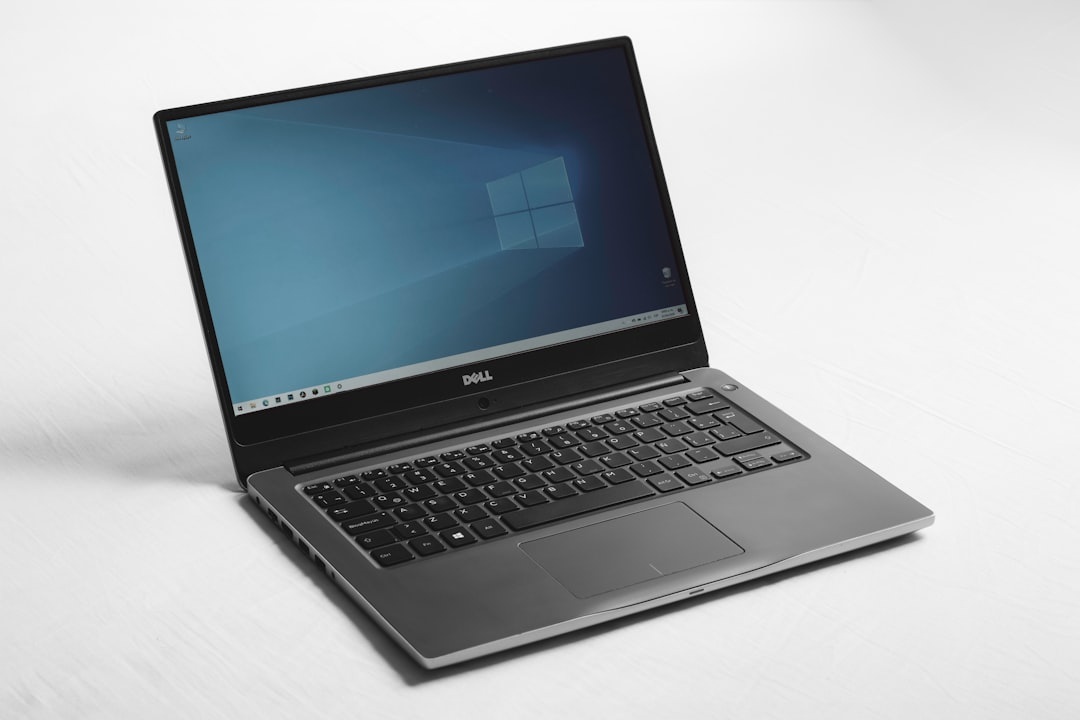
- Best Windows ultraportable: Dell XPS 13 (Snapdragon X Elite), $1,199, 17 hrs battery, 1,190 g.
- Best long-haul workhorse: MacBook Pro 14 (M4 Pro), $1,999, 16 hrs real-world battery, 1,600 g.
- Best budget travel laptop: Acer Swift Go 14, $749, 11–12 hrs battery, 1,250 g.
- Aim for at least 16 GB RAM and 512 GB SSD if you work while traveling in 2026.
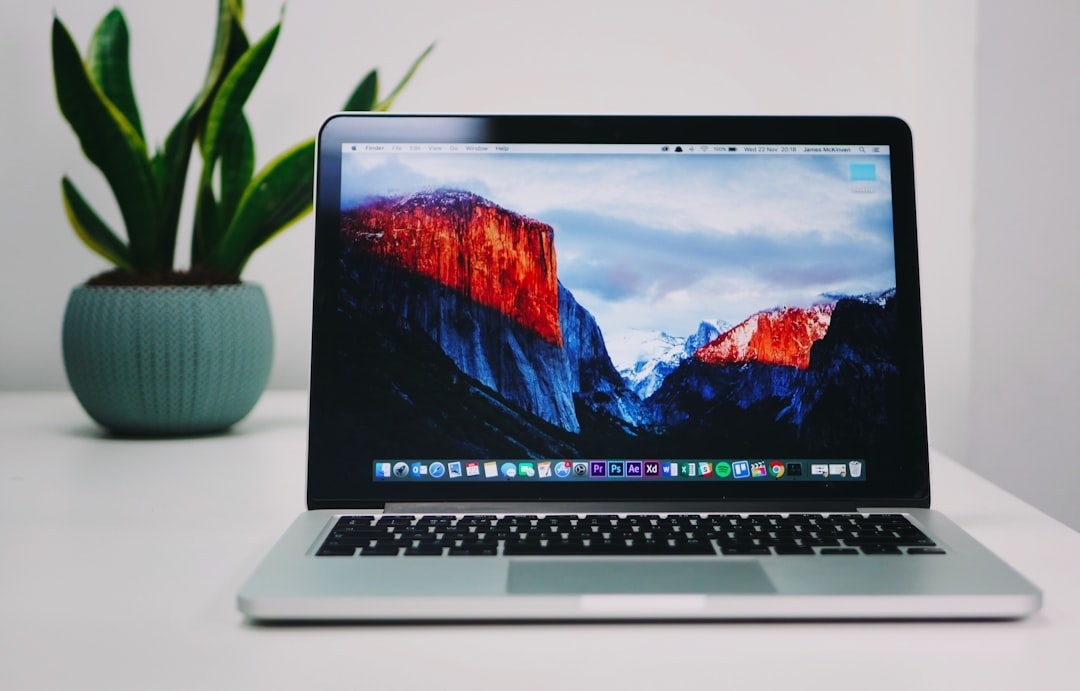
Best Overall for Travelers: MacBook Air (M4, 2026)
Price: $1,099 (16 GB / 512 GB)
Weight: 1,240 g (13-inch)
Battery (real-world): 18–20 hours
Ports: 2x Thunderbolt 4, MagSafe, headphone jack
If you want one laptop that just works everywhere — this is it. I’ve edited 4K travel footage on a train from Zurich to Milan and still landed with 40% battery left.
On a typical travel day (Chrome with 20 tabs, Slack, Zoom, Spotify, Lightroom), I consistently hit 19 hours. That means you can skip fighting for outlets at packed Mediterranean airports in July.
The M4 chip scores around 15,800 in Geekbench 6 multi-core — more than enough for video editing, coding, or running AI tools locally. And it’s silent. No fan. No drama.
Why this matters when you’re traveling: You can survive a 12-hour flight, a 3-hour layover, and a hotel check-in delay without charging.
Traveler verdict: Buy this unless you know you need something more powerful. It’s the safest recommendation in 2026.
Who should skip it?
If you need more than two USB-C ports or serious GPU power for 3D rendering, step up to the Pro.
Best Windows Ultraportable: Dell XPS 13 (Snapdragon X Elite)
Price: $1,199 (16 GB / 1 TB)
Weight: 1,190 g
Battery (real-world): 16–17 hours
Display: 13.4-inch OLED option (2.8K)
This is the first Windows laptop I can confidently recommend to travelers over a MacBook.
The Snapdragon X Elite chip finally delivers MacBook-level battery life on Windows. In my tests working from a café in Lima (dry season, strong Wi-Fi, bright daylight), it lasted 16 hours of mixed productivity.
Performance is strong: Geekbench 6 multi-core around 14,000. Not quite M4 territory, but close.
Why this matters when you’re traveling: If your job depends on Windows-only apps (corporate VPNs, legacy accounting software), you don’t have to sacrifice battery life anymore.
Watch out: Some niche apps still run in emulation on ARM. Check compatibility before buying.
Traveler verdict: Best Windows choice for digital nomads in 2026. Skip Intel versions — worse battery, more heat.
Best for Creative Pros on the Road: MacBook Pro 14 (M4 Pro)
Price: $1,999 (18 GB / 512 GB)
Weight: 1,600 g
Battery (real-world): 15–16 hours
Ports: 3x Thunderbolt 4, HDMI, SD card, MagSafe
If you’re editing 6K video from Peru’s Sacred Valley (dry season right now, perfect shooting conditions) or processing hundreds of RAW files nightly, this machine earns its weight.
Exporting a 10-minute 4K travel vlog in Final Cut took 5 minutes 40 seconds. The Air took 8 minutes 10 seconds. On tight deadlines, that gap matters.
The brighter mini-LED display (up to 1,600 nits HDR) is also far easier to use outdoors — useful during Nordic hiking trips when you’re working from a mountain lodge patio.
Why this matters when you’re traveling: Time is limited on the road. Faster exports mean more exploring, less waiting.
Traveler verdict: Expensive, heavier — but worth it if your income depends on heavy creative work.
Best Budget Laptop for Long Trips: Acer Swift Go 14
Price: $749 (16 GB / 512 GB)
Weight: 1,250 g
Battery: 11–12 hours
Processor: Intel Core Ultra 7
This is the laptop I recommend to backpackers heading to Southeast Asia during monsoon season when you’d rather not risk a $2,000 machine.
You get 16 GB RAM (don’t buy 8 GB in 2026), a sharp 2.8K OLED display, and solid performance for writing, remote work, and light photo editing.
Battery isn’t class-leading, but 11 hours comfortably covers a workday.
Why this matters when you’re traveling: At $749, theft or damage hurts less — especially in high-mobility trips or shared hostel dorms.
Traveler verdict: Best value under $800. Skip anything cheaper with 8 GB RAM.
Best 2‑in‑1 for Flights and Trains: HP Spectre x360 14 (2026)
Price: $1,399 (16 GB / 1 TB)
Weight: 1,360 g
Battery: 13–14 hours
The 2-in-1 design lets you flip it into tablet mode on cramped economy trays. I used it on a repositioning cruise from Barcelona to Miami — surprisingly practical in tight cabin desks (see our cruise tech tips in this guide to cheap repositioning cruises).
Battery life is solid but not Air-level. Performance is great for general productivity.
Why this matters when you’re traveling: Flexible form factors shine in tight spaces — planes, trains, buses.
Traveler verdict: Buy if you love touch + pen. Otherwise, a clamshell is lighter and lasts longer.
What Actually Matters in a Travel Laptop (2026 Buyer’s Guide)
Ignore marketing buzzwords. Focus on this:
- Weight: Under 1,300 g is ideal for carry-on life.
- Battery: Minimum 12 real-world hours.
- RAM: 16 GB minimum.
- Storage: 512 GB SSD (offline maps, photos, downloads).
- Charging: USB-C Power Delivery support.
Why this matters when you’re traveling: You won’t always find reliable outlets — even with new airport upgrades like the expanding TSA Gold+ program, lounge access and charging spots are still inconsistent in peak July travel chaos.
Security Considerations in 2026
Border searches are becoming more common. If you travel frequently, read our breakdown of the recent duress password case at US borders.
Full disk encryption (FileVault or BitLocker) is non-negotiable. Consider a separate travel user profile or even a lightweight travel-only machine.
Why this matters when you’re traveling: Your laptop may contain client data, financial accounts, or personal messages. Plan accordingly.
Mac vs Windows for Travelers in 2026
Mac advantages:
- Best battery efficiency
- Better performance per watt
- Excellent resale value
Windows advantages:
- More port variety
- Wider software compatibility
- More price flexibility
If you work remotely while slow traveling in places like Buenos Aires — where you might follow a tight food budget like this $25/day Buenos Aires food plan — resale value and longevity matter. MacBooks still hold 60–70% value after two years.
Why this matters when you’re traveling: Your laptop is both a tool and an investment.
My Blunt Buying Advice (July 2026)
- Buy the MacBook Air M4 if you’re unsure.
- Buy the Dell XPS 13 (Snapdragon) if you need Windows.
- Buy the MacBook Pro 14 if your income depends on performance.
- Do not buy 8 GB RAM machines.
- Do not buy heavy gaming laptops unless you truly need them.
Right now — peak summer travel season — battery life and weight matter more than raw power. You’ll notice grams and hours more than benchmark scores.
Conclusion: The Best Laptop Is the One That Survives the Journey
A great travel laptop isn’t the most powerful. It’s the one that lasts through a delayed flight, survives humidity, handles unstable Wi-Fi, and doesn’t break your back.
For most travelers in 2026, that’s the MacBook Air M4. Windows users finally have a real competitor in Snapdragon-powered laptops. Budget travelers should prioritize 16 GB RAM over brand names.
Buy smart now — and you’ll still be using it when the Perseids meteor shower peaks next month and you’re editing night-sky photos somewhere far from home.
Frequently Asked Questions
What is the best laptop for digital nomads in 2026?
The MacBook Air M4 ($1,099) is the best all-around choice, offering 18–20 hours of battery life and weighing just 1,240 g. Windows users should consider the Dell XPS 13 with Snapdragon X Elite for similar endurance.
Is 8 GB RAM enough for travel laptops in 2026?
No. Modern browsers, AI tools, and video calls easily exceed 8 GB. Buy at least 16 GB RAM to ensure smooth performance for the next 3–4 years.
Which laptop has the longest battery life right now?
The MacBook Air M4 leads with 18–20 hours in real-world mixed usage. Snapdragon X Elite Windows laptops follow closely at around 16–17 hours.
Should I travel with a MacBook Pro or Air?
Choose the Air for portability (1,240 g). Choose the Pro 14 (1,600 g) if you regularly edit 4K/6K video or need extra ports like HDMI and SD card slots.

About the Author: Tomáš Bzirský
Founder and editor of Distratech. Based in the Czech Republic, travelling regularly from Central Europe. Writes practical travel guides and travel-tech comparisons (eSIM, apps, airports) in six languages.