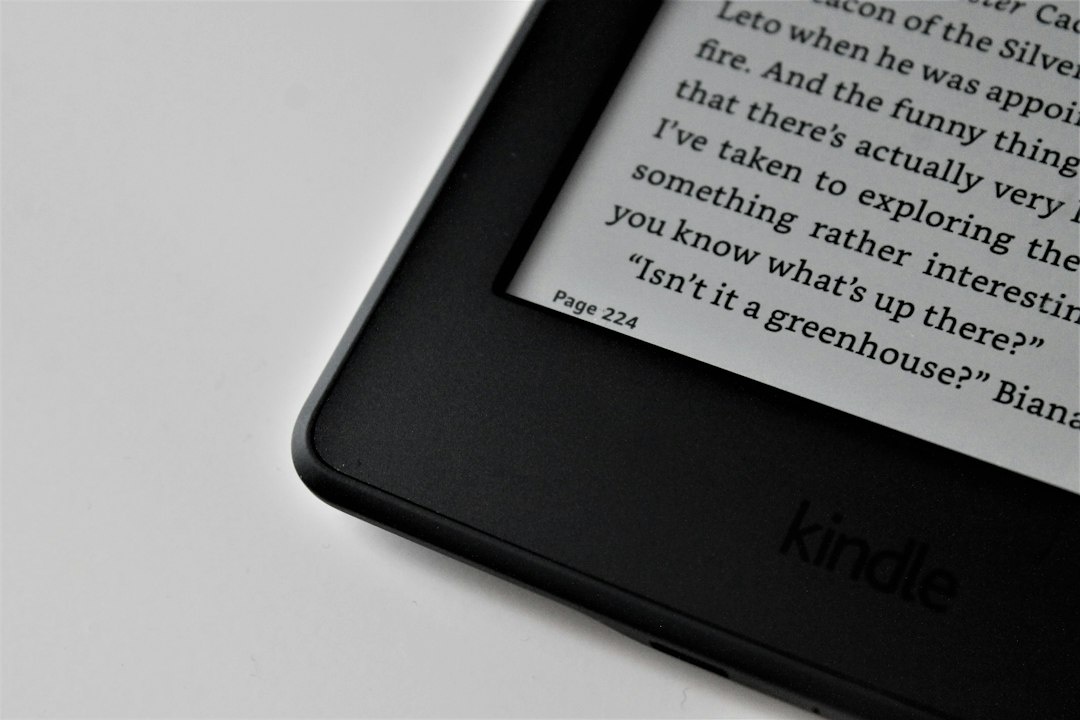
I read the 2026 Kindle Paperwhite on a delayed Eurostar, a windy beach in Fuerteventura, a 2 a.m. aurora watch near Tromsø and one very long layover in Doha. The headline feature is the one readers have begged for since Amazon killed the Oasis: physical page-turn buttons on a mainstream Kindle. They’re excellent. The problem is what Amazon decided they’re worth.
The Paperwhite cost $139.99 in 2021 and $159.99 in 2024. The 2026 version starts at $189.99 with lock-screen ads, and the Signature Edition most travelers will actually want is $229.99. That’s a 36% increase in five years for the base model, and 64% if you want the Signature, on a device that reads books roughly as well as it did in 2021. Here’s what you get for the money, and whether it’s worth it when a Kobo with the same buttons costs the same.
Key Takeaways
- The 2026 Kindle Paperwhite costs $189.99 (ads) / $209.99 (no ads) / $229.99 Signature Edition, up $30 across the board from the 2024 model (November 2026 US pricing).
- Physical page-turn buttons return for the first time since the Oasis, and they genuinely matter on crowded trains, in cold weather and on windy beaches.
- Battery used 38% over 11 days of heavy holiday reading (about 2.5 hours daily); expect 6–8 weeks of normal commuting use per charge.
- Weight is 214 g, only 3 g more than the 2024 model but 15 g heavier than a Kobo Libra Colour.
- The 2024 Paperwhite will almost certainly drop to around $110–$120 on Black Friday 2026; buy that unless buttons are a dealbreaker.
Key numbers at a glance
| Spec | 2026 Kindle Paperwhite (as tested, Signature Edition) |
|---|---|
| Screen | 7-inch E Ink Carta 1300, 300 ppi, glare-free, 94-nit max front light |
| Weight | 214 g (base) / 217 g (Signature) |
| Dimensions | 177 × 128 × 7.9 mm (buttons add nothing to thickness) |
| Storage | 16 GB base / 32 GB Signature |
| Battery (Amazon claim) | Up to 12 weeks at 30 min/day, light at 13, wireless off |
| Battery (my trip test) | 38% used across 11 days, ~2.5 hours daily, light at 18 |
| Charging | USB-C, 0–100% in 2 h 25 min on a 9 W adapter; Qi wireless on Signature only |
| Waterproofing | IPX8, survived 60 minutes in 2 m fresh water (and one Atlantic dunking) |
| Page-turn buttons | Two physical buttons on the right edge, remappable, work with gloves |
| Connectivity | Wi-Fi 5, Bluetooth 5.3 for Audible |
| Price (USD, Nov 2026) | $189.99 (with ads) / $209.99 (no ads) / $229.99 Signature |
| Price (EUR, Nov 2026) | €199.99 / €219.99 / €249.99 on Amazon.de, .fr, .it, .es |
What’s actually new (and what isn’t)
The honest list of changes from the 2024 Paperwhite is short: physical buttons, a modestly faster processor that shaves roughly 0.1 seconds off page turns, and a front light Amazon says is 15% brighter at its top setting. The 7-inch screen, body shape and storage tiers are unchanged.
Why this matters when you’re traveling: the Paperwhite’s travel credentials were already in place in 2024. Waterproofing, weeks of battery, a screen you can read in Saharan sun. The 2026 model doesn’t improve any of those. It makes the device nicer to hold, which is real, but it’s not a reason to replace a working Kindle.
The buttons are asymmetric: a bigger top button for “next page” and a smaller lower one for “back.” You can swap them in settings, and the device auto-rotates in about a second when you flip it for left-handed use.
Real-world testing: trains, beaches, aurora and airports
The crowded Eurostar test
The first trip was London to Paris, then south on the rail route I used for a flight-free run from Paris to a Moroccan beach. One-handed reading while holding a coffee on a full train is where buttons earn their keep. On the 2024 Paperwhite, the thumb holding the device also tapped the screen, which meant accidental page skips every few minutes.
With the 2026 model I read for four hours without a single mis-turn. The buttons have a short, clicky travel and a sound quiet enough that the sleeping passenger beside me never noticed.
The winter sun test: Fuerteventura in November
November in the Canaries is 22–24°C with a stiff breeze on the east-facing beaches, exactly when a phone screen becomes useless. The Paperwhite’s matte screen was fully readable at light setting 5 in direct sun. Sand got into the button gaps and caused no issues; a quick blow cleared it.
I also tested the IPX8 claim by reading in the shallows and getting hit by a wave. The Kindle kept working, though salt water left the touchscreen jumpy until I rinsed it in the shower. Amazon’s advice to rinse with fresh water after any salt exposure is not optional.
Battery over 11 days: roughly 2.5 hours of reading daily, light around 18 in the evening, Wi-Fi on for a nightly sync. I landed back in London with 62% remaining, in line with Amazon’s 12-week claim once you scale it to heavy holiday use.
The cold test: Norway at 1 a.m.
Aurora season involves a lot of standing around in the cold. At -8°C near Tromsø, the E Ink screen slowed visibly, with page turns taking closer to half a second, but the buttons worked through thin merino liner gloves. Touchscreen swiping did not.
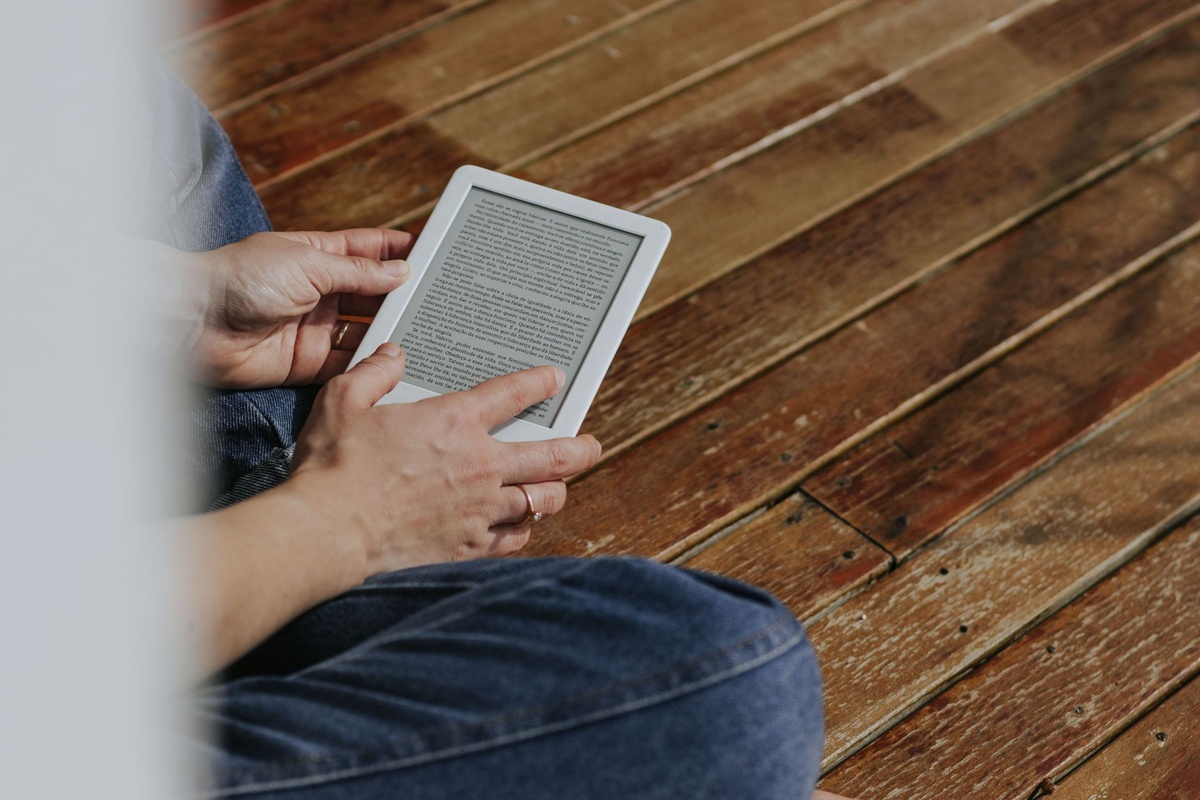
If you’re planning something like the hut-to-hut cross-country ski trip in the Sjusjøen–Rondane network, this is the single strongest argument for the 2026 model. Mountain cabins have limited charging and you’ll be reading in a sleeping bag with cold hands. Keep it inside your jacket overnight; E Ink batteries drain faster below freezing.
The airport test: Doha, hour six
Long layovers are where the 32 GB Signature’s Audible support matters. Bluetooth paired with AirPods Pro in about four seconds and held a stable connection across a crowded terminal. Audiobook playback drains roughly 8% per hour versus about 1% for an hour of reading, so charge before a long flight. The Signature’s auto-adjusting front light also handled Hamad International’s mix of harsh overheads and dim lounge corners better than manual fiddling did. That light and the extra storage are the only meaningful reasons to spend the extra $40.
The price problem, in numbers
Amazon used to sell the Paperwhite as the sensible mid-tier Kindle. The 2026 price puts it in Oasis territory, except the 2019 Oasis had an aluminium body for $249.99, and this is plastic.
| Model | Launch price (USD) | Launch year | Buttons? | Weight |
|---|---|---|---|---|
| Kindle Paperwhite (11th gen) | $139.99 | 2021 | No | 205 g |
| Kindle Paperwhite (12th gen) | $159.99 | 2024 | No | 211 g |
| Kindle Paperwhite (2026) | $189.99 | 2026 | Yes | 214 g |
| Kindle Paperwhite Signature (2026) | $229.99 | 2026 | Yes | 217 g |
| Kindle Oasis (3rd gen, discontinued) | $249.99 | 2019 | Yes | 188 g |
Why this matters when you’re traveling: an e-reader is a device you’ll drop, leave in a seat pocket or have stolen from a beach bag. I’ve personally lost two Kindles in airports. At $139.99 that’s an annoyance. At $229.99 it’s a decision about whether you bring it at all, and a device you don’t bring is worth nothing.
The with-ads version is also a trap. Removing ads later costs $20, the same as buying ad-free up front, so the real entry price is $209.99. Lock-screen ads are especially irritating when you’re showing a gate agent a boarding pass stored as a Kindle document.
How it compares to the alternatives
The real competition isn’t the old Paperwhite. It’s Kobo, which has had page-turn buttons on its mid-range reader for years and now charges the same money.
| Device (Nov 2026 pricing) | Price USD / EUR | Screen | Weight | Buttons | Battery (claimed) | Library access abroad |
|---|---|---|---|---|---|---|
| Kindle Paperwhite 2026 (ad-free) | $209.99 / €219.99 | 7″ 300 ppi B&W | 214 g | Yes | 12 weeks | Libby via send-to-Kindle (US only) |
| Kindle Paperwhite Signature 2026 | $229.99 / €249.99 | 7″ 300 ppi B&W, auto light | 217 g | Yes | 12 weeks | Same as above |
| Kindle Paperwhite 2024 (Black Friday est.) | ~$115 / ~€120 | 7″ 300 ppi B&W | 211 g | No | 12 weeks | Same as above |
| Kindle (base, 2024) | $109.99 / €109.99 | 6″ 300 ppi B&W, not waterproof | 158 g | No | 6 weeks | Same as above |
| Kobo Libra Colour | $229.99 / €229.99 | 7″ colour (150 ppi colour / 300 ppi B&W) | 199.5 g | Yes | 6 weeks | OverDrive built in, works in 30+ countries |
| Kobo Clara BW | $139.99 / €149.99 | 6″ 300 ppi B&W, waterproof | 174 g | No | 6 weeks | OverDrive built in |
Two things jump out. First, the Kobo Libra Colour is 15 g lighter, has buttons, adds colour for maps and guidebook photos, and costs the same as the Kindle Signature. Its battery is shorter in practice (three to four weeks of holiday reading versus six-plus on the Kindle), but for a two-week trip that’s irrelevant.
Second, Kobo’s built-in OverDrive borrowing works outside the US. With a library card in the UK, Canada, Australia or much of Europe, you can borrow ebooks from anywhere with Wi-Fi. Kindle library support is still effectively US-only. For a traveler who reads five books on a long trip, that’s potentially €50–€80 saved per trip.
The Kindle’s advantages remain real: a bigger ecosystem, seamless Audible integration, slightly crisper text and class-leading battery. If you already own 200 Kindle books, switching is painful. Starting fresh, the choice is closer than Amazon’s marketing suggests.
Choose X if…, choose Y if…
- Choose the 2026 Paperwhite Signature ($229.99) if you’re deep in the Kindle ecosystem, use Audible on long flights, and do cold-weather trips where gloves and six-week battery life matter.
- Choose the 2026 Paperwhite base, ad-free ($209.99) if you want buttons and Kindle books but never touch audiobooks. Skip the ads version entirely.
- Choose the 2024 Paperwhite on Black Friday (~$115) if you can live without buttons. Same screen, same battery, same waterproofing for roughly half the price. This is my pick for most people this month.
- Choose the Kobo Libra Colour ($229.99) if you’re outside the US, want library borrowing abroad, or read guidebooks and graphic novels where colour helps.
- Choose the Kobo Clara BW ($139.99) if you want the cheapest waterproof reader with library access. It’s the best-value e-reader for European travelers right now.
- Choose the base Kindle ($109.99) only for carry-on minimalists who never read near water. At 158 g it’s the lightest option, but no waterproofing is a real risk on a beach trip.
Travel-specific setup tips
- Download everything before you leave. Hotel captive portals make Kindle sync unreliable. Open each book on home Wi-Fi so it’s fully cached, including Audible files, which can be 300 MB each.
- Turn on Airplane Mode and leave it on. It’s the single biggest battery saver. Sync every few days on a solid connection, then switch it back off.
- Remap the buttons before the trip. Settings > Device Options > Page Turn Buttons. Test on a train, not on a beach with sand on your hands.
- Update the device time on arrival. The warm light schedule doesn’t follow time zones automatically; on an eastbound trip I had a yellow screen at midday.
- Send travel documents as PDFs. Use Send to Kindle for rail tickets, hotel confirmations and insurance docs. They’re readable in direct sun without a phone. Set a lock-screen passcode if you do this.
- Pack a short USB-C cable, not the Qi pad. Cable charging takes 2 h 25 min versus about 3 h 45 min on a 10 W pad in my testing, and the pad is dead weight.
- Rinse after salt water. IPX8 is tested in fresh water. Salt crystals in the buttons and USB-C port will corrode contacts over a season of beach trips.
Pros and cons
Pros
- Page-turn buttons that work with gloves, one-handed, and on bumpy trains
- Genuinely multi-week battery; 11 days of heavy reading used 38%
- IPX8 waterproofing survived real beach abuse
- Brighter front light handles both direct sun and dark cabins
- Only 3 g heavier than the 2024 model despite the new hardware
Cons
- $30 more than the 2024 model for near-identical reading
- Plastic body at a price that used to buy aluminium
- Library borrowing still effectively US-only
- Ads version is a trap; real entry price is $209.99
- Kobo Libra Colour offers buttons, colour and lower weight for the same money
- Touchscreen gets sluggish below about -5°C (buttons help, but it’s an E Ink limitation)
Traveler verdict
The 2026 Kindle Paperwhite is the best Kindle to travel with since the Oasis. The buttons solve a real problem on trains, in cold weather and on windy beaches, the battery is still the best in the category, and the screen is as good as monochrome E Ink gets. If money were no object I’d take the Signature on every trip.
Money is an object, though. At $229.99 for the version worth buying, you’re paying Oasis money for Paperwhite construction, in a month when the previous model is about to drop to roughly half the price. Buttons are a convenience, not a necessity, and the 2024 Paperwhite does 90% of this job for 50% of the cost.
Buy the 2026 Paperwhite Signature if you read with gloves on, listen to Audible on long-haul flights, or hate touchscreen page turns enough to pay $115 extra for buttons. Buy the 2024 Paperwhite on Black Friday if you’re a normal traveler who reads on beaches and planes. Buy a Kobo Libra Colour if you live outside the US and use your library. Whatever you buy, skip the ads version.
Score: 7/10 as a device, 5/10 as a purchase in November 2026.
Frequently Asked Questions
Does the 2026 Kindle Paperwhite have page-turn buttons?
Yes. For the first time since the Oasis was discontinued, the Paperwhite has two physical page-turn buttons on the right edge. They’re remappable, the device auto-rotates for left-handed use, and they work with thin gloves on.
How much does the 2026 Kindle Paperwhite cost?
As of November 2026, US pricing is $189.99 with ads, $209.99 without, and $229.99 for the Signature Edition with 32 GB, auto-adjusting light and wireless charging. In Europe it’s €199.99, €219.99 and €249.99. That’s $30 more than the 2024 model at launch.
How long does the Kindle Paperwhite battery last on a trip?
In my testing, 11 days of holiday reading at about 2.5 hours per day used 38% of the battery. With Airplane Mode on and 30-minute daily sessions, expect six to eight weeks per charge. Audiobooks over Bluetooth drain roughly 8% per hour.
Is the Kindle Paperwhite or Kobo Libra Colour better for travel?
The Kindle has longer battery life (12 weeks claimed versus 6) and slightly sharper text. The Kobo is 15 g lighter, adds colour, costs the same $229.99 as the Kindle Signature, and has built-in library borrowing that works in the UK, Canada, Australia and much of Europe. Library users should choose Kobo; Audible users should choose Kindle.
Should I wait for Black Friday 2026 to buy a Kindle?
Yes, if you can. Black Friday is November 27, 2026, and Amazon has discounted Kindles every year for the past six. The 2026 Paperwhite may only see a small cut, but the 2024 model is likely to drop to around $110–$120, the better deal for travelers who don’t need buttons.

About the Author: Tomáš Bzirský
Founder and editor of Distratech. Based in the Czech Republic, travelling regularly from Central Europe. Writes practical travel guides and travel-tech comparisons (eSIM, apps, airports) in six languages.