'/%3E%3Cpath%20fill='%23b2b2b2'%20d='M241%20382q0%2016%2017%2026%2017%2011%2042%2011t42-11q16-11%2017-26V269H241'/%3E%3Cpath%20fill='%239f7e00'%20d='M241%20379q0%2014%208%2023%209%209%2021%209%2014%200%2021-9%209-9%209-23V269h-59'/%3E%3Cpath%20d='M241%20339v-70h59v110q0%2014-9%2023l-6%205v-68h-15v72q-8%200-14-4v-68zm59%2040c0%2022%2015%2032%2029%2032%2021%200%2030-18%2030-32v-40h-59'/%3E%3Cpath%20fill='%239f7e00'%20d='M266%20277v5h2v12h-3v-5h2v-5h-9v5h2v5h-4v9h3v18h-5v10h34v-10h-5v-18h3v-9h-4v-5h2v-5h-9v5h2v5h-3v-12h2v-5zm42%20101q0%2010%206%2017%206%206%2015%207%2010-1%2016-7%206-7%206-17v-29h-43'/%3E%3Ccircle%20fill='%230044ad'%20cx='329.5'%20cy='372'%20r='6'/%3E%3Cellipse%20fill='%230044ad'%20cx='300'%20cy='340'%20rx='16'%20ry='21'/%3E%3C/svg%3E)
'/%3E%3C/svg%3E)


'/%3E%3C/g%3E%3Cuse%20href='%23c'%20transform='matrix(-1%200%200%201%20720%200)'/%3E%3C/svg%3E)



You’ve locked your suitcase. You’ve insured your MacBook. You’re using an eSIM instead of sketchy airport SIM kiosks.
But your router at home? Or the one in your Airbnb in Barcelona this July? That might be the weakest link.
In July 2026, US cybersecurity officials warned that Russia-linked state hackers are actively targeting home and small-office routers to quietly turn them into “residential proxies” — infrastructure used to mask cybercrime behind real household IP addresses.
If you travel frequently, work remotely, or leave a smart home running while you’re abroad, this matters more than you think.
Key Takeaways
- US authorities warn that state-backed hackers are targeting home and travel routers to build anonymous proxy networks.
- Unpatched routers (especially older TP-Link, Netgear, Asus models) are the primary targets.
- A compromised router can expose your passwords, banking sessions, and smart home devices while you travel.
- Replacing a 5+ year-old router ($120–$250) is often safer than trying to secure outdated firmware.
What’s Actually Happening?
Security agencies say state-sponsored attackers are exploiting outdated firmware and weak admin passwords in consumer routers. Once inside, they don’t necessarily steal your photos.
They quietly reroute traffic through your connection — turning your home IP into a relay for other operations.
Why does this matter when you’re traveling?
If you’re on a beach in Mallorca during peak Mediterranean season, your home router in Chicago could be routing suspicious traffic — and your IP address gets flagged. That can trigger:
- Bank fraud alerts
- Email account lockouts
- Streaming service bans
- Corporate VPN access suspensions
For digital nomads, that’s not an inconvenience. That’s a trip-ruiner.
Why Travelers Are Especially Vulnerable
1. You’re Away When It Happens
Hackers love unattended infrastructure. Summer is peak travel season — Europe packed, families on long US road trips, remote workers doing Nordic hiking stints while Wi‑Fi runs back home.
If your router reboots unexpectedly while you’re in Peru (dry season, best trekking weather), you might never notice.
Why this matters: You can’t physically reset hardware or check blinking lights from 6,000 miles away.
2. You Log Into Sensitive Accounts From Abroad
Logging into Chase from Thailand during monsoon season? Accessing your company’s Slack from a night train between Vienna and Rome? (We covered the best sleeper routes here.)
If your home IP suddenly appears in a fraud database, your legitimate foreign login can look like coordinated suspicious activity.
Why this matters: Fraud systems correlate location anomalies. A hijacked home IP + foreign login = red flag.
3. You Depend on Smart Home Access
August is peak break-in season in many US cities because families are away.
If your router is compromised, attackers can potentially access:
- Security cameras
- Smart locks
- Baby monitors
- Network-attached storage (NAS)
Why this matters: Your “peace of mind” tech becomes your vulnerability while you’re abroad.
Which Routers Are Most at Risk?
Officials didn’t publish a single brand blacklist, but security researchers consistently see exploitation in:
- TP-Link Archer models released 2018–2021
- Older Netgear Nighthawk firmware (pre‑2023 updates)
- Asus routers with remote admin enabled
- End-of-life Linksys devices no longer receiving patches
The pattern isn’t brand-specific. It’s unpatched firmware + weak passwords + exposed remote management.
Why this matters when traveling: Many Airbnb hosts and budget guesthouses use cheap $60 routers bought years ago — and never updated.
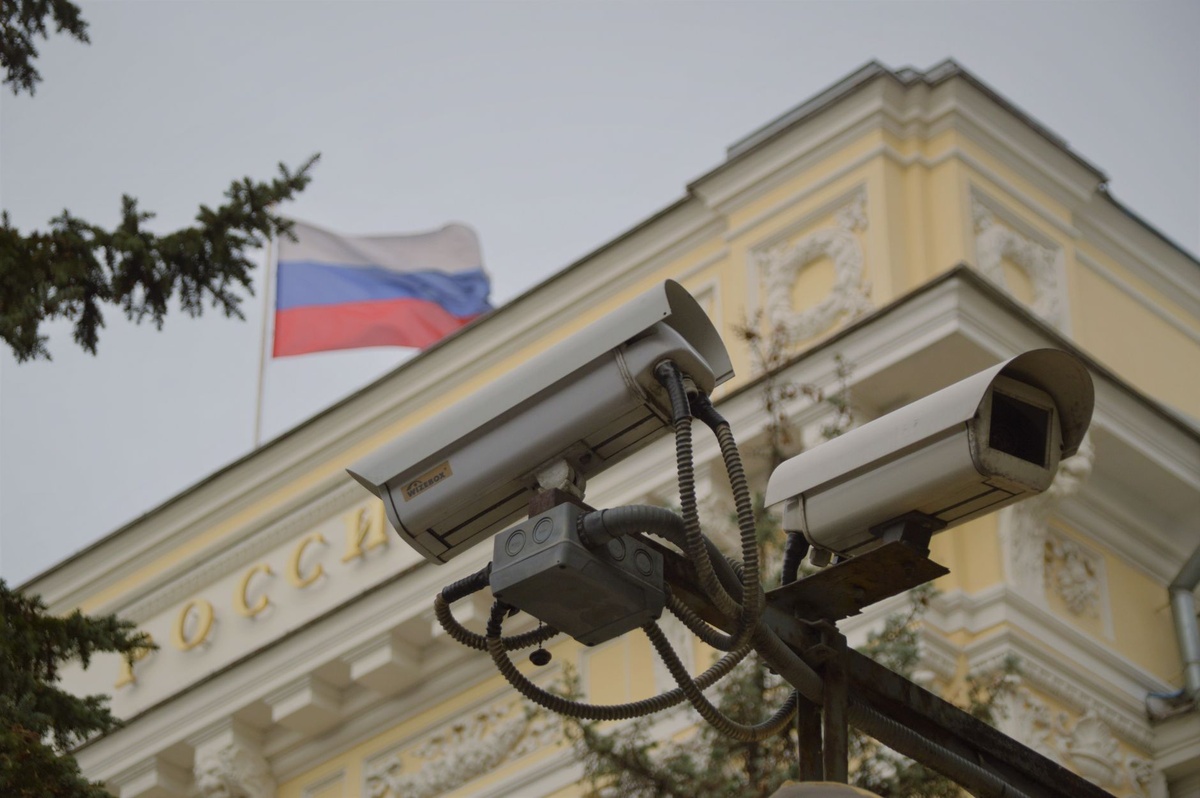
Peak July Mediterranean rentals? High turnover. Low maintenance. High risk.
How to Check If Your Router Is Vulnerable (10 Minutes Before Your Trip)
Do this before heading to the airport.
- Type 192.168.1.1 or 192.168.0.1 into your browser.
- Log into your router admin panel.
- Check firmware version.
- Click “Check for Updates.”
- Disable “Remote Management” unless absolutely necessary.
If your router hasn’t had a firmware update since 2023 or earlier, that’s a problem.
Why this matters: Many exploits target known vulnerabilities fixed years ago. If you update, you’re often safe.
Should You Just Replace Your Router?
My opinion? If it’s over 5 years old — yes.
Here are current 2026 traveler-safe picks:
✅ Asus RT-AX88U Pro
- Price: ~$269
- Wi‑Fi 6
- 2.0 GHz quad-core CPU
- Automatic security updates
- Built-in AiProtection Pro
Traveler verdict: Excellent for remote workers running NAS or security cameras while abroad. Expensive, but robust.
✅ TP-Link Archer AX55 (Budget Pick)
- Price: ~$129
- Wi‑Fi 6
- 160 MHz channel support
- WPA3 security
Traveler verdict: Good balance. Replace older Archer models with this rather than patching outdated hardware.
❌ Skip: Anything Wi‑Fi 5 (802.11ac) from 2019 or earlier
If it cost $70 in 2019, it’s not protecting your home in 2026.
Why this matters: The cost of replacing a router ($129–$269) is less than one locked bank account while you’re in rural Bolivia.
What About Travel Routers?
If you’re carrying a travel router — common among digital nomads — you’re not automatically safe.
Popular models like the GL.iNet Beryl AX (GL-MT3000):
- Price: ~$149
- Wi‑Fi 6
- OpenWrt-based firmware
- VPN client/server support
- Weight: 196g
It’s excellent for hotel Wi‑Fi isolation. I’ve tested it in Bangkok during monsoon season — stable 180–220 Mbps on fiber connections.
But you must update firmware regularly.
Why this matters: Travel routers sit between you and sketchy hotel networks. If compromised, they become the weakest link across every country you visit.
Airbnb & Hotel Wi‑Fi: The Hidden Risk
July is peak family travel season. Overcrowded Mediterranean rentals often reuse the same router for years.
Ask hosts:
- “Is the router firmware updated?”
- “Is WPA3 enabled?”
- “Is remote admin disabled?”
If they don’t know — assume it’s outdated.
Why this matters: A compromised rental router can sniff unencrypted traffic or redirect you to phishing pages.

Using a travel router + VPN is safer than trusting shared infrastructure.
How This Impacts Digital Nomads
Residential proxies are valuable because they look like normal home users.
If your IP is abused:
- Your Upwork or Stripe account could be flagged.
- Your corporate VPN could block access.
- Your Google account may require identity verification.
Imagine dealing with account recovery while hiking Norway in peak July sun or catching whales along South Africa’s winter Garden Route (we explain why winter is ideal here).
Why this matters: Account lockouts abroad are harder to resolve due to SMS verification delays and time zones.
5 Router Security Steps Every Traveler Should Take
- Change the default admin password (use 16+ characters).
- Disable WPS — it’s often exploited.
- Turn off remote administration unless absolutely required.
- Enable automatic firmware updates.
- Reboot your router monthly to clear volatile memory-based malware.
Total time: 20 minutes.
Why this matters: This prevents your home IP from being weaponized while you’re sipping Aperol in Venice.
What to Expect Next
Residential proxy abuse isn’t going away. It’s profitable, hard to trace, and scalable.
Expect:
- More ISP-level monitoring
- Stricter fraud detection systems
- Router manufacturers forcing auto-updates
We’re likely heading toward routers behaving more like smartphones — forced security patches whether you like it or not.
Why this matters: Older devices will age out faster. Budget hardware won’t last 7–8 years anymore.
Final Advice Before Your Summer Trip
Before you chase the Perseids meteor shower in August or grab one of the cheapest long-haul Asia fares of the year, secure your home network.
Your passport isn’t the only thing that needs protection.
Spend $150–$250 once. Update firmware. Disable remote access.
Because the most dangerous cyberattack isn’t the one targeting you in a Bangkok café.
It’s the one happening quietly at home while you’re away.
Frequently Asked Questions
How do I know if my router has been hacked?
Signs include unknown DNS settings, disabled admin access, unexplained reboots, or ISP warnings about suspicious traffic. Log into your router and check firmware version and DNS configuration immediately.
Is it safe to use hotel Wi‑Fi in 2026?
It’s safe if you use a VPN or a travel router like the $149 GL.iNet Beryl AX with updated firmware. Avoid logging into banking apps on open networks without encryption.
How often should I update my router firmware?
Check quarterly at minimum, or enable automatic updates. If your router hasn’t received a patch since 2023, consider replacing it.
Are travel routers safer than hotel Wi‑Fi alone?
Yes. A travel router creates a private network and isolates your devices. Models under 200g add minimal weight but significantly reduce shared-network risk.

About the Author: Tomáš Bzirský
Founder and editor of Distratech. Based in the Czech Republic, travelling regularly from Central Europe. Writes practical travel guides and travel-tech comparisons (eSIM, apps, airports) in six languages.