


The best cheap laptop in late 2026 is the MacBook Neo: $699 at full price, around $599 in the Black Friday sales (27 November 2026), 2.7 lbs, and 15–16 hours of real battery. If you can’t justify $600+, buy a Chromebook Plus — the Lenovo Flex 5i Chromebook Plus at $349–$399 covers 90% of what digital nomads, students abroad, and remote workers actually do. Only pay for Windows if you need specific desktop software, and then don’t go below 16 GB RAM.
I’ve carried every laptop on this list through airport security, on 11-hour flights, and into cafés with 4 Mbps Wi-Fi since this guide first ran in April 2026. Prices below are US retail as of 19 November 2026, with the sale prices I’ve actually seen this month. Whether you’re editing photos in Cape Town, mapping a wine route in Stellenbosch, or billing clients from Lisbon, these are the machines that hold up.
Key Takeaways
- Best overall cheap laptop for travelers: MacBook Neo ($699 list, ~$599 on sale, 15–16 hours battery, 2.7 lbs).
- Best under $400: Lenovo Flex 5i Chromebook Plus ($349–$399, 12–13 hours, 10 years of ChromeOS updates).
- Windows under $700 now means 16 GB RAM, Windows 11 and a 2025/2026 chip — skip any leftover 8 GB Windows 10 stock.
- Travel-friendly targets: under 3.2 lbs, 12+ hours real battery, USB-C charging so one 65 W charger covers laptop and phone.
- Best time to buy: Black Friday (27 Nov) through Cyber Monday (30 Nov 2026) — expect $50–$150 off every model here.
1. MacBook Neo (2026) — Best Overall Cheap Laptop for Travelers
Price: $699 (256 GB), $899 (512 GB); $599–$649 at Amazon and Best Buy in the November sales
Weight: 2.7 lbs (1.22 kg)
Battery: 15–16 hours real use (Apple claims 18)
Chip: Apple M3 Neo, 8 GB RAM base
Seven months in, the Neo is still the laptop I pack. The fanless M3 Neo handles 30 Chrome tabs, Zoom, Lightroom exports and 1080p cuts in CapCut without heating up on your lap. I’ve done a full 9-hour work day in Doha’s Hamad terminal and landed with 22% left.
What’s changed since spring: macOS 27 shipped in September 2026 and runs fine on 8 GB, but Lightroom plus a browser with 20+ tabs will start swapping. If you edit photos, the 512 GB model is also the one with 16 GB RAM — the $200 jump buys both.
Pros: Best battery per dollar on the market, silent, aluminium build, 500-nit display that works on a sunny terrace.
Cons: Two USB-C ports only, 8 GB base RAM, no SD slot (pack a $12 USB-C reader).
Verdict: At $599–$699 it’s the best-value travel laptop of 2026 — the only reason not to buy it is needing Windows software.
2. Lenovo Flex 5i Chromebook Plus — Best Under $400
Price: $399 list; $349 at Best Buy most weeks since October 2026
Weight: 3.0 lbs (1.37 kg)
Battery: 12–13 hours
Processor: Intel Core i3-1315U, 8 GB RAM, 128 GB storage, 14″ 1080p touchscreen
Chromebook Plus certification means a guaranteed 8 GB RAM, 1080p webcam and a 10-year update window (this model is covered through June 2033). Google Docs, Slack, Canva, Notion and Android apps all run without hitching. The 2-in-1 hinge folds flat for watching downloads on a tray table.
If your workflow lives in the browser, this is all you need. It’s the right pick for bloggers, travel planners, and students studying abroad who mostly write and research.
Pros: Cheapest reliable 16-hour-flight companion, 5-second boot, excellent keyboard, 65 W USB-C charging.
Cons: 128 GB fills fast with offline files; no Adobe desktop apps.
Verdict: The best cheap laptop for cloud-based travelers, full stop.
3. Acer Aspire Go 15 (2026) — Best Budget Windows Laptop
Price: $549 (Core i5, 16 GB, 512 GB); $479 Black Friday price confirmed at Walmart
Weight: 3.5 lbs (1.59 kg)
Battery: 10–11 hours
Processor: Intel Core 5 120U (2026 refresh), Windows 11 Home
The spring refresh swapped the 13th-gen chip for a Core 5 120U and standardised 16 GB RAM across every configuration — that fixes the only real complaint I had. It runs Excel models, Lightroom Classic and a dozen browser tabs without stuttering, and the full-size HDMI, USB-A and USB-C ports mean no dongle bag.
At 3.5 lbs it’s the heaviest pick here. For a month-long slow-travel base it’s fine; for weekly city hops, look at the HP below.
Pros: 16 GB and 512 GB SSD under $550, full ports, easy RAM/SSD upgrades (one Phillips screw).
Cons: Bulky, 250-nit screen is dim outdoors, plastic chassis flexes.
Verdict: Best cheap Windows laptop for serious remote work from a fixed base.
4. HP Pavilion Aero 13 — Best Lightweight Windows Option
Price: $699 list; $549–$599 at HP.com during the November sale
Weight: 2.2 lbs (0.99 kg)
Battery: 12–13 hours
Processor: AMD Ryzen 5 7535U or Ryzen 7 8840U, 16 GB RAM, 13.3″ 2.5K 400-nit display
Under a kilo, with a magnesium shell and a 16:10 screen that’s brighter than the MacBook Neo’s. The Ryzen 7 8840U config at $649 is the one to get — the Ryzen AI 300 models HP pushes cost $200 more for no travel benefit. If you’re hopping between cities or combining remote work with cycling adventures like the ones in our best electric bikes for travelers guide, weight matters more than benchmarks.
Pros: Lightest laptop on this list, bright 400-nit display, 16 GB standard, fast 65 W USB-C charging.
Cons: Fan audible under load, speakers are tinny, 2–3 hours less battery than the Neo.
Verdict: Best for minimalist packers who need Windows.
5. ASUS Chromebook Plus CX34 — Best for Battery on a Budget
Price: $429 list; $329–$379 at Best Buy since September 2026
Weight: 2.9 lbs (1.32 kg)
Battery: 13–14 hours
Processor: Intel Core i3-1215U, 8 GB RAM, 256 GB SSD, 14″ 1080p
This is the Chromebook I recommend to nomads who write, research and manage bookings all day. It genuinely lasts a London–Johannesburg flight (11 hours) with a couple of hours spare. The 256 GB SSD — double the Lenovo’s — matters if you download Netflix and offline maps before long legs.
It’s also the sturdier of the two Chromebooks: MIL-STD-810H drop rating, spill-resistant keyboard, and a hinge that hasn’t loosened after a year of café use.
Pros: Longest battery under $400, 256 GB storage, rugged build, updates through June 2032.
Cons: No touchscreen, 250-nit display, ChromeOS limits remain.
Verdict: Pick this over the Lenovo if you want storage and durability over the 2-in-1 hinge.
6. Dell 14 (formerly Inspiron 14, 2026) — Best for Students Abroad
Price: $599 (Core 5, 16 GB, 512 GB); $499 in Dell’s Black Friday preview
Weight: 3.3 lbs (1.5 kg)
Battery: 11–12 hours
RAM: 16 GB (upgradeable to 32 GB)
Dell retired the Inspiron name in 2025, so this now sells simply as the “Dell 14” — same machine, same role. What makes it the student pick is service: Dell’s ProSupport and next-business-day onsite options work in 100+ countries, and the international warranty transfers when you move. Lose a charger in Seoul or crack a hinge in Berlin and you’re not shipping the laptop home.
The 2026 model added a 1080p webcam and a 300-nit panel. Keyboard is still the best in the Windows budget tier.
Pros: Global warranty network, user-replaceable RAM and SSD, solid keyboard.
Cons: Mediocre speakers and trackpad, uninspiring plastic design.
Verdict: The safe choice for a semester or year abroad.
7. Microsoft Surface Laptop Go 3 — Most Compact Premium Feel
Price: $799 list, but now $499–$549 at Best Buy and Microsoft Store as it’s cleared out
Weight: 2.5 lbs (1.13 kg)
Battery: 11–12 hours
Processor: Intel Core i5-1235U, 8 GB or 16 GB RAM, 12.4″ touchscreen
This is a 2023 machine, and in November 2026 that’s exactly why it’s on the list: at $499–$549 it’s finally priced right. It’s the best-built laptop here after the Neo — aluminium lid, fingerprint power button, a 3:2 screen that’s great for documents. Only buy the 16 GB version; the 8 GB one will feel slow by 2027.
Pros: Premium design, small footprint (10.9 x 8.1 in), best trackpad in the Windows budget class.
Cons: Three-year-old chip, 1536 x 1024 screen is low-res, no backlit keyboard. Never pay the $799 list price.
Verdict: Buy at $549 or less for client-facing work in coworking spaces; otherwise skip.
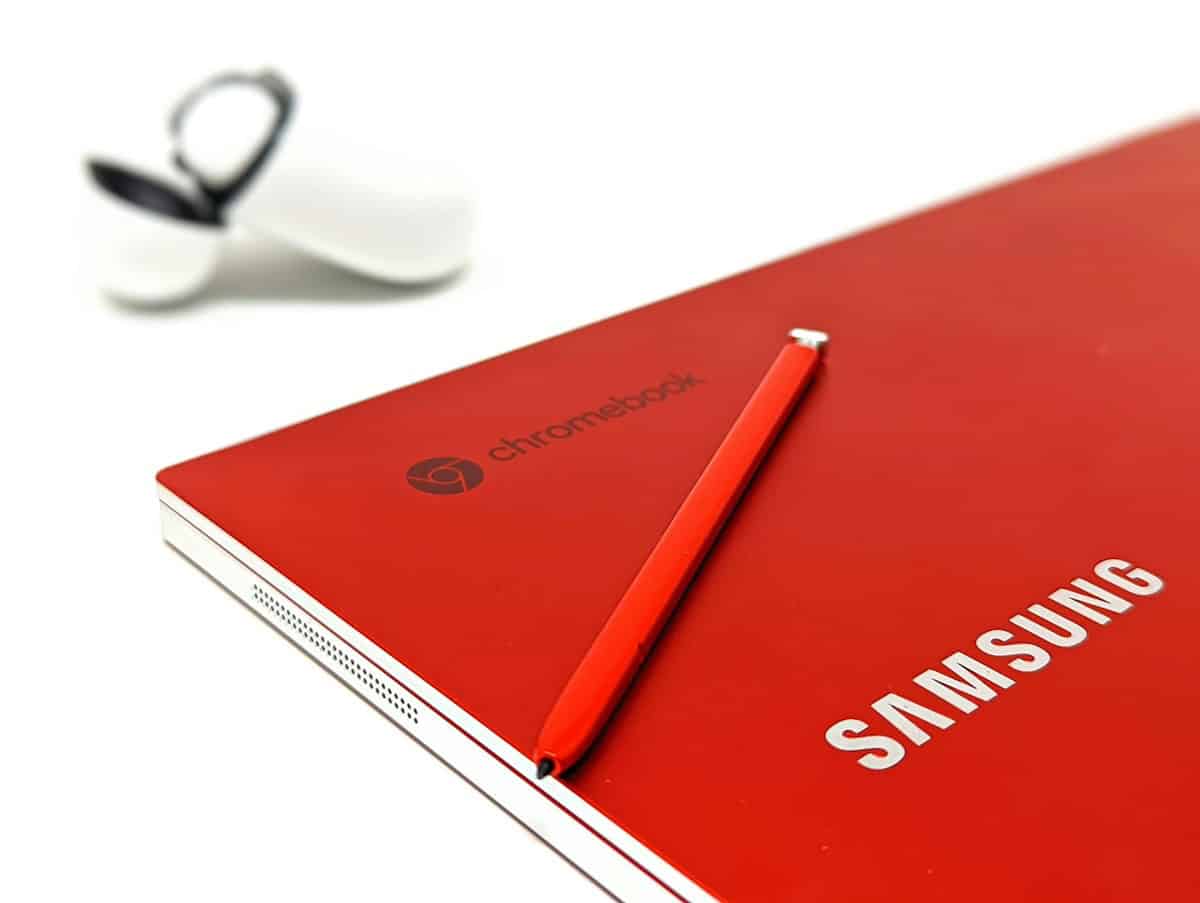
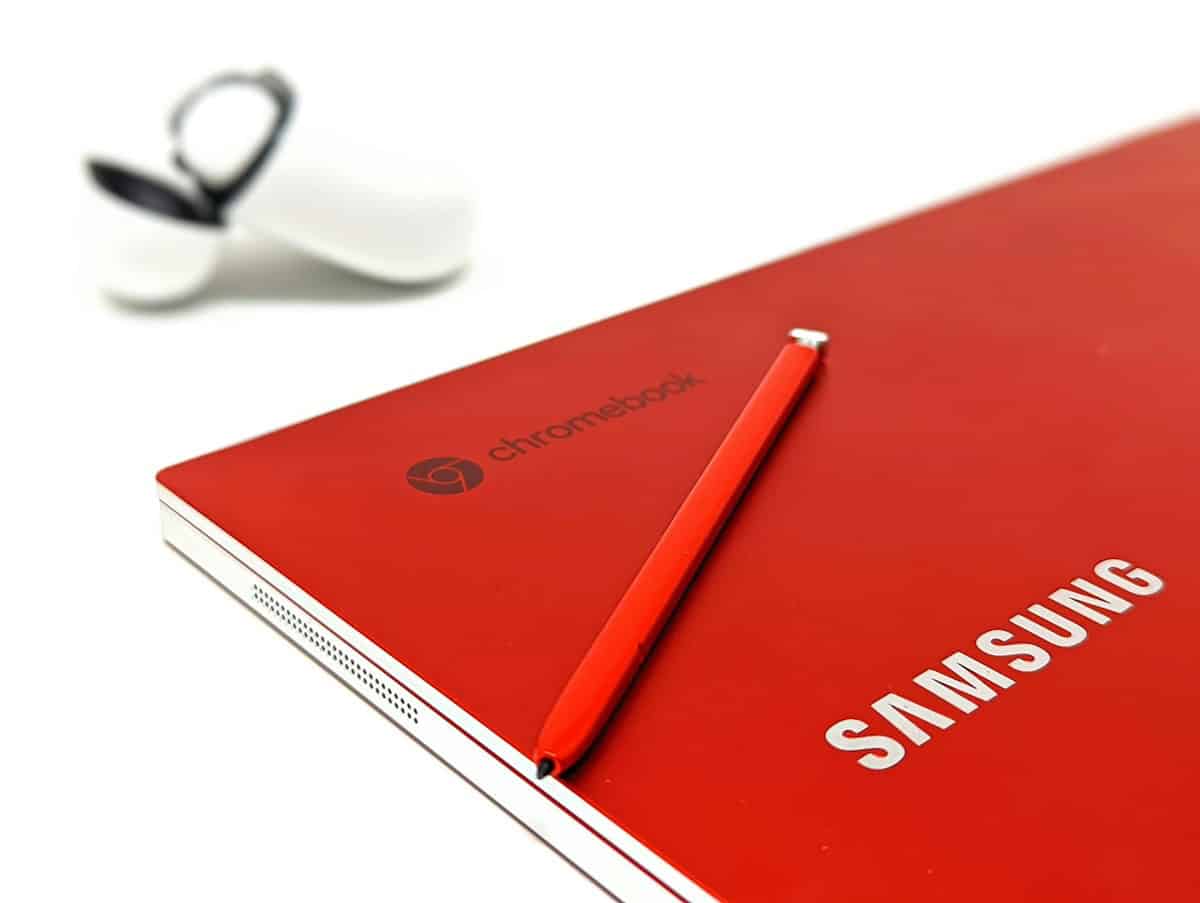
8. Samsung Galaxy Chromebook Go 2 — Best Ultra-Cheap Pick
Price: $299 list; $229–$249 at Walmart and Amazon in the November sales
Weight: 3.2 lbs (1.45 kg)
Battery: 11–12 hours
Processor: Intel N200, 8 GB RAM, 128 GB eMMC, 14″ 1080p
At $229–$299, expectations should be realistic. This is for email, Google Docs, streaming and booking flights — not video editing, and not 20 open tabs. The N200 is roughly half the speed of the Core i3 in the Lenovo and ASUS.
Where it shines is as the laptop you won’t cry over. I keep one as a backup for hostels and beach towns where I don’t want to leave a $700 MacBook in a dorm locker.
Pros: Cheapest usable 14″ laptop in 2026, 11+ hours battery, 4G LTE option ($349) for working without hotel Wi-Fi.
Cons: Basic performance, dim 220-nit screen, slow eMMC storage.
Verdict: Best secondary or “risky destination” laptop.
Cheap Laptop Comparison (November 2026 Prices)
| Laptop | List price | Nov 2026 sale price | Weight | Real battery | RAM / storage | Best for |
|---|---|---|---|---|---|---|
| MacBook Neo | $699 | $599–$649 | 2.7 lbs | 15–16 hrs | 8 GB / 256 GB | Everyone who doesn’t need Windows |
| Lenovo Flex 5i Chromebook Plus | $399 | $349 | 3.0 lbs | 12–13 hrs | 8 GB / 128 GB | Browser-only work, best value |
| Acer Aspire Go 15 | $549 | $479 | 3.5 lbs | 10–11 hrs | 16 GB / 512 GB | Windows power on a budget |
| HP Pavilion Aero 13 | $699 | $549–$599 | 2.2 lbs | 12–13 hrs | 16 GB / 512 GB | Lightest Windows pick |
| ASUS Chromebook Plus CX34 | $429 | $329–$379 | 2.9 lbs | 13–14 hrs | 8 GB / 256 GB | Long flights, durability |
| Dell 14 (ex-Inspiron) | $599 | $499 | 3.3 lbs | 11–12 hrs | 16 GB / 512 GB | Students abroad, global warranty |
| Surface Laptop Go 3 | $799 | $499–$549 | 2.5 lbs | 11–12 hrs | 16 GB / 256 GB | Premium feel, client meetings |
| Samsung Galaxy Chromebook Go 2 | $299 | $229–$249 | 3.2 lbs | 11–12 hrs | 8 GB / 128 GB | Backup / ultra-cheap |
How to Choose a Cheap Laptop for Travel (2026 Guide)
Not all cheap laptops are travel-friendly. Here’s what actually matters, in order:
- Weight under 3.2 lbs (1.45 kg): The difference between 2.2 and 3.5 lbs is a full water bottle in your daypack, every day.
- Battery over 12 real hours: Manufacturer claims run 20–30% high. Only three airports I use regularly (Singapore Changi, Doha, Istanbul) have reliable outlets at every gate.
- 16 GB RAM on Windows: Windows 11 plus Chrome plus Teams eats 7–8 GB idle. 8 GB Windows laptops are a 2024 spec being cleared out — don’t buy them, even at $350.
- USB-C Power Delivery charging (45–65 W): One Anker 65 W GaN charger ($35) replaces three bricks and charges your phone, laptop and headphones.
- Screen 300+ nits: The Neo (500) and Pavilion Aero (400) are the only ones here comfortable on a sunny terrace. The Acer and Samsung are indoor-only.
- Update lifespan: Chromebook Plus models get 10 years from launch; MacBooks typically 7–8 years of macOS; cheap Windows laptops are supported as long as Windows 11 is, but the hardware feels old in 3–4 years.
For most travelers: MacBook Neo if you can hit $600, a Chromebook Plus if you can’t.
Chromebook vs Windows vs Mac: What’s Best for Digital Nomads?
Chromebook ($229–$429): Best battery per dollar, 5-second boot, almost immune to malware on sketchy hostel Wi-Fi, 10-year update guarantee on Plus models. Google confirmed in 2026 that ChromeOS is merging with Android over the next few years, which should bring more apps, not fewer. Fails if you need Adobe desktop apps, local VPN clients with certificates, or offline Excel macros.
Windows ($479–$699): Best compatibility with employer software, VPNs, and peripherals. Pay for 16 GB RAM and a 2025/2026 chip. Windows 10 support ended 14 October 2025, so any “bargain” still shipping with it is a liability.
MacBook ($599–$699): Best battery and performance efficiency, best for photo and light video work, highest resale value (a used Neo sells for ~$450 after a year; a $550 Windows laptop sells for ~$200).
If you edit travel photos, run multiple apps, or do client work, avoid 8 GB Windows machines entirely. They’ll feel slow within a year.
What I’d Do Differently (Common Mistakes)
- I bought the 8 GB MacBook Neo first. Fine for writing; Lightroom with 40 RAW files made it swap constantly. If you edit photos, the 16 GB/512 GB model at $899 ($799 on sale) is the real buy.
- Don’t buy in August or early November. Every laptop here drops $50–$150 between Black Friday (27 Nov 2026) and Cyber Monday (30 Nov). Prime Day in July is the only other window worth waiting for.
- Check the Chromebook’s AUE date before buying. Retailers still sell 2021 Chromebooks whose updates end in 2029. Google’s “Auto Update Policy” page lists every model.
- Register the warranty before you leave. Dell and HP international coverage only works if the serial is registered to your account; I learned this with a dead HP keyboard in Medellín.
- Skip the laptop sleeve, buy a 40 L bag with a padded laptop section instead. A sleeve adds 0.4 lbs and you’ll still need the bag.
- Buy one 65 W GaN charger and a 3 ft USB-C cable, not the brand’s $60 adapter. Every laptop here except the Surface charges over USB-C (the Surface needs a Surface Connect cable or USB-C at 45 W+).
Final Verdict: Which Cheap Laptop Should You Buy?
If you want the best mix of portability, power, and longevity: buy the MacBook Neo at $599–$699.
If you want the best value under $400: get the Lenovo Flex 5i Chromebook Plus at $349, or the ASUS CX34 if you want 256 GB and a tougher chassis.
If you need Windows and 16 GB RAM under $600: Acer Aspire Go 15 at $479 for a fixed base, HP Pavilion Aero 13 at $549–$599 if you move every week.
Cheap laptops in 2026 are no longer “compromise machines.” Saving $500–$800 versus a MacBook Air or Surface Pro buys a return flight within Europe, three weeks of coworking, or that extra wine tasting in South Africa.
Frequently Asked Questions
What is the best cheap laptop in 2026?
The MacBook Neo — $699 list, $599–$649 in the November 2026 sales — offers the best balance of battery life (15–16 real hours), performance, and 2.7 lb portability. For under $400, the Lenovo Flex 5i Chromebook Plus at $349–$399 is the best value.
How much should I spend on a laptop for travel?
$350–$400 covers browser-based work on a Chromebook Plus. $500–$600 gets a 16 GB Windows laptop or the MacBook Neo on sale. Spending more than $700 only makes sense for video editing, 3D or gaming — none of which belong in a carry-on anyway.
When is the best time to buy a cheap laptop?
Black Friday (27 November 2026) through Cyber Monday (30 November). Every model in this guide drops $50–$150. The second-best window is Amazon Prime Day in July and back-to-school sales in late August.
Is the MacBook Neo worth it over a MacBook Air?
For travel, yes. The M4 MacBook Air starts at $999 and gains a brighter screen, better speakers and full M4 performance, but battery life and weight are nearly identical to the $699 Neo. Buy the Air only if you edit 4K video regularly.
Are Chromebooks good for travel?
Yes, if you work mostly in the browser. They’re cheap ($229–$429), start in 5 seconds, deliver 12–14 hours of battery, and resist malware on public Wi-Fi. Offline mode in Google Docs, Gmail and Netflix downloads covers flights; the weak spots are Adobe desktop apps and some corporate VPN clients.
How much RAM do I need in a budget laptop?
16 GB for any Windows laptop bought in 2026. Chromebooks run well on 8 GB for cloud-based tasks. On the MacBook Neo, 8 GB is enough for writing and browsing; choose 16 GB if you edit photos.
Is a $300 laptop worth buying?
Yes, if your needs are basic — email, documents, streaming and web apps. The Samsung Galaxy Chromebook Go 2 at $229–$299 is a solid backup or “hostel” laptop, but it’s too slow for photo editing or heavy multitasking. Avoid $300 Windows laptops entirely; they ship with 4–8 GB RAM and slow eMMC storage.

About the Author: Tomáš Bzirský
Founder and editor of Distratech. Based in the Czech Republic, travelling regularly from Central Europe. Writes practical travel guides and travel-tech comparisons (eSIM, apps, airports) in six languages.