'/%3E%3Cpath%20fill='%23b2b2b2'%20d='M241%20382q0%2016%2017%2026%2017%2011%2042%2011t42-11q16-11%2017-26V269H241'/%3E%3Cpath%20fill='%239f7e00'%20d='M241%20379q0%2014%208%2023%209%209%2021%209%2014%200%2021-9%209-9%209-23V269h-59'/%3E%3Cpath%20d='M241%20339v-70h59v110q0%2014-9%2023l-6%205v-68h-15v72q-8%200-14-4v-68zm59%2040c0%2022%2015%2032%2029%2032%2021%200%2030-18%2030-32v-40h-59'/%3E%3Cpath%20fill='%239f7e00'%20d='M266%20277v5h2v12h-3v-5h2v-5h-9v5h2v5h-4v9h3v18h-5v10h34v-10h-5v-18h3v-9h-4v-5h2v-5h-9v5h2v5h-3v-12h2v-5zm42%20101q0%2010%206%2017%206%206%2015%207%2010-1%2016-7%206-7%206-17v-29h-43'/%3E%3Ccircle%20fill='%230044ad'%20cx='329.5'%20cy='372'%20r='6'/%3E%3Cellipse%20fill='%230044ad'%20cx='300'%20cy='340'%20rx='16'%20ry='21'/%3E%3C/svg%3E)
'/%3E%3C/svg%3E)


'/%3E%3C/g%3E%3Cuse%20href='%23c'%20transform='matrix(-1%200%200%201%20720%200)'/%3E%3C/svg%3E)


You’re in a packed beach café in Barcelona, taking a client call before heading out for a sunset swim. Or you’re in a Bangkok co-working space, dictating notes for tomorrow’s itinerary. Your earbuds feel private. Personal. Secure.
Until they aren’t.
Apple has just released a firmware update patching a high-severity Bluetooth vulnerability affecting Beats Studio Buds — a flaw disclosed about a year ago that potentially allowed attackers within range to intercept audio or manipulate connections. If you travel with wireless earbuds (and most of us do), this matters more than you think.
Key Takeaways
- Apple patched a high-severity Bluetooth vulnerability in Beats Studio Buds in June 2026.
- The flaw could have allowed nearby attackers to intercept or manipulate audio connections.
- Beats Studio Buds cost $149 MSRP ($99–$129 typical street price) and weigh 5g per earbud.
- Travelers should update firmware immediately via a paired iPhone, iPad, or Mac.
- The risk is highest in crowded places like airports, hostels, and cafés.
What Actually Happened?
The vulnerability affected Bluetooth pairing and authentication processes used in multiple audio devices across brands. In simple terms: under specific conditions, someone physically nearby could potentially interfere with or intercept your earbud connection.
This wasn’t a “hack from across the world” situation. It required proximity — think airport lounges, train stations, festival grounds, or co-working hubs packed with digital nomads.
Why does this matter when you’re traveling? Because those are exactly the environments where you’re most exposed.
Why Travelers Are Prime Targets
When you’re on the road in summer — hopping between Greek islands, working remotely in Bali, or road-tripping through California — your earbuds become mission-critical gear.
You use them for:
- Zoom or Google Meet calls from hotel balconies
- Voice memos with passport details or booking references
- Navigation directions in unfamiliar cities
- Banking calls while resolving suspicious transactions
- Entertainment on long-haul flights
Combine that with public Wi-Fi and dense Bluetooth environments, and you’ve created a soft target.
We already covered how digital travelers get exploited in our guide to Southeast Asia travel scams in 2026. Most threats are social engineering — but hardware vulnerabilities add another layer.
If someone can interfere with your audio connection, they may gain access to conversations containing booking numbers, card details, or sensitive business info.
Beats Studio Buds: Specs That Matter for Travelers
The Beats Studio Buds remain popular among travelers because they hit a sweet spot between price and performance.
- Price: $149 MSRP (often $99–$129 online)
- Weight: 5g per earbud, 48g with charging case
- Battery life: 8 hours (ANC off), 5 hours (ANC on)
- Total with case: Up to 24 hours
- Fast Fuel: 5-minute charge = ~1 hour playback
- Water resistance: IPX4 (sweat/splash resistant)
- Compatibility: iOS and Android (Class 1 Bluetooth)
That 5-minute quick charge is gold when you’re boarding a 12-hour flight like the upcoming ultra-long-haul routes we discussed in our coverage of the Sydney–London nonstop flight.
But none of that matters if your connection isn’t secure.
How Serious Was the Vulnerability?
Apple categorized it as high severity. That typically means potential exposure of private data, even if exploitation requires specific conditions.
For travelers, those “specific conditions” are common:
- Shared hostels with dozens of devices in close range
- Airport lounges with hundreds of active Bluetooth connections
- Music festivals and beach clubs during peak summer season
- Co-working spaces packed with remote workers
Bluetooth attacks usually require proximity within 10–30 meters, depending on interference and device class. That’s well within café-table distance.
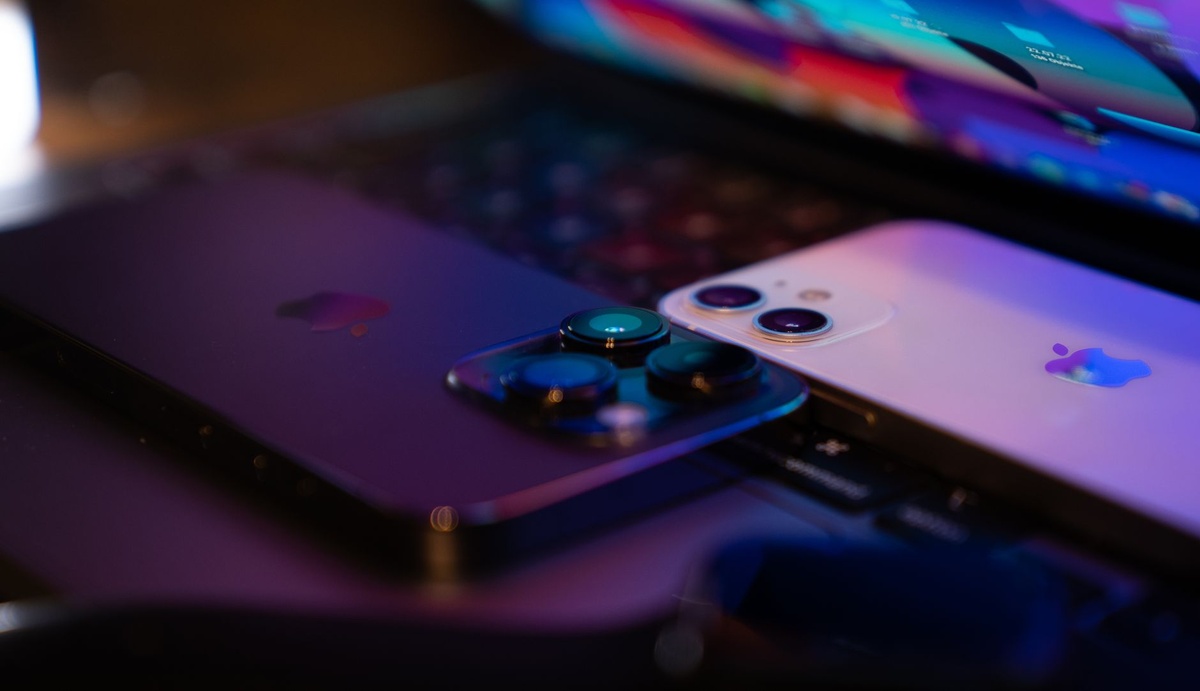
How to Update Your Beats Studio Buds (Do This Before Your Next Flight)
Unlike iPhones, Beats firmware updates don’t come with flashy notifications.
Here’s how to make sure you’re protected:
- Connect your Beats Studio Buds to your iPhone or iPad.
- Ensure the device is connected to Wi-Fi.
- Keep the earbuds in the charging case and plugged in.
- Leave them near your iPhone for at least 30 minutes.
- On iPhone: Go to Settings → Bluetooth → Tap the “i” next to your Beats to check firmware version.
On Android, you’ll need the Beats app to verify firmware status.
Why does this matter when you’re traveling? Because you don’t want to discover an outdated firmware version after you’ve already boarded your flight to Mykonos or Medellín.
Should You Still Travel With Beats Studio Buds?
Yes — with caveats.
At $99 street price, they’re one of the best value travel earbuds under $150. They’re lighter than AirPods Pro (5g vs 5.3g per bud), and they work equally well with Android — something AirPods still struggle with.
But here’s the honest breakdown:
Pros
- Excellent cross-platform compatibility
- Strong active noise cancellation for the price
- Compact, pocket-friendly case
- Reliable 8-hour battery for long train or bus rides
Cons
- No wireless charging case
- No Apple H2 chip (less seamless than AirPods Pro 2)
- Firmware updates are less transparent
Traveler Verdict
Buy if: You’re an Android traveler, digital nomad, or budget-conscious flyer who wants ANC under $150.
Skip if: You regularly handle confidential corporate calls abroad. In that case, AirPods Pro 2 ($249, often $199 on sale) offer stronger ecosystem-level security integration and better adaptive transparency for chaotic airport environments.
Are Other Brands Affected?
The broader Bluetooth vulnerability disclosed last year affected multiple manufacturers — not just Apple-owned products.
If you’re traveling with Sony WF-1000XM5 ($299), Samsung Galaxy Buds2 Pro ($229), or budget earbuds under $80, check firmware updates now.
Why? Budget earbuds often lag months behind in patch rollouts. If you’re backpacking through Southeast Asia for three months, that’s three months of potential exposure.
Real-World Travel Scenario: How This Could Play Out
You’re in Ho Chi Minh City, reviewing restaurant bookings while listening to directions between street food stops — maybe inspired by our comparison of Bangkok vs Penang vs Ho Chi Minh City street food.
You call your bank to confirm a flagged transaction.
If your earbuds are compromised in a dense public setting, fragments of that call could potentially be intercepted. Even partial information — last four digits of a card, a passport confirmation — can be useful to attackers.
Is this common? No.
Is it avoidable? Yes — update your firmware.
Extra Security Tips for Summer Travel
Earbud firmware is just one layer. If you’re traveling this summer, especially in crowded coastal hotspots, do this:
- Turn off Bluetooth when not in use.
- Rename your device to something generic (not “John’s iPhone 15 Pro”).
- Avoid taking sensitive financial calls in packed public spaces.
- Use a VPN on public Wi-Fi networks.
- Keep all devices updated before departure.
Why does this matter when you’re traveling? Because summer travel equals density — more devices, more connections, more attack surface.
The Bigger Picture: Travel Tech Is a Security Ecosystem
Your earbuds connect to your phone.
Your phone connects to airport Wi-Fi.
Your phone controls your eSIM, your boarding passes, your hotel keys, your banking apps, your digital ID.
A single vulnerability doesn’t mean catastrophe — but travel multiplies risk exposure.
And unlike at home, you can’t just walk into your local Apple Store in rural Croatia or a Thai island village.
Bottom Line: Update Before You Take Off
If you own Beats Studio Buds, update them now. It takes 30 minutes. That’s less time than airport security in July.
The vulnerability required proximity and wasn’t widely exploited — but travel environments are uniquely high-risk for Bluetooth-based attacks.
Your earbuds are no longer just for music. They’re business tools, navigation aids, banking conduits, and entertainment lifelines on 14-hour flights.
Secure them like you secure your passport.
Frequently Asked Questions
How do I know if my Beats Studio Buds are updated?
On iPhone, go to Settings → Bluetooth → tap the “i” next to your Beats to view the firmware version. Keep the earbuds in their case, connected to Wi-Fi, for at least 30 minutes to allow automatic updates.
Can someone really eavesdrop on Bluetooth earbuds?
In rare cases and within close range (typically 10–30 meters), vulnerabilities in Bluetooth authentication could allow interception or manipulation. Updating firmware significantly reduces this risk.
Are AirPods safer than Beats Studio Buds?
AirPods Pro 2 ($249 MSRP) integrate more tightly with Apple’s ecosystem and receive highly visible updates, but both devices rely on firmware patches for security. The key is keeping them updated.
Should I avoid using earbuds in airports?
No, but avoid discussing sensitive financial or personal data in crowded public areas. Airports often have hundreds of active Bluetooth devices within 20–30 meters.

About the Author: Tomáš Bzirský
Founder and editor of Distratech. Based in the Czech Republic, travelling regularly from Central Europe. Writes practical travel guides and travel-tech comparisons (eSIM, apps, airports) in six languages.