


Thousands of Consumer Routers Hacked by Russia’s Military — Why Travelers Should Care
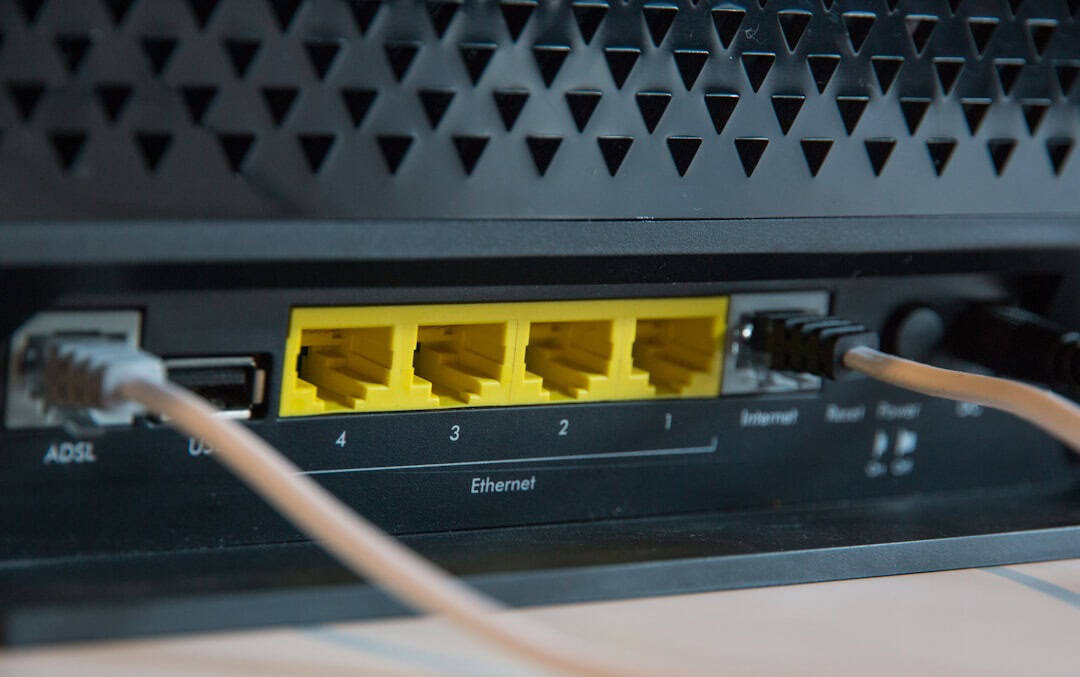
Thousands of aging home and small-office routers across 120 countries have been quietly compromised in a large-scale campaign attributed to Russia’s military intelligence services. The targets weren’t flashy enterprise firewalls — they were everyday consumer routers, many of them end-of-life models still running in Airbnbs, cafés, and small hotels.
If you work remotely, check bank accounts on hotel Wi‑Fi, or log into airline apps from a rental apartment, this story directly affects you.
Key Takeaways
- Thousands of end-of-life consumer routers in 120 countries were hacked in a state-backed campaign.
- Outdated firmware and default credentials were the main entry points.
- Compromised routers can silently steal login credentials and redirect traffic.
- Travelers should avoid public Wi‑Fi without a VPN and consider carrying a $70–$150 travel router.
What Actually Happened?
According to security researchers and government advisories, attackers exploited known vulnerabilities in older consumer routers — particularly models that no longer receive firmware updates.
Many of these routers were installed years ago in homes and small offices. Once the manufacturer stopped providing updates, they became soft targets.
The attackers didn’t need Hollywood-style zero-day exploits. In many cases, they used:
- Unpatched firmware vulnerabilities
- Default or weak admin passwords
- Remote management left exposed to the internet
- Known exploits published years earlier
Once inside, compromised routers could intercept traffic, harvest credentials, and route data through malicious infrastructure.
That means usernames, passwords, and session tokens for email, banking, airline accounts, and messaging platforms could potentially be captured.
Why This Is a Bigger Deal for Travelers Than for Homebodies
If your home router is hacked, it’s bad. If a router in a vacation rental, boutique hotel, or coworking space is hacked, it’s worse — because dozens or hundreds of people cycle through that network.
Travelers log into everything on the road:
- Airline and hotel loyalty accounts
- Banking and credit card apps
- Remote work dashboards (Google Workspace, Microsoft 365, Slack)
- Cloud storage and client portals
- WhatsApp and other messaging apps
And most people assume Wi‑Fi at a “nice” property is safe.
It often isn’t.
The Real Risk: Credential Theft While You’re Abroad
When attackers control a router, they can monitor traffic passing through it. Even with HTTPS encryption, there are still attack paths — especially if users fall for phishing redirects or use unsecured protocols.
For digital nomads and frequent flyers, the bigger risk is credential reuse.
If someone captures your email login while you’re in Barcelona, they can reset your airline miles account, drain stored credit, or lock you out of cloud services.
This is especially dangerous if you’re hopping between destinations — like those listed in our guide to visa-free countries Americans can visit in 2026. Easy travel often means frequent public Wi‑Fi use.
Why End-of-Life Routers Are the Weak Link
Consumer routers typically receive firmware updates for 3–5 years. After that, manufacturers quietly stop patching them.
The device still works. The Wi‑Fi still connects. But newly discovered vulnerabilities remain permanently open.
Small hotels and rental hosts often keep routers for 7–10 years. They see no reason to upgrade if “the internet works.”

That outdated $60 router becomes the perfect entry point for state-backed actors looking for scale.
How to Protect Yourself While Traveling
You can’t control whether a hotel upgrades its router. But you can control your own setup.
1. Use a Reputable VPN — Always on Public Wi‑Fi
A paid VPN (around $5–$12 per month) encrypts your traffic from your device to the VPN server, making router-level snooping far harder.
Free VPNs? Skip them. Many log data or inject ads.
Look for:
- No-logs policy
- WireGuard support
- Automatic Wi‑Fi protection
- Kill switch feature
2. Travel With Your Own Router
This is the most underrated digital nomad hack.
A compact travel router like the GL.iNet Beryl AX (Wi‑Fi 6, around $120) or TP-Link TL-WR902AC (around $40–$60) lets you:
- Create your own private network inside a hotel room
- Connect multiple devices securely
- Run a VPN at the router level
- Avoid reconnecting every device to sketchy Wi‑Fi portals
You plug it into the hotel Ethernet port or connect it to the Wi‑Fi as a repeater. Your devices then connect only to your private network.
I don’t travel internationally without one.
3. Turn On Two-Factor Authentication Everywhere
If credentials are stolen, 2FA is your last line of defense.
Use an authenticator app — not SMS — especially when traveling internationally.
And with privacy upgrades like WhatsApp usernames rolling out for travelers, reducing phone-number exposure is becoming easier. Combine that with strong 2FA and you’re much safer.
4. Replace Your Home Router Before You Leave
This story isn’t just about hotels.
If your home router is 6+ years old, check the manufacturer’s support page. If firmware updates have stopped, replace it.
In 2026, a solid Wi‑Fi 6 router costs $80–$180. That’s cheaper than dealing with identity theft while on a trip.
Warning Signs a Network May Be Compromised
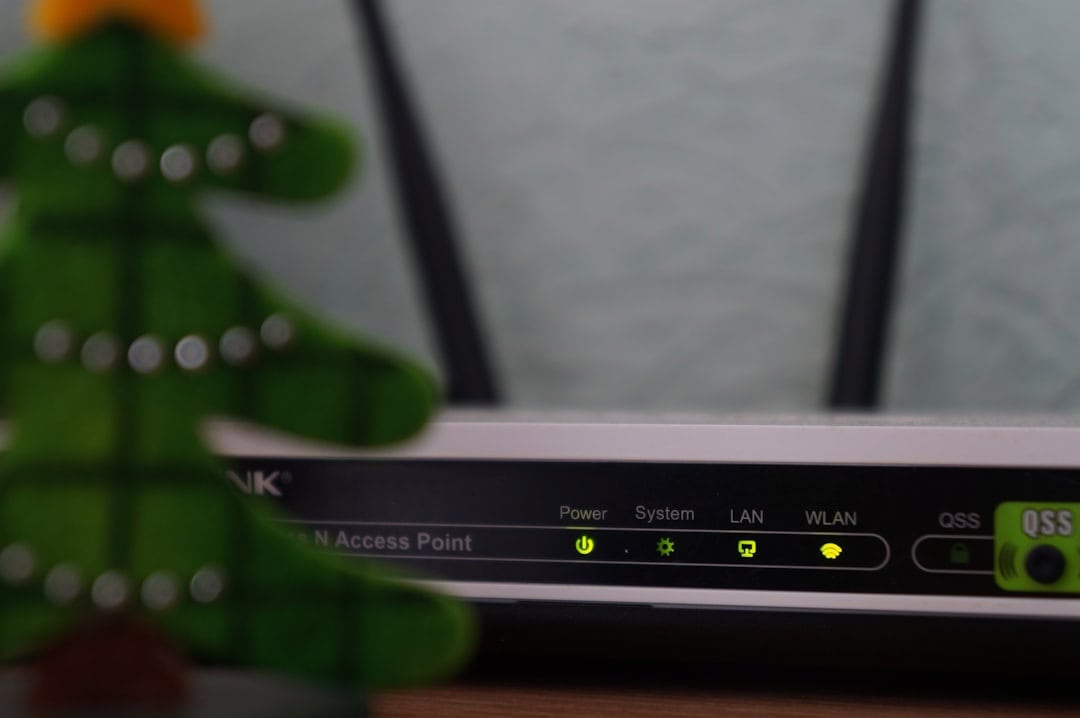
Most hacked routers show no obvious signs. But red flags include:
- Unexpected login prompts for familiar sites
- Frequent certificate warnings in your browser
- Slow speeds combined with strange redirects
- Router settings you didn’t change
If something feels off, disconnect immediately and switch to mobile data or a trusted hotspot.
This Is Part of a Bigger Trend
We’re seeing a shift from targeting individuals to targeting infrastructure.
Instead of phishing one traveler, attackers compromise the router in a 20-room hotel and collect data from hundreds of guests over time.
It’s efficient. It’s scalable. And it’s hard for end users to detect.
As remote work expands and more people combine work with travel — whether that’s a Route 66 road trip or a three-month stay in Southeast Asia — insecure network infrastructure becomes a global weak point.
My Practical Advice for 2026 Travelers
If you do only three things before your next trip, do this:
- Replace any unsupported home router.
- Subscribe to a reputable VPN and enable auto-connect.
- Buy a compact travel router and learn how to use it before departure.
Total cost: roughly $150–$250.
That’s less than a round-trip domestic flight — and far less than the cost of recovering a hijacked bank account or drained airline miles.
Final Thoughts
The hacking of thousands of consumer routers isn’t just a geopolitical cybersecurity headline. It’s a reminder that the weakest link in travel tech is often invisible.
Routers don’t get Instagram posts. They don’t get unboxed on YouTube. But they sit between you and every login that matters.
If you travel frequently — especially internationally — assume public and rental Wi‑Fi networks are untrusted by default. Build your own secure layer on top.
Because in 2026, cybersecurity isn’t optional for travelers. It’s part of packing smart.
Frequently Asked Questions
How were the routers hacked?
Attackers exploited unpatched firmware vulnerabilities and weak or default admin passwords on end-of-life consumer routers. Many devices had remote management exposed, making them easy targets.
Are hotel and Airbnb Wi‑Fi networks safe to use?
Not always. Small hotels and rentals often use outdated routers that no longer receive security updates, making them vulnerable to compromise and traffic interception.
What’s the best way to protect myself on public Wi‑Fi?
Use a paid VPN with a kill switch and automatic Wi‑Fi protection, enable app-based two-factor authentication, and consider using a $70–$150 travel router to create your own secure network.
How do I know if my home router is end-of-life?
Check your router model on the manufacturer’s support page. If firmware updates have stopped or the device is more than 5–6 years old, it’s time to replace it.